
How to Request Your Discord Data Package
Quick Summary
If you are trying to clean up older Discord messages, especially from:
- old DMs
- closed chats
- buried server history
- older channels you no longer browse
- messages that are hard to surface through live search
then a Discord data package is one of the most useful things to request first.
Discord lets you request a ZIP archive of your account data. That package can include your messages, current server data, activity, and more.
For Unpost users, this matters because the app supports Discord data-package cleanup for older message history.
Do This Before Deleting Your Account
Request the archive first, download it, run your cleanup, then decide whether to delete the account.
If you already know you need the deletion workflow, jump here next: How to Delete Old Discord Messages with a Data Package.
If you want the broader Discord cleanup hub first, open How to Delete Discord Messages in Bulk.
Use Unpost After Export
Import the Discord ZIP into Unpost to index older history locally and target the messages that are harder to reach through live browsing.
What is a Discord data package?
Discord describes a data package as a ZIP folder containing your Discord account data.
That can include:
- messages
- current servers
- activity
- other account-related information
For cleanup workflows, the most important part is usually the messages folder.
When you should request a Discord data package
This is not necessary for every Discord user.
Request a data package when:
- older DMs are hard to find
- server history is too large to navigate comfortably
- you want a deeper look at older message history
- you are planning a privacy cleanup before deleting your account
- Discord search is not enough for what you are trying to clean
It is especially useful for long-time Discord users with years of history spread across many channels, servers, and conversations.
How to request your Discord data package
Discord documents the request flow here: Requesting a Copy of your Data.
On desktop or browser
- Open User Settings
- Go to Data & Privacy
- Under Request your data, select Request Data
- Choose which data you want to receive
- Submit the request
On mobile
- Tap your avatar
- Open the gear icon
- Go to Data & Privacy
- Under Request your data, tap the request button
- Follow the prompt and confirm the request
Discord’s button labels and exact wording can vary slightly by app version, but the request lives under Data & Privacy.
Discord sends the download link to the email address linked to your account when you make the request.
Important request details most users miss
Request Checklist
- Use a Discord account with a verified email address.
- Make sure the linked email is one you can still access.
- Request the archive before deleting the account.
- Request the archive before leaving servers that still matter to your cleanup.
It can take time
Discord says the data request process can take up to 30 days to complete.
You cannot stack requests
Discord says you must wait for the current request to finish before submitting a new one.
The linked email matters
Discord says the download link goes to the email address linked to your account when you made the request. Changing the email later does not redirect the link.
Your email must be verified
Discord says you need a verified email address before requesting your data.
Do not delete the account first
Discord says the request is canceled if you disable or delete the account before receiving the download link.
That is why the safer order is usually:
- request the data package
- download it
- run your cleanup
- then decide whether to delete the account
For that broader decision, read Does Deleting Your Discord Account Delete Messages? What to Do First.
What is inside the messages folder
Discord says the messages folder includes:
- the messages you sent on Discord
- separate folders for DMs, group messages, and channels
- a mapping of channel IDs to channel names
- transcript files with message data
For each message, the package can include:
- message ID
- timestamp
- contents
- attachment links
One limitation matters here: if you already deleted a message manually, Discord says it is no longer stored and will not be included in the data package.
One detail server-leavers should know
Discord says the data package only includes servers you are a member of at the time of the request, along with recently departed servers.
If server history matters to your cleanup, request the archive before you leave.
Data package vs live cleanup
| Situation | Live cleanup | Data-package cleanup |
|---|---|---|
| Recent messages in visible chats | Best choice | Usually unnecessary |
| Older DMs that are hard to reopen | Less reliable | Best choice |
| Buried history across many servers | Slower to navigate | Best choice |
| Cleanup before account deletion | Helpful for recent history | Best choice for older history |
| Small day-to-day cleanup | Best choice | Optional |
How Unpost uses the Discord data package
Unpost supports a Discord Delete from Data Package mode.
In that workflow:
- you export your Discord data package
- import the ZIP into Unpost
- Unpost validates it
- the app extracts and indexes the package locally on your device
- older messages can be matched against deletion jobs
This is especially useful for:
- old messages that are hard to surface through live browsing
- closed or missing DM history
- larger historical cleanup projects
- privacy cleanup before account deletion
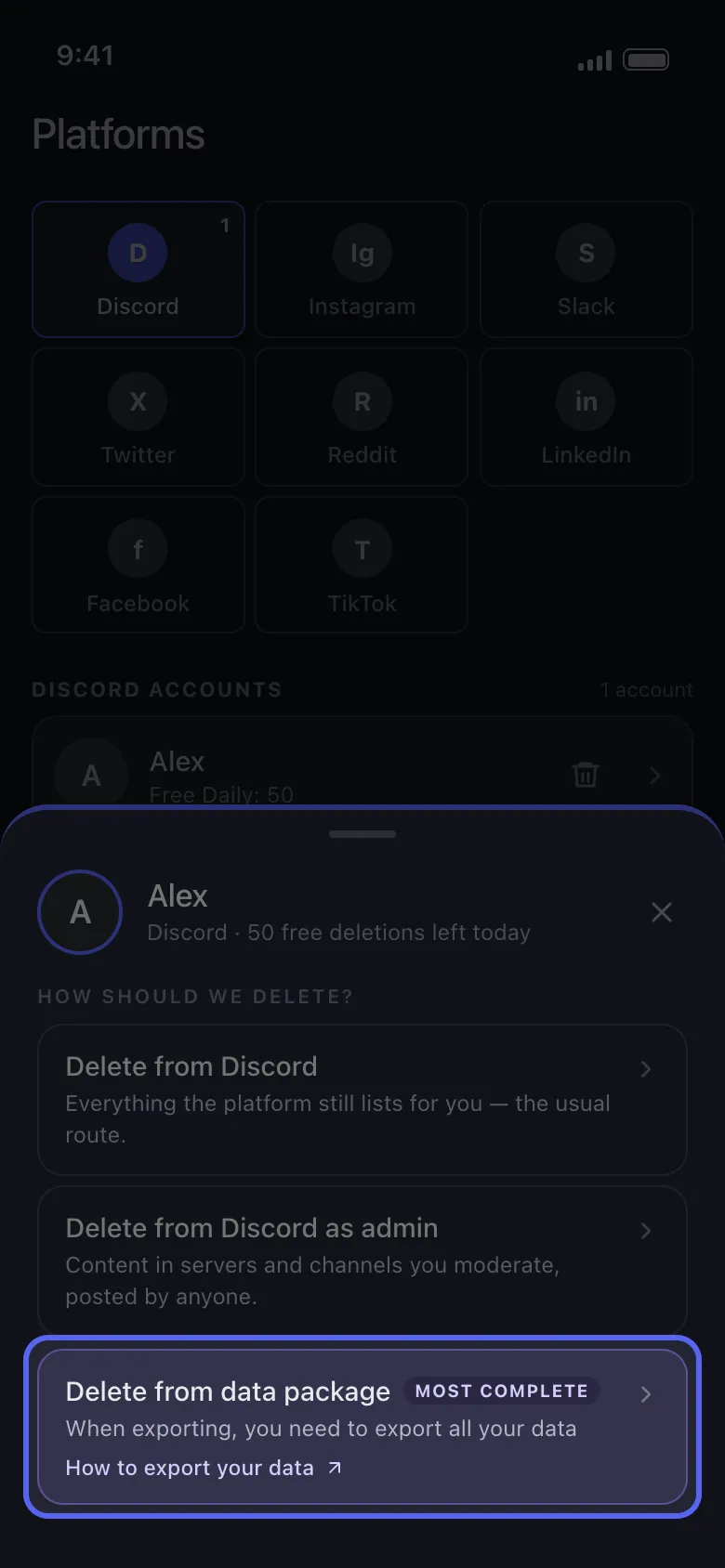
The data-package mode exists for older Discord history that live browsing does not surface well.
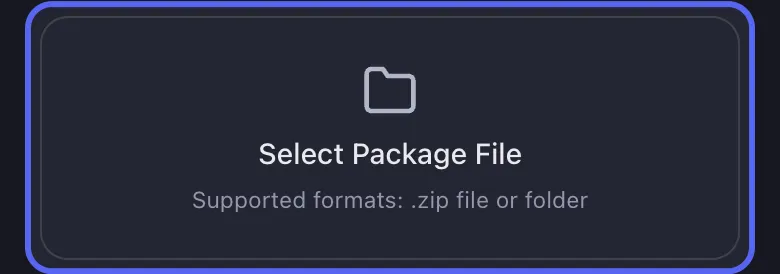
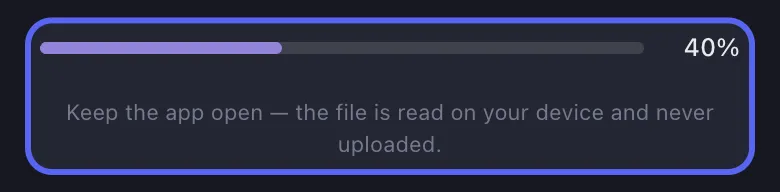
Import the ZIP as downloaded. Unpost validates and indexes the archive locally before you start the deletion run.
Ready To Use The Archive?
Use the Discord deletion guide once the ZIP arrives.
This page explains the request and archive contents. The next guide covers the actual deletion workflow inside Unpost.
What to do after your data package arrives
Step 1: Download it promptly
Discord says the download link remains active for 30 days once the package is ready.
Step 2: Keep the ZIP intact
Do not manually unpack the archive or rename the internal files if you plan to use it with a cleanup tool.
Step 3: Save it somewhere easy to find
Your Downloads folder is usually fine.
Step 4: Open Unpost and choose Discord
Select the same Discord account you exported from.
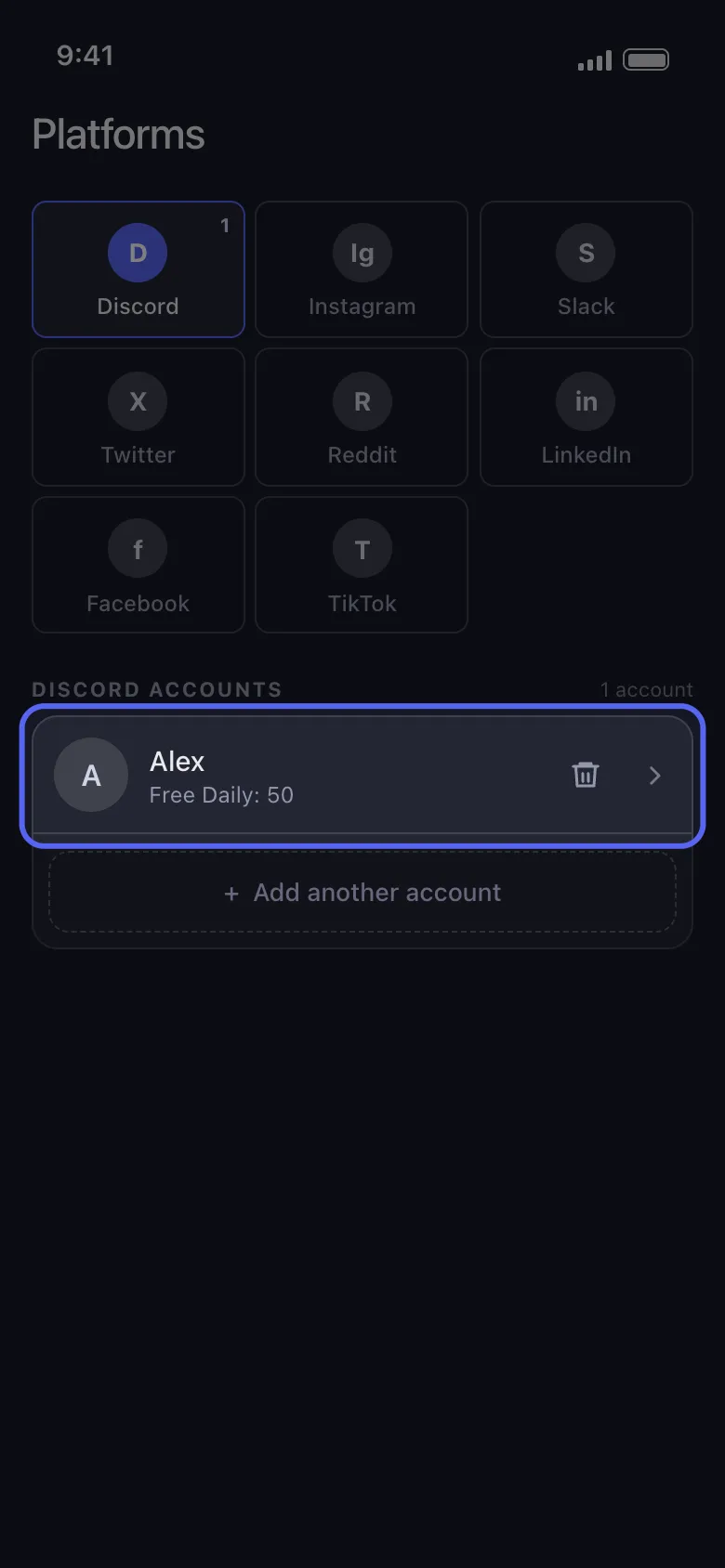
Step 5: Choose Delete from Data Package
Import the ZIP and wait for indexing to finish.
Step 6: Configure the cleanup
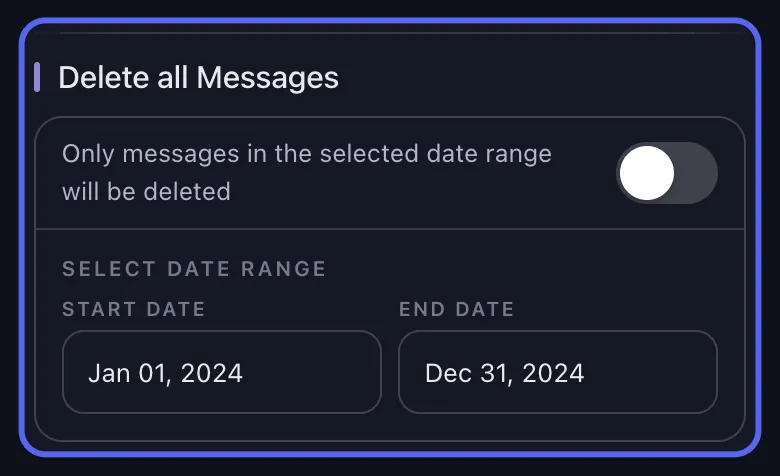
Choose the messages or areas you want to remove, then apply filters if needed.
If you want the cross-platform version of archive cleanup, also read Delete Messages Using Data Packages: Unpost Guide.
FAQ
How long does Discord take to send the package?
Discord says up to 30 days.
Can I request only some of my data?
Yes on desktop and browser. On mobile, the exact request UI can vary by app version, but the request flow is available under Data & Privacy.
Will manually deleted messages appear in the package?
No. Discord says messages you already deleted manually are not included.
Can the package help with old DMs?
Yes. That is one of the strongest reasons to request it.
Should I leave a server before requesting the package?
Usually no. If that server history matters, request the archive first.
Final recommendation
If your Discord cleanup problem is old history, stop treating it like a recent-message problem.
Request the archive first.
That gives you:
- a clearer view of older message history
- a safer cleanup order
- a better path for old-message deletion with Unpost
Frequently Asked Questions

Get Started
Delete Old Content Across Your Accounts
Bulk delete messages, posts, likes, comments, DMs, reactions, bookmarks, followers, and more — all from one app.
No password storage • Free to start • iOS & Android
 Download for iOS
  Download for Android