
Does Unpost need to stay open while it deletes?
Disponível em inglês
It depends on your phone. The Important Information popup that starts every run says which rule applies to yours.
- 01
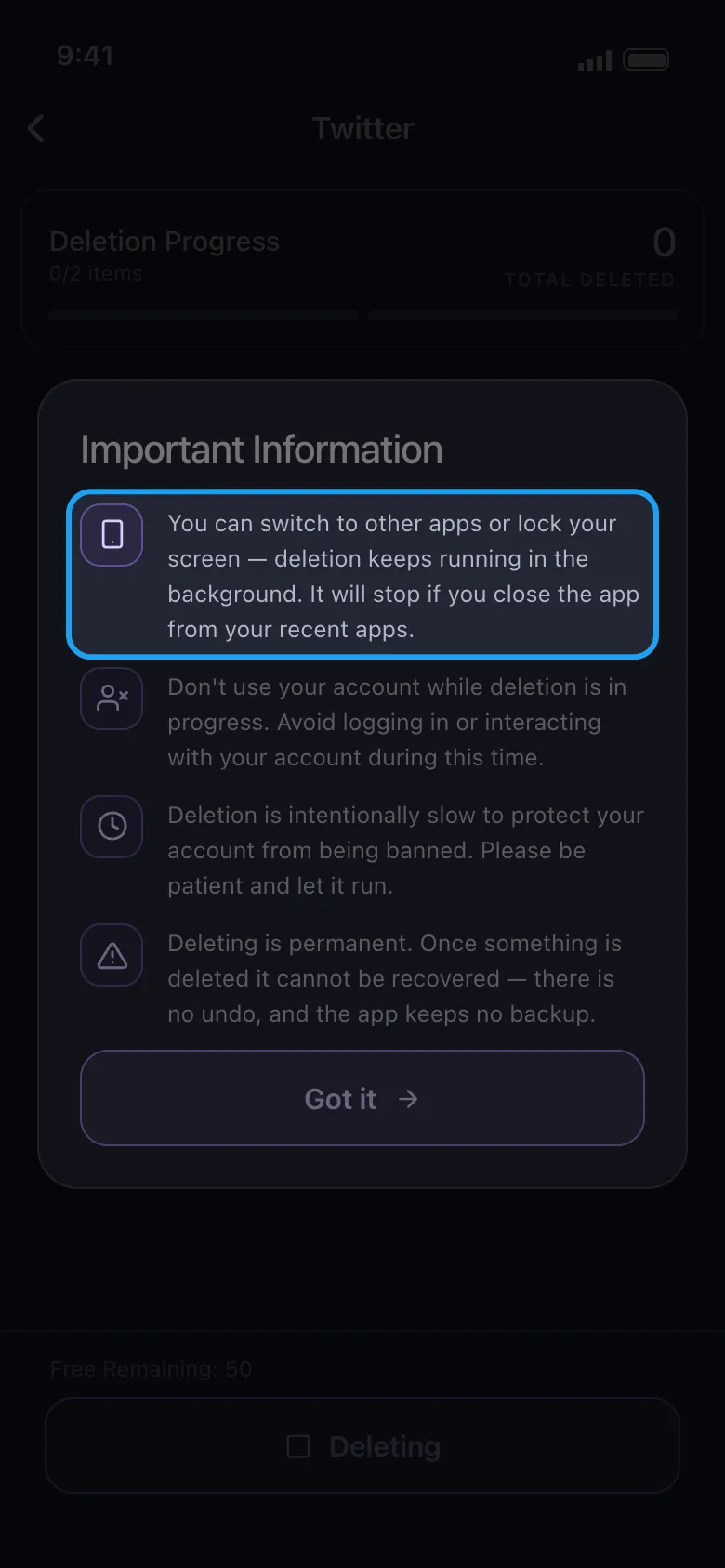
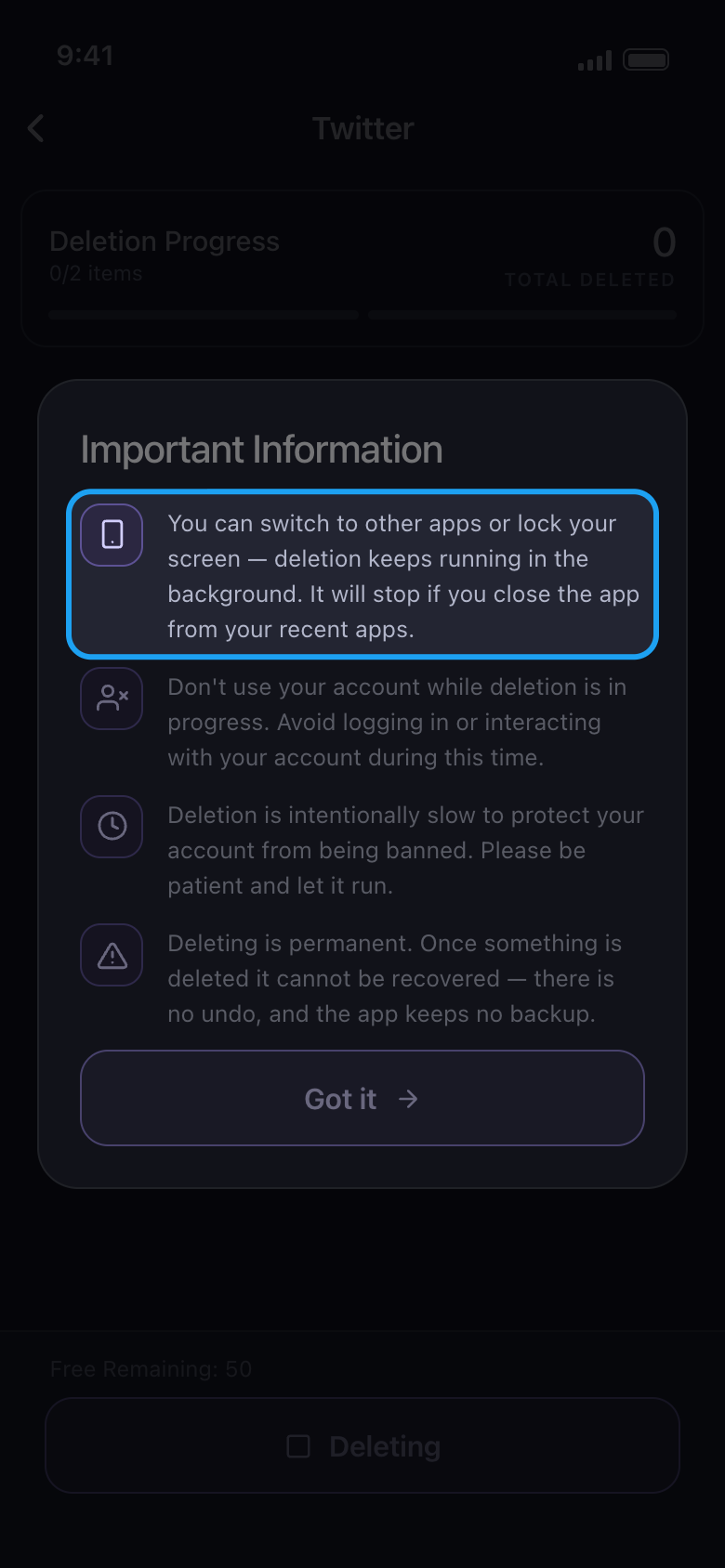
On Android: switch apps or lock the screen
The run keeps going in the background. If you allow notifications, a silent notification keeps count (for example Deleting · Instagram, Total Deleted: 21), and tapping it brings you back to the run. On Android 13 and later Unpost asks whether it may show notifications when you start a run; the run continues whichever you choose. The run stops if you swipe Unpost away from your recent apps.
Na app Important Information
- 02
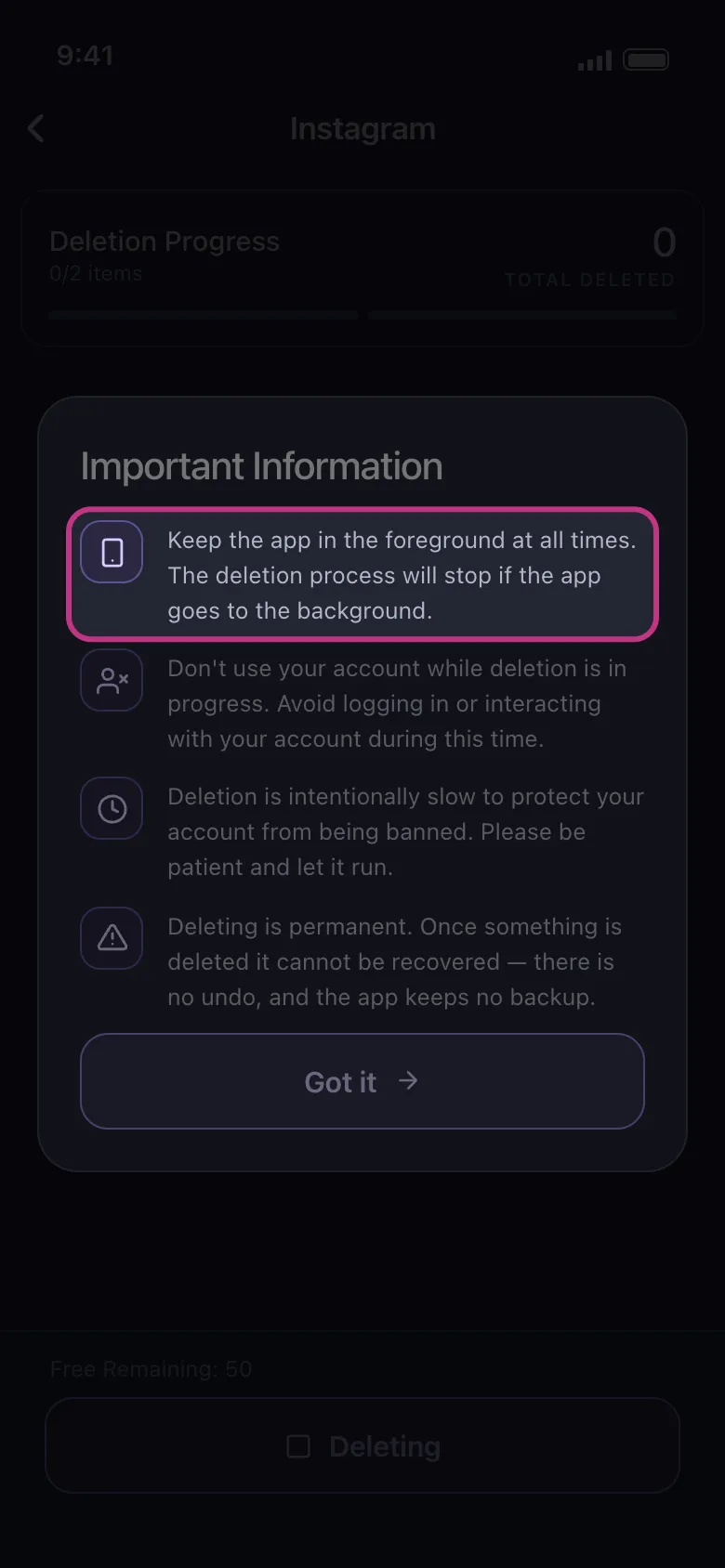
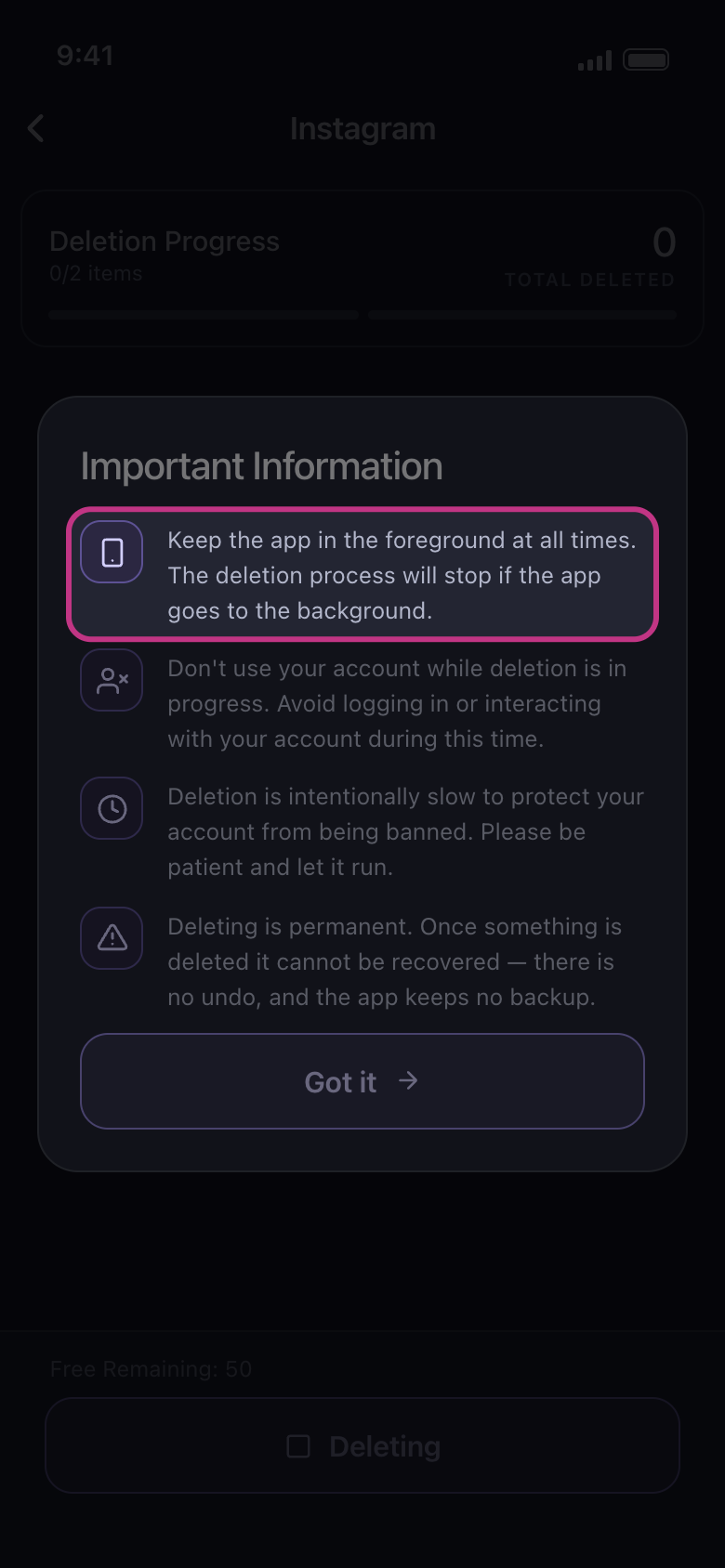
On iPhone: keep Unpost in the foreground
If you switch to another app or lock the phone, the run stops. You don’t need to keep touching the screen either: it stays on by itself while a run is open, so leave the phone on a table until it ends.
Na app Important Information
- 03
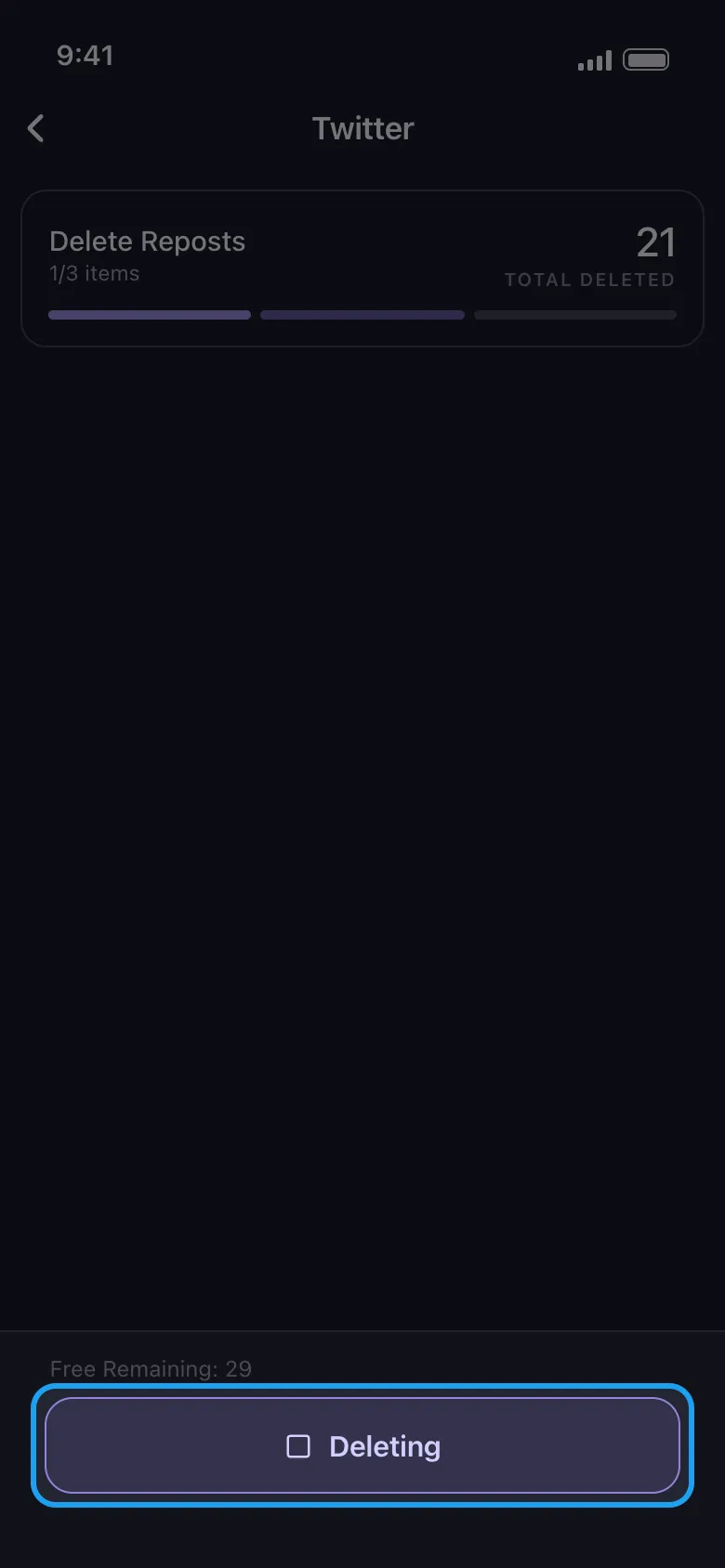
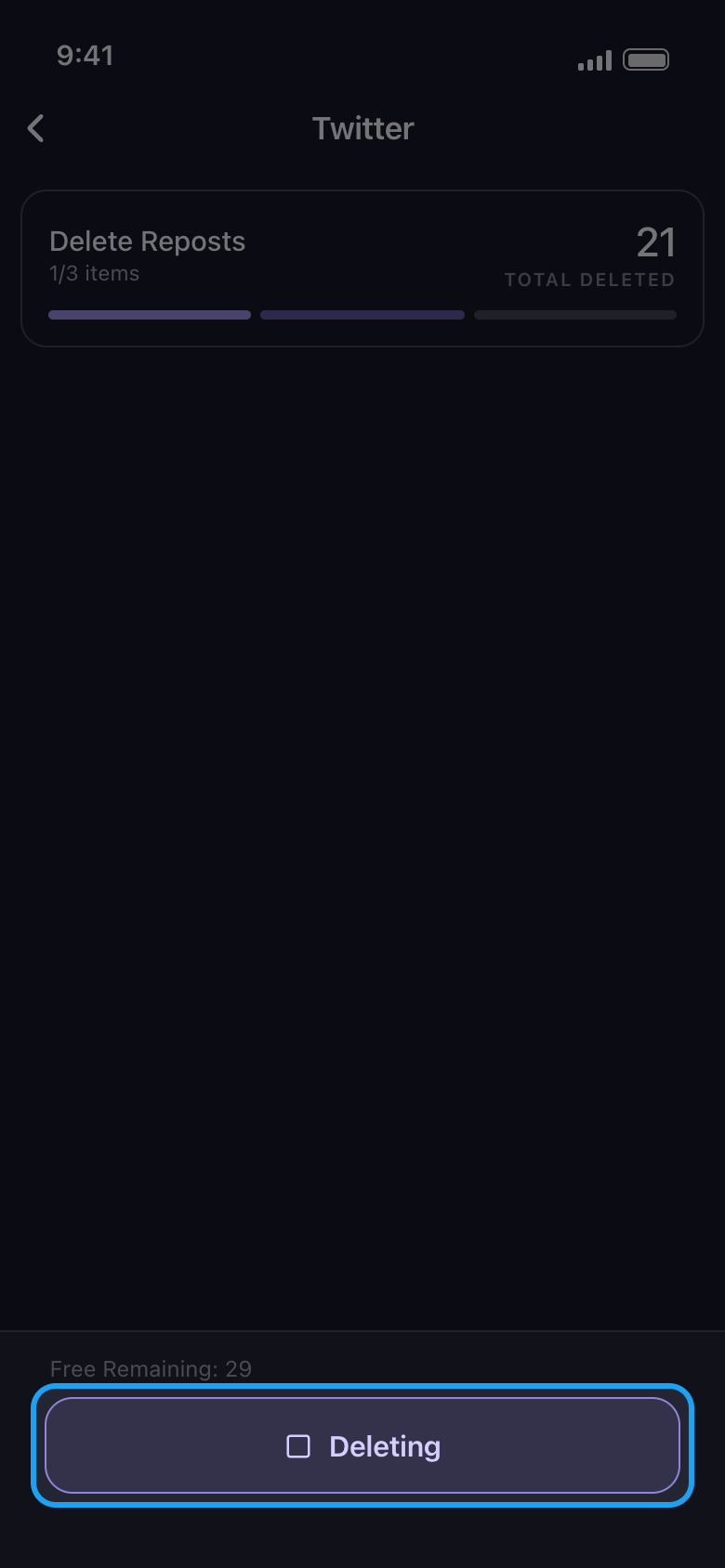
To stop, tap the Deleting button
The button at the bottom of the run screen stops the run, and items already deleted stay deleted. Use it rather than the back arrow: going back also ends the run, but you won’t see what finished.
Na app Delete screen → Deleting
- 04
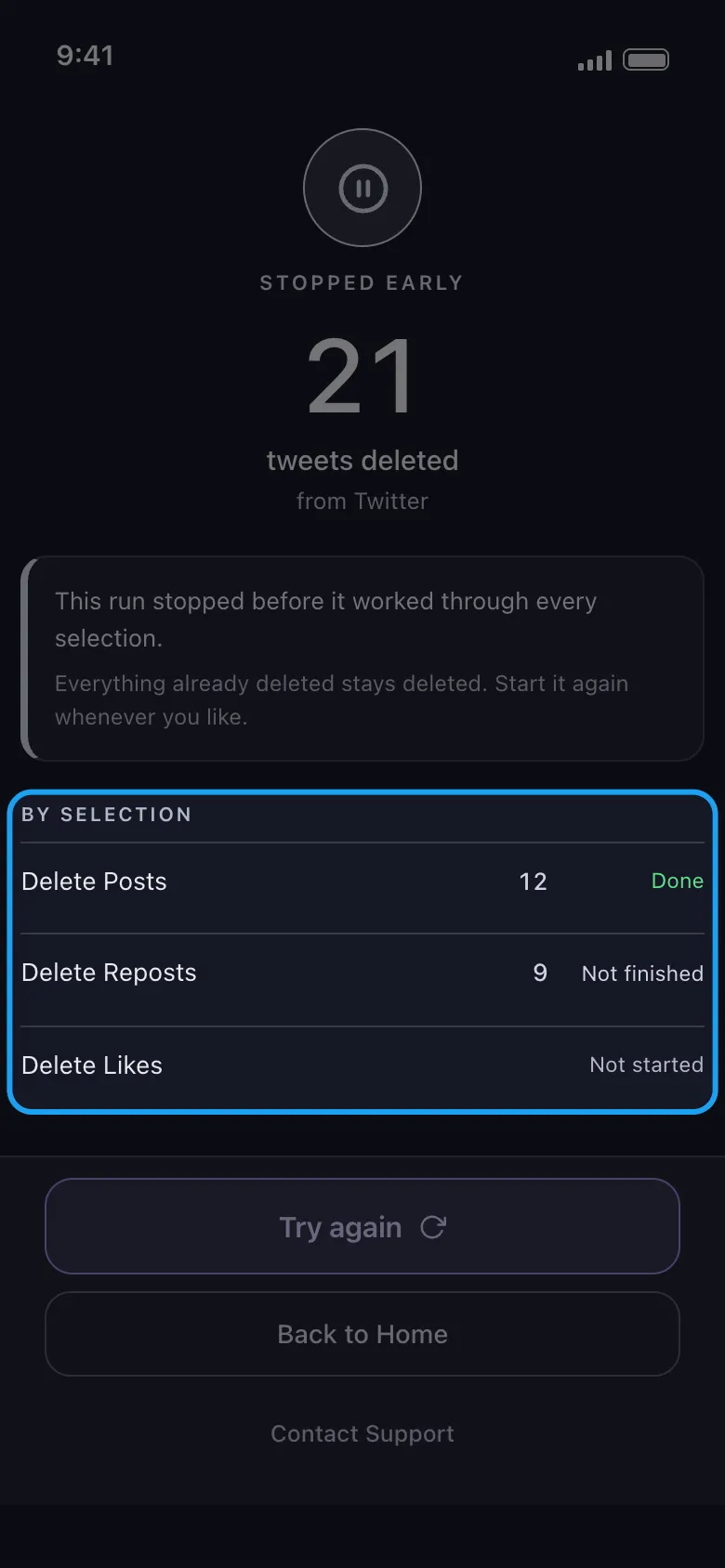
Start again when you’re ready
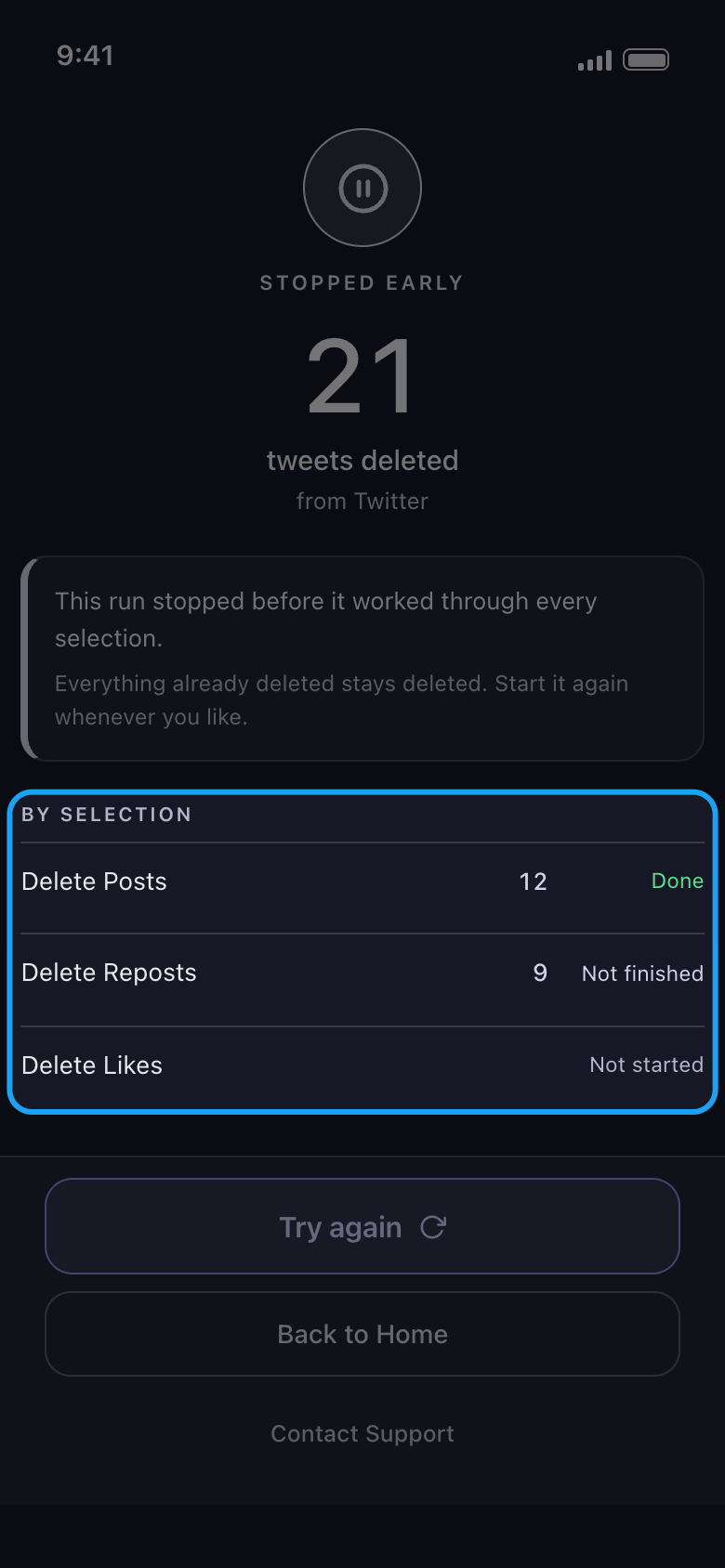
The result reads Stopped early and marks each selection Done, Not finished or Not started. Try again reopens the list for the same account with nothing ticked: tick your choices (and set any filters) again, and the new run only finds what is still there.
Na app Result → Try again
Bom saber
- Don’t use the account while a run is going, whether in the platform’s own app on this phone or on another device: the app warns that logging in or using the account can interfere.
- Deleting is slow on purpose, to protect your account. Leave it running rather than restarting it.
- A few phone makers’ battery savers can still end a background run. If a run keeps stopping on its own, allow Unpost to run unrestricted in the phone’s battery settings, or keep it on screen.
- A run can also end on its own with Paused by the platform, Couldn’t finish or Free daily limit reached: see What to do when a platform pauses your cleanup, How to sign in, and fix a login that won’t connect, and How the free daily limit works, and what “Daily limit reached” means.
- Very long runs on Android 15: the system ends background running after about six hours in a day. For a run that long, keep Unpost on screen.
Mais guias