
Instagram Cleanup Guide: Delete Messages, Posts, Likes, Followers, and More
Reviewed by Unpost Team
Instagram cleanup usually means one of two jobs: removing a few items inside Instagram, or clearing a lot of old content before a privacy reset, rebrand, declutter, or account change. Instagram typically lets you delete chats, unsend individual messages, remove posts, comments, likes, and Stories, and manage followers one item at a time. When the real task is bulk cleanup across DMs, posts, reels, carousels, comments, likes, following, or followers, Unpost is often the faster option.
This guide is the main hub for that decision. It explains what Instagram can do natively, where Unpost fits, and which deeper guide to open next for the exact cleanup job in front of you.
What This Guide Does and Does Not Do
What this guide does
- Helps you choose the right Instagram cleanup task quickly.
- Explains the native Instagram method for each task in plain language.
- Shows when Unpost is the better fit for bulk cleanup, filtering, speed, and repeated cleanup sessions.
What this guide does not do
- Promise recovery of messages that are already deleted or unsent.
- Replace Instagram’s native flow for deleting Stories or deleting or deactivating an account.
- Claim hidden Instagram features or shortcuts that are not available in the current flow.
Choose Your Cleanup Task
- how to delete Instagram messages and chats if you want to clear inbox conversations from your side.
- how to delete Instagram messages from both sides if you need the difference between removing a chat and unsending sent messages.
- how to see deleted messages on Instagram if your question is about recovery rather than cleanup.
- if you unsend a message on Instagram does it notify if you are checking the most common unsend concern before acting.
- how to delete Instagram posts, photos, reels, and carousels if the cleanup is about feed content.
- post deleter for Instagram if you already know you need bulk content removal.
- how to delete Instagram comments if old replies are the main issue.
- how to delete followers on Instagram if you are resetting who follows you or who you follow.
- how to delete likes on Instagram if you want to clean up old engagement history.
- how to delete an Instagram Story if temporary content is the only thing you need to remove.
- how to delete or deactivate an Instagram account if you are preparing to leave Instagram or pause the account.
Instagram Cleanup at a Glance
| Task | Native Instagram option | When Unpost is better |
|---|---|---|
| Messages and chats | Delete a conversation from your inbox or unsend a message one by one | You want to clean many DMs or repeat the process across many threads |
| Posts, reels, and carousels | Delete or archive content item by item | You want to remove a lot of old content faster |
| Comments | Delete your comments manually from posts | You want to clear many older comments across time |
| Likes | Unlike posts one at a time or through activity history | You want to remove large batches of old likes |
| Followers and following | Remove followers or unfollow manually | You want a full audience reset, unfollow all, or remove all followers |
| Stories | Delete current or archived Stories manually | Unpost does not handle Story deletion |
| Account deletion or deactivation | Use Instagram’s account settings or Accounts Center | Unpost does not delete or deactivate accounts, but it can help with cleanup before you do |
Messages and DMs
Native Instagram method
Instagram typically lets you clear a conversation from your inbox or unsend a single message inside a chat. Clearing the conversation removes it from your inbox, but it does not remove the other person’s copy. Unsend is the native option when you want a specific sent message removed from the thread. For the full manual walkthrough, start with how to delete Instagram messages and chats.
When Unpost is better
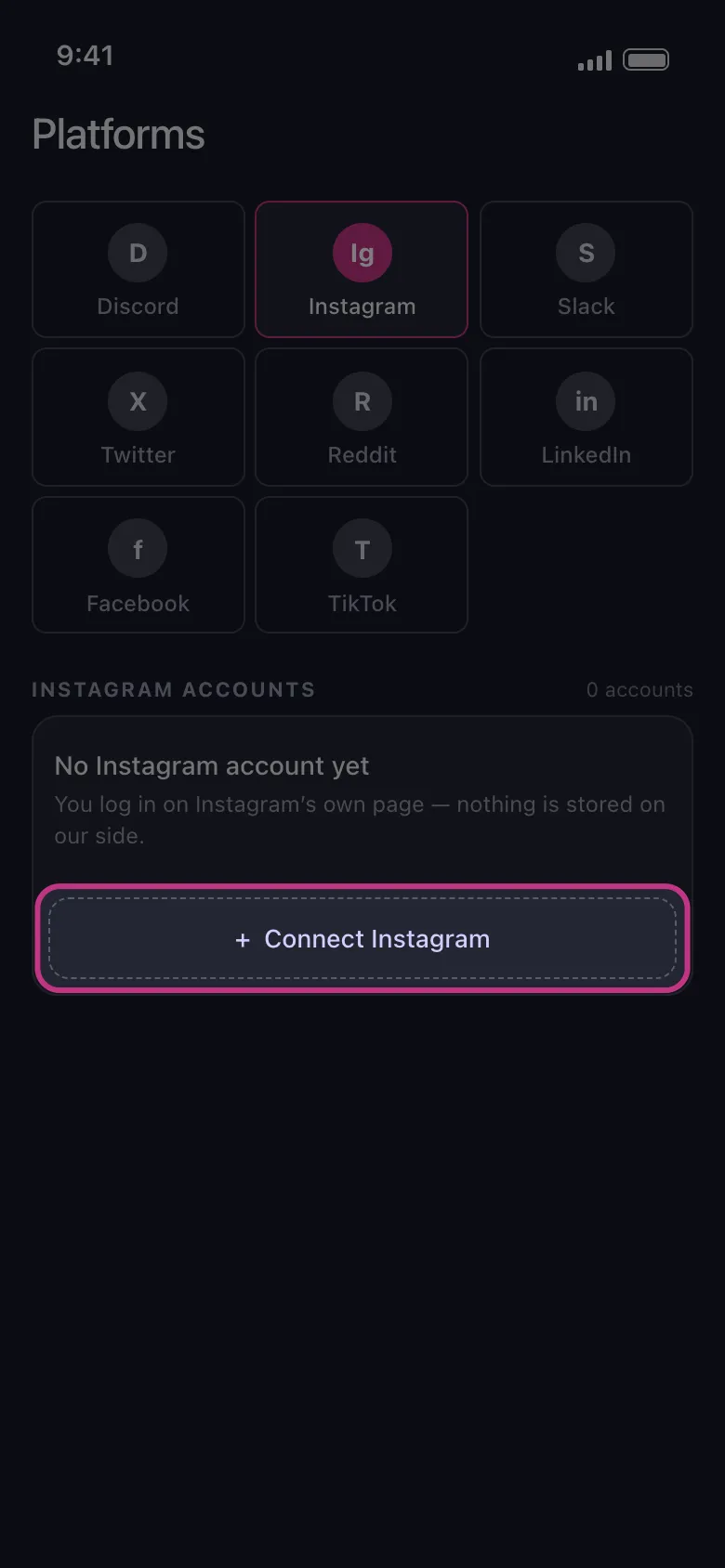
If you searched how to delete Instagram messages, the real answer depends on scale. Unpost is better when you are dealing with volume instead of a one-off conversation. The app supports Instagram DM deletion on mobile, which makes more sense when you have a long backlog, want to work in filtered batches, or need to repeat cleanup over time instead of opening every thread manually.
Unpost connects through Instagram web login in an embedded browser and stores encrypted session data locally on your device. Keep the app in the foreground while deletion runs, and do not actively use Instagram at the same time because that can interfere with the process. If Instagram rate limits an action, the cleanup may need to pause and retry.
Unsend and Deleting from Both Sides
What this does and does not do
- What this does: unsend removes a sent message from the chat thread.
- What this does not do: deleting a conversation from your inbox does not usually erase the other person’s copy of the chat.
Native Instagram method
Instagram’s native unsend option is designed for correcting or removing individual messages. It works well when you only need to remove one message, a few recent messages, or one obvious mistake. It is not a practical method for long conversations or repeated cleanup. If that is the exact problem you are solving, read how to delete Instagram messages from both sides and if you unsend a message on Instagram does it notify.
When Unpost is better
Unpost becomes more useful when the real job is large-scale DM cleanup, not one corrected message. If you need to work through many chats over time, a bulk workflow is more realistic than tapping into every thread and unsending message by message. The slower part of Instagram cleanup is usually the repetition, not understanding where the delete option lives.
If you are cleaning up many messages, posts, comments, likes, or followers rather than a single item, Try Unpost, a mobile app for iOS and Android built for bulk Instagram cleanup.
Deleted-Message Questions
Native Instagram method
Instagram usually does not offer a simple trash view for deleted or unsent DMs. If a message is already gone, the current flow is usually about understanding what was removed and what, if anything, might still exist in downloads, notifications, or another participant’s copy. For the recovery question itself, see how to see deleted messages on Instagram.
When Unpost is better
This is a low product-fit topic. Unpost helps with deleting supported Instagram content in bulk, but it is not a recovery tool and it does not restore deleted messages. If you may need records later, it is better to sort that out before you begin a large cleanup.
Posts, Photos, Reels, and Carousels
Native Instagram method
If your search was how to delete Instagram post, the native answer is usually the three-dot menu on that post. Instagram typically lets you delete or archive feed content item by item. The same general pattern applies to posts, reels, and carousels, but the work is still manual. For the full native walkthrough, open how to delete Instagram posts, photos, reels, and carousels.
When Unpost is better
Unpost is the better fit when you are cleaning up a lot of feed content for privacy, rebranding, or simple decluttering. On Instagram, Unpost supports deleting posts, reels, and carousels, which makes it useful when the goal is not one embarrassing post but a larger reset across older content.
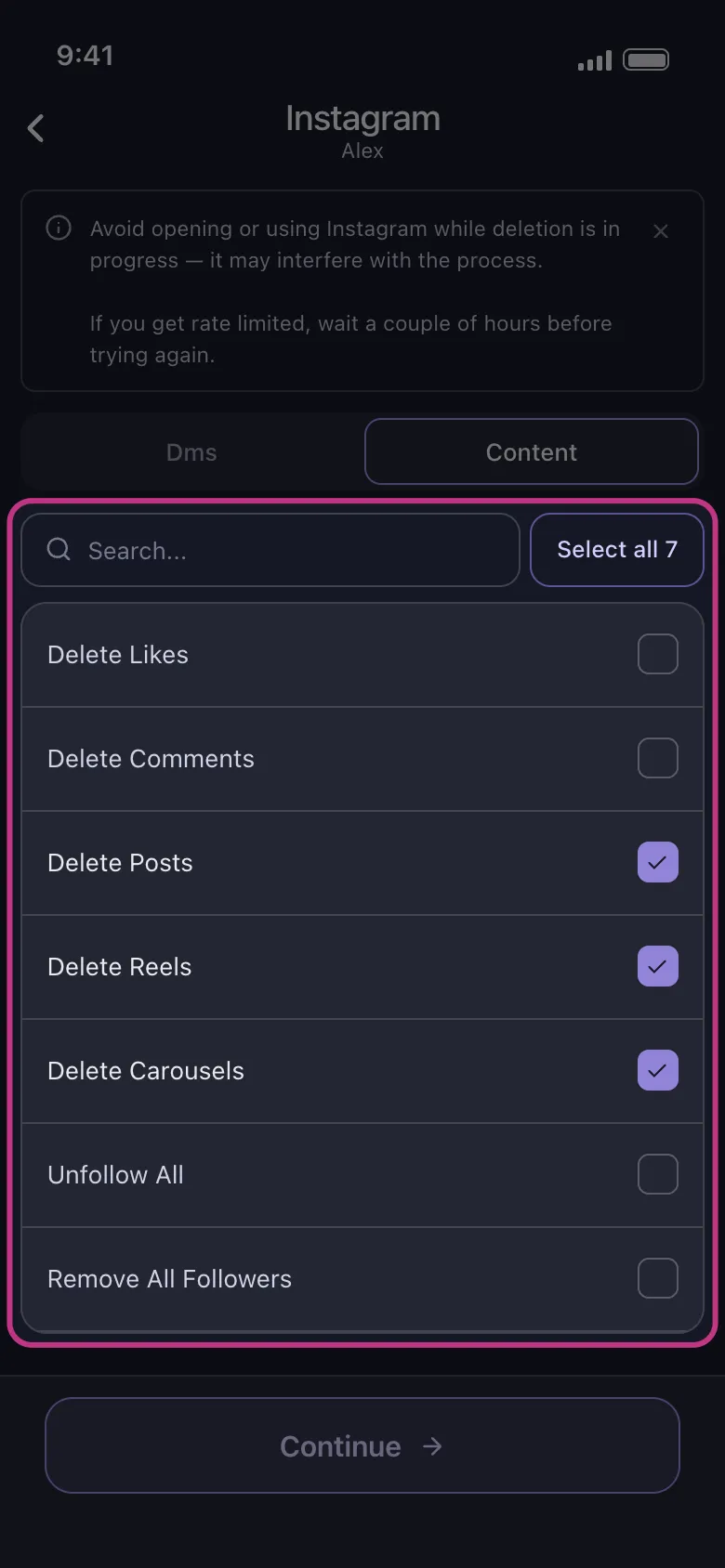
If you already know you need a bulk-first workflow, the deeper page on post deleter for Instagram is the quickest next step. If you are also revisiting how Instagram evolved from a photo app into a multi-format platform, the history of Instagram is useful background for why cleanup now spans feeds, reels, Stories, and DMs.
Comments
Native Instagram method
Instagram typically lets you delete your own comments by opening the post, finding the comment, and removing it from there. On your own posts, Instagram may also surface moderation controls for managing comment sections, but cleanup still tends to be manual. If comments are your main task, the focused guide is how to delete Instagram comments.
When Unpost is better
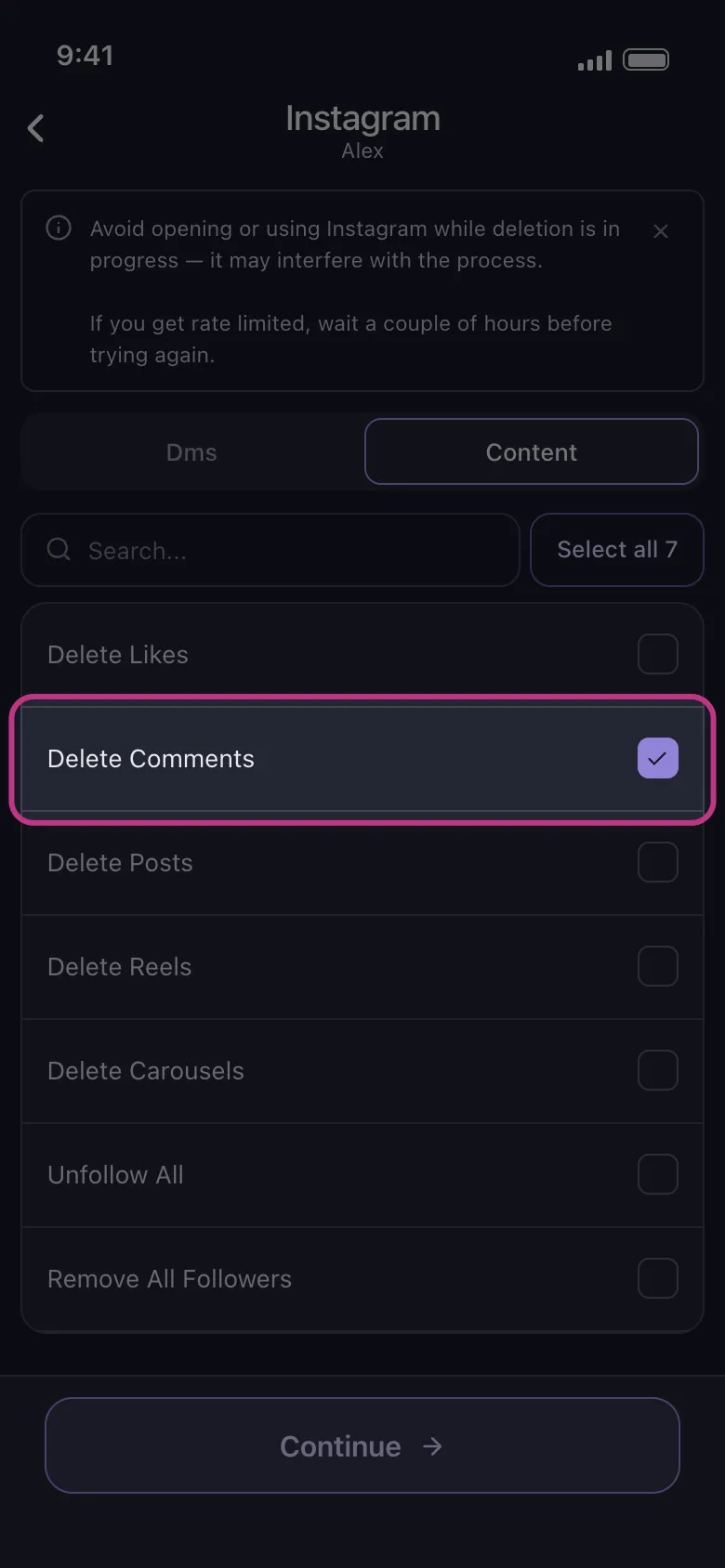
Unpost is better when old comments are spread across many posts and time periods. On Instagram, Unpost supports deleting comments, which matters when you are doing reputation cleanup, privacy cleanup, or a broad reset before changing how you use the account.
Likes
Native Instagram method
Instagram typically lets you unlike content from the post itself or from sections of your activity history. That works well for occasional cleanup, but it turns into repetitive work if you want to remove a long history of likes. The deeper guide for that task is how to delete likes on Instagram.
When Unpost is better
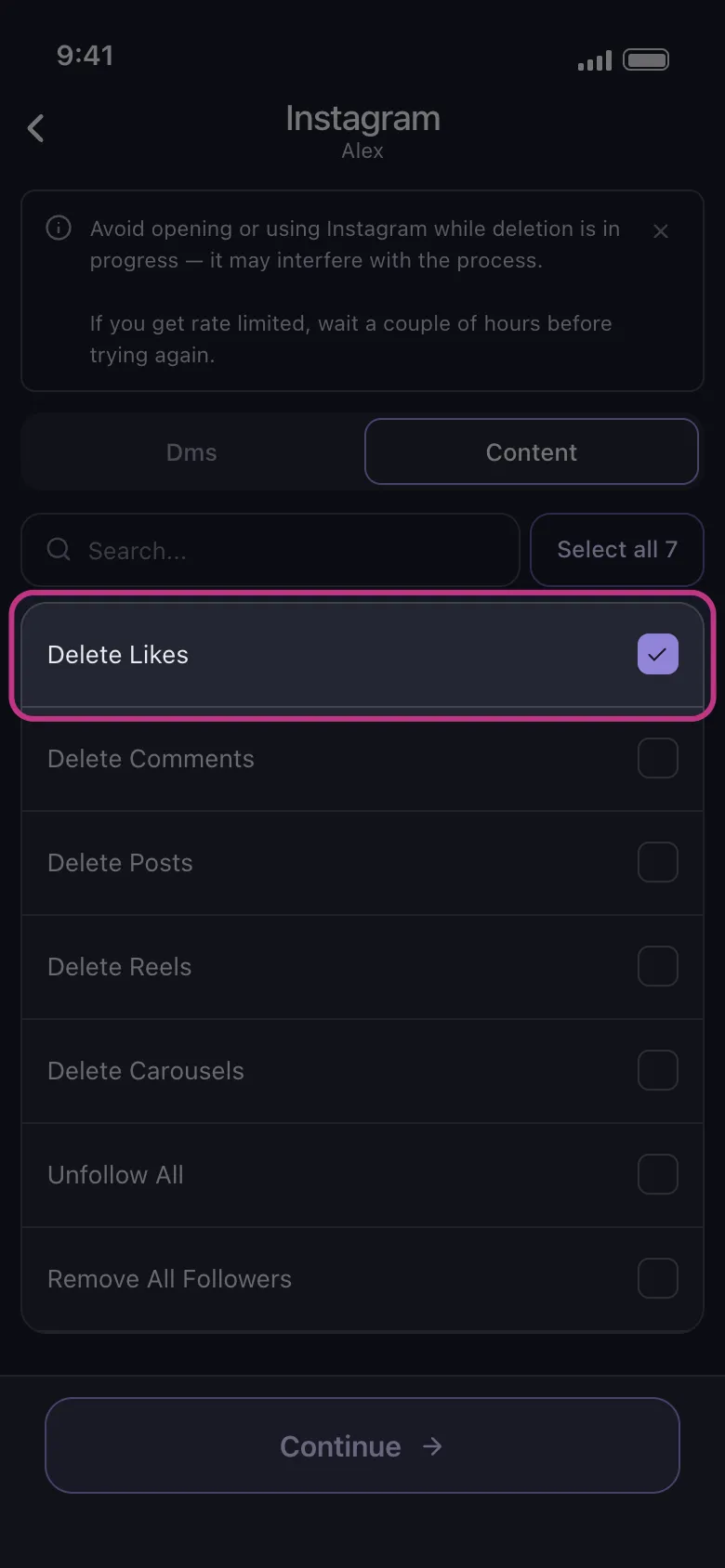
Unpost is better when you want to clear many likes in batches instead of revisiting posts one by one. This is especially useful when old likes no longer match your interests, your current public image, or the level of privacy you want from your account activity.
Followers and Following
What this does and does not do
- What this does: removing followers changes who can currently follow or view your profile from their side, and unfollowing changes who appears in your following list.
- What this does not do: it does not delete another person’s Instagram account or permanently stop all future follow attempts.
Native Instagram method
Instagram usually handles this in two separate places: your Followers list and your Following list. Removing a follower or unfollowing an account is manageable when you only need a few changes, but it becomes tedious during a full reset. For the native removal flow, see how to delete followers on Instagram.
When Unpost is better
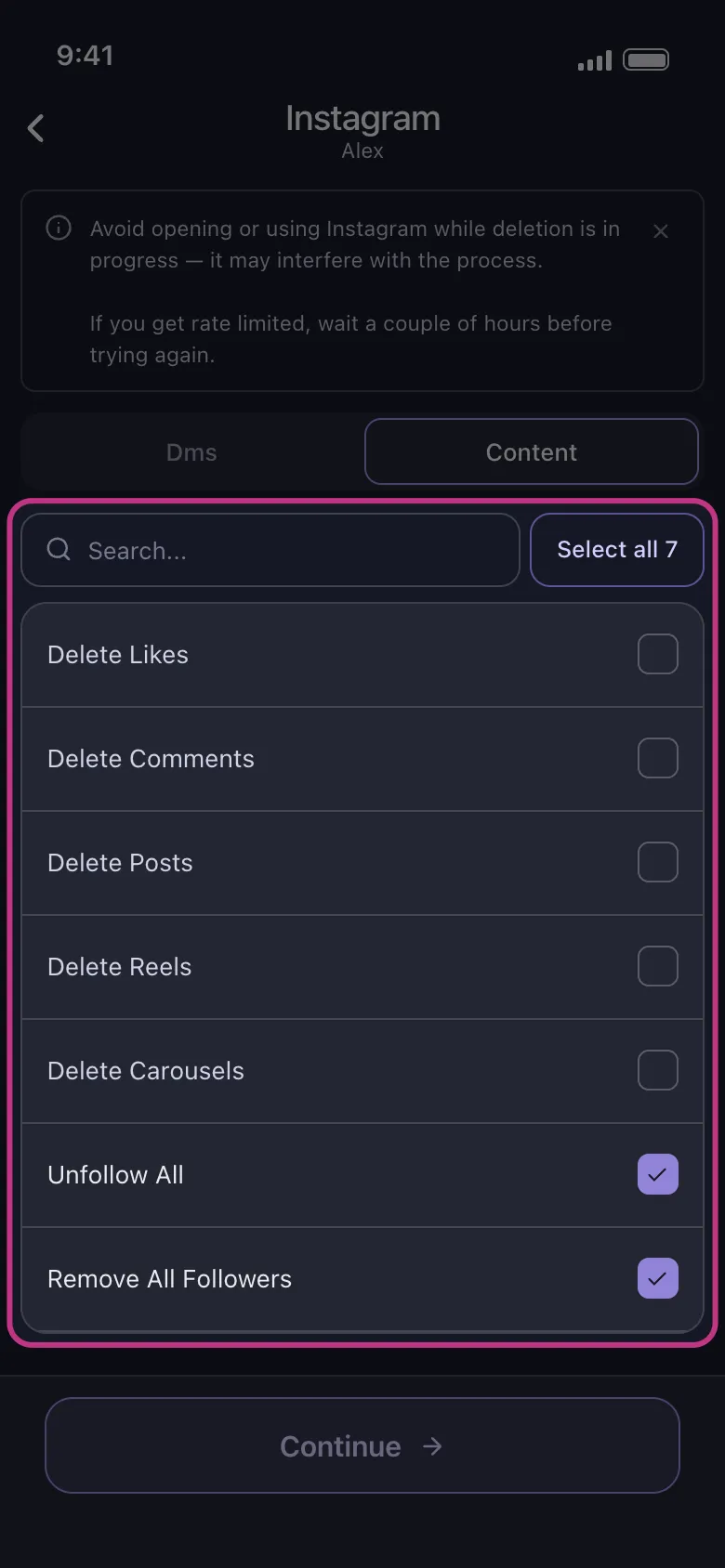
This is one of the clearest bulk-cleanup cases. On Instagram, Unpost supports both unfollow all and remove all followers, which makes it useful when you are starting over after a rebrand, tightening privacy, or rebuilding your audience from scratch.
Stories
Native Instagram method
Instagram typically lets you delete a live Story from the Story viewer, and archived Story items can usually be managed from your archive. If the cleanup only involves temporary content, that manual path is the correct one. The dedicated walkthrough is how to delete an Instagram Story.
When Unpost is better
Unpost does not delete Instagram Stories. The practical pivot is to use Instagram for Story removal, then use Unpost for the cleanup tasks it does support: DMs, posts, reels, carousels, likes, comments, unfollow all, and remove all followers.
Account Deletion or Deactivation
What this does and does not do
- What this does: deactivation usually hides your account temporarily, while deletion is intended to remove the account permanently.
- What this does not do: Unpost does not trigger account deletion or account deactivation for you.
Native Instagram method
If your goal is to delete an Instagram account, use Instagram’s own account settings or Accounts Center. The exact menu labels can change by version, so the current flow is usually easiest to follow step by step instead of relying on memory. If that is your goal, use how to delete or deactivate an Instagram account.
When Unpost is better
Unpost is not the tool for the final account action itself. Unpost is useful before that step if you want to clear supported Instagram content first, so the account is tidier before you pause it, delete it, or hand it over to a different brand identity.
Practical Instagram Cleanup Checklist
- Decide whether your goal is privacy, decluttering, rebranding, or preparing for an account change.
- Separate native-only tasks from bulk-friendly tasks before you start.
- Use Instagram’s native controls for Stories and account deletion or deactivation.
- Use native Instagram deletion when you only have a few messages, posts, comments, likes, or follower changes to make.
- Use Unpost when the problem is scale across DMs, posts, reels, carousels, comments, likes, following, or followers.
- Keep Unpost open in the foreground while deletion runs.
- Avoid actively using Instagram during deletion because it can interfere with the process.
- Stay calm if Instagram slows a task down; some actions may need to pause and retry.
- Check the result after each cleanup pass so you know what still needs attention.
Best Option for Bulk Instagram Cleanup
Unpost is the strongest fit when you want to clean up many items, not just understand one menu. That includes large DM backlogs, broad feed cleanup across posts and reels, older comments and likes that no longer reflect your current account, and follower or following resets that would be painfully slow by hand.
Try Unpost if your real job is bulk Instagram cleanup. Unpost is a privacy-first mobile app for iOS and Android that supports deleting DMs, posts, reels, carousels, likes, and comments, plus unfollow all and remove all followers. It connects through Instagram web login in an embedded browser, stores encrypted session data locally on your device, and works best when you keep it in the foreground while Instagram stays idle.
For Story deletion or account deletion, the native Instagram method is still the right path. For repeated cleanup across the rest of your Instagram footprint, this hub should point you to the exact guide you need next.

Get Started
Delete Old Content Across Your Accounts
Bulk delete messages, posts, likes, comments, DMs, reactions, bookmarks, followers, and more — all from one app.
No password storage • Free to start • iOS & Android
 Download for iOS
  Download for Android