
Anahtar kelime içeren mesajları silme
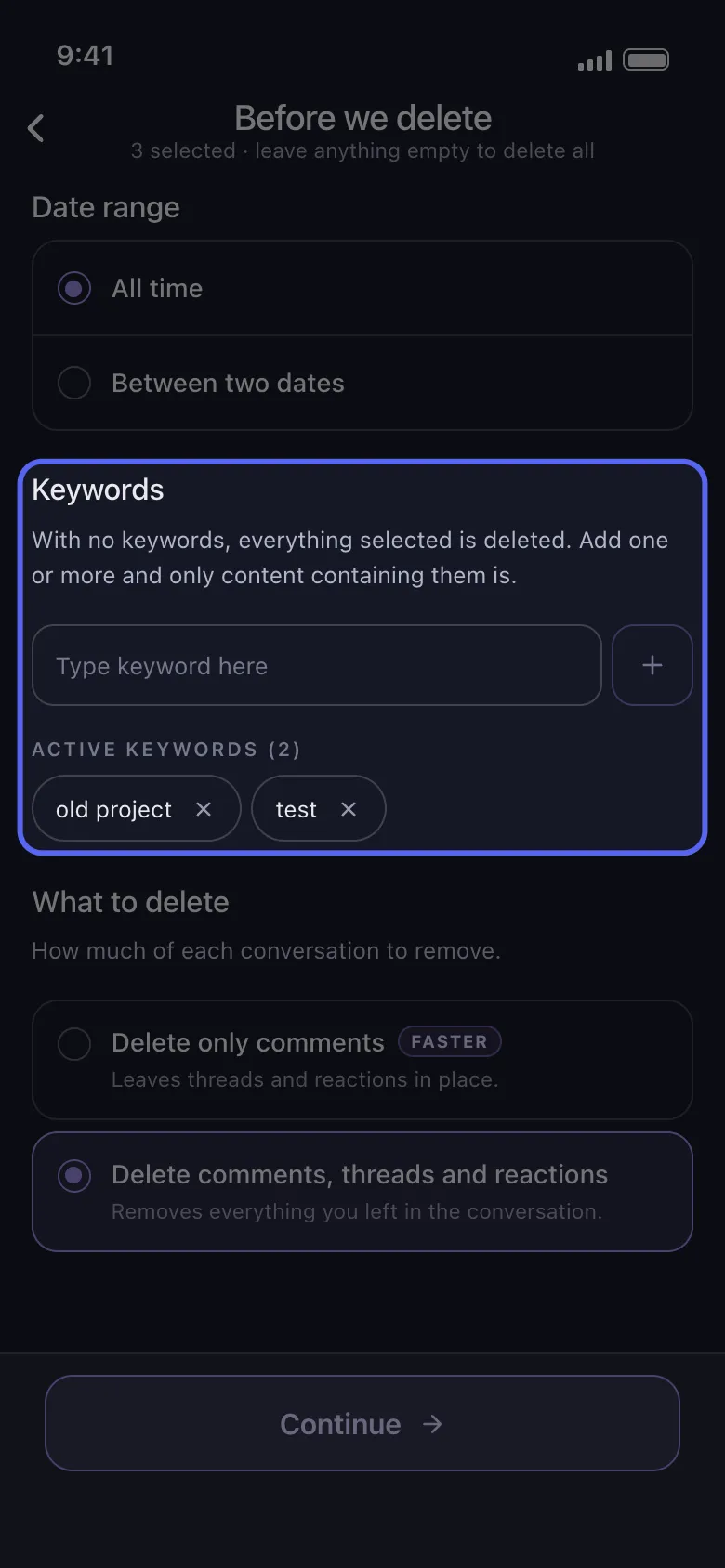
Keywords, silinecekleri işaretleyip Continue düğmesine dokunduğunuzda açılan Before we delete ekranının bir bölümüdür. Boş bırakılırsa işaretlediğiniz her şey silinir; anahtar kelime eklerseniz yalnızca bunlardan birini içerenler. Discord, Slack, LinkedIn, Facebook, TikTok, YouTube ve Instagram’da (DM’ler için) vardır; X ve Reddit’te yoktur.
- 01
Silinecekleri işaretleyin, ardından Continue düğmesine dokunun
Keywords, işaretlediğiniz bir şeyi daraltabildiğinde görünür: Instagram’da DM’leriniz; TikTok’ta Delete Comments ve Delete Comments On My Videos; Discord, Slack, LinkedIn, Facebook ve YouTube’da işaretlediğiniz her şey.
Uygulamada Main → platform → hesap → Continue
- 02
Bir kelime yazın ve + düğmesine dokunun
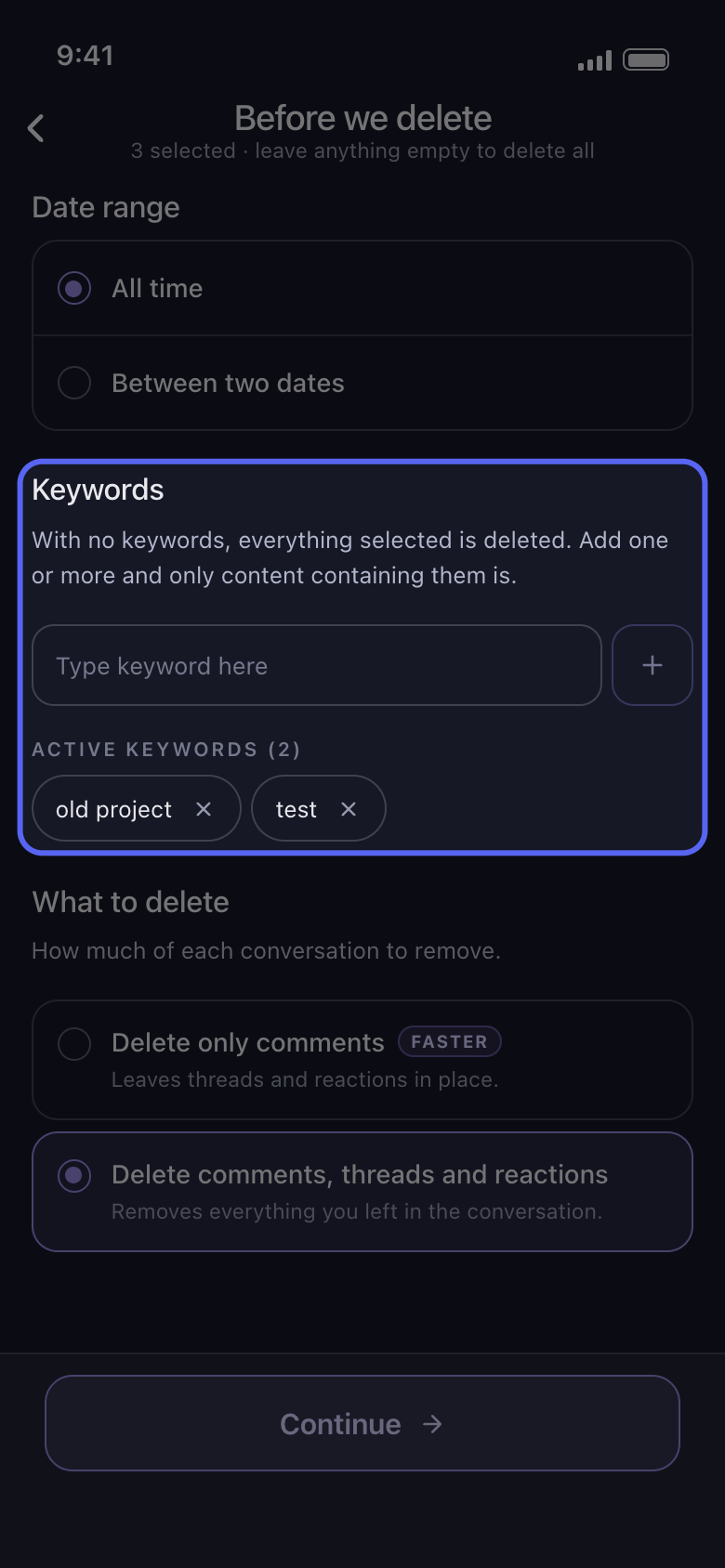
Type keyword here kutusuna bir kelime yazın ve yanındaki + düğmesine dokunun. Kelime, Active Keywords altında, kaldırmak için × işareti taşıyan bir etikete dönüşür. İstediğiniz kadar ekleyin: bunlardan herhangi birini içeren her şey silinir.
Uygulamada Before we delete → Keywords
- 03
Anahtar kelimeleri kısa tutun
Bir anahtar kelime, büyük-küçük harfe bakılmadan metnin herhangi bir yerinde eşleşir: fatura kelimesi Faturalar ve FATURA-2023 ifadelerini de bulur. Ayırt edici tek bir kelime, bütün bir cümleden daha çok sonuç bulur; cümle yalnızca kelimesi kelimesine geçtiği yerde eşleşir.
Uygulamada Before we delete → Keywords
- 04
Anahtar kelimelerin neyle eşleştiğini bilin
YouTube’da anahtar kelime video başlığıyla, kanal adıyla ya da sizin yazdığınız metinle eşleşir; bunların hiçbiri olmayan öğe atlanır. Facebook’ta yalnızca gönderi ve yorum metniyle eşleşir ve metni olmayan her şey atlanır (bunun neleri dışarıda bıraktığı aşağıdaki notta). Diğer platformlarda işaretlediğiniz mesajların, gönderilerin veya yorumların metniyle eşleşir; bu yüzden metni olmayan bir içerik, örneğin tek başına bir fotoğraf, kalır.
Uygulamada Before we delete → Keywords
- 05
Continue düğmesine dokunun ve Review penceresini kontrol edin
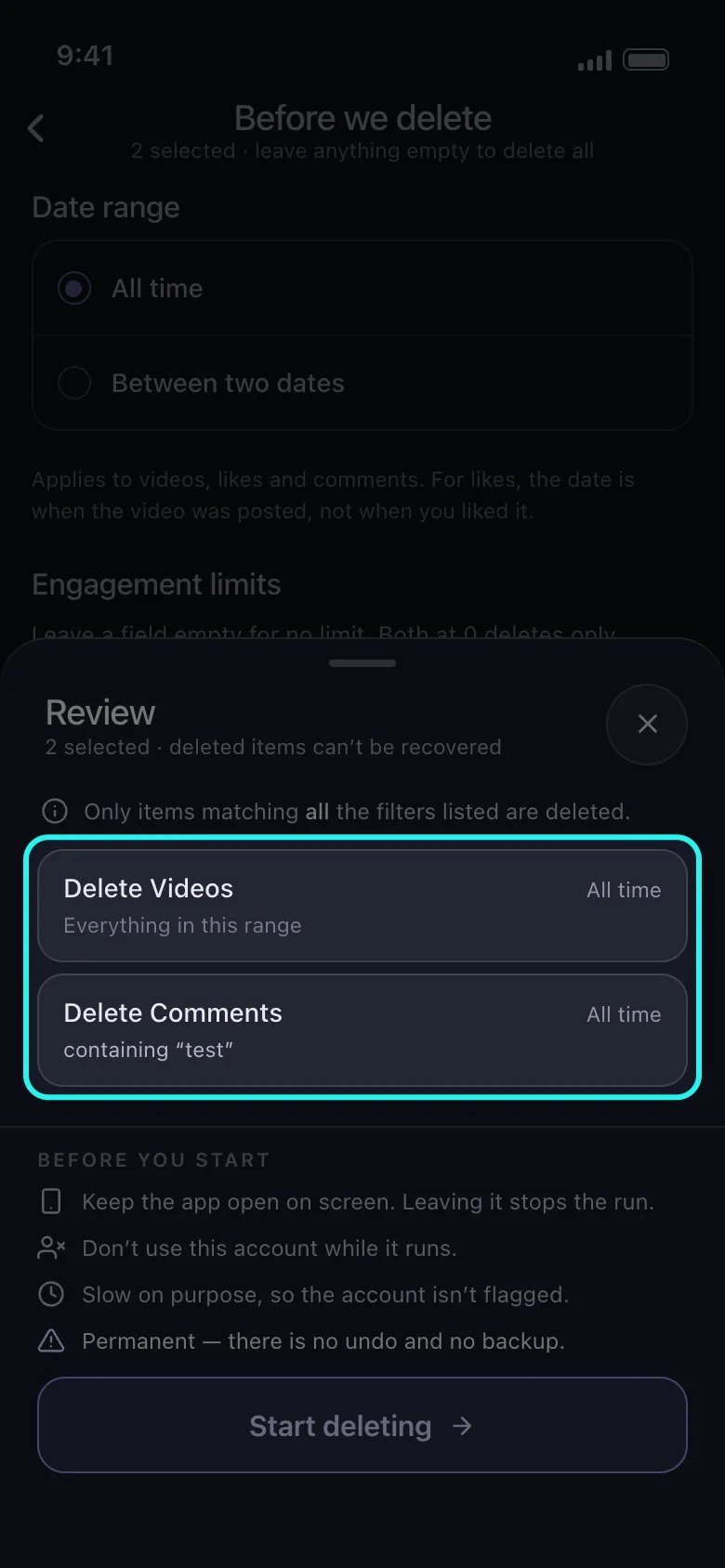
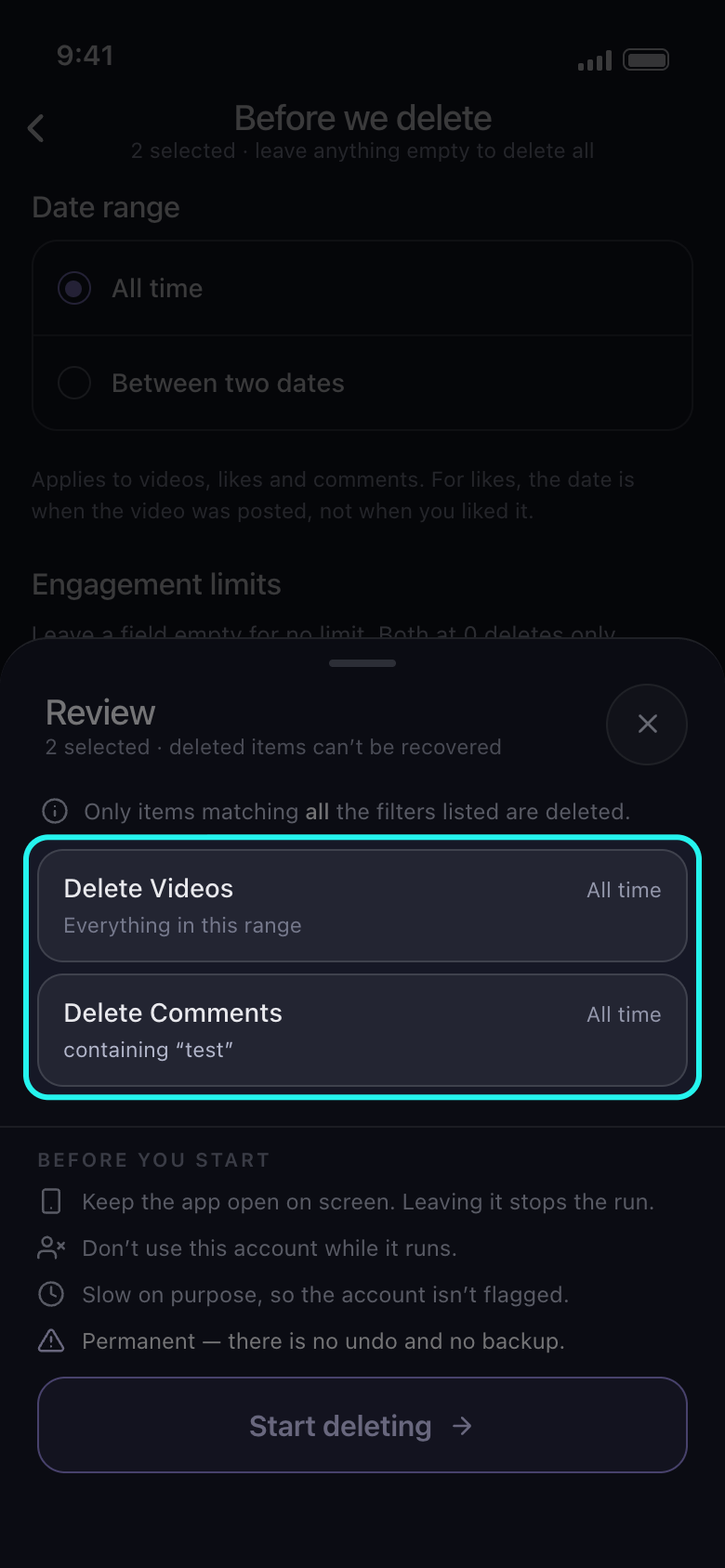
Anahtar kelimelerin daralttığı bir kartta containing ve ardından kelimeleriniz yazar. Bu satırı olmayan bir kart, örneğin TikTok’taki Delete Videos ya da Instagram’daki Delete Posts kartı, metnine bakılmadan silinir; Skipped yazan kart ise olduğu gibi bırakılır. Start deleting düğmesine dokunana kadar hiçbir şey silinmez.
Uygulamada Continue → Review → Start deleting
Bilmekte fayda var
- Facebook’ta anahtar kelimeler ayarlıyken şu seçeneklerden hiçbir şey silinmez: Delete Archived Posts, Delete Photo Library, Delete Albums, Delete Your Stories, Delete Archived Stories, Delete Story Reactions, Delete Activity You’re Tagged In, Delete Likes, Delete Polls You Voted On, Delete Saved Items and Collections, Delete Events, Delete Other Activity ve Empty Your Trash. Review penceresi bunlardan yalnızca Delete Photo Library ve Delete Albums kartlarını Skipped olarak işaretler.
- Tarih aralığı ve anahtar kelimeler birlikte çalışır: yalnızca aralığa giren ve bir anahtar kelime içeren içerik silinir. “Yalnızca belirli bir tarih aralığını silme” kılavuzuna bakın.
Daha fazla kılavuz