
How to Delete Your Reddit Account (Posts Don't Go With It)
Deleting a Reddit account takes about two minutes. On the web, the option sits at the bottom of User Settings → Account; in the mobile app, it is under Settings → Account settings → Delete account. You confirm with your password, and the account is gone — permanently. There is no grace period, no reactivation window, and no way for you or Reddit support to bring it back.
But there is one thing Reddit only mentions in the fine print, and it is the most important fact in this guide: deleting your account does not delete your posts and comments. Everything you ever wrote stays on Reddit, fully readable in the threads where you posted it — the author name simply changes to u/[deleted]. Anyone who finds those threads through Google, a subreddit search, or an old reply can still read every word.
So the order of operations matters. If you only want the login gone, follow the quick steps below and you are done. If you want what you said gone, clean up your content before you close the account — once it is deleted, you can never sign in again to remove anything. This guide covers both paths.
How to delete your Reddit account (quick steps)
On the desktop website:
- Sign in at reddit.com in your browser.
- Click your avatar and open User Settings.
- Select the Account tab.
- Scroll to the bottom and click Delete account.
- Re-enter your username and password to confirm.
In the Reddit app for iOS or Android:
- Tap your profile picture in the top corner.
- Open Settings.
- Tap Account settings under your username.
- Scroll down and tap Delete account.
- Enter your password and confirm.
Reddit asks for an optional reason and makes you tick a checkbox acknowledging that deletion is permanent. If you signed up through Google or Apple and never set a Reddit password, you will be asked to verify through that sign-in instead — or to create a password first. The moment you confirm, your profile disappears from public view.
What account deletion removes — and what it leaves behind
Here is the honest inventory. When you delete your Reddit account, these things genuinely go away:
- Your username and profile page. The u/name URL stops resolving, and the name is retired forever.
- Your profile details — avatar, bio, karma display, trophies.
- Your saved posts, upvotes, follows, and preferences, which were only ever visible to you anyway.
- Your access. You can never sign in to this account again.
And these things stay online:
- Every post you submitted. Title and body remain readable, attributed to u/[deleted].
- Every comment you left. The text stays in the thread, with [deleted] as the author.
- Private messages and chats you sent. They remain in the other person’s inbox.
- Quotes of your words in other people’s replies, plus any screenshots taken along the way.
Reddit states this openly in its help pages: deleting an account disassociates your name from your content but does not remove the content itself. Account deletion is not a shortcut for the rest of your footprint either — recent searches, saved items, and votes each have their own cleanup steps, covered in how to delete your Reddit history.
The right order: export your data, clean up, then delete
If the goal is leaving Reddit with nothing readable left behind, do these three things in this exact order.
Step 1: Request a copy of your data. Go to reddit.com/settings/data-request while you are still signed in and submit a request. Reddit compiles your posts, comments, messages, and account history into a downloadable archive and sends you a link, usually within a few days. Do this first for two reasons: it is your only complete record of years of writing, and the page becomes unreachable the second your account is deleted. The archive is also the only practical map of content older than your profile feed shows, since Reddit’s listings stop at roughly 1,000 items.
Step 2: Delete your posts and comments. Reddit offers no select-all — natively, you open your profile and delete every post and comment one at a time, which on an old account means thousands of taps. This is the job Unpost automates. Unpost is a mobile app for iOS and Android that bulk-deletes your own Reddit content — and your content on Discord, Slack, Instagram, and Twitter — by doing exactly what you would do by hand, just automatically. It runs on your device, signs you in through Reddit’s own login screen without storing your password, deletes items one by one at a pace that respects Reddit’s limits, and offers date and keyword filters if you want a targeted sweep instead of a full wipe. For the manual route and edge cases like archived threads, see how to delete all your Reddit posts.
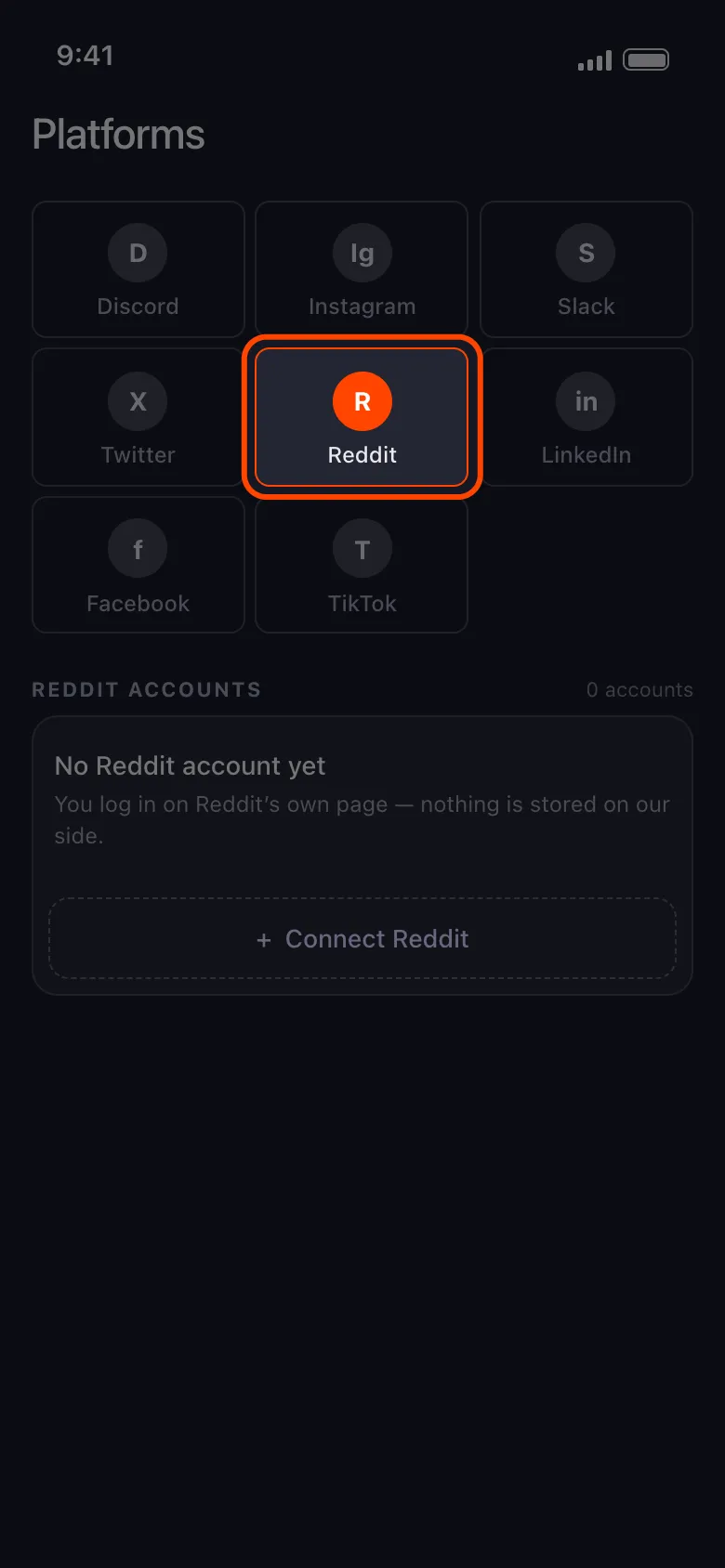
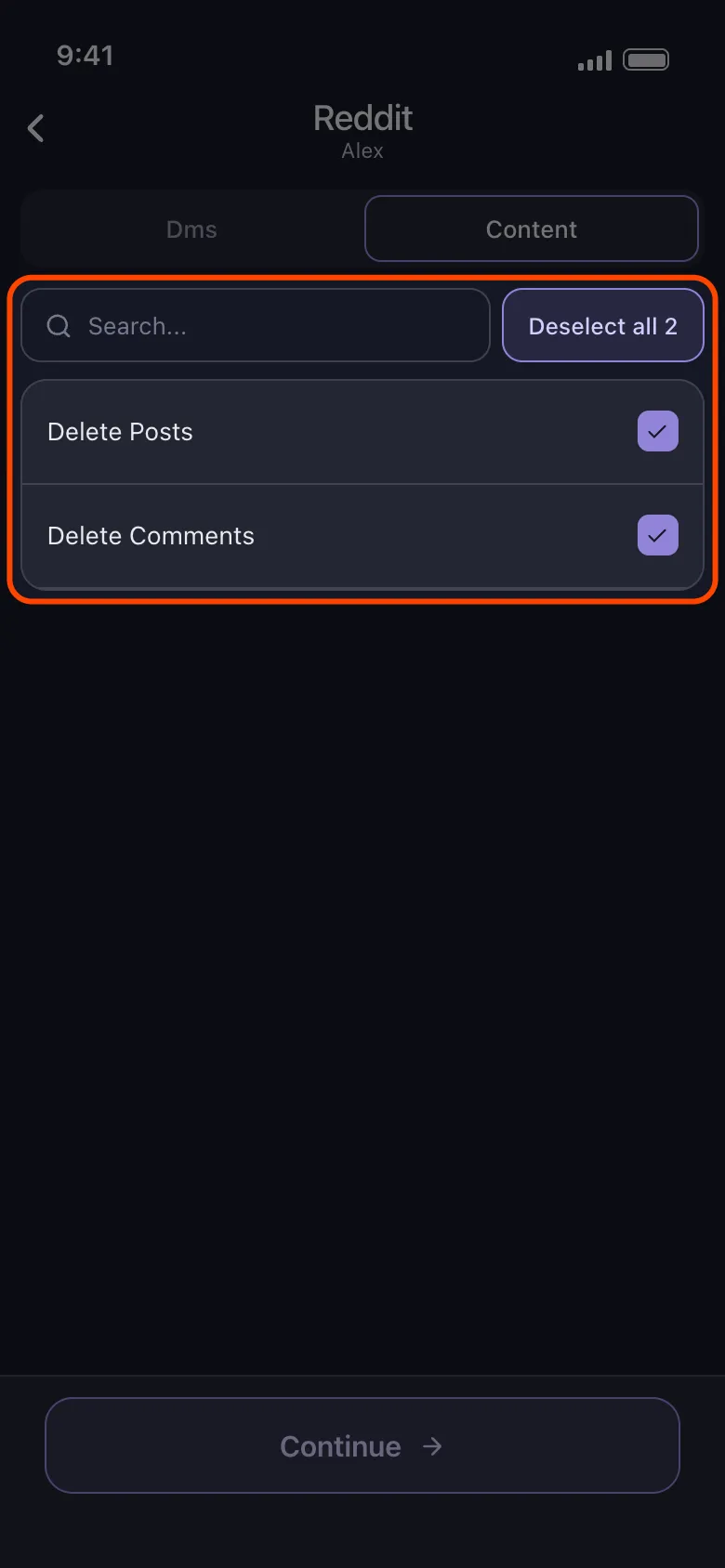
Clean Up Before You Delete
Use Unpost on mobile to bulk delete your Reddit posts and comments before closing your account for good.
Step 3: Delete the account. Once the archive is downloaded and the content sweep has finished, walk through the quick steps above. Now the deletion finally means what most people assume it means: no profile, no username — and no readable trail of posts left behind under [deleted].
Can you deactivate a Reddit account instead?
No — and this surprises people coming from other platforms. Facebook and Instagram let you deactivate temporarily and come back; X (Twitter) holds a deactivated account for 30 days before erasing it. Reddit has nothing equivalent: the only switch it offers is permanent deletion. Older versions of Reddit’s site even label the button “deactivate account”, but read the warning text — it describes the same permanent, irreversible deletion.
If you are not ready for that, the realistic middle grounds are: simply stop using the account and log out everywhere, or delete the content but keep the account, which preserves your username and lets you return later to a clean slate. Only delete the account itself when you are certain, because there is no trial run.
What happens after you delete your Reddit account
- The username is retired, not recycled. Neither you nor anyone else can ever register it again — which also means nobody can impersonate your old handle.
- There is no restore. No grace period, no support ticket that can undo it. A new account is the only way back, under a new name — though you can reuse the same email address.
- What others see: your profile URL returns an error, your old posts and comments show u/[deleted] as the author, and messages you sent remain in recipients’ inboxes.
- Behind the scenes, Reddit finishes scrubbing account data from its systems over the following weeks, but from the outside the account is gone the moment you confirm.
Delete only vs clean up first
| Delete the account only | Clean up first, then delete | |
|---|---|---|
| Profile and username | Gone | Gone |
| Posts and comments | Still online under [deleted], fully readable | Deleted before the account closes |
| Your words in Google results | Threads still surface and read normally | Nothing of yours left on the page |
| Copy of your data | Lost forever | Exported while you still could |
| Effort | Two minutes | About an hour more, mostly automated |
The left column is what most people accidentally choose; the right column is what they actually wanted. The difference is one data export and one bulk-delete run before the final click.
Deleting a Reddit account is the easy part — Reddit made the button simple and the consequences permanent. Just remember that the button only deletes the account. If you came here to erase what you wrote, the cleanup comes first; once it is done, you can close the door knowing nothing readable is left behind it.
Frequently Asked Questions

Get Started
Delete Old Content Across Your Accounts
Bulk delete messages, posts, likes, comments, DMs, reactions, bookmarks, followers, and more — all from one app.
No password storage • Free to start • iOS & Android
 Download for iOS
 Download for Android