
Is Unpost safe, and what does it keep about you?
Unpost deletes only what you could delete by hand, on your own accounts, from your phone, and it never stores your passwords. Two things to know before you start: deleting is permanent, and each platform runs its own checks on your account.
- 01
What Unpost is
An app for iPhone and Android, from the App Store or Google Play. It isn’t a plug-in inside Instagram or any other app, and there’s no Unpost account to create. It deletes your own posts, comments, likes, messages and more on Discord, Instagram, X (Twitter), TikTok, Slack, Reddit, LinkedIn, Facebook and YouTube; in direct messages, only the ones you sent.
- 02
You sign in on the platform’s own page
Connecting an account opens that platform’s real login page inside Unpost. You type your password there, not into a form of Unpost’s, with any two-factor code the platform asks for. Once you’re signed in, the login stays on your phone. Nobody from Unpost will ever ask for your password or a login code.
- 03
What Unpost keeps
To run the free daily allowance, Unpost keeps a minimal anonymous record, deleted automatically after 48 hours without using the app. Crash reports and anonymous, app-wide statistics help keep the app working and fix bugs. Data packages you import are read on the phone. Subscriptions go through the App Store or Google Play, and Unpost never sees your payment details. Report a Bug, on a result screen, asks first whether to attach a report: that’s your choice, it helps us find and fix the problem, and Cancel sends nothing.
- 04
Read the rules before every run
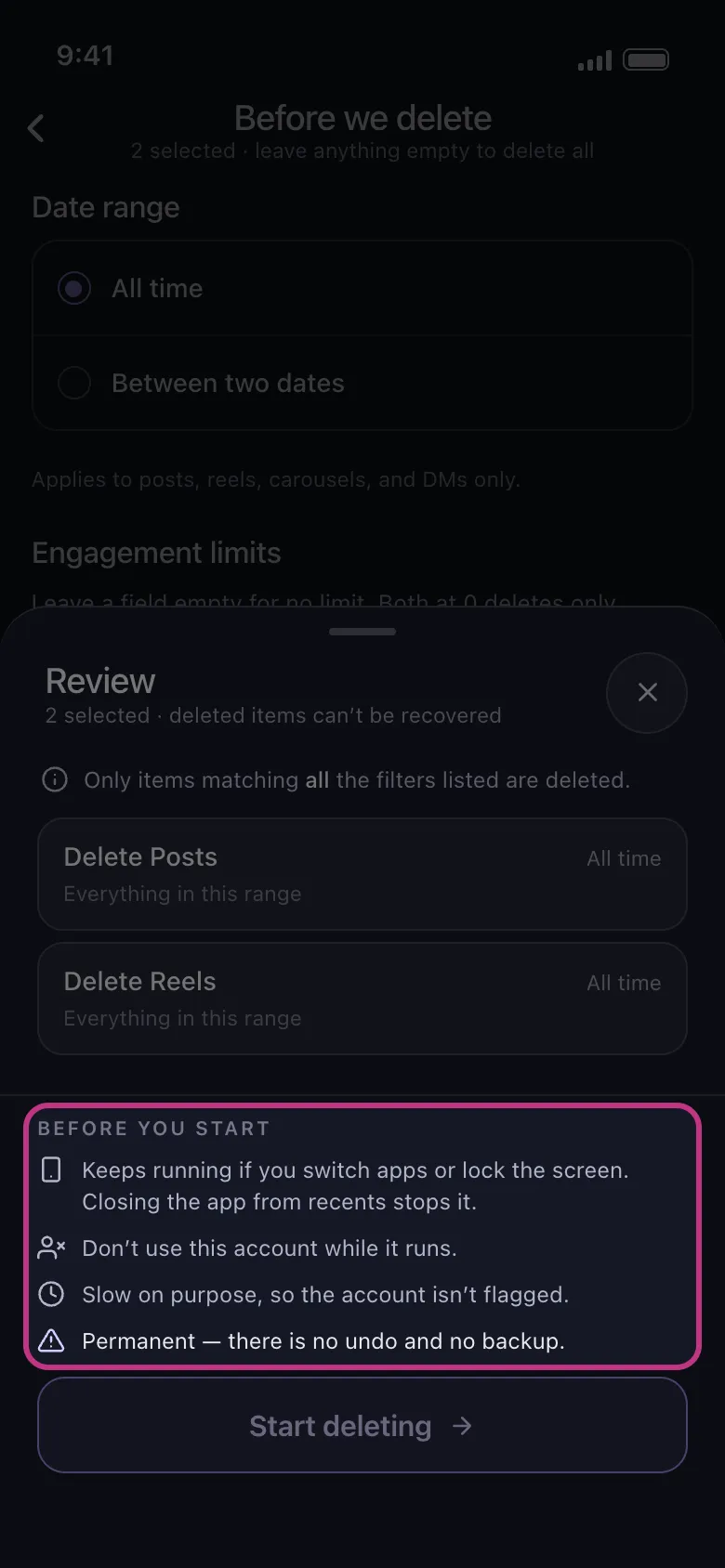
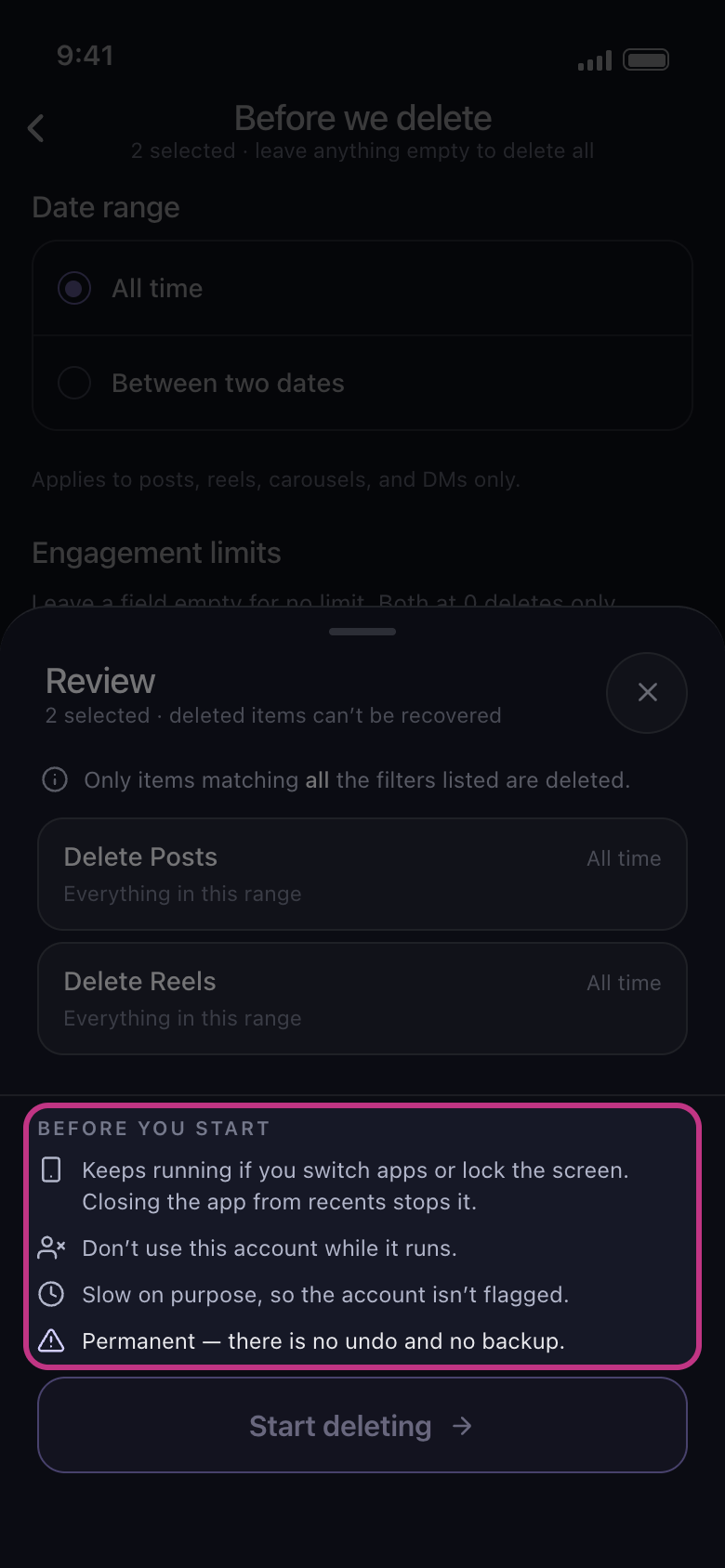
The Review sheet lists them under Before you start. Deleting is permanent: Unpost has no undo and keeps no copy, so it can’t bring anything back. It goes slowly on purpose, so the account isn’t flagged, but each platform runs its own checks and can still pause a run, sign the account out or ask you to confirm it’s you. To lower the risk, don’t use the account anywhere while a run is going.
In the app Continue → Review → Before you start
- 05
How to remove everything
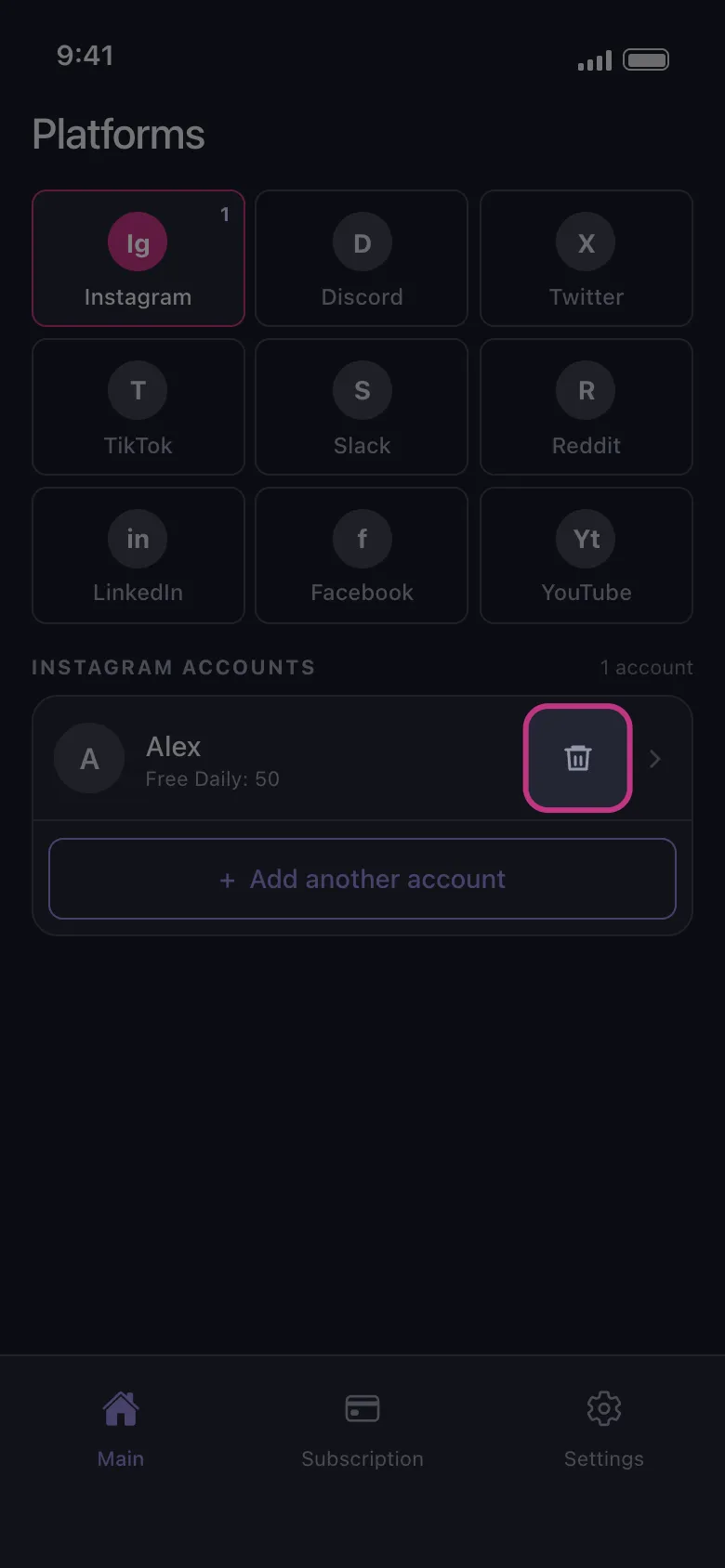
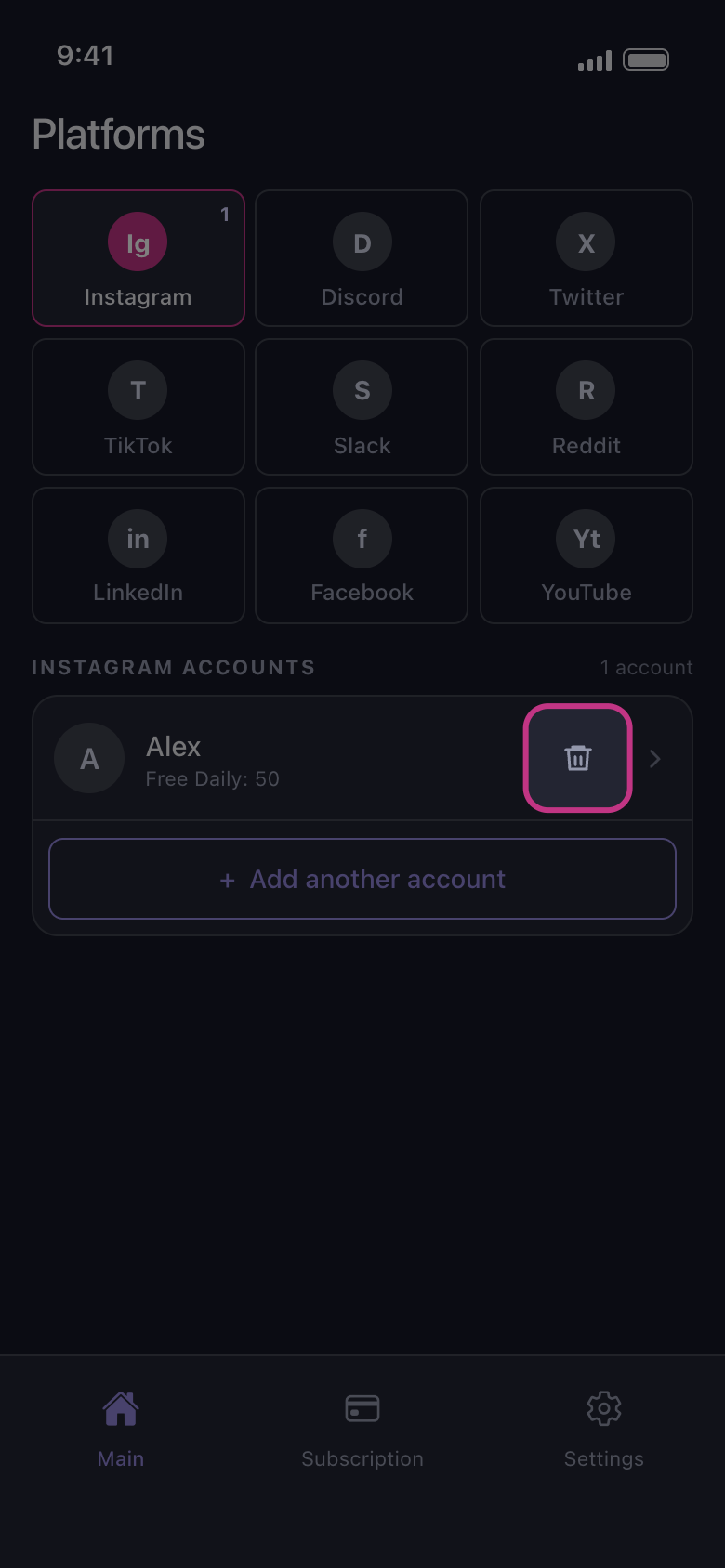
Remove each account with the trash icon next to it, or every account at once with Settings → Logout all Accounts, which also clears imported data packages (see How to remove an account from Unpost). If you subscribed, cancel Premium in the App Store or Google Play: deleting the app doesn’t cancel it (see How to cancel Unpost Premium, and why you were charged after cancelling). Then delete the app.
In the app Main → Instagram → trash icon
Good to know
- Unpost is not meant for children under 13.
- The privacy policy and the terms of use are on unpost.app, and in the app under Settings → Privacy Policy and Terms of Use.
- Worried about Instagram in particular? See How to lower the risk of Instagram locking your account during a cleanup.
More guides