
How to add a second account on the same platform
A platform in Unpost holds as many accounts as you add, on the free plan too. Each account has its own free daily allowance, and a run only ever touches the account you start it from.
- 01
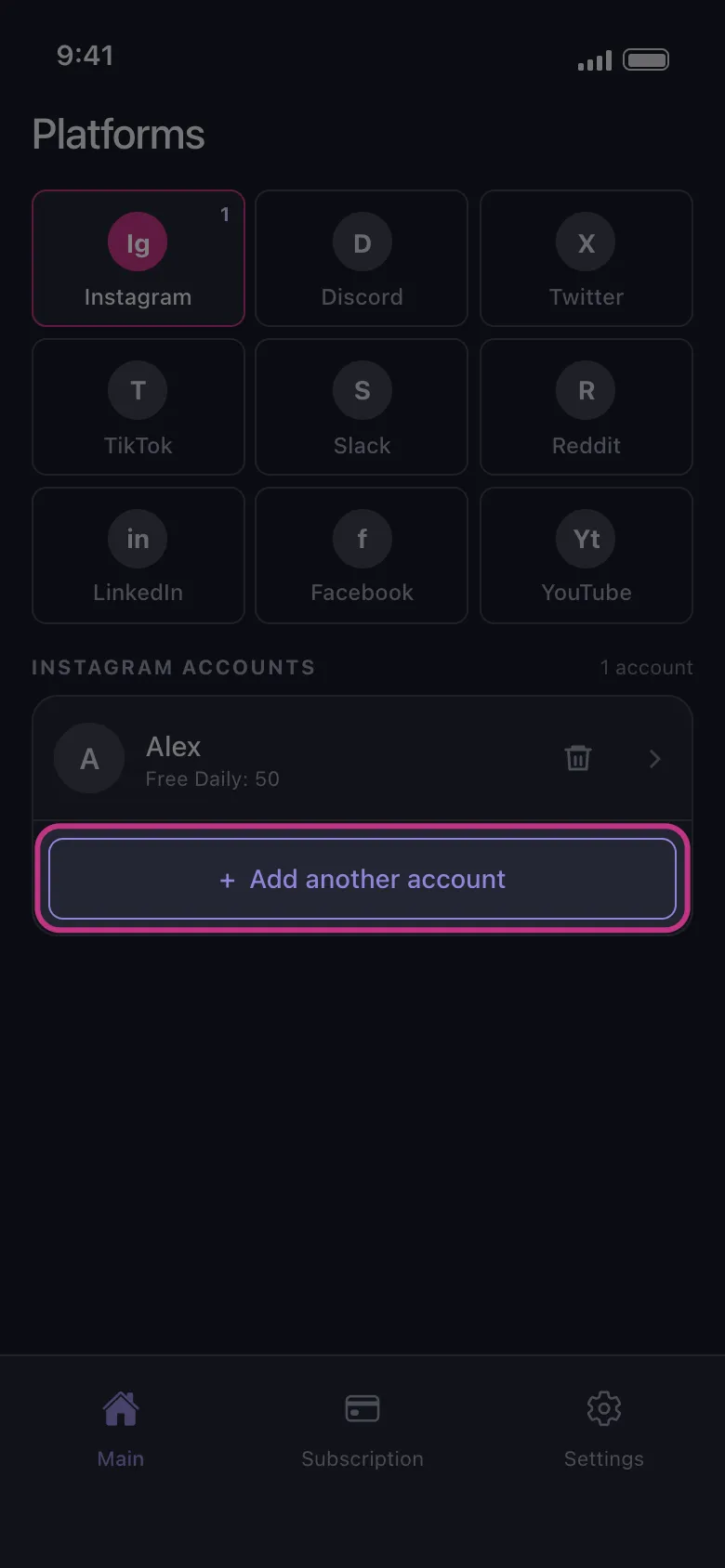
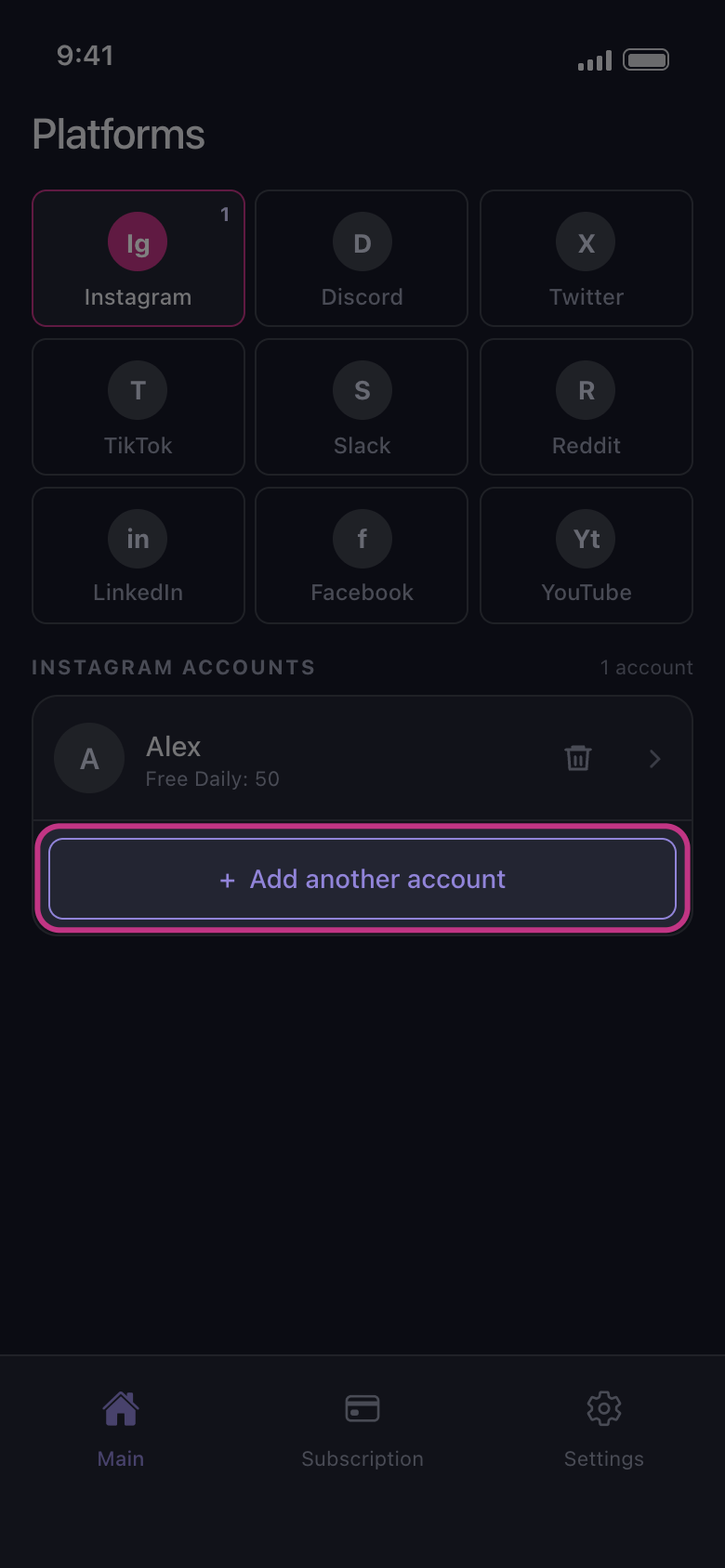
Tap Add another account
On the Main tab, tap the platform’s tile. Under the account that is already there, tap Add another account. The platform’s login page opens clean, not signed in to your first account: sign in with the second one. If the account you want is already listed as Not connected — tap to log in, tap that row instead. Nobody from Unpost will ever ask for your password or a login code.
In the app Main → Instagram → Add another account
- 02
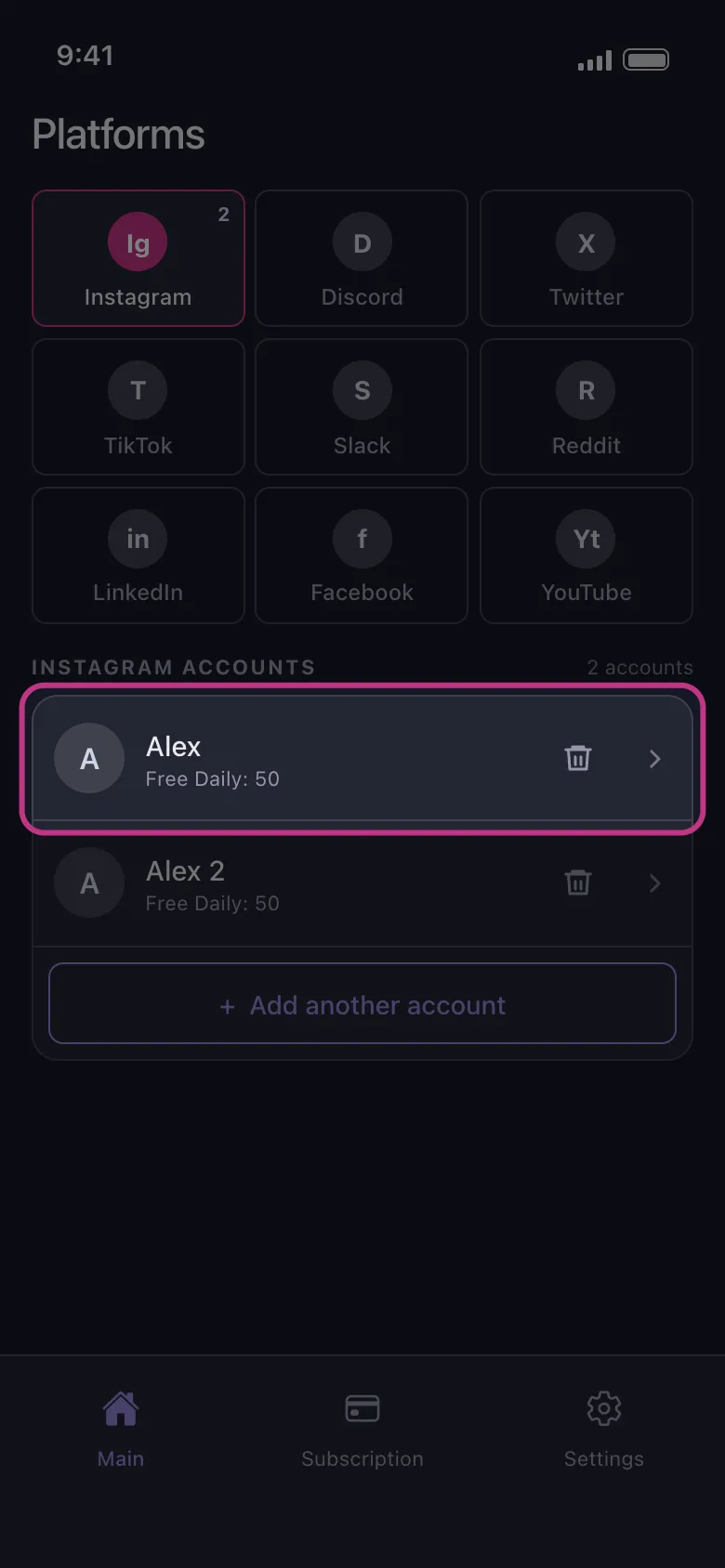
Find both accounts in the list
When the sign-in is done, the page closes and the new account appears under the first one. On the free plan each row shows what that account can still delete today, such as Free Daily: 50. The allowance belongs to the account, so using up one account’s 50 leaves the other’s as it is.
In the app Main → Instagram
- 03
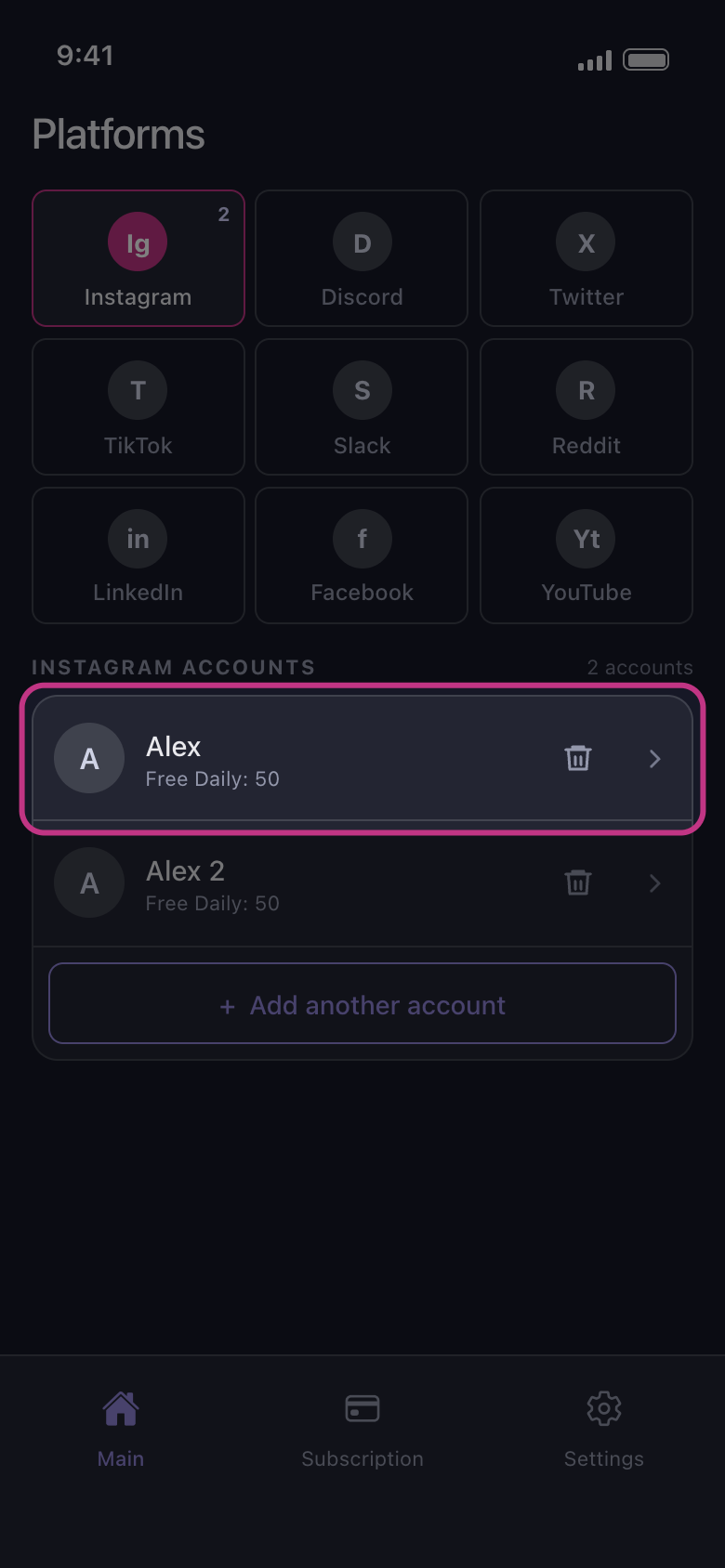
Tap the account you want to clean
The run works on the account you tapped and no other. On X, Discord, Slack and Reddit the How should we delete? sheet opens first; on the other platforms the list of what can be deleted opens straight away. Nothing is ticked when it opens: choices aren’t carried over from a previous run or from the other account. If that account has no free deletions left today, Daily limit reached opens instead (never on Reddit, which has no daily cap).
In the app Main → Instagram → account
Good to know
- On YouTube, one Google sign-in can add several rows: the Google account, then each brand channel and each channel it only manages. See YouTube: sign in with Google and choose the right channel.
- On Instagram, an account linked to the one you signed in with can appear by itself, marked Not connected — tap to log in. Tap that row to sign in to it too, or remove it with the trash icon.
- Signing in again to an account that is already listed replaces its row, which moves to the bottom of the list; it isn’t added a second time.
- Adding accounts doesn’t need Premium. Premium removes the daily cap on every account at once.
More guides