
Cara menambahkan akun kedua di platform yang sama
Satu platform di Unpost bisa menampung akun sebanyak yang Anda tambahkan, termasuk di paket gratis. Setiap akun punya jatah harian gratisnya sendiri, dan sebuah proses hanya berjalan pada akun tempat Anda memulainya.
- 01
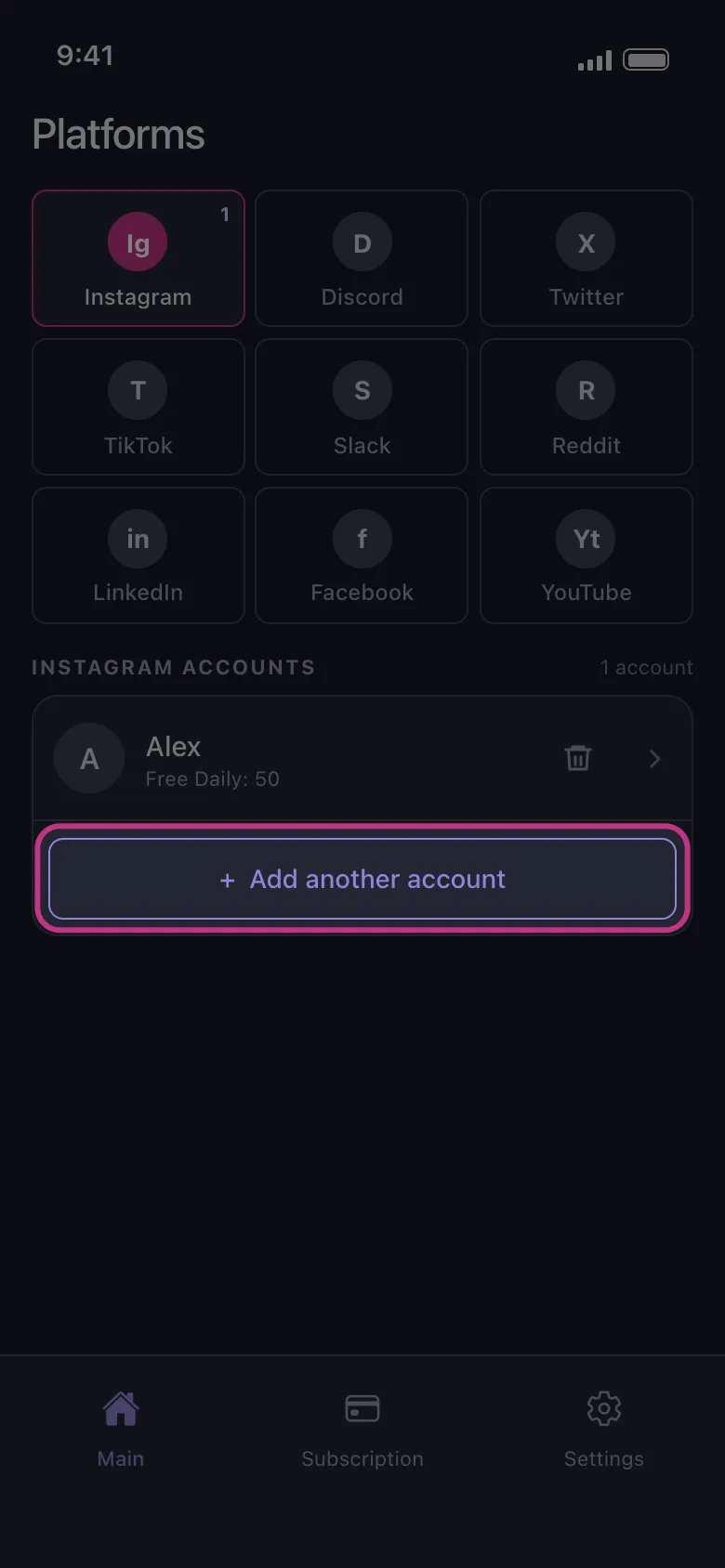
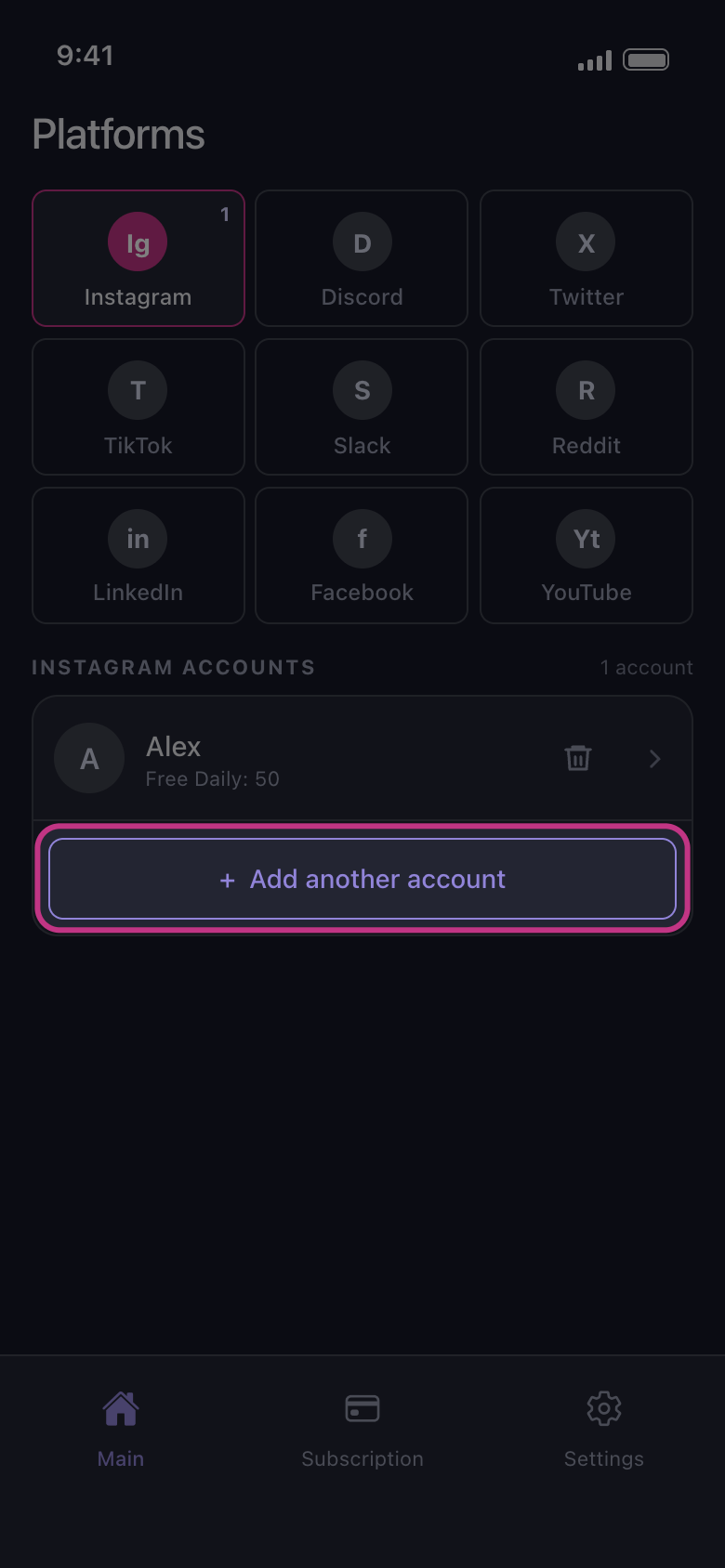
Ketuk Add another account
Di tab Main, ketuk ikon platformnya. Di bawah akun yang sudah ada, ketuk Add another account. Halaman login platform terbuka dalam keadaan bersih, tidak login ke akun pertama Anda: login dengan akun kedua. Jika akun yang Anda inginkan sudah tercantum sebagai Not connected — tap to log in, cukup ketuk baris itu. Pihak Unpost tidak akan pernah meminta kata sandi atau kode login Anda.
Di aplikasi Main → Instagram → Add another account
- 02
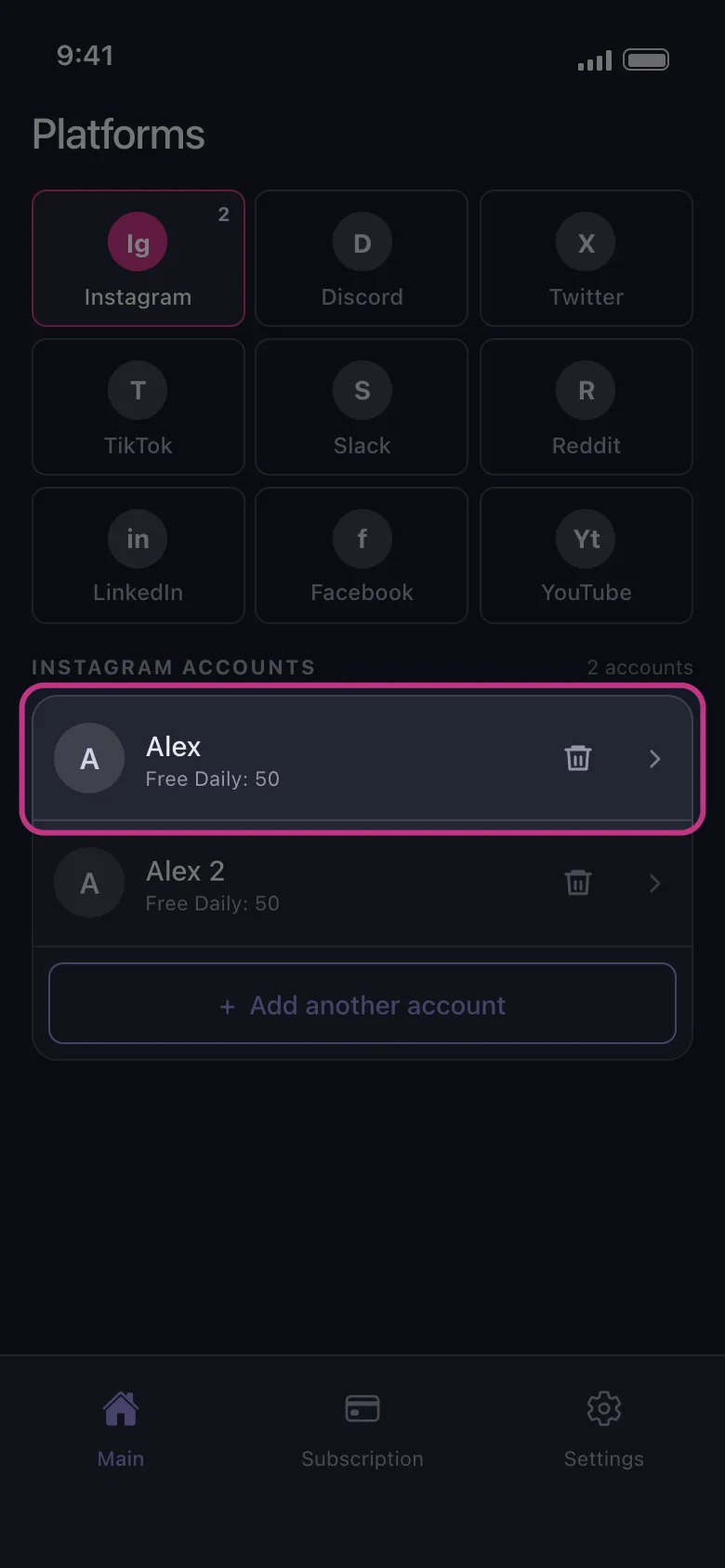
Temukan kedua akun di daftar
Setelah login selesai, halaman tertutup dan akun baru muncul di bawah akun pertama. Di paket gratis, setiap baris menampilkan sisa penghapusan akun itu hari ini, misalnya Free Daily: 50. Jatah itu milik akunnya, jadi jika jatah 50 satu akun habis, jatah akun lainnya tetap utuh.
Di aplikasi Main → Instagram
- 03
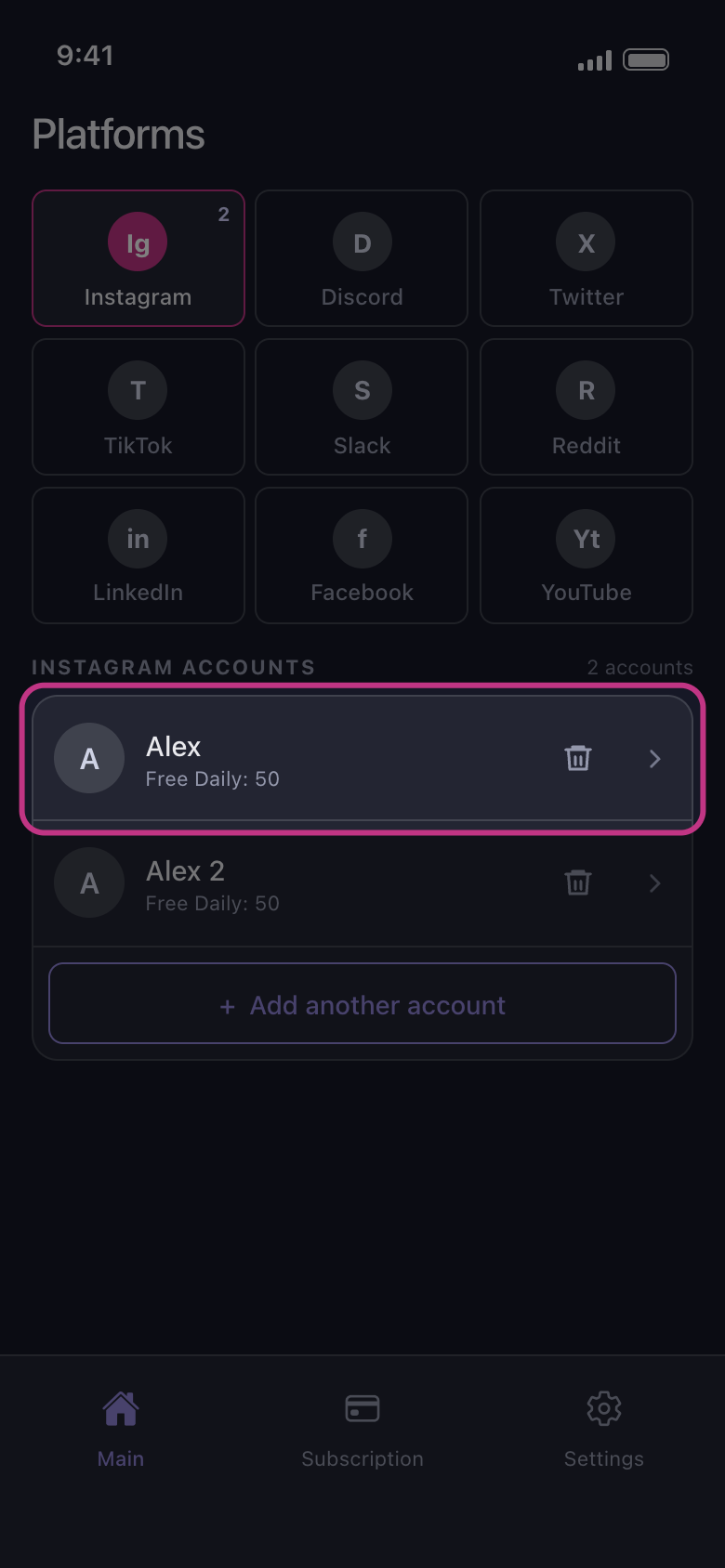
Ketuk akun yang ingin dibersihkan
Proses hanya berjalan pada akun yang Anda ketuk, tidak pada akun lain. Di X, Discord, Slack, dan Reddit, lembar How should we delete? terbuka lebih dulu; di platform lain, daftar apa saja yang bisa dihapus langsung terbuka. Saat terbuka, belum ada yang dicentang: pilihan tidak terbawa dari proses sebelumnya atau dari akun lain. Jika akun itu sudah tidak punya sisa penghapusan gratis hari ini, yang terbuka adalah Daily limit reached (tidak pernah di Reddit, yang tidak punya batas harian).
Di aplikasi Main → Instagram → akun
Perlu diketahui
- Di YouTube, satu kali login dengan Google bisa menambahkan beberapa baris: akun Google, lalu setiap channel brand dan setiap channel yang hanya dikelolanya. Lihat YouTube: login dengan Google dan pilih channel yang tepat.
- Di Instagram, akun yang terkait dengan akun yang Anda pakai untuk login bisa muncul sendiri, bertanda Not connected — tap to log in. Ketuk baris itu untuk login juga ke akun tersebut, atau hapus dengan ikon tempat sampah.
- Login lagi ke akun yang sudah tercantum akan menggantikan barisnya, yang lalu pindah ke urutan paling bawah; akun itu tidak ditambahkan dua kali.
- Menambahkan akun tidak memerlukan Premium. Premium menghapus batas harian di semua akun sekaligus.
Panduan lainnya