
Como adicionar uma segunda conta na mesma plataforma
Uma plataforma no Unpost comporta quantas contas você adicionar, inclusive no plano gratuito. Cada conta tem a própria cota diária gratuita, e uma exclusão só mexe na conta em que você a iniciou.
- 01
Toque em “Adicionar outra conta”
Na aba Principal, toque na plataforma. Abaixo da conta que já está lá, toque em “Adicionar outra conta”. A página de login da plataforma abre limpa, sem estar conectada à sua primeira conta: entre com a segunda. Se a conta que você quer já aparece como “Não conectado — toque para entrar”, toque nessa linha. Ninguém do Unpost jamais vai pedir sua senha ou um código de login.
No app Principal → Instagram → Adicionar outra conta

- 02
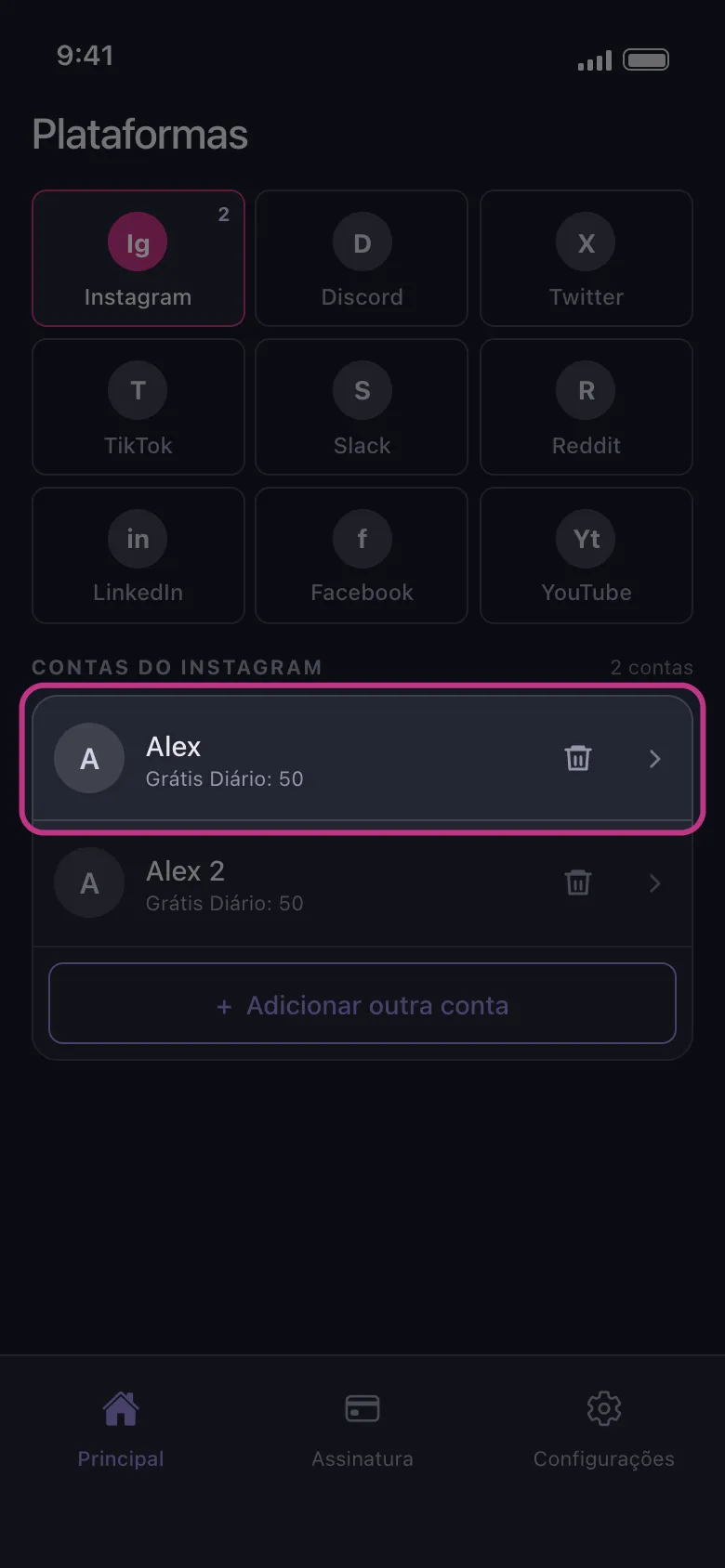
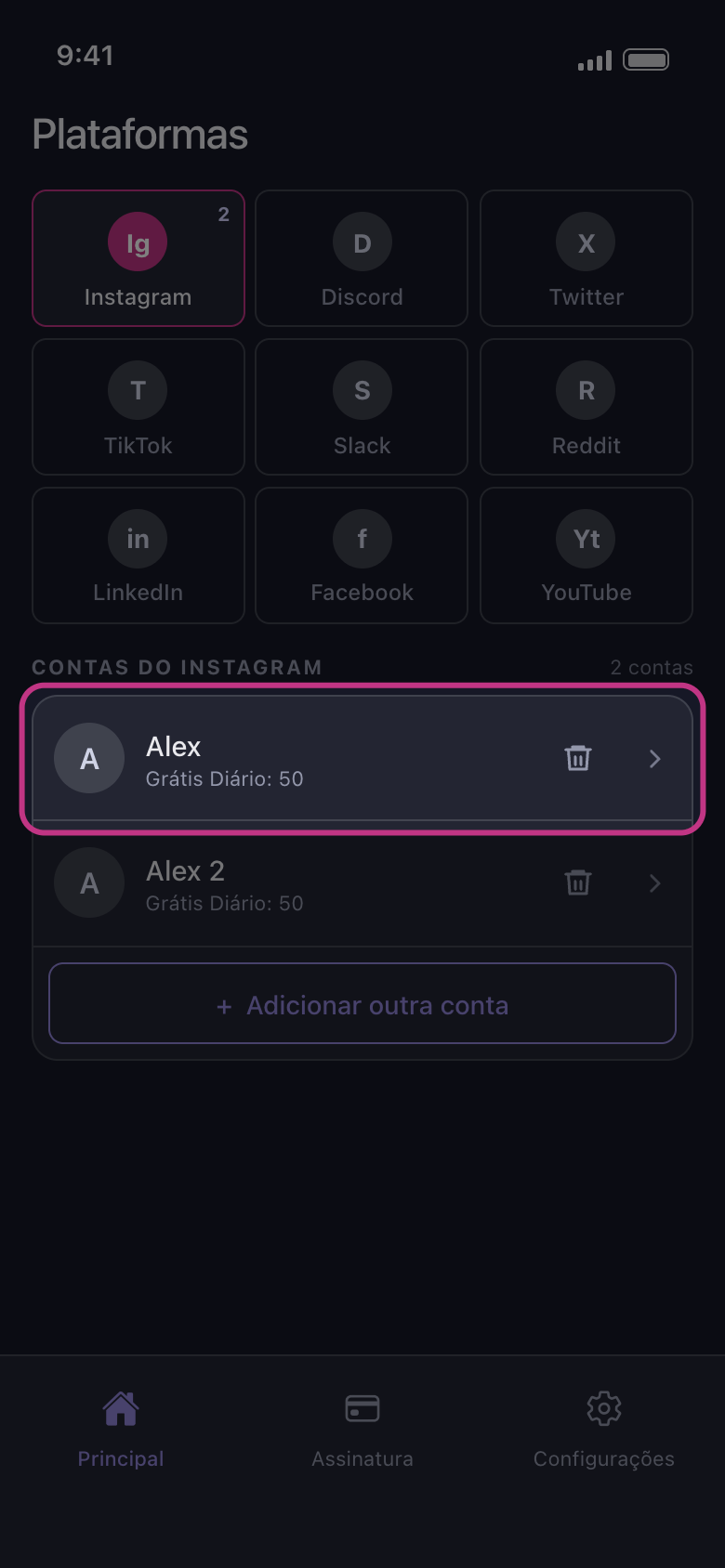
Encontre as duas contas na lista
Quando o login termina, a página fecha e a nova conta aparece abaixo da primeira. No plano gratuito, cada linha mostra o que aquela conta ainda pode apagar hoje, como “Grátis Diário: 50”. A cota pertence à conta: gastar as 50 de uma conta não mexe nas da outra.
No app Principal → Instagram
- 03
Toque na conta que você quer limpar
A exclusão funciona na conta em que você tocou e em nenhuma outra. No X, no Discord, no Slack e no Reddit, abre primeiro o painel “Como devemos excluir?”; nas outras plataformas, a lista do que pode ser apagado abre direto. Nada vem marcado: as escolhas de uma exclusão anterior ou da outra conta não são reaproveitadas. Se essa conta não tiver mais exclusões gratuitas hoje, abre “Limite diário atingido” no lugar (nunca no Reddit, que não tem limite diário).
No app Principal → Instagram → conta

Bom saber
- No YouTube, um único login do Google pode adicionar várias linhas: a conta do Google e depois cada canal de marca e cada canal que ela só gerencia. Veja “YouTube: entre com o Google e escolha o canal certo”.
- No Instagram, uma conta vinculada à que você usou para entrar pode aparecer sozinha, marcada “Não conectado — toque para entrar”. Toque nessa linha para entrar nela também, ou remova-a com o ícone de lixeira.
- Entrar de novo numa conta que já está na lista substitui a linha dela, que vai para o fim da lista; ela não é adicionada uma segunda vez.
- Adicionar contas não exige o Premium. O Premium remove o limite diário de todas as contas de uma vez.
Mais guias