
How to sign in, and fix a login that won’t connect
Unpost has no login form of its own and no Unpost account. Connecting opens the platform’s real login page inside the app: you sign in there, Unpost never stores your password, and the login stays on your phone. There is no permission screen to grant: when the page closes, the account is connected. Nobody from Unpost will ever ask for your password or a login code.
- 01
Tap the Connect button, or Add another account
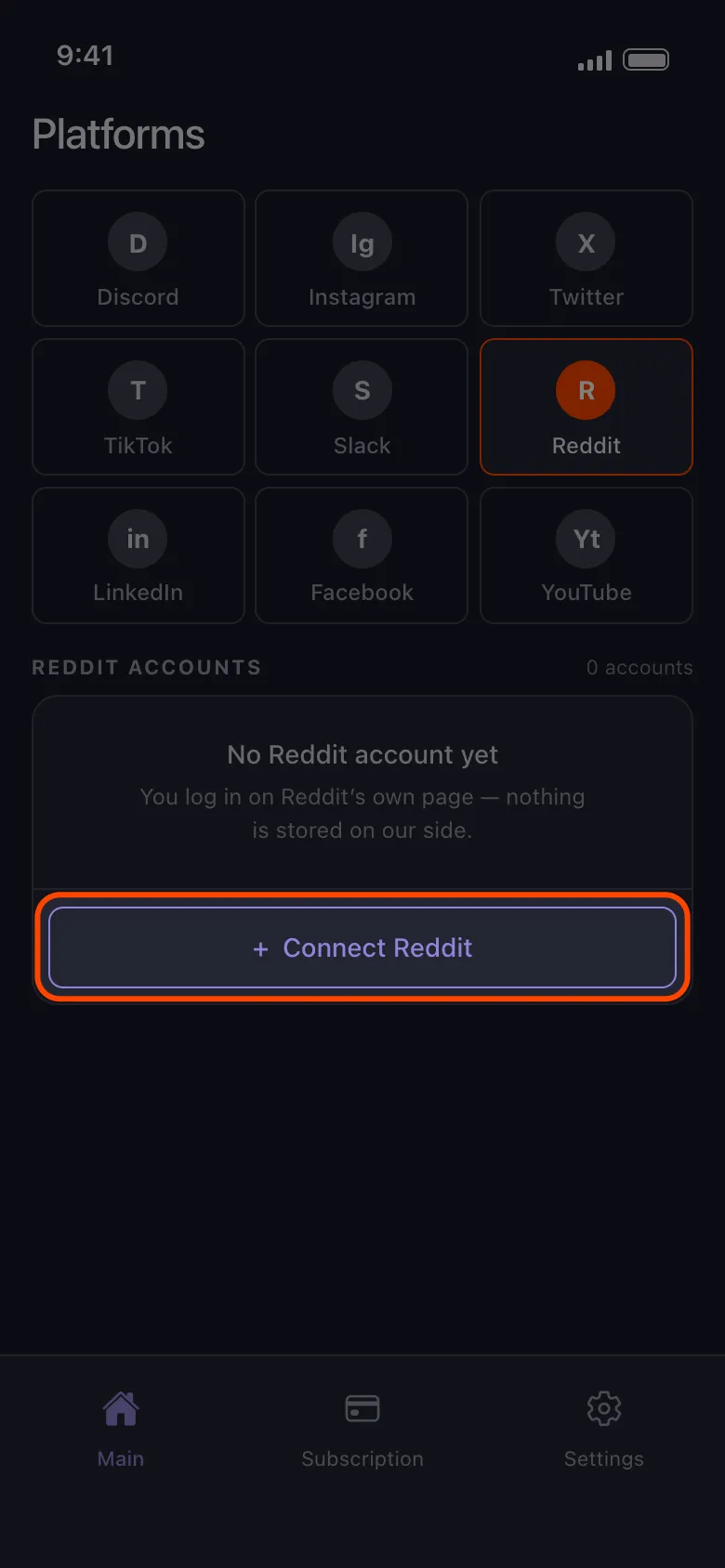
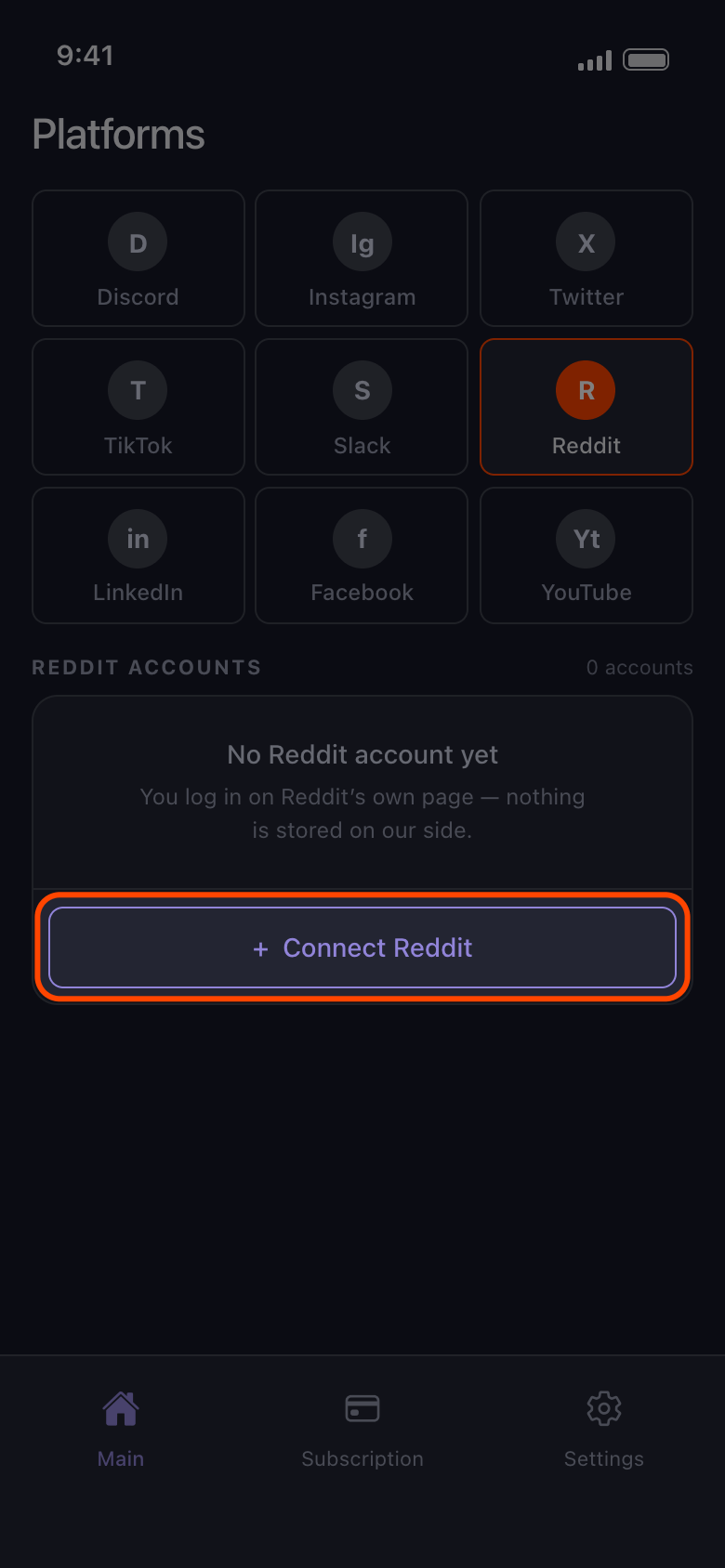
Open the Main tab, pick the platform, and tap the button that reads Connect and the platform’s name (here, Connect Reddit), or Add another account if one is already there.
In the app Main → Reddit → Connect Reddit
- 02
Sign in with your username and password
Use the form on the login page that opens, including any two-factor code or captcha the platform asks for. On Android, buttons such as Continue with Google or Continue with Apple open your browser, and a sign-in finished there never reaches Unpost: close the browser, come back to the login page and use the username and password form. If you have always signed in with Google or Apple, first set a password, usually through the platform’s Forgot password link. On an iPhone, if Google asks for a passkey, choose another way to sign in and type your Google password.
In the app Connect Reddit → Reddit’s login page
- 03
Wait for the page to close by itself
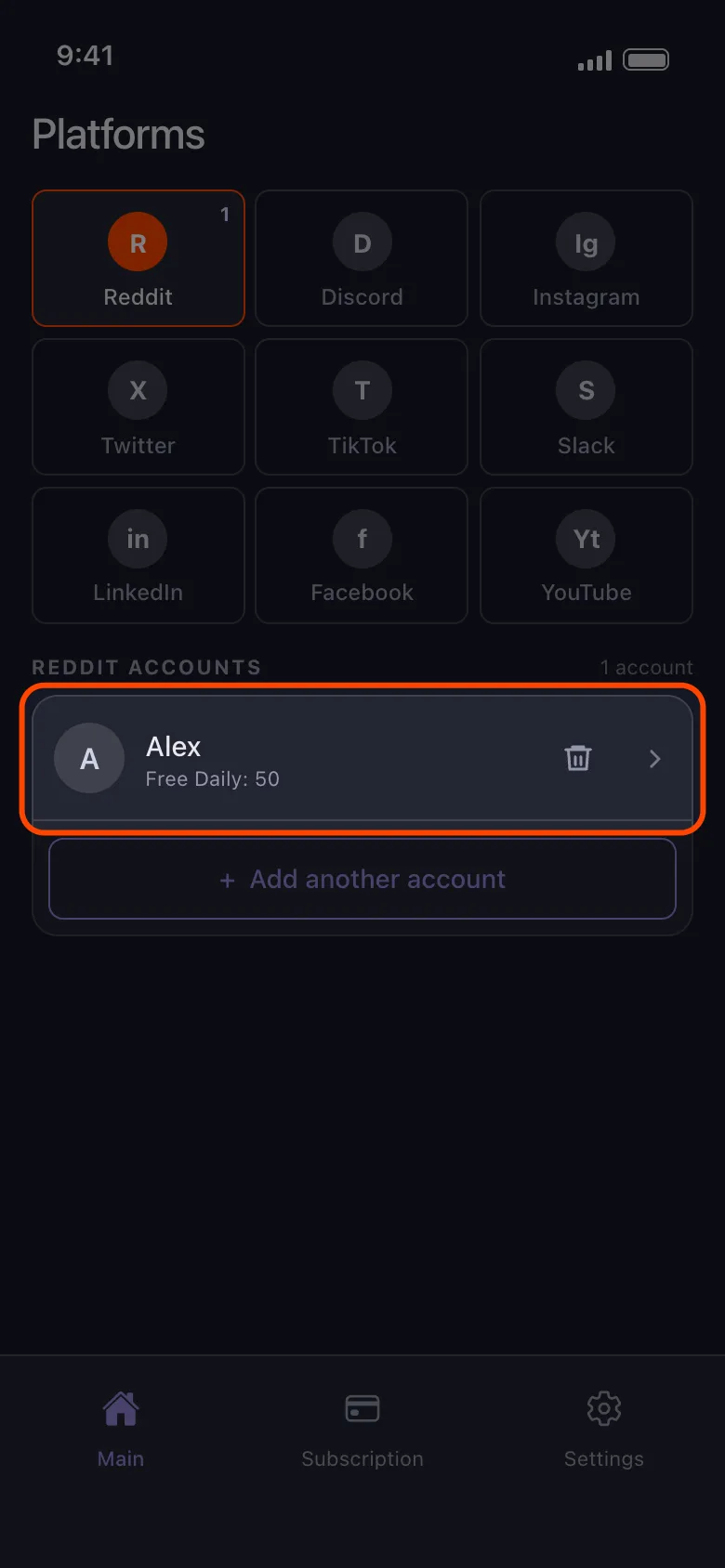
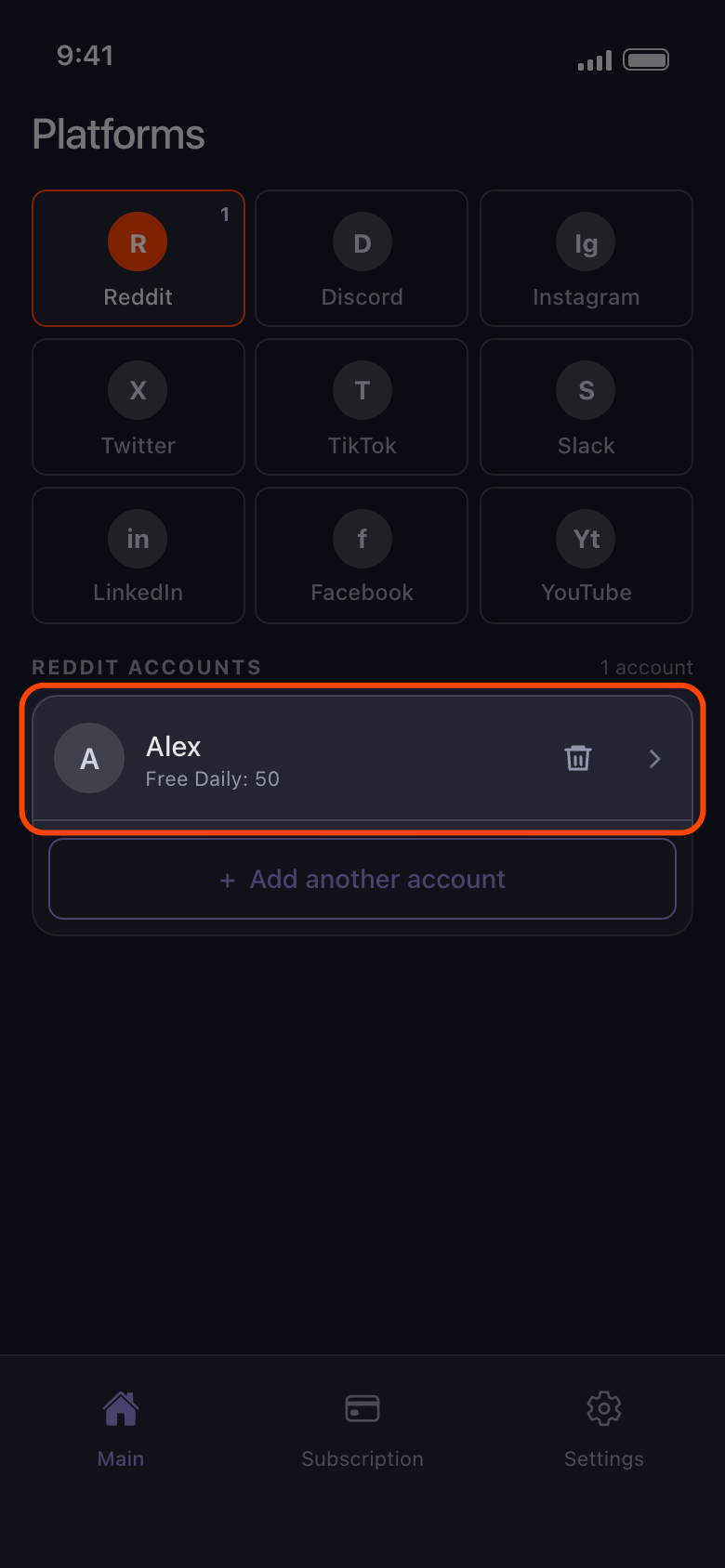
When the sign-in is complete, Unpost closes the page and the account appears in the list. If the page keeps loading for more than a minute or two, tap the back arrow and try again. If it closes but no account appears, tap Connect Reddit again. Signing in only connects the account: to delete, tap it and pick what goes (see How to add an account and run your first cleanup).
In the app Main → Reddit
- 04
If an account says Not connected, tap it
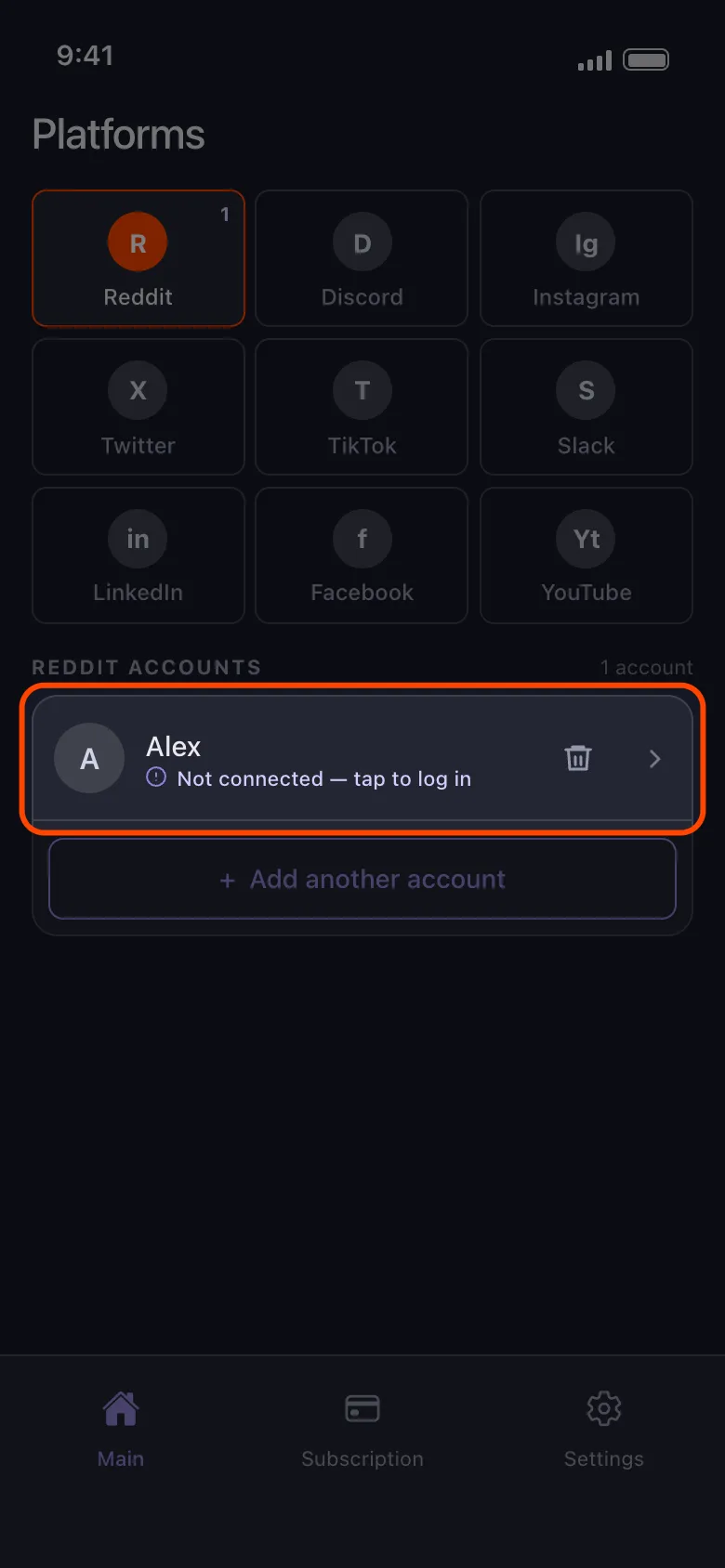
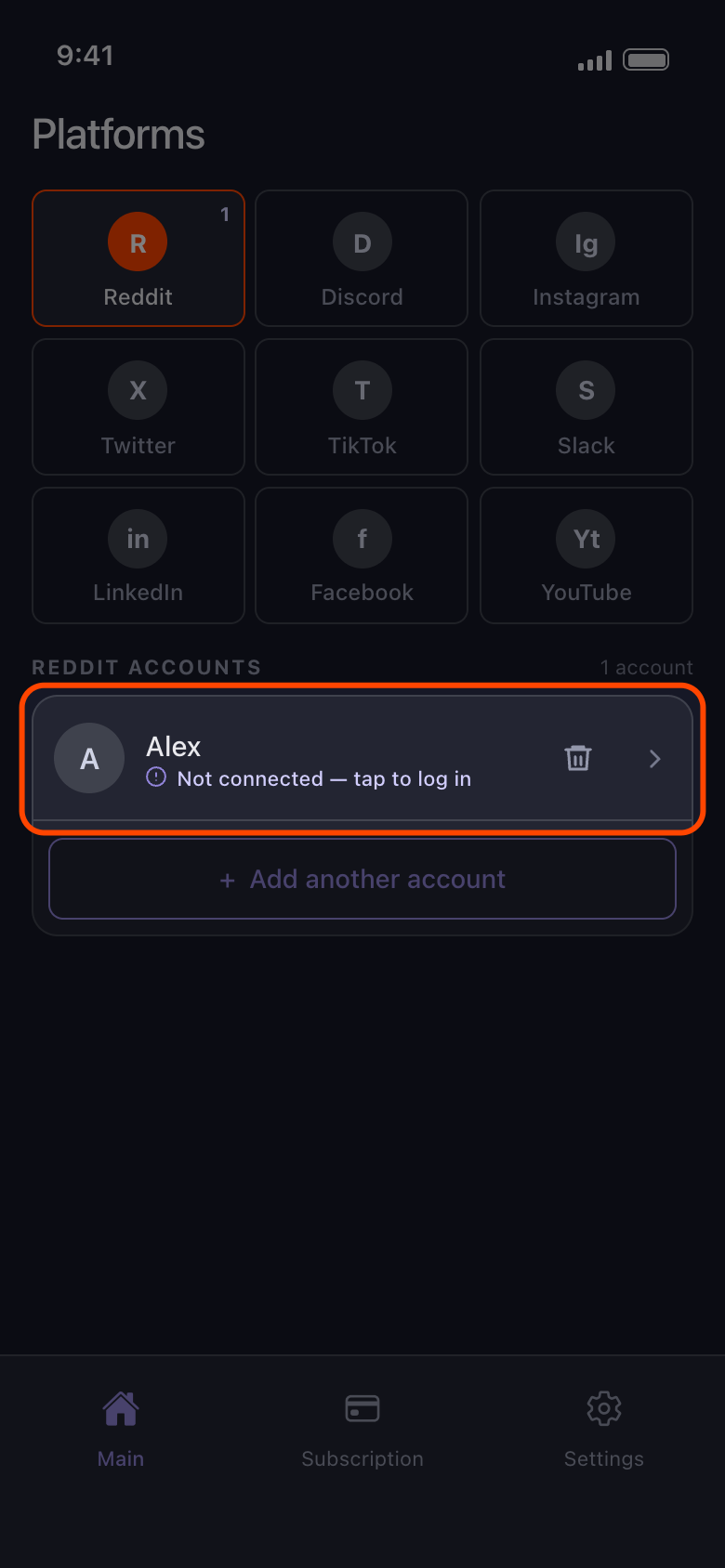
The platform ended the login Unpost keeps for that account. Being signed in to the platform’s own app, TikTok’s for example, doesn’t change this: Unpost keeps its own login on this phone. Tapping the row opens the login page for that account. Sign in to the same account and the row is updated rather than added twice; with several accounts, it moves to the bottom of the list. A different account is added as a new row, and the one that says Not connected — tap to log in stays until you remove it.
In the app Main → Reddit → Not connected — tap to log in
- 05
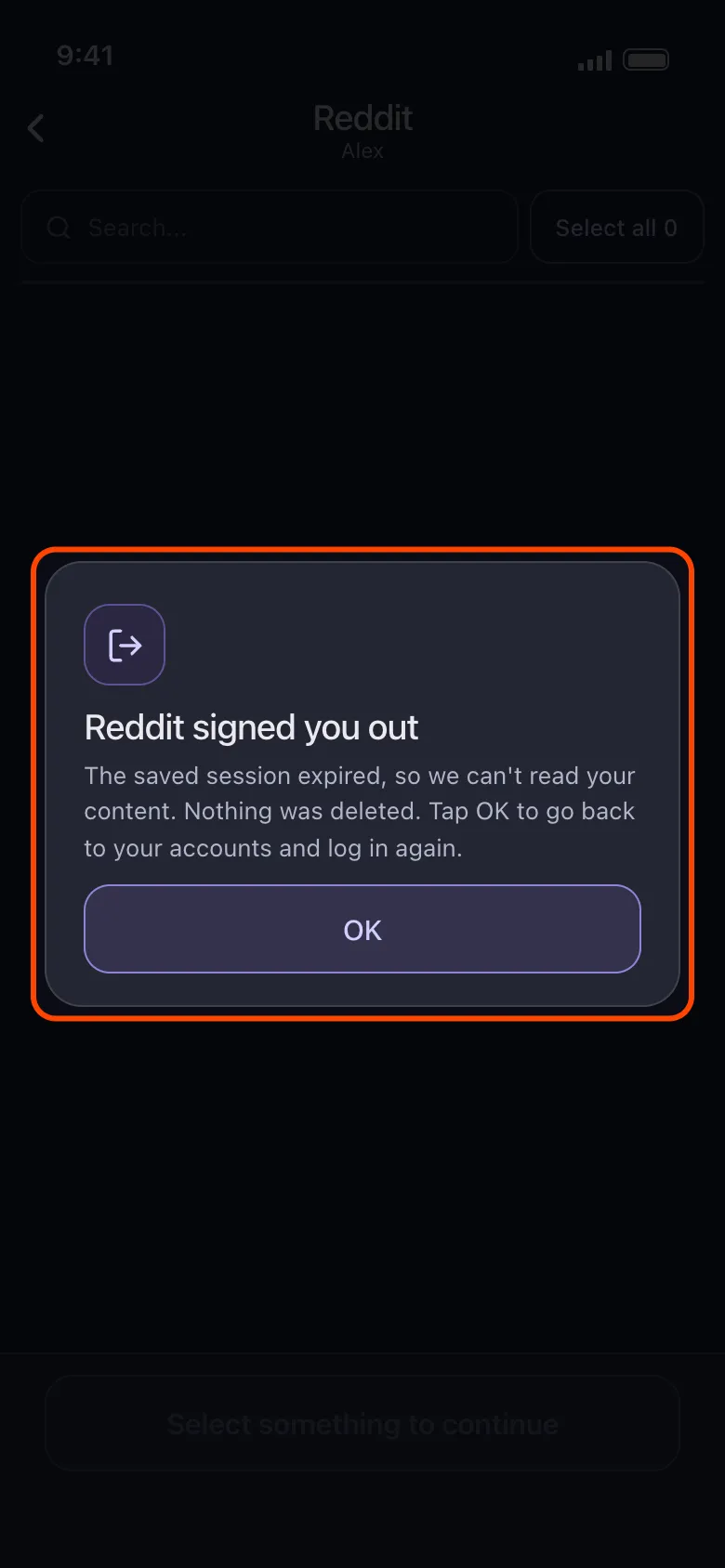
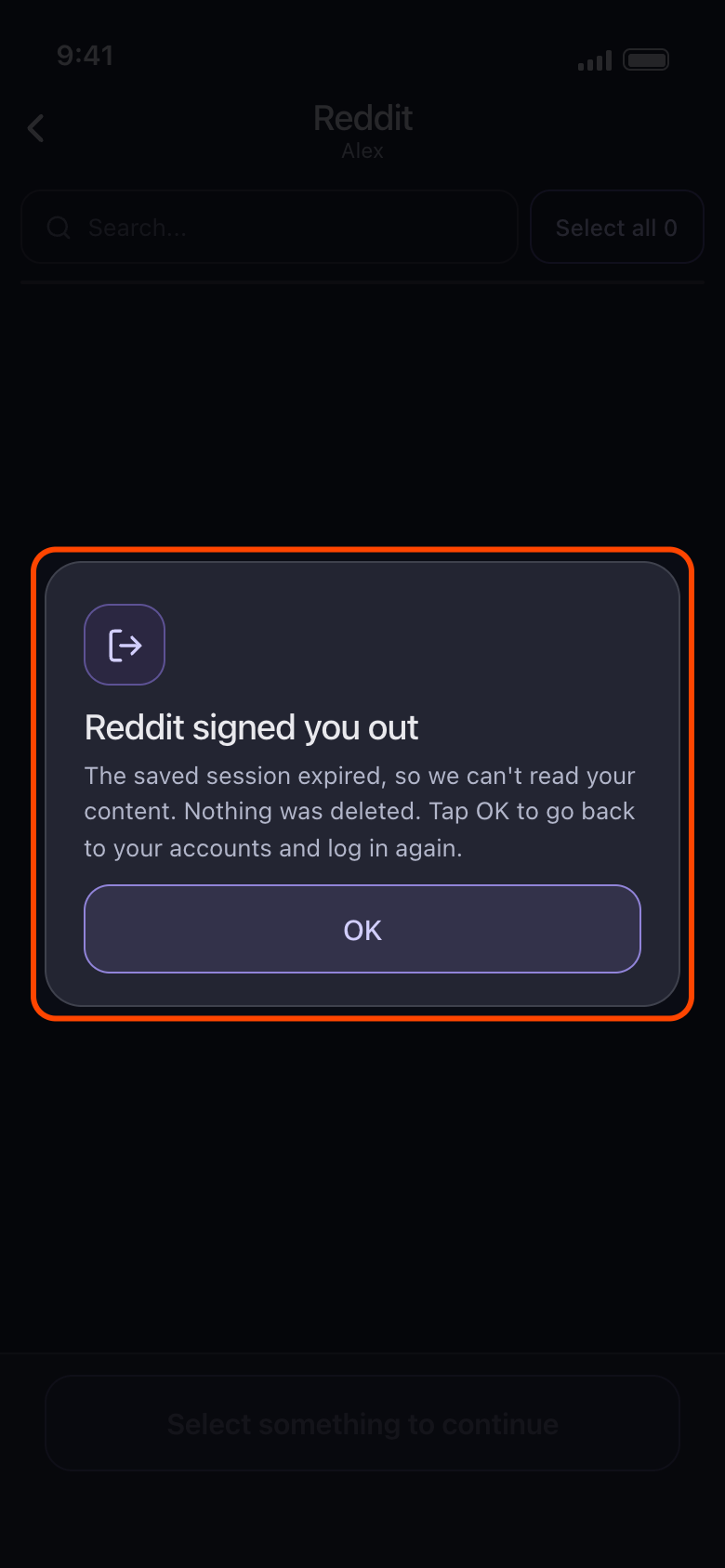
If you see “Reddit signed you out”, tap OK
The login had expired when you opened the account, and nothing was deleted. OK takes you back to your accounts, where the row now says Not connected — tap to log in. Tap it and sign in again. If a run stopped because the platform signed the account out, the result screen says so instead: tap the account’s row on Main, sign in again, then start the run again.
In the app Main → Reddit → account → Delete from Reddit → OK
- 06
If an account keeps failing, update Unpost, then add it again
First update Unpost to the latest version (the version is at the bottom of Settings). If the account still fails, remove it and add it again, then start a new run (see How to remove an account from Unpost); on Discord, X and Reddit, removing an account also clears its imported data package, so import it again. If X refuses the sign-in itself, sign in to that account in the X app first, then try again in Unpost later.
Good to know
- Each login page opens signed out, not signed in to another account, so the platform may ask for your two-factor code every time.
- On YouTube you sign in on Google’s own page. One sign-in adds the Google account, then each brand channel and each channel it only manages shows as a row of its own: see YouTube: sign in with Google and choose the right channel.
- On Instagram, an account linked to the one you signed in with can appear on its own, marked Not connected — tap to log in. Tap it to sign in to that account too, or remove it with the trash icon. To add a different Instagram account, use Add another account, not such a row. If the login stays on Instagram’s feed, signs you out at once or asks for a birthday, see Instagram won’t connect: stuck on the feed, signed out, or asked for a birthday.
- Unable to start Unpost instead of the login page means Unpost couldn’t load what it needs: tap Try again, and if it keeps failing, check your connection or update Unpost; your accounts stay as they are. On Android, if it appears right after you tap a Connect button or an account, see Why Unpost stops on a rooted phone or emulator. An error box instead of the login page means the platform’s page didn’t load: check your connection and try again.
- Reddit accounts show Free Daily: 50 too, but Reddit has no daily cap.
- Still stuck? Settings → Contact Support opens an email to contact@unpost.app. Say which platform it is and what the login page showed.
More guides