
How to remove an account from Unpost
There’s no Unpost account to delete: you never create one. What you can remove are the platform accounts you connected, and removing one changes nothing on the platform: your account there, and everything already deleted, stay as they are.
- 01
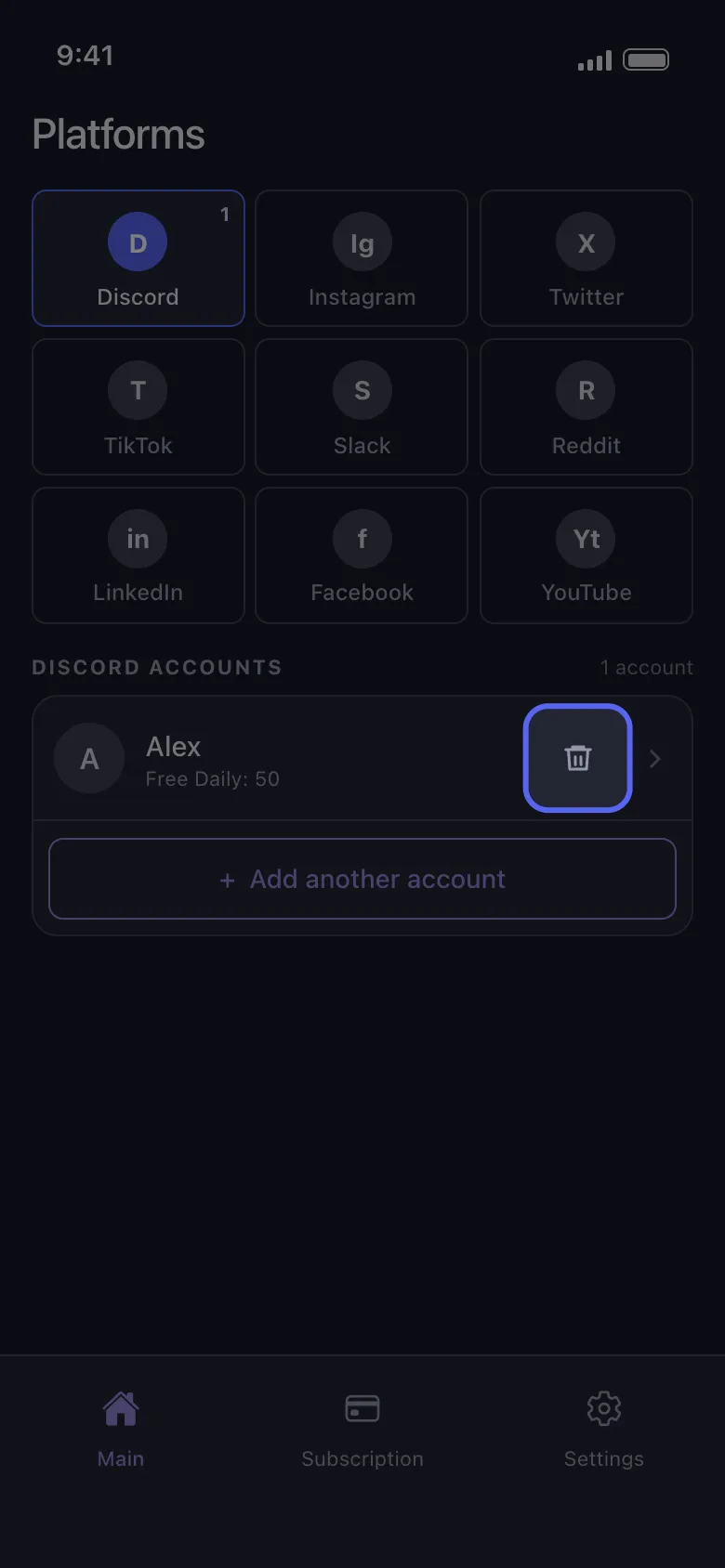
Tap the trash icon on the account’s row
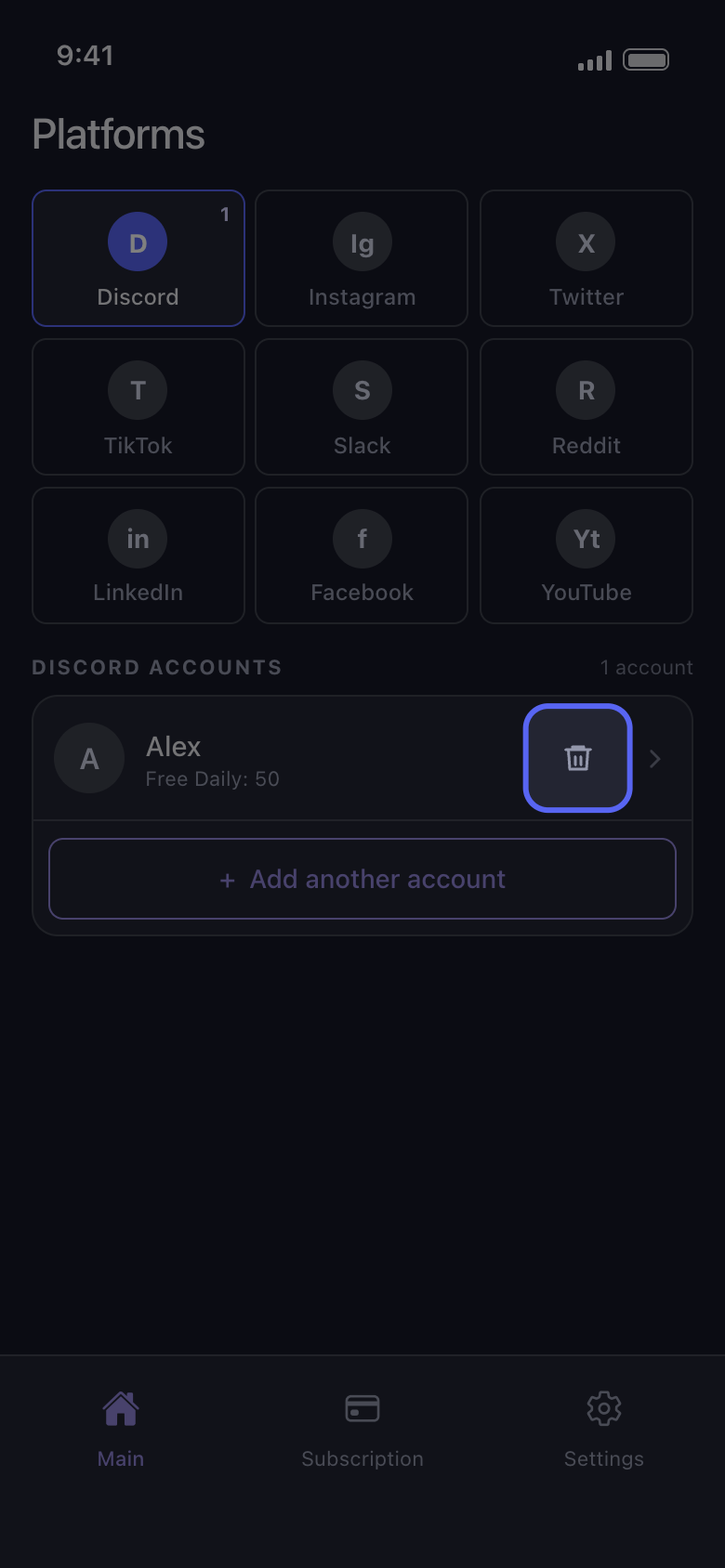
On the Main tab, tap the platform’s tile. Each account row has a trash icon on the right, next to the arrow.
In the app Main → Discord → trash icon
- 02
Confirm with Delete
Unpost asks Logout from Discord Account and names the account. Delete signs Unpost out of it and takes it off this phone; Cancel keeps it.
In the app Logout from Discord Account → Delete
- 03
Add it back whenever you want
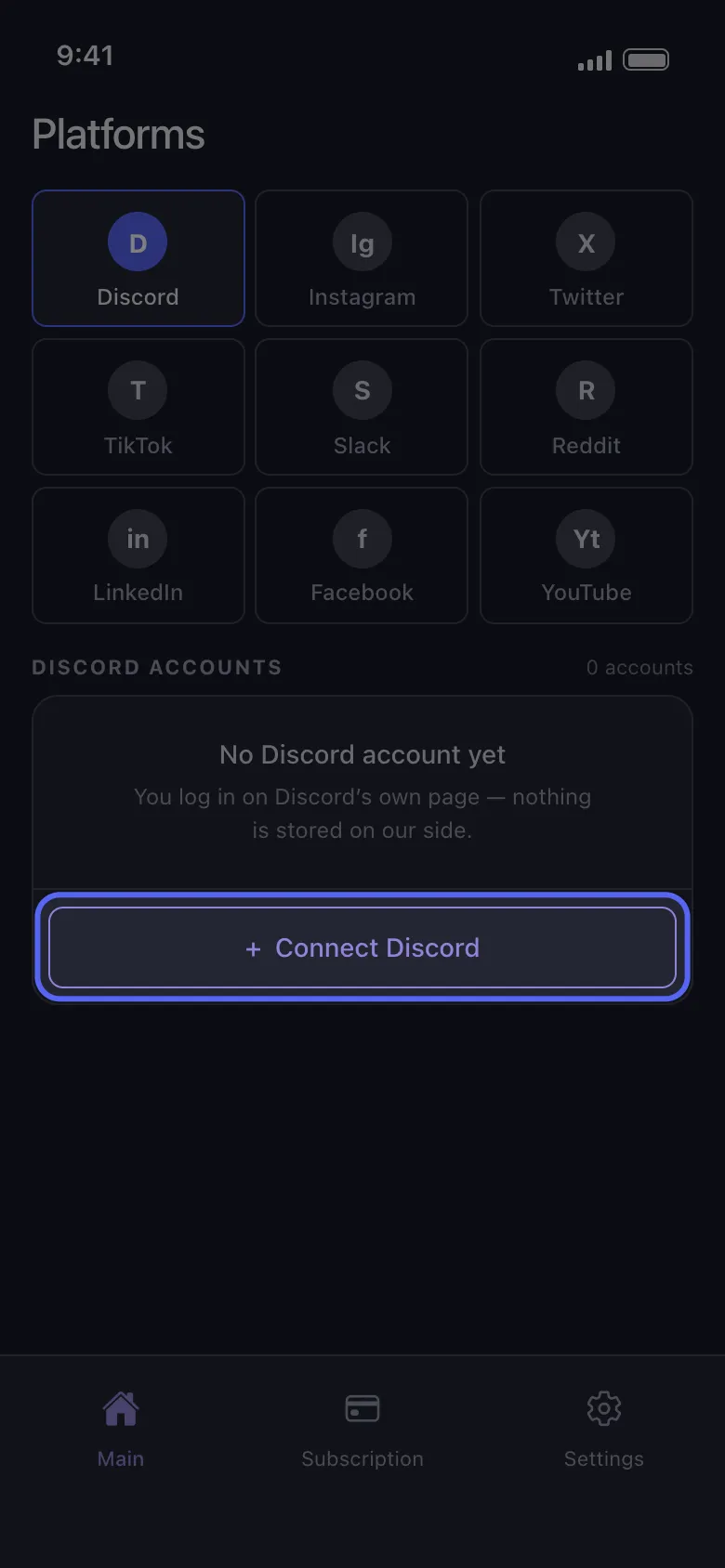
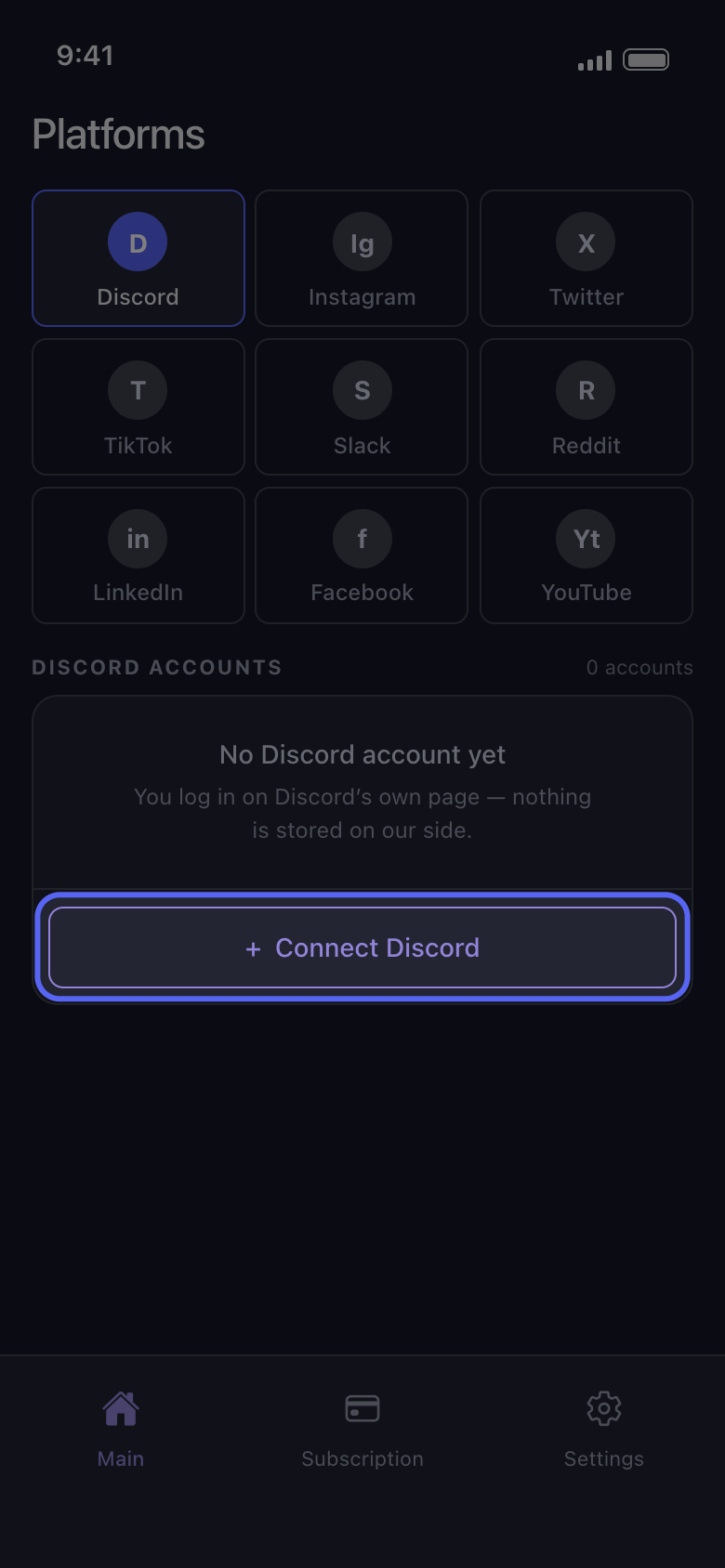
Tap Connect Discord (Add another account if other accounts are still listed) and sign in again on Discord’s own page; nobody from Unpost will ever ask for your password or a login code. The account comes back with the free deletions it had left today: removing it doesn’t reset the daily allowance.
In the app Main → Discord → Connect Discord
Good to know
- Removing also clears what Unpost stored on this phone for that account, including an imported data package. After adding the account back, import the package again before using Delete from data package.
- An account that says Not connected — tap to log in doesn’t need removing: tap the row and sign in again (see How to sign in, and fix a login that won’t connect).
- To take every account out at once, use Settings → Logout all Accounts, marked Clears everything, and confirm. It signs Unpost out of every account on this phone and clears the imported data packages too.
- Removing accounts, or deleting the app, doesn’t cancel Premium: cancel it in the App Store or Google Play (see How to cancel Unpost Premium, and why you were charged after cancelling).
- To delete or deactivate the account on the platform itself, use the platform’s own settings.
- For what Unpost keeps about you, see Is Unpost safe, and what does it keep about you?
More guides