
Cómo quitar una cuenta de Unpost
No hay ninguna cuenta de Unpost que eliminar: nunca llegas a crear una. Lo que puedes quitar son las cuentas de las plataformas que conectaste, y quitar una no cambia nada en la plataforma: tu cuenta allí, y todo lo que ya se borró, siguen como están.
- 01
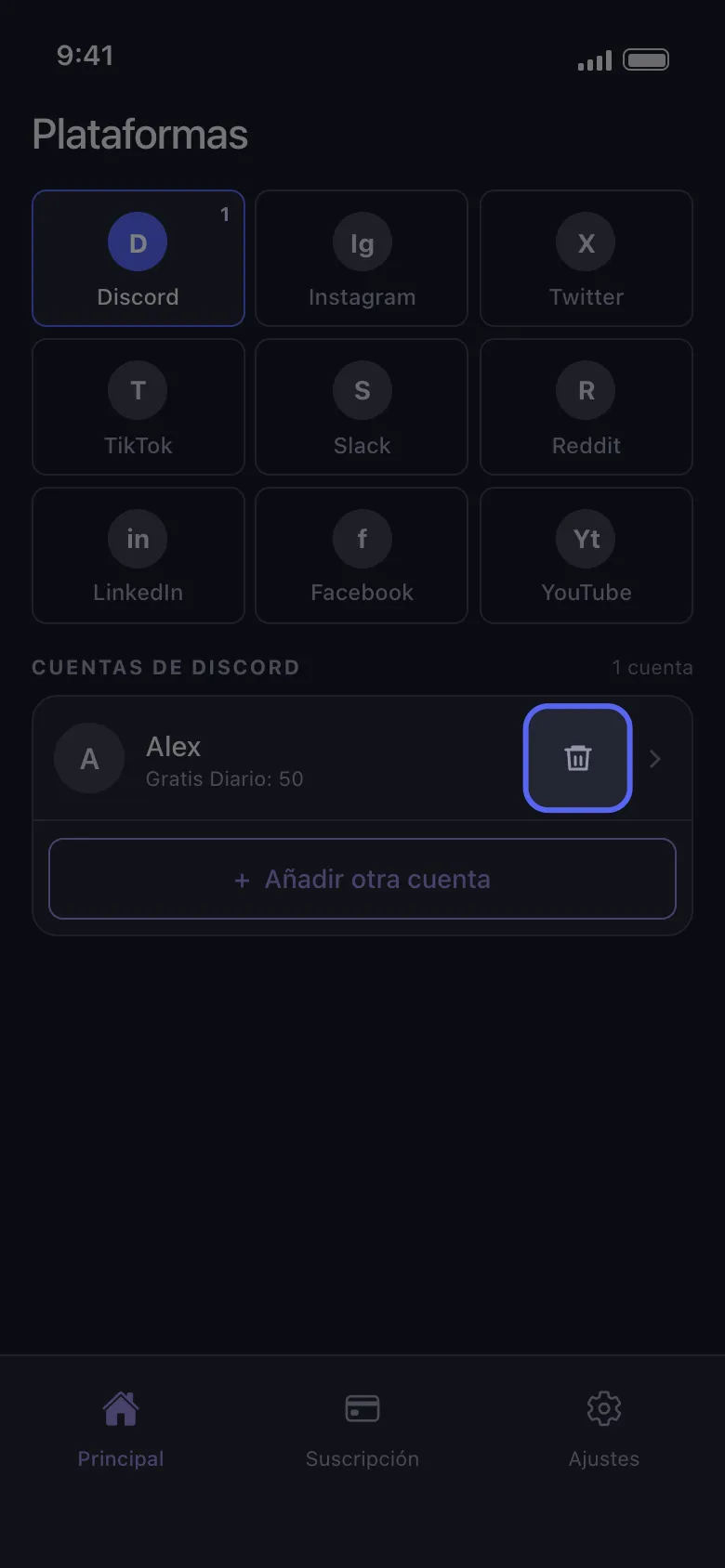
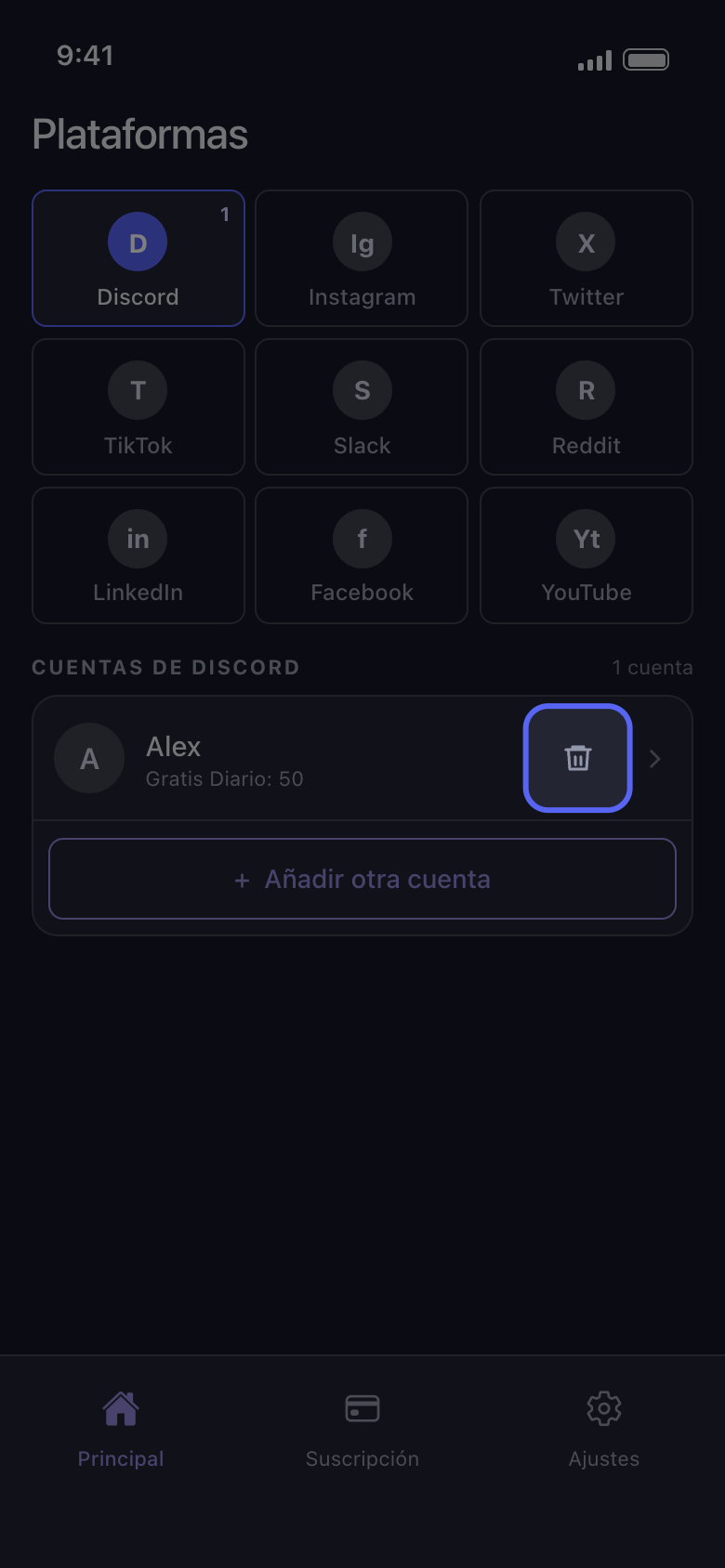
Toca el icono de la papelera en la fila de la cuenta
En la pestaña Principal, toca el recuadro de la plataforma. Cada fila de cuenta tiene un icono de papelera a la derecha, junto a la flecha.
En la app Principal → Discord → icono de la papelera
- 02
Confirma con Eliminar
Unpost muestra Cerrar sesión de la Cuenta Discord y nombra la cuenta. Eliminar cierra la sesión de Unpost en esa cuenta y la quita de este teléfono; Cancelar la conserva.
En la app Cerrar sesión de la Cuenta Discord → Eliminar
- 03
Vuelve a añadirla cuando quieras
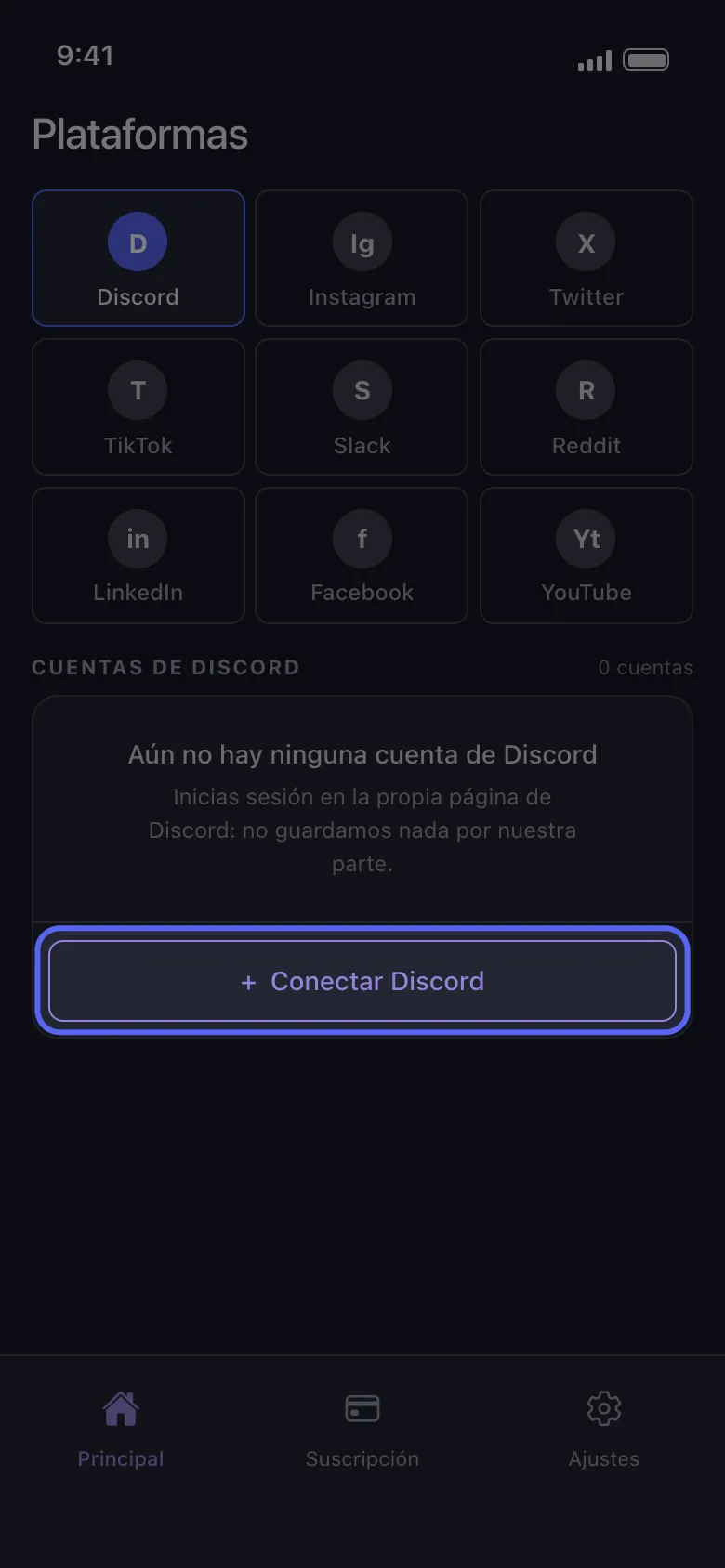
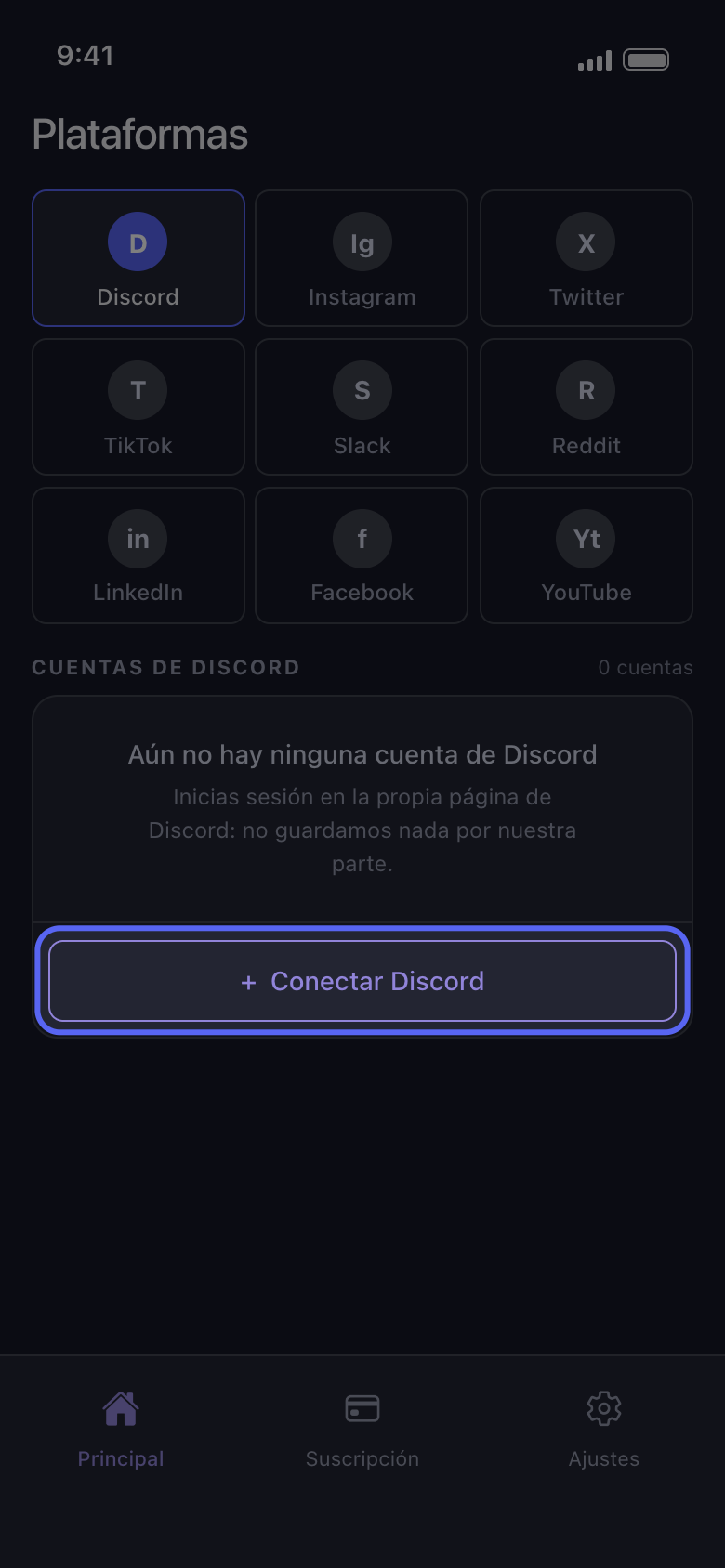
Toca Conectar Discord (Añadir otra cuenta si aún quedan otras cuentas en la lista) y vuelve a iniciar sesión en la propia página de Discord; nadie de Unpost te pedirá nunca tu contraseña ni un código de inicio de sesión. La cuenta vuelve con las eliminaciones gratuitas que le quedaban hoy: quitarla no reinicia el cupo diario.
En la app Principal → Discord → Conectar Discord
Bueno saberlo
- Quitar una cuenta también borra lo que Unpost guardó en este teléfono para ella, incluido un paquete de datos importado. Después de volver a añadir la cuenta, importa de nuevo el paquete antes de usar Eliminar del paquete de datos.
- Una cuenta que dice «No conectado: toca para iniciar sesión» no hace falta quitarla: toca la fila y vuelve a iniciar sesión (consulta Cómo iniciar sesión y qué hacer si la cuenta no se conecta).
- Para quitar todas las cuentas a la vez, usa Ajustes → Cerrar sesión de todas las Cuentas, con la indicación Borra todo, y confirma. Cierra la sesión de Unpost en todas las cuentas de este teléfono y también borra los paquetes de datos importados.
- Quitar cuentas, o borrar la app, no cancela Premium: cancélalo en la App Store o en Google Play (consulta Cómo cancelar la suscripción a Unpost Premium y por qué te cobraron después de cancelar).
- Para eliminar o desactivar la cuenta en la propia plataforma, usa los ajustes de esa plataforma.
- Para saber qué guarda Unpost sobre ti, consulta ¿Es seguro Unpost y qué guarda sobre ti?
Más guías