
Unpost’tan bir hesabı kaldırma
Silinecek bir Unpost hesabı yoktur: hiç oluşturmazsınız. Kaldırabileceğiniz şey bağladığınız platform hesaplarıdır ve birini kaldırmak platformda hiçbir şeyi değiştirmez: oradaki hesabınız da, daha önce silinenler de olduğu gibi kalır.
- 01
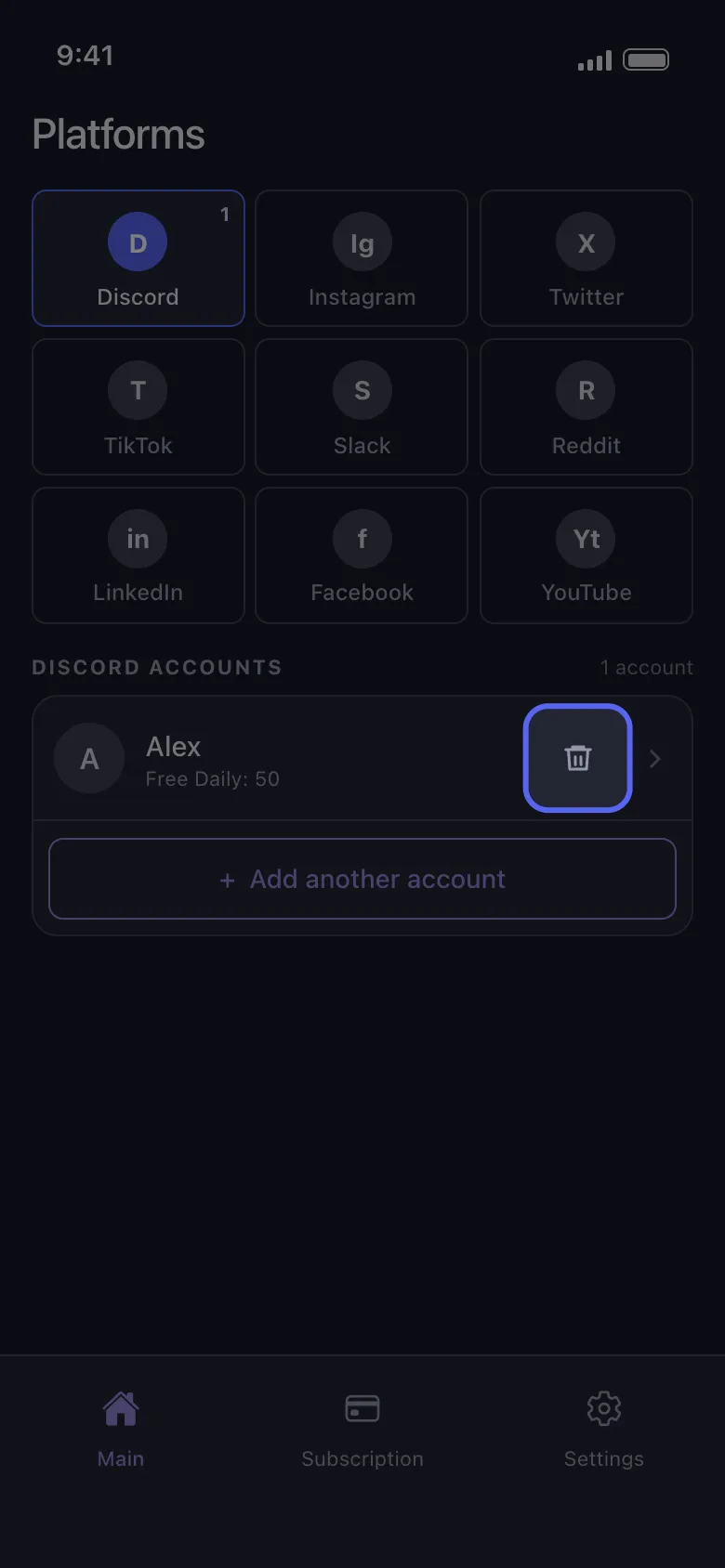
Hesap satırındaki çöp kutusu simgesine dokunun
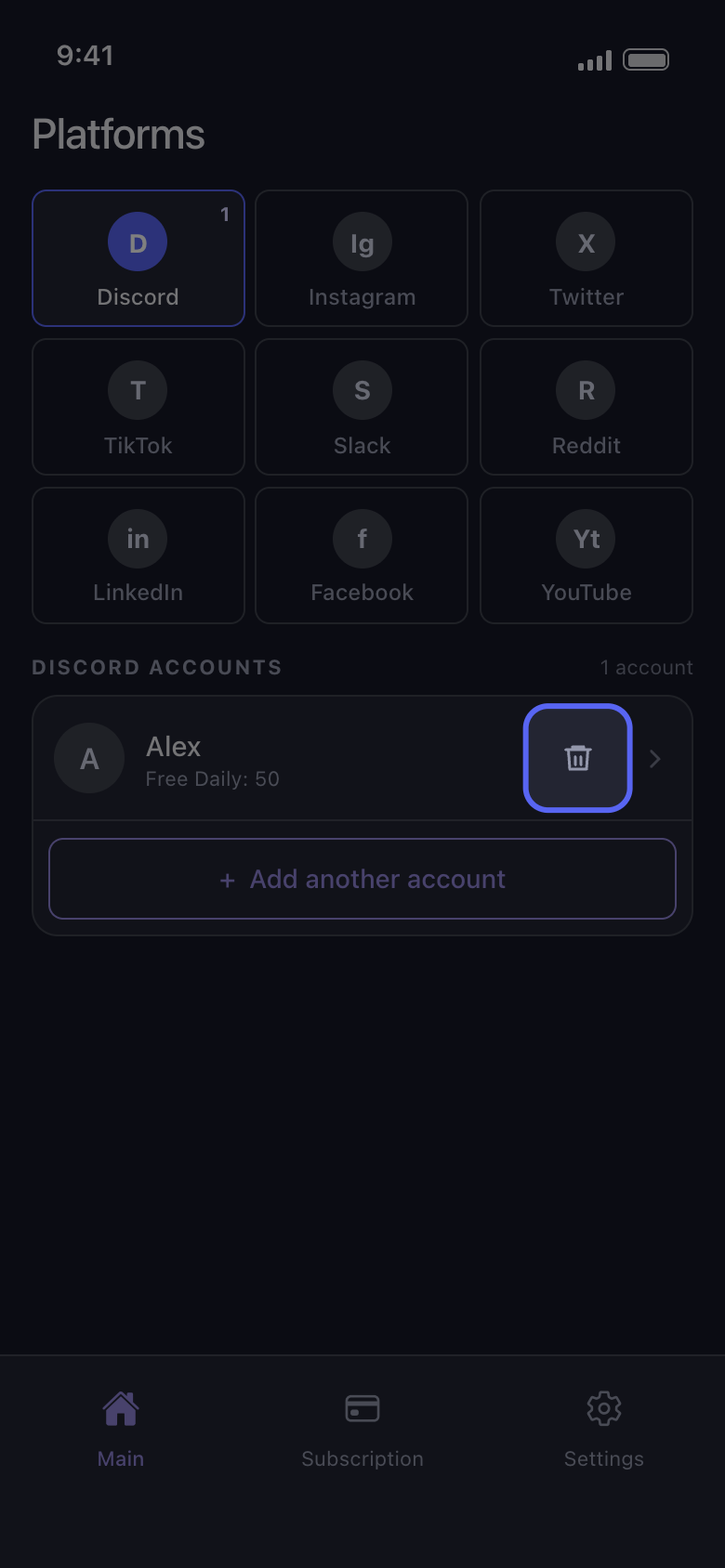
Main sekmesinde platforma dokunun. Her hesap satırının sağında, okun yanında bir çöp kutusu simgesi vardır.
Uygulamada Main → Discord → çöp kutusu simgesi
- 02
Delete ile onaylayın
Unpost, hesabın adını vererek “Logout from Discord Account” diye sorar. Delete, Unpost’un o hesaptaki oturumunu kapatır ve hesabı bu telefondan kaldırır; Cancel hesabı korur.
Uygulamada Logout from Discord Account → Delete
- 03
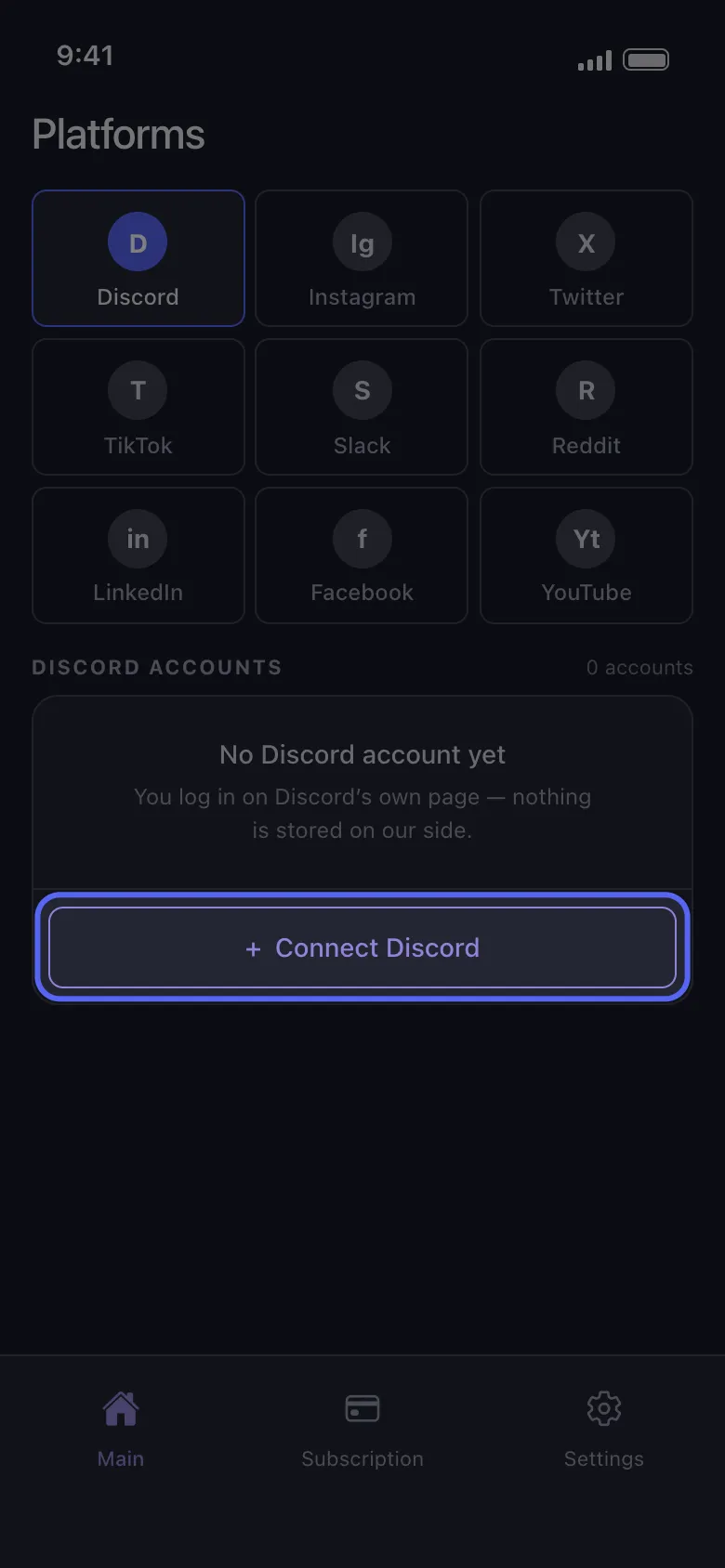
İstediğiniz zaman geri ekleyin
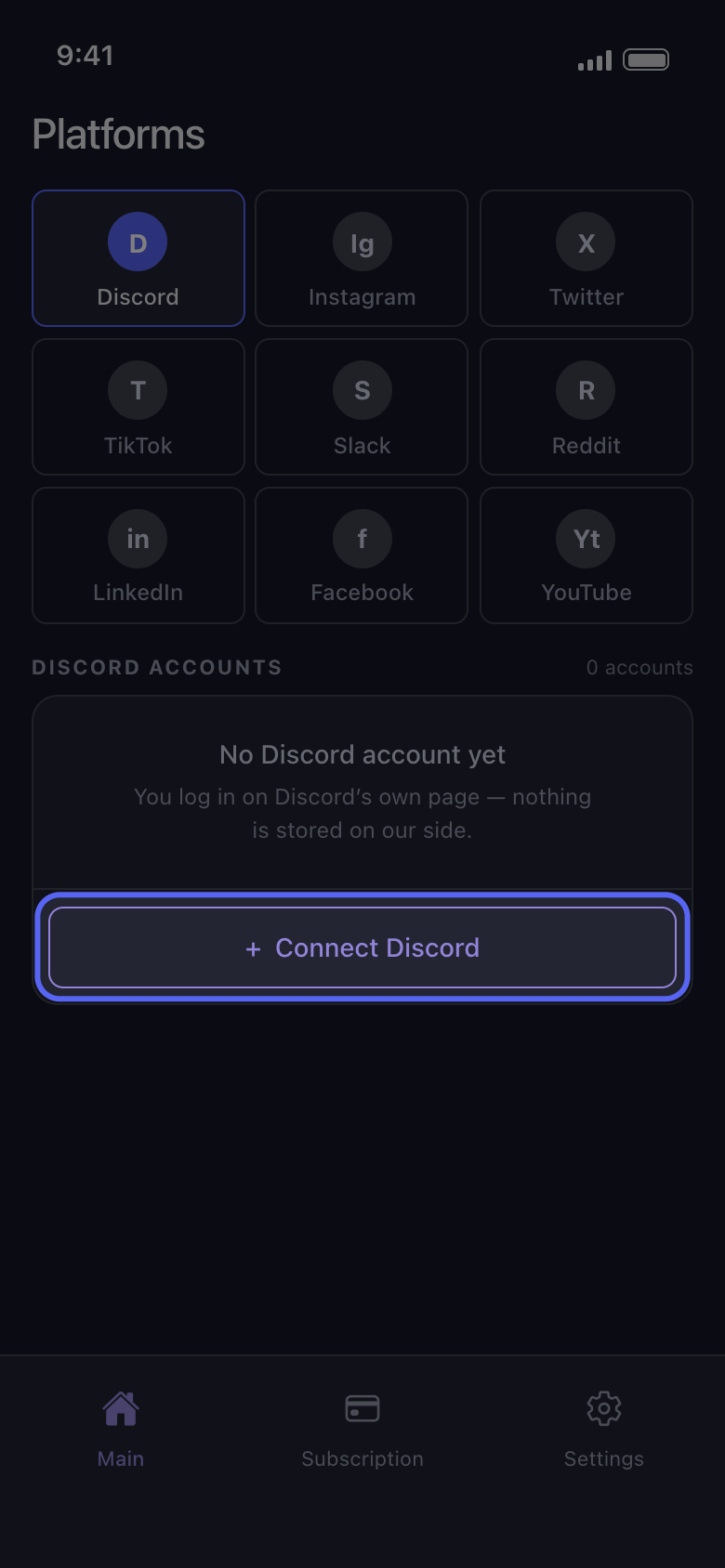
Connect Discord düğmesine dokunun (listede başka hesaplar varsa Add another account) ve Discord’un kendi sayfasında yeniden giriş yapın; Unpost’tan hiç kimse sizden şifrenizi veya giriş kodunuzu istemez. Hesap, bugün kalan ücretsiz silme haklarıyla geri gelir: kaldırmak günlük hakkı sıfırlamaz.
Uygulamada Main → Discord → Connect Discord
Bilmekte fayda var
- Kaldırmak, Unpost’un bu telefonda o hesap için sakladıklarını da siler; içe aktarılmış bir veri paketi de buna dahildir. Hesabı geri ekledikten sonra Delete from data package seçeneğini kullanmadan önce paketi yeniden içe aktarın.
- “Not connected — tap to log in” yazan bir hesabı kaldırmanız gerekmez: satıra dokunup yeniden giriş yapın (“Giriş yapma ve giriş sorunlarını giderme” kılavuzuna bakın).
- Tüm hesapları bir kerede kaldırmak için Clears everything etiketli Settings → Logout all Accounts seçeneğini kullanın ve onaylayın. Bu, Unpost’un bu telefondaki tüm hesaplarda oturumunu kapatır ve içe aktarılmış veri paketlerini de siler.
- Hesapları kaldırmak ya da uygulamayı silmek Premium’u iptal etmez: Premium’u App Store’da veya Google Play’de iptal edin (“Unpost Premium’u iptal etme: iptalden sonra neden ücret alındı?” kılavuzuna bakın).
- Hesabı platformun kendisinde silmek veya devre dışı bırakmak için platformun kendi ayarlarını kullanın.
- Unpost’un hakkınızda neler sakladığı için “Unpost güvenli mi, hakkınızda neler saklıyor?” kılavuzuna bakın.
Daha fazla kılavuz