
كيف تزيل حسابًا من Unpost
لا يوجد حساب Unpost يمكن حذفه، فأنت لا تنشئ حسابًا أصلًا. ما يمكنك إزالته هو حسابات المنصات التي ربطتها، وإزالة أحدها لا تغيّر شيئًا على المنصة: يبقى حسابك هناك كما هو، ويبقى ما حُذف محذوفًا.
- 01
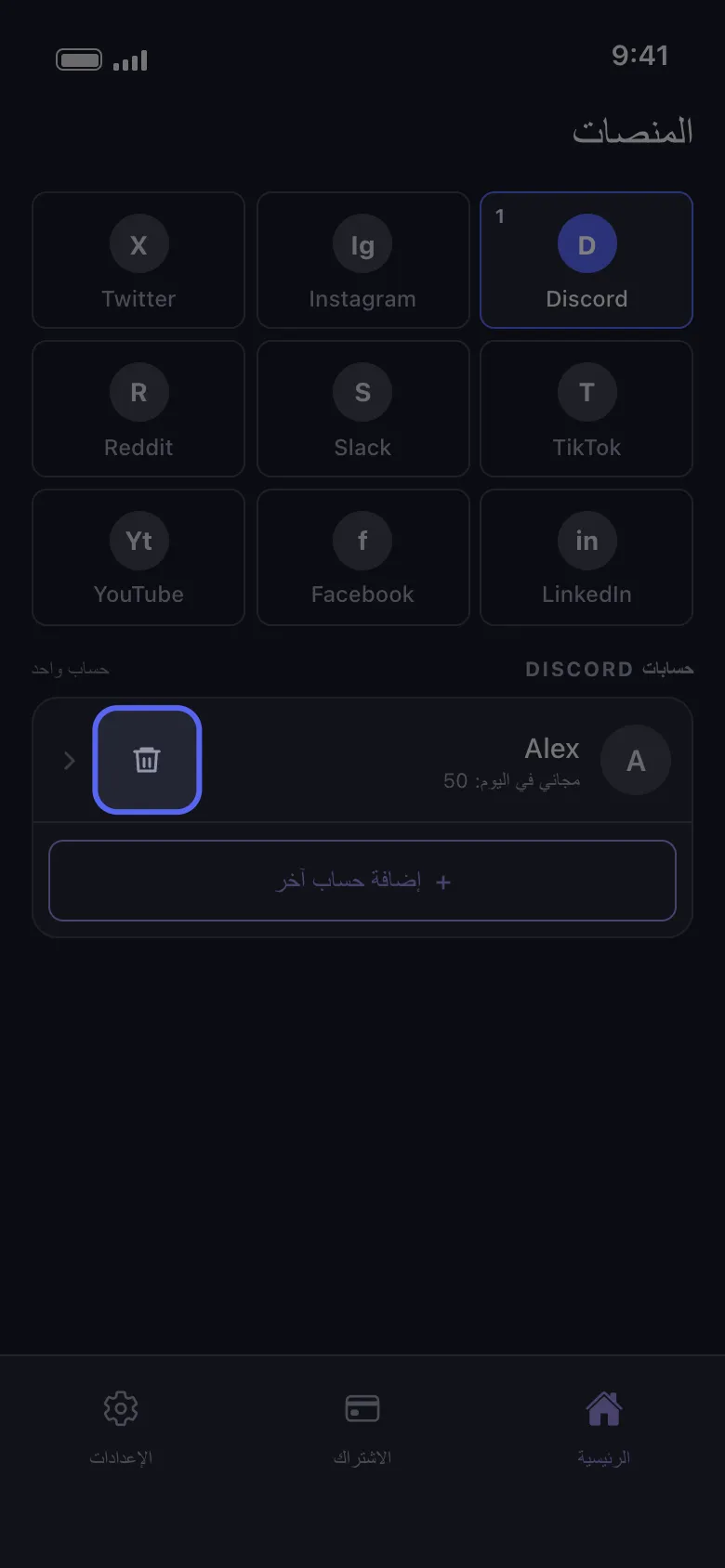
اضغط على أيقونة سلة المهملات في صف الحساب
في تبويب «الرئيسية» اضغط على مربع المنصة. في كل صف حساب أيقونة سلة مهملات بجانب السهم.
في التطبيق الرئيسية ← Discord ← أيقونة سلة المهملات
- 02
أكّد بالضغط على «حذف»
يعرض Unpost نافذة «تسجيل الخروج من حساب Discord» ويذكر فيها اسم الحساب. زر «حذف» يسجّل خروج Unpost من الحساب ويزيله من هذا الهاتف، أما «إلغاء» فيُبقيه.
في التطبيق تسجيل الخروج من حساب Discord ← حذف
- 03
أعد إضافته متى شئت
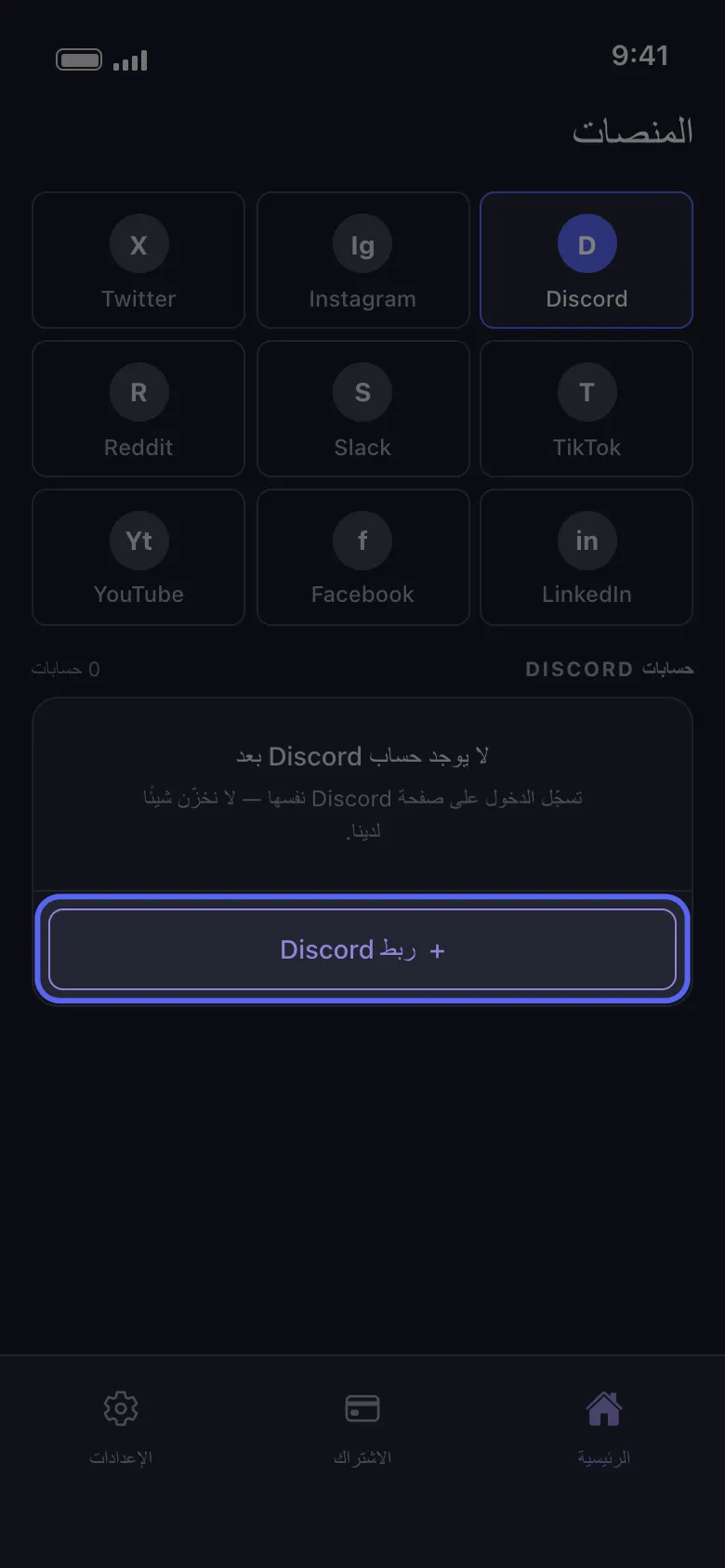
اضغط «ربط Discord» («إضافة حساب آخر» إذا بقيت حسابات أخرى في القائمة) وسجّل الدخول مرة أخرى على صفحة Discord نفسها؛ لن يطلب منك أحد من Unpost أبدًا كلمة مرورك أو رمز تسجيل الدخول. يعود الحساب ومعه ما تبقى له من عمليات الحذف المجانية اليوم، فإزالته لا تجدّد الحصة اليومية.
في التطبيق الرئيسية ← Discord ← ربط Discord
معلومات مفيدة
- تمسح الإزالة أيضًا ما حفظه Unpost على هذا الهاتف لذلك الحساب، بما في ذلك حزمة البيانات المستوردة. بعد إعادة إضافة الحساب، استورد الحزمة مرة أخرى قبل استخدام «احذف من حزمة البيانات».
- الحساب الذي يظهر عليه «غير متصل — اضغط لتسجيل الدخول» لا يحتاج إلى إزالة: اضغط على الصف وسجّل الدخول مرة أخرى (راجع «كيف تسجّل الدخول، وتحلّ مشكلة تسجيل دخول لا يكتمل»).
- لإزالة كل الحسابات دفعة واحدة، استخدم «الإعدادات» ← «تسجيل الخروج من جميع الحسابات»، وعليه عبارة «يمسح كل شيء»، ثم أكّد. يسجّل ذلك خروج Unpost من كل الحسابات على هذا الهاتف ويمسح حزم البيانات المستوردة أيضًا.
- إزالة الحسابات، أو حذف التطبيق، لا تلغي Premium: ألغِه من App Store أو Google Play (راجع «كيف تلغي اشتراك Unpost Premium، ولماذا خُصم منك مبلغ بعد الإلغاء»).
- لحذف الحساب أو تعطيله على المنصة نفسها، استخدم إعدادات المنصة.
- لمعرفة ما يحتفظ به Unpost عنك، راجع «هل Unpost آمن، وما الذي يحتفظ به عنك؟»
المزيد من الأدلة