
So entfernst du ein Konto aus Unpost
Es gibt kein Unpost-Konto zu löschen: Du legst nie eines an. Entfernen kannst du die Plattform-Konten, die du verbunden hast, und das ändert nichts auf der Plattform: Dein Konto dort und alles, was schon gelöscht ist, bleiben, wie sie sind.
- 01
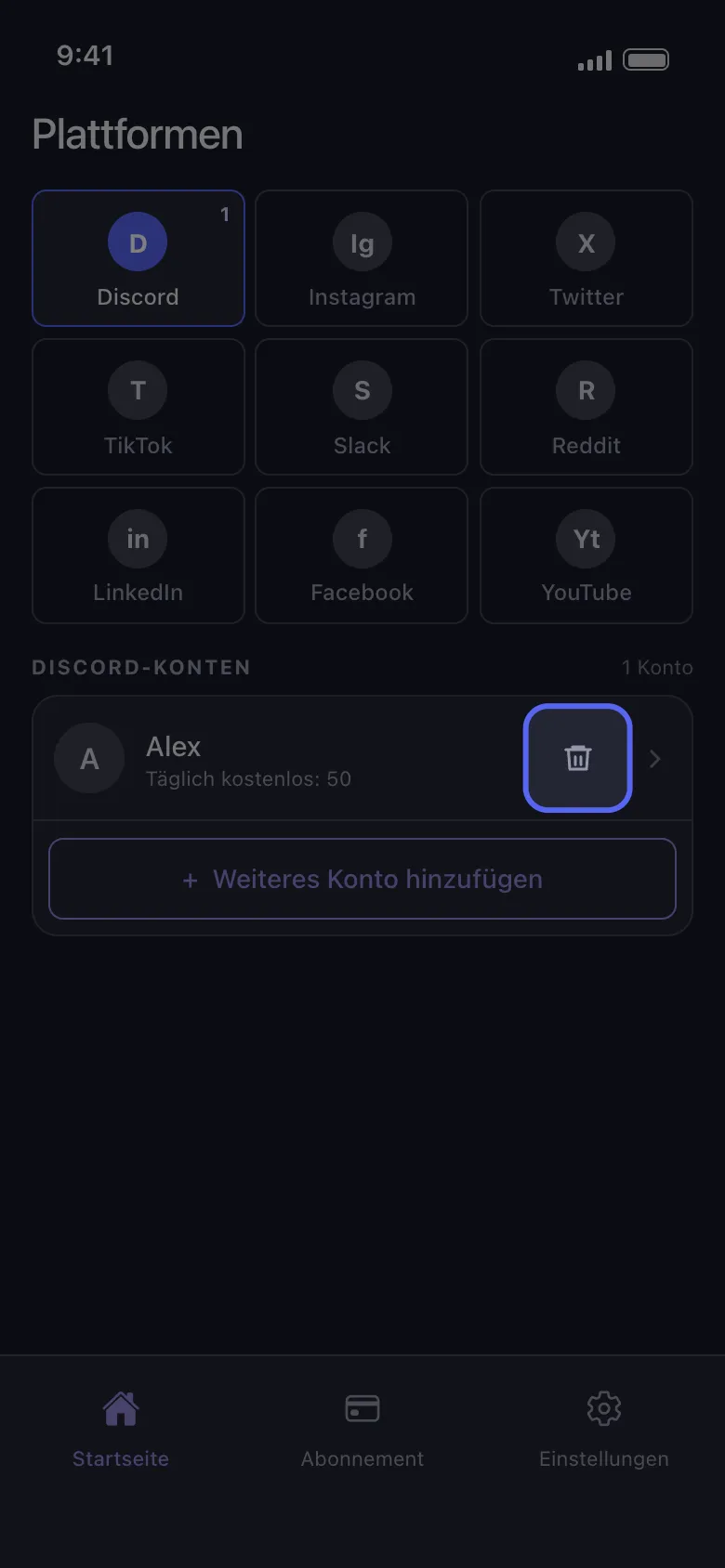
Tippe auf das Papierkorbsymbol in der Zeile des Kontos
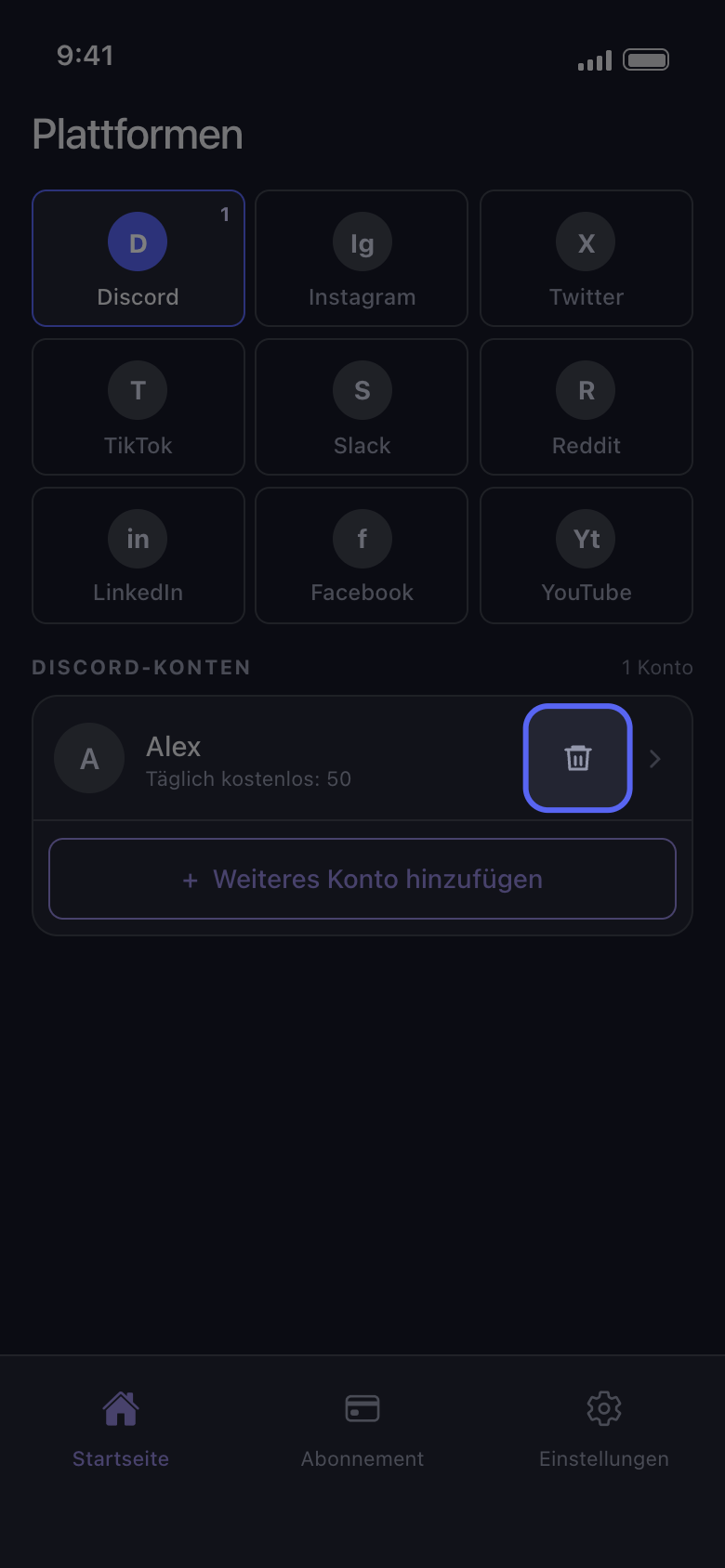
Tippe im Tab „Startseite“ auf die Kachel der Plattform. Jede Kontozeile hat rechts ein Papierkorbsymbol, neben dem Pfeil.
In der App Startseite → Discord → Papierkorbsymbol
- 02
Bestätige mit „Löschen“
Unpost fragt „Von Discord Konto abmelden“ und nennt das Konto. „Löschen“ meldet Unpost von diesem Konto ab und entfernt es von diesem Handy; „Abbrechen“ behält es.
In der App Von Discord Konto abmelden → Löschen
- 03
Füge es jederzeit wieder hinzu
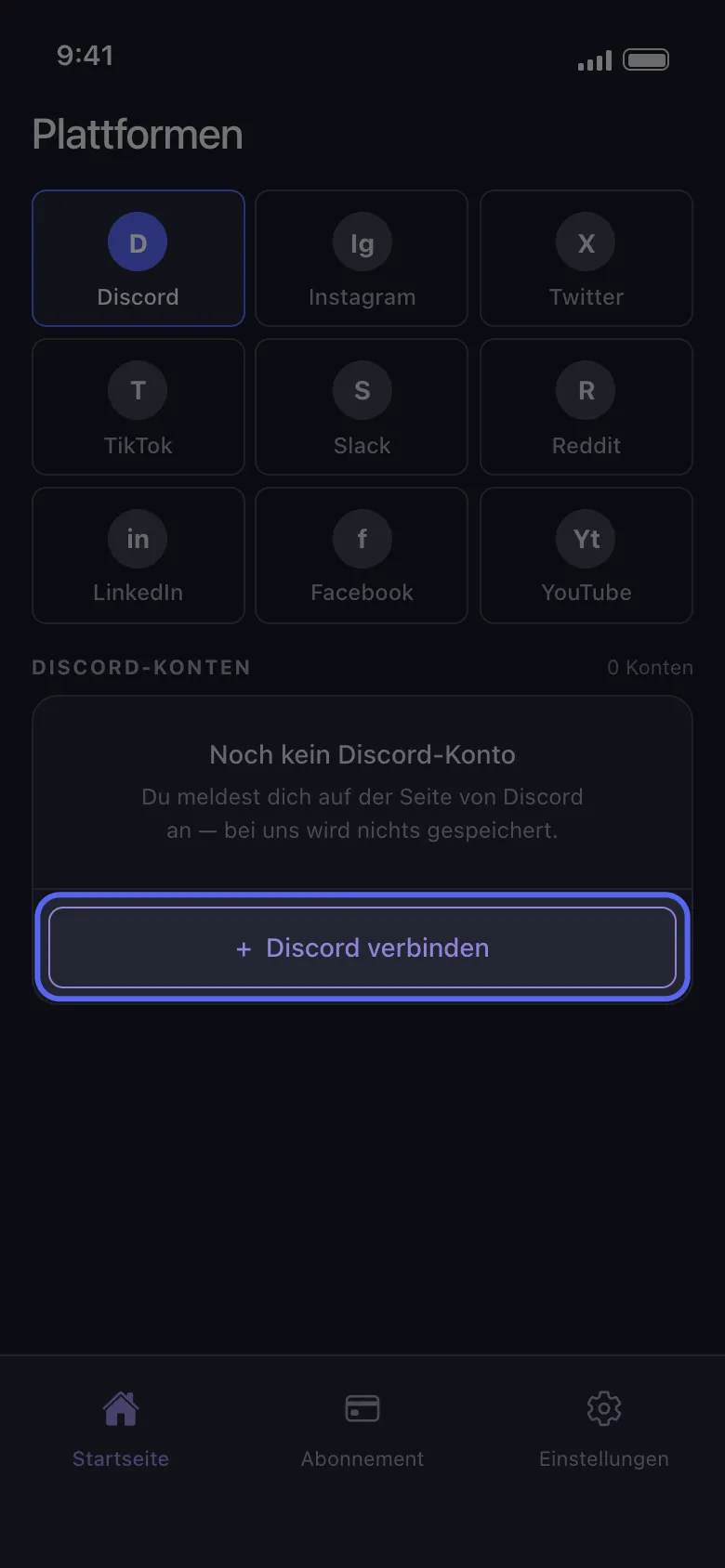
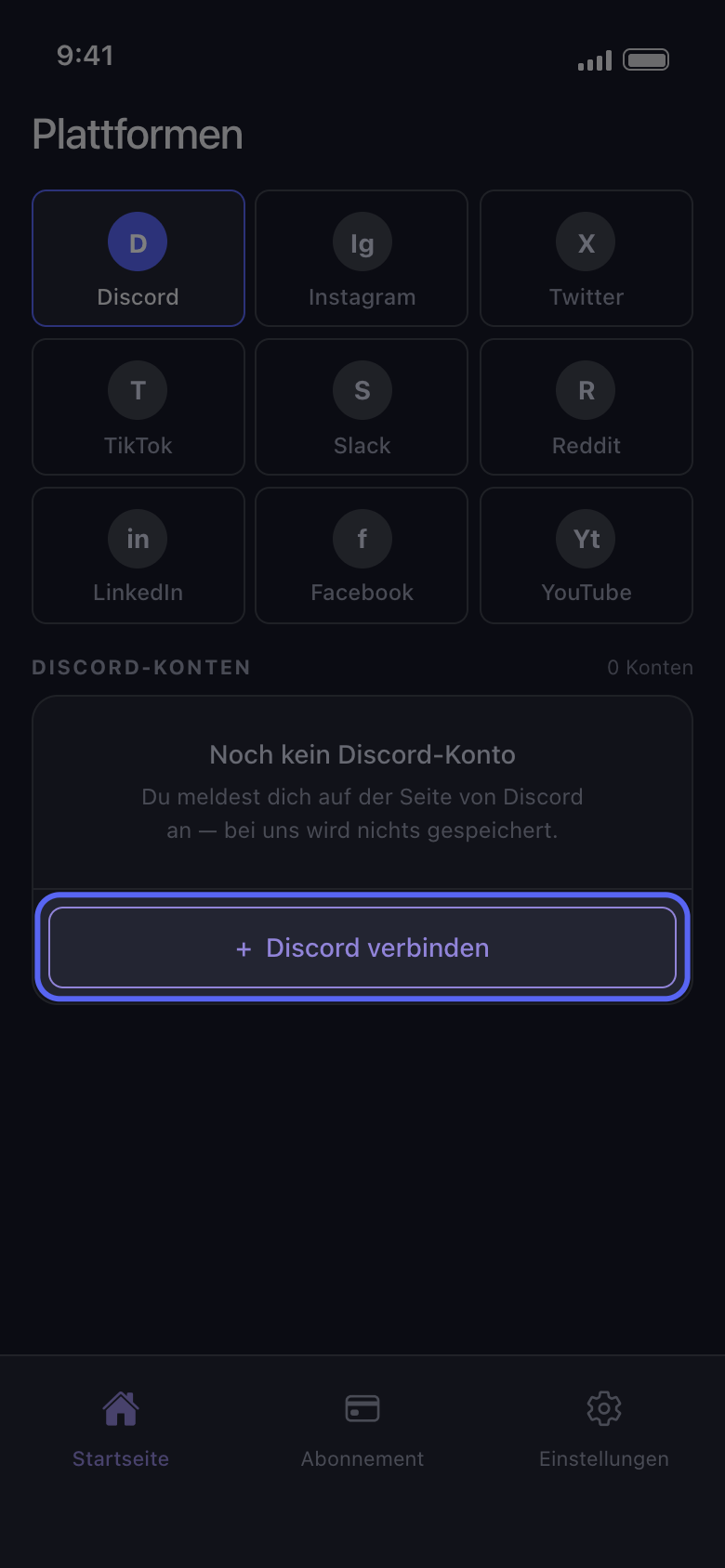
Tippe auf „Discord verbinden“ (oder „Weiteres Konto hinzufügen“, wenn noch andere Konten in der Liste stehen) und melde dich auf Discords eigener Seite erneut an; niemand von Unpost wird dich jemals nach deinem Passwort oder einem Anmeldecode fragen. Das Konto kommt mit den kostenlosen Löschungen zurück, die es heute noch übrig hatte: Das Entfernen setzt das Tageskontingent nicht zurück.
In der App Startseite → Discord → Discord verbinden
Gut zu wissen
- Das Entfernen löscht auch, was Unpost auf diesem Handy für das Konto gespeichert hat, einschließlich eines importierten Datenpakets. Importiere das Paket nach dem erneuten Hinzufügen wieder, bevor du „Aus Datenpaket löschen“ nutzt.
- Ein Konto mit „Nicht verbunden — zum Anmelden tippen“ musst du nicht entfernen: Tippe auf die Zeile und melde dich erneut an (siehe „So meldest du dich an – und was hilft, wenn die Anmeldung nicht klappt“).
- Um alle Konten auf einmal zu entfernen, tippe unter „Einstellungen“ auf „Von allen Konten abmelden“ (mit dem Hinweis „Löscht alles“) und bestätige. Das meldet Unpost auf diesem Handy von allen Konten ab und löscht auch die importierten Datenpakete.
- Wenn du Konten entfernst oder die App löschst, ist Premium nicht gekündigt: Kündige es im App Store oder bei Google Play (siehe „So kündigst du Unpost Premium – und warum nach der Kündigung trotzdem abgebucht wurde“).
- Um das Konto auf der Plattform selbst zu löschen oder zu deaktivieren, nutze die Einstellungen der Plattform.
- Was Unpost über dich speichert, erfährst du in „Ist Unpost sicher, und was speichert es über dich?“
Weitere Anleitungen