
Como manter suas melhores publicações e apagar o resto
No Instagram, no Facebook, no TikTok e no YouTube, “Antes de excluir” tem uma seção “Limites de engajamento” quando o que você marcou tem contagens para verificar. Digite o número máximo de curtidas, comentários ou visualizações a apagar: tudo o que passar disso fica, e assim suas melhores publicações são mantidas.
- 01
Marque publicações ou vídeos e toque em Continuar
“Limites de engajamento” só aparece para o que tem contagens: no Instagram, publicações, reels e carrosséis; no Facebook, as publicações da sua linha do tempo e “Excluir comentários deixados nas suas publicações”; no TikTok, seus vídeos; no YouTube, “Excluir vídeos”, “Excluir Shorts” e “Excluir comentários dos seus vídeos e Shorts”.
No app Principal → plataforma → conta → Continuar
- 02
Digite a contagem máxima no campo ≤
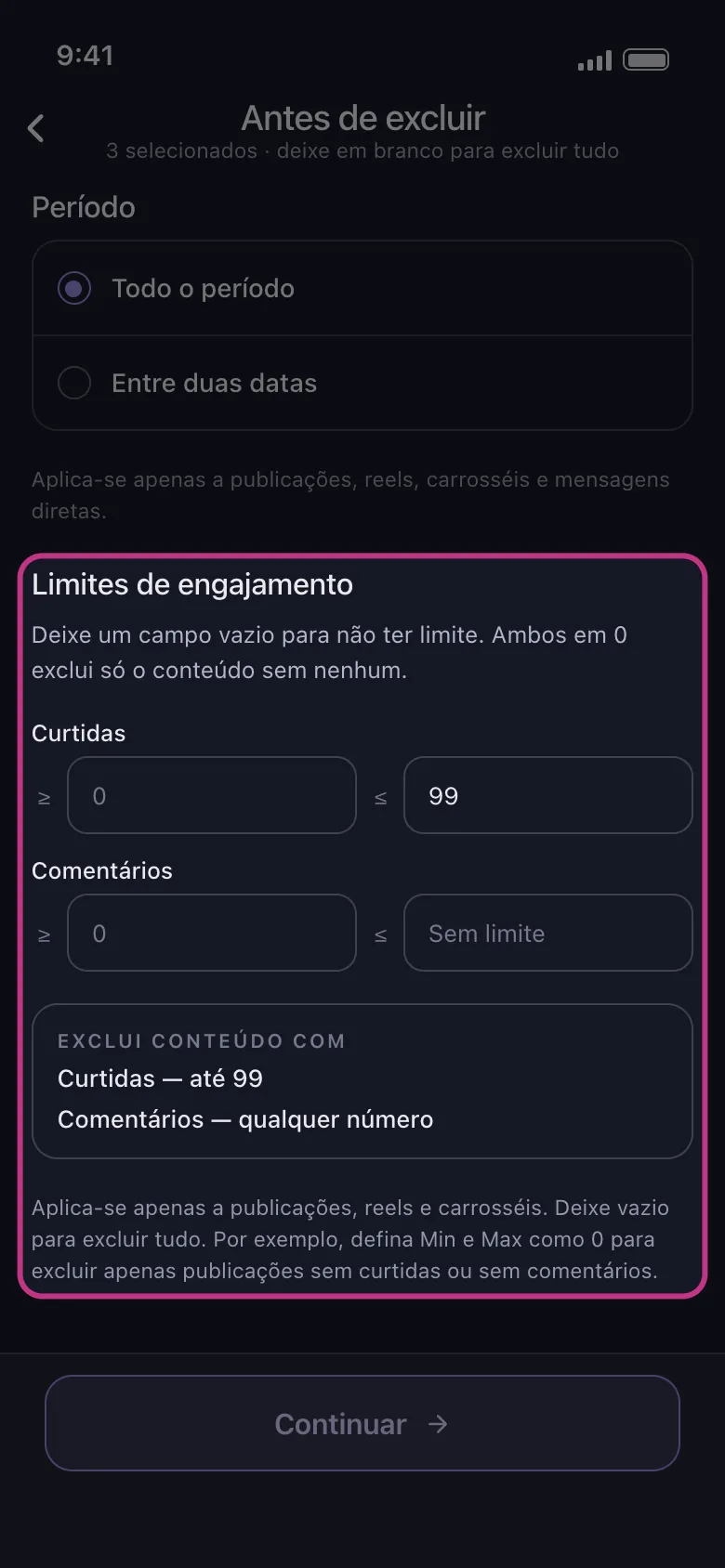
Cada linha tem dois campos: ≥ para a contagem mínima, ≤ para a máxima. Para manter todas as publicações com 100 curtidas ou mais, digite 99 no campo ≤ da linha Curtidas: as publicações com até 99 curtidas são apagadas, e o resto fica. No TikTok e no YouTube, a linha Visualizações funciona do mesmo jeito, para manter os vídeos que as pessoas assistiram. Abaixo dos campos, “Exclui conteúdo com” mostra o resultado por extenso.
No app Antes de excluir → Limites de engajamento → Curtidas
- 03
Deixe os outros campos vazios
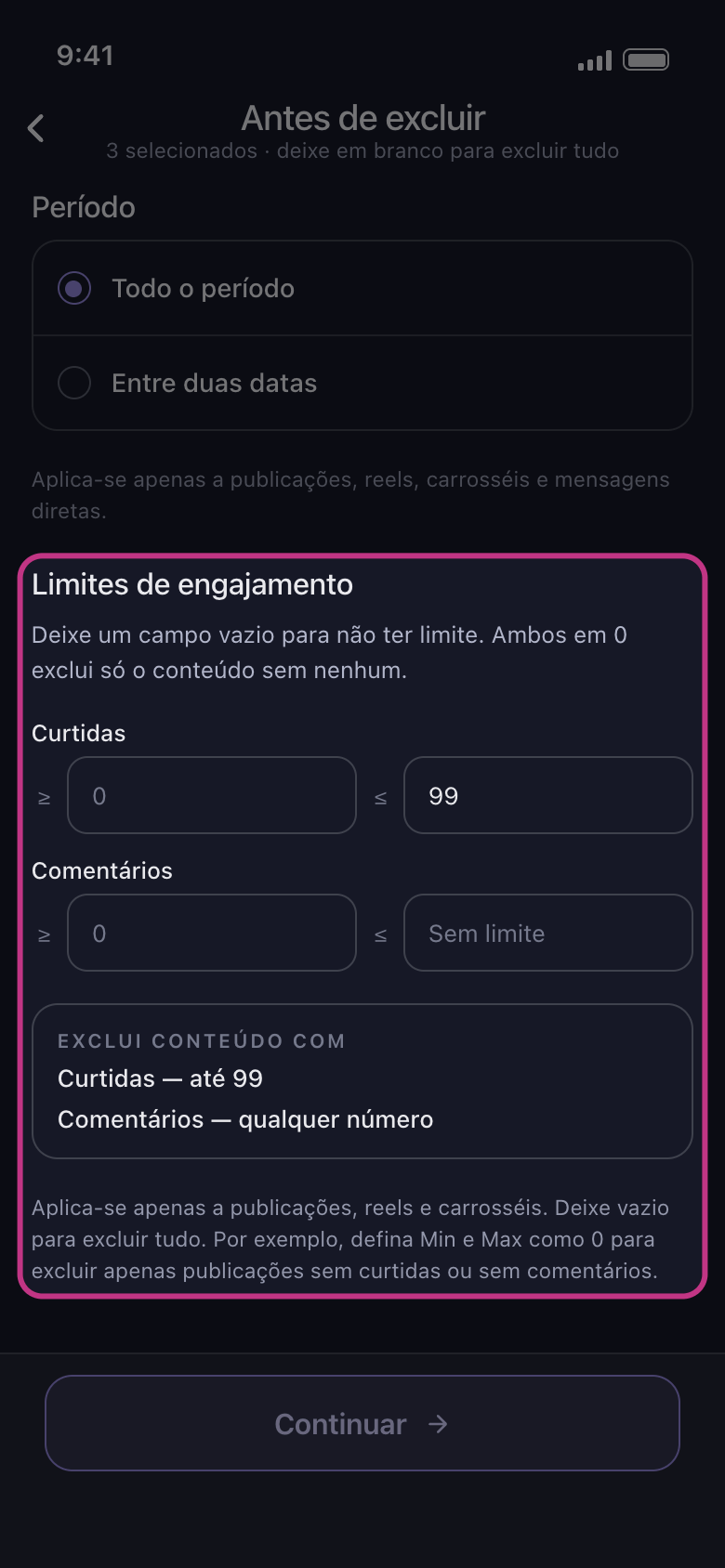
Campo vazio significa sem limite: um campo ≤ vazio mostra “Sem limite”. Nunca digite 0 querendo dizer sem limite: 0 num campo ≤ apaga só o que tem zero.
No app Antes de excluir → Limites de engajamento
- 04
Saiba o que os limites deixam de fora
Eles restringem só suas próprias publicações e vídeos: qualquer outra coisa que você marcar, como as curtidas e os comentários que você deixou nas publicações de outras pessoas, sai seja qual for a contagem. No Facebook, fotos, álbuns e atividades não informam contagens, então continuam sendo apagados, e “Excluir comentários deixados nas suas publicações” limpa os comentários das publicações que estão dentro dos seus limites. No TikTok, um vídeo para o qual o TikTok não informa contagem fica intacto enquanto houver um limite definido.
No app Antes de excluir → Limites de engajamento
- 05
Toque em Continuar e confira a Revisão
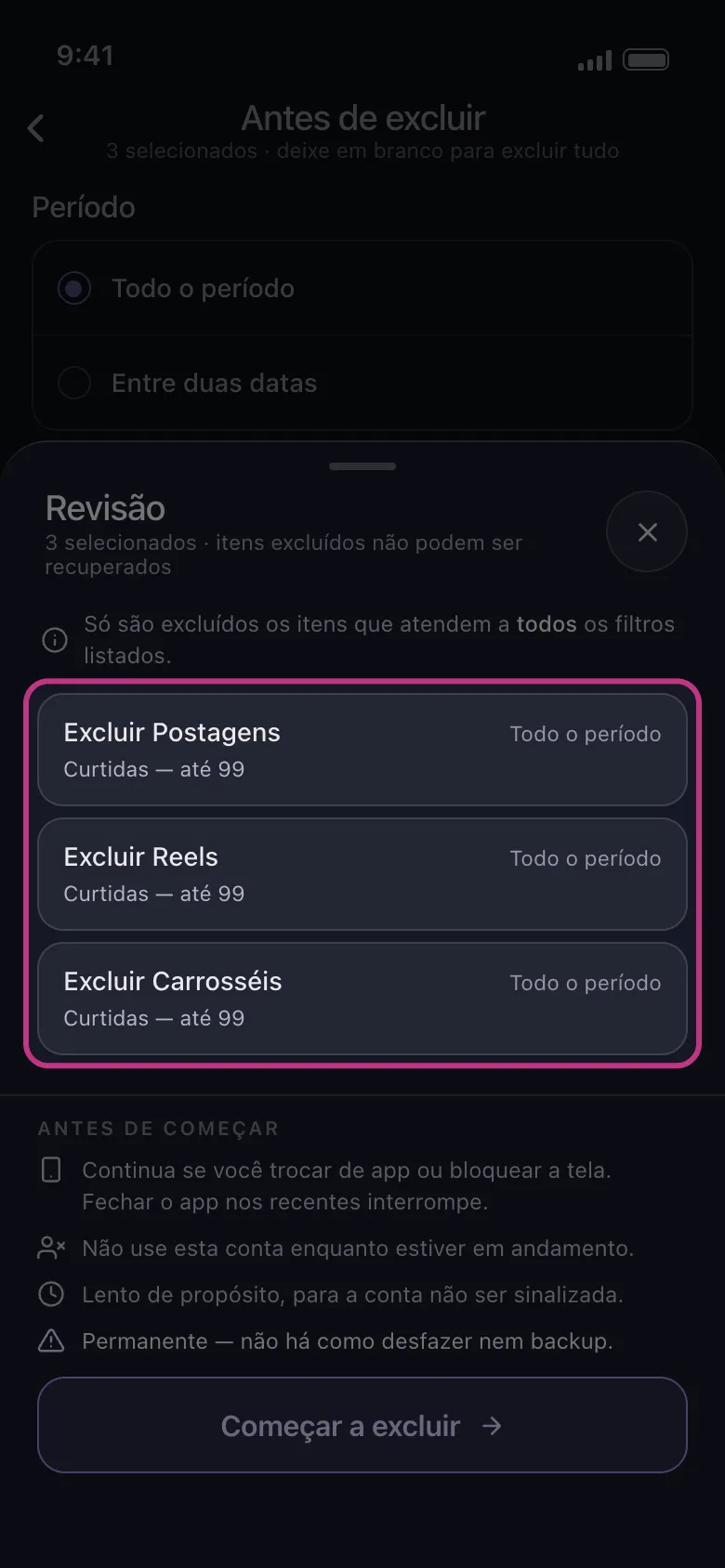
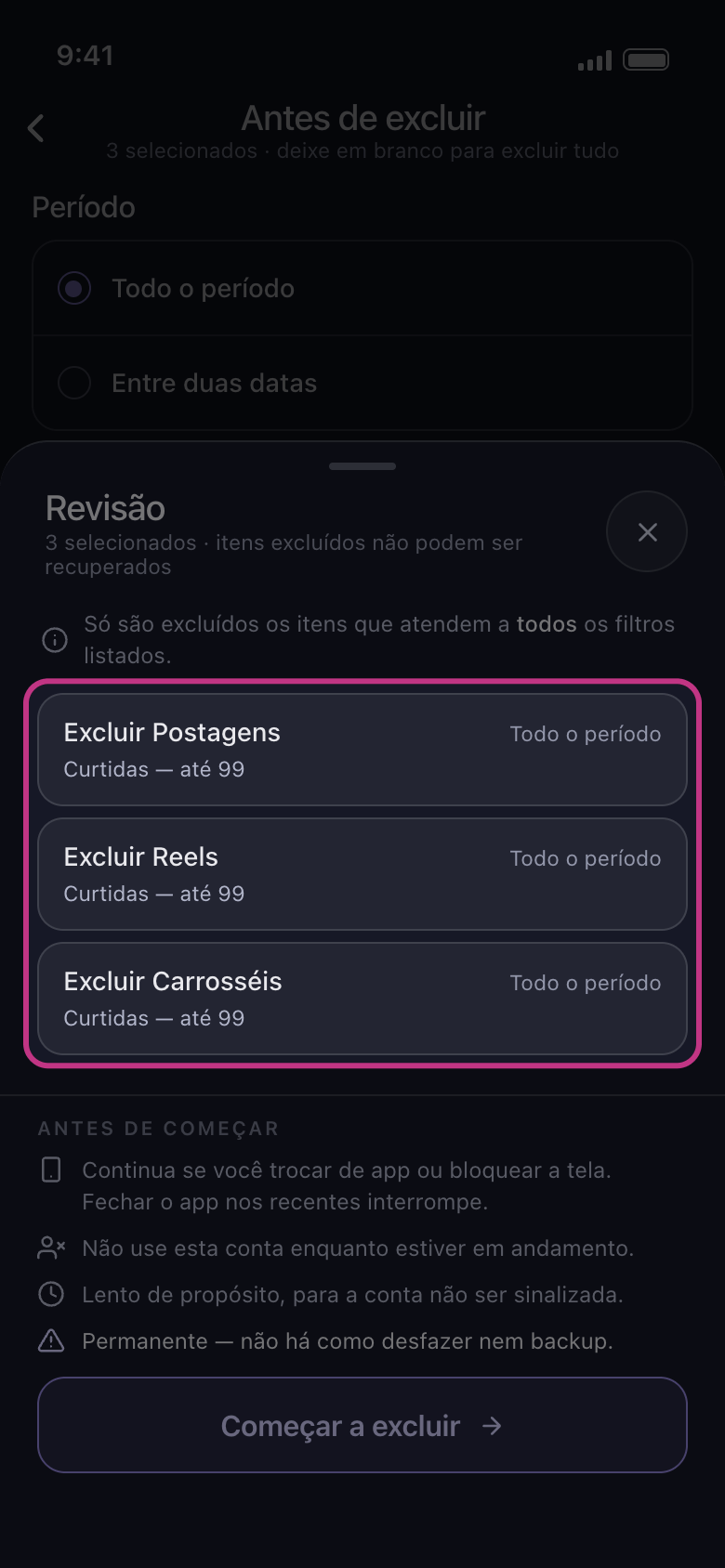
Cada cartão afetado pelos limites os mostra abaixo do nome. Nada é apagado até você tocar em “Começar a excluir”.
No app Continuar → Revisão → Começar a excluir
Bom saber
- Se uma contagem mínima for maior que a máxima, nada pode corresponder, e a seção avisa: “Nenhuma publicação pode corresponder: o mínimo está acima do máximo.”
Mais guias