
So behältst du deine besten Beiträge und löschst den Rest
Auf Instagram, Facebook, TikTok und YouTube hat „Bevor wir löschen“ einen Abschnitt „Interaktionsgrenzen“, wenn deine Auswahl Zahlen hat, die sich prüfen lassen. Gib die höchste Zahl an Likes, Kommentaren oder Aufrufen ein, die noch gelöscht werden soll: Alles darüber bleibt, und damit auch deine besten Beiträge.
- 01
Wähle Beiträge oder Videos aus und tippe auf „Weiter“
„Interaktionsgrenzen“ erscheint nur für das, was Zahlen hat: auf Instagram für Beiträge, Reels und Karussells; auf Facebook für deine Chronik-Beiträge und „Kommentare unter Ihren Beiträgen löschen“; auf TikTok für deine Videos; auf YouTube für „Videos löschen“, „Shorts löschen“ und „Kommentare unter deinen Videos und Shorts löschen“.
In der App Startseite → Plattform → Konto → Weiter
- 02
Gib die höchste Zahl in das Feld ≤ ein
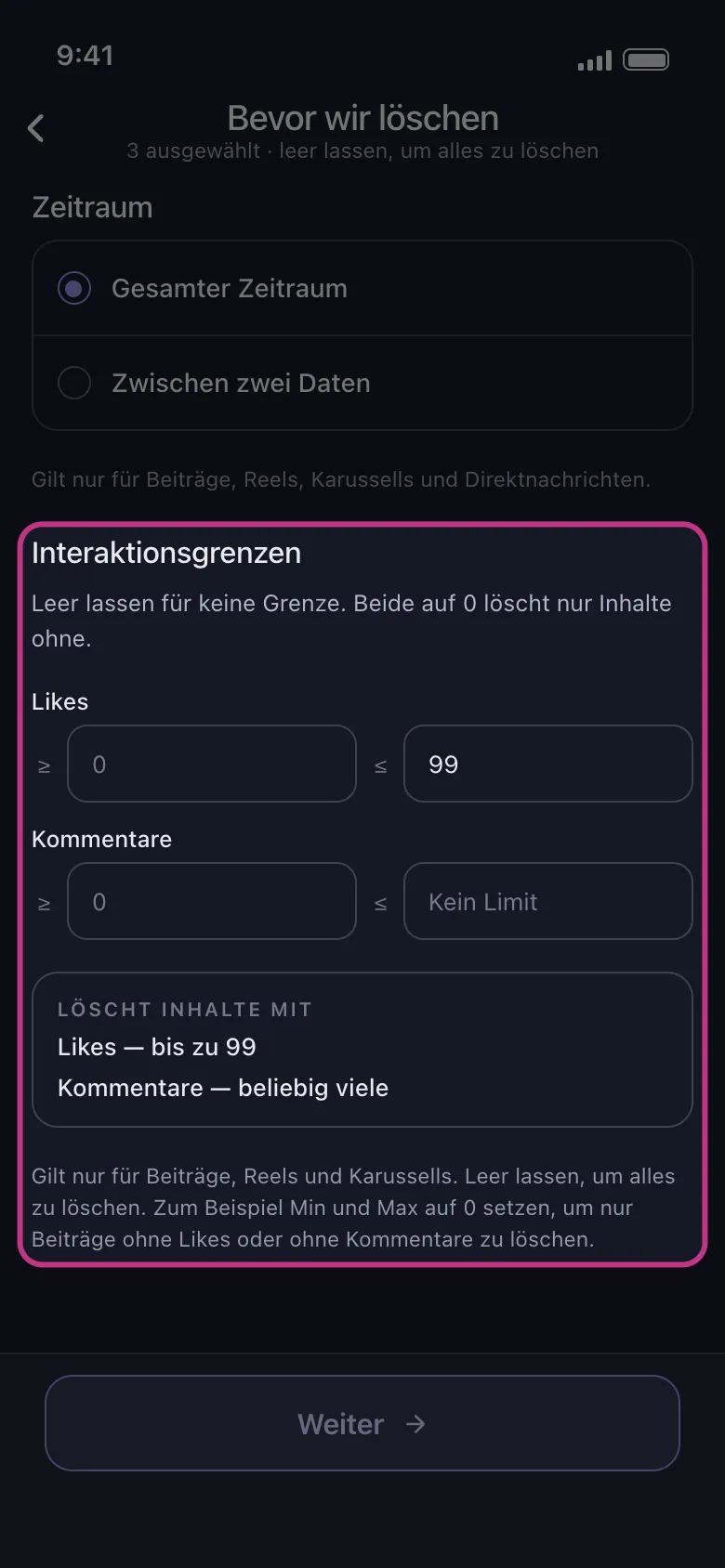
Jede Zeile hat zwei Felder: ≥ für die niedrigste Zahl, ≤ für die höchste. Um jeden Beitrag mit 100 Likes oder mehr zu behalten, gib 99 in das Feld ≤ der Zeile „Likes“ ein: Beiträge mit bis zu 99 Likes werden gelöscht, der Rest bleibt. Auf TikTok und YouTube funktioniert die Zeile „Aufrufe“ genauso, um die Videos zu behalten, die oft angesehen wurden. Unter den Feldern fasst „Löscht Inhalte mit“ das Ergebnis zusammen.
In der App Bevor wir löschen → Interaktionsgrenzen → Likes
- 03
Lass die anderen Felder leer
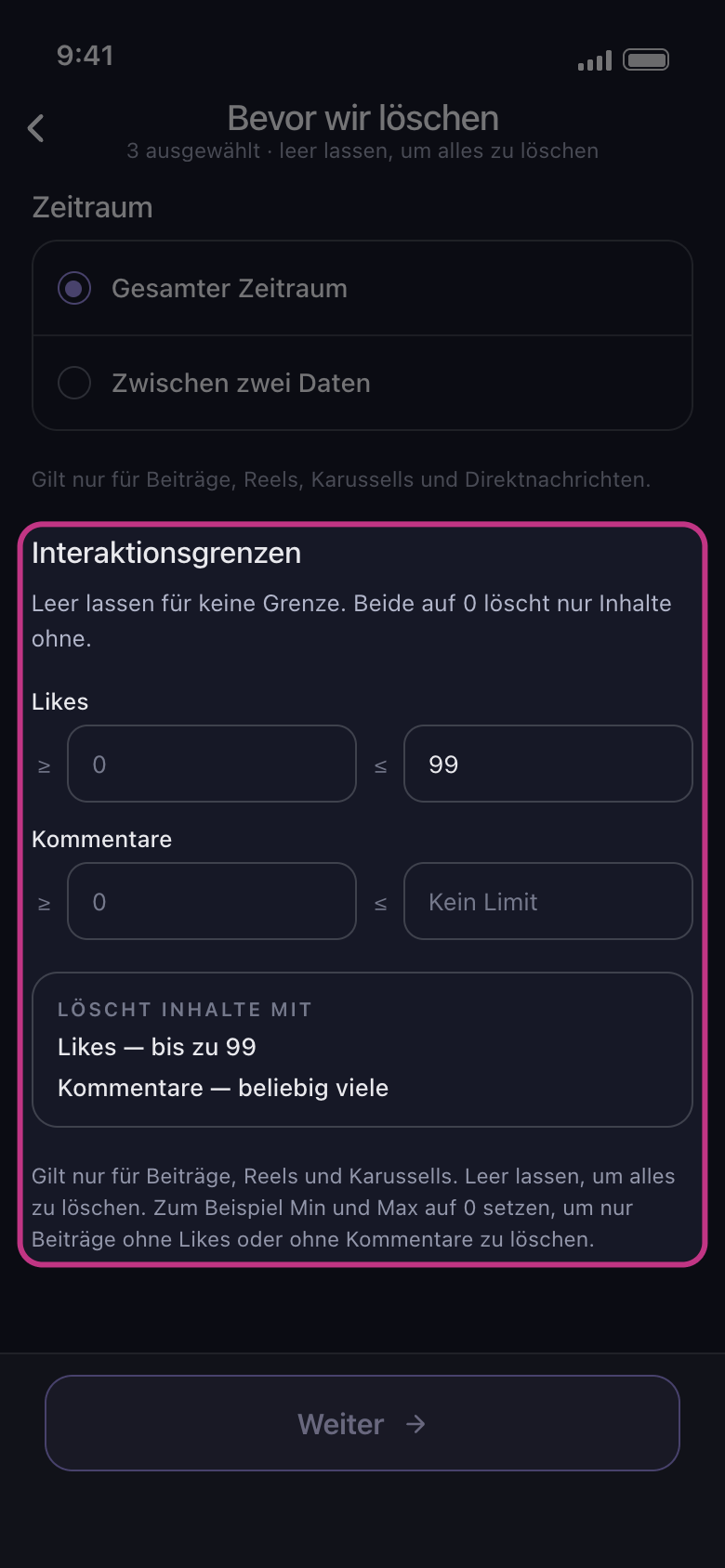
Ein leeres Feld bedeutet kein Limit: Ein leeres Feld ≤ zeigt „Kein Limit“. Gib nie 0 ein, wenn du kein Limit meinst: 0 in einem Feld ≤ löscht nur Inhalte, die gar keine haben.
In der App Bevor wir löschen → Interaktionsgrenzen
- 04
Was die Grenzen nicht erfassen
Sie grenzen nur deine eigenen Beiträge und Videos ein: Alles andere, was du auswählst, etwa die Likes und Kommentare, die du bei Beiträgen anderer hinterlassen hast, wird unabhängig von seinen Zahlen gelöscht. Auf Facebook melden Fotos, Alben und Aktivitäten keine Zahlen, sie werden also trotzdem gelöscht, und „Kommentare unter Ihren Beiträgen löschen“ entfernt die Kommentare der Beiträge innerhalb deiner Grenzen. Auf TikTok bleibt ein Video, für das TikTok keine Zahl meldet, unberührt, solange eine Grenze gesetzt ist.
In der App Bevor wir löschen → Interaktionsgrenzen
- 05
Tippe auf „Weiter“ und sieh dir die Übersicht an
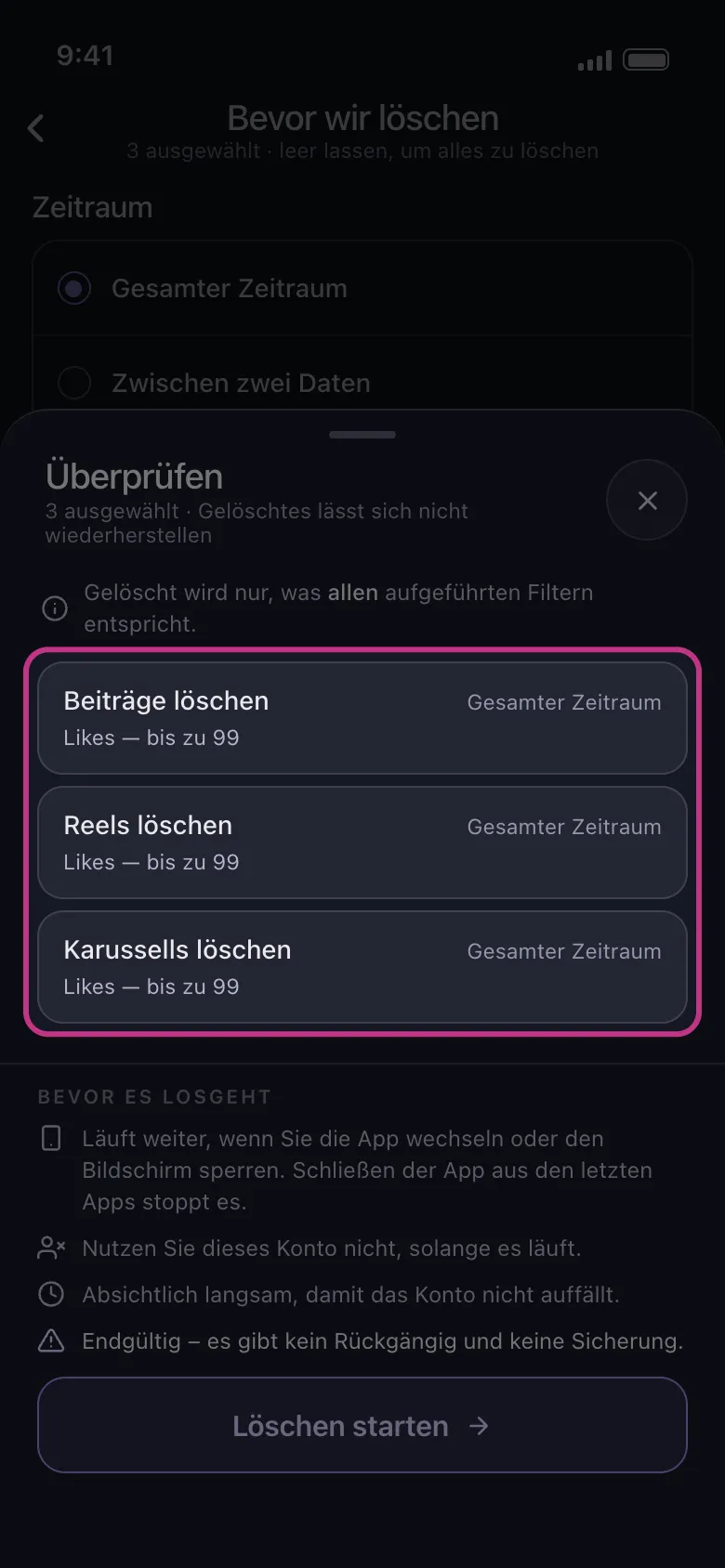
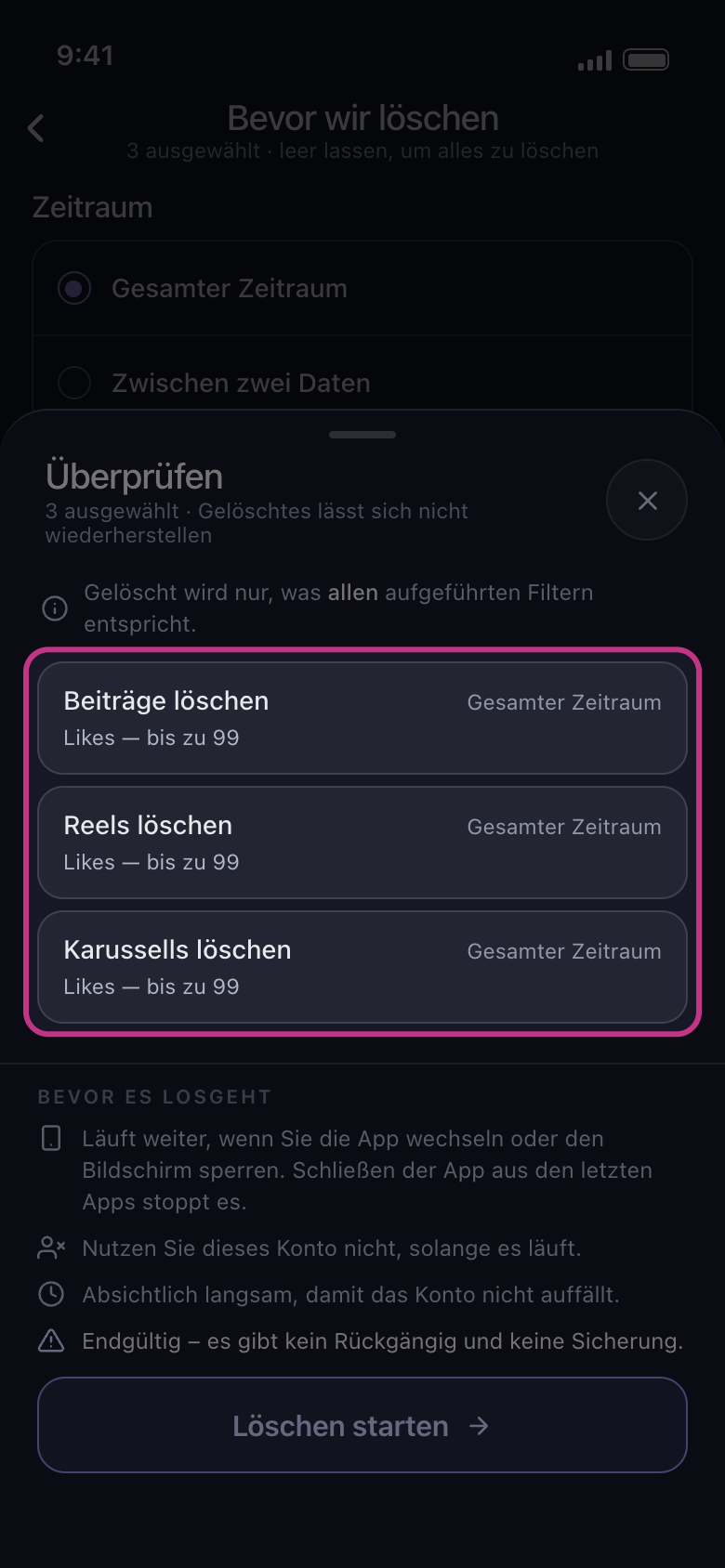
Jede Kachel, für die die Grenzen gelten, zeigt sie unter ihrem Namen. Gelöscht wird erst, wenn du auf „Löschen starten“ tippst.
In der App Weiter → Überprüfen → Löschen starten
Gut zu wissen
- Liegt die niedrigste Zahl über der höchsten, kann nichts passen, und der Abschnitt sagt es: „Kein Beitrag kann passen: Das Minimum liegt über dem Maximum.“
Weitere Anleitungen