
كيف تحذف ضمن نطاق زمني فقط
لحذف منشوراتك القديمة فقط، أو منشورات سنة واحدة فقط، حدّد نطاقًا زمنيًا. وهو القسم الأول في شاشة «قبل أن نحذف»، التي تُفتح عندما تضغط «متابعة» بعد تحديد ما تريد حذفه. يتوفر على Discord وSlack وInstagram وFacebook وTikTok وLinkedIn وYouTube؛ ولا يتوفر على X وReddit.
- 01
حدّد ما تريد حذفه، ثم اضغط «متابعة»
لا تعرض شاشة «قبل أن نحذف» إلا الأقسام التي تنطبق على ما حددته، لذا لا يظهر قسم «النطاق الزمني» إلا عندما يمكن حصر شيء مما حددته حسب التاريخ. وعندما لا يمكن حصر أي شيء، يتخطى زر «متابعة» هذه الشاشة ويفتح «المراجعة».
في التطبيق الرئيسية ← المنصة ← الحساب ← متابعة
- 02
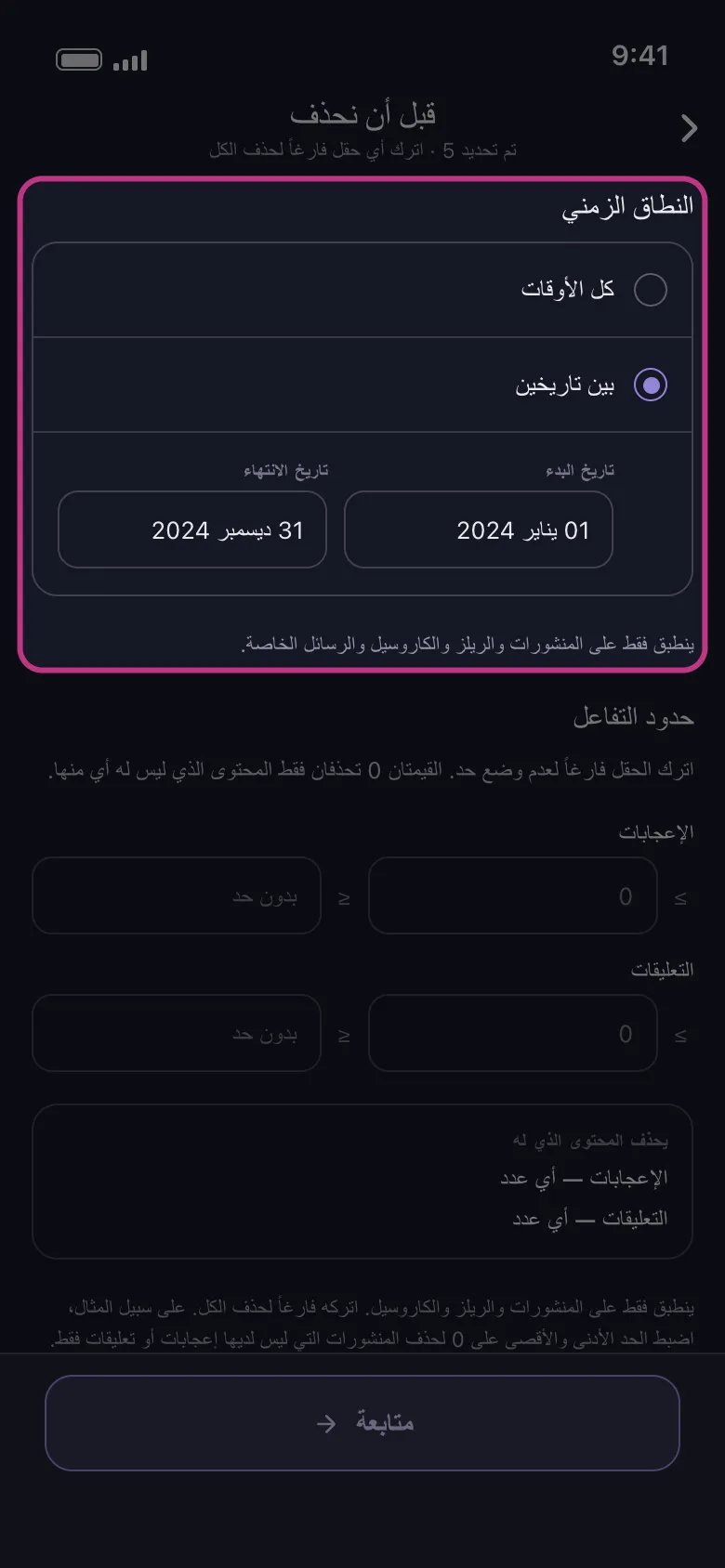
اختر «بين تاريخين»
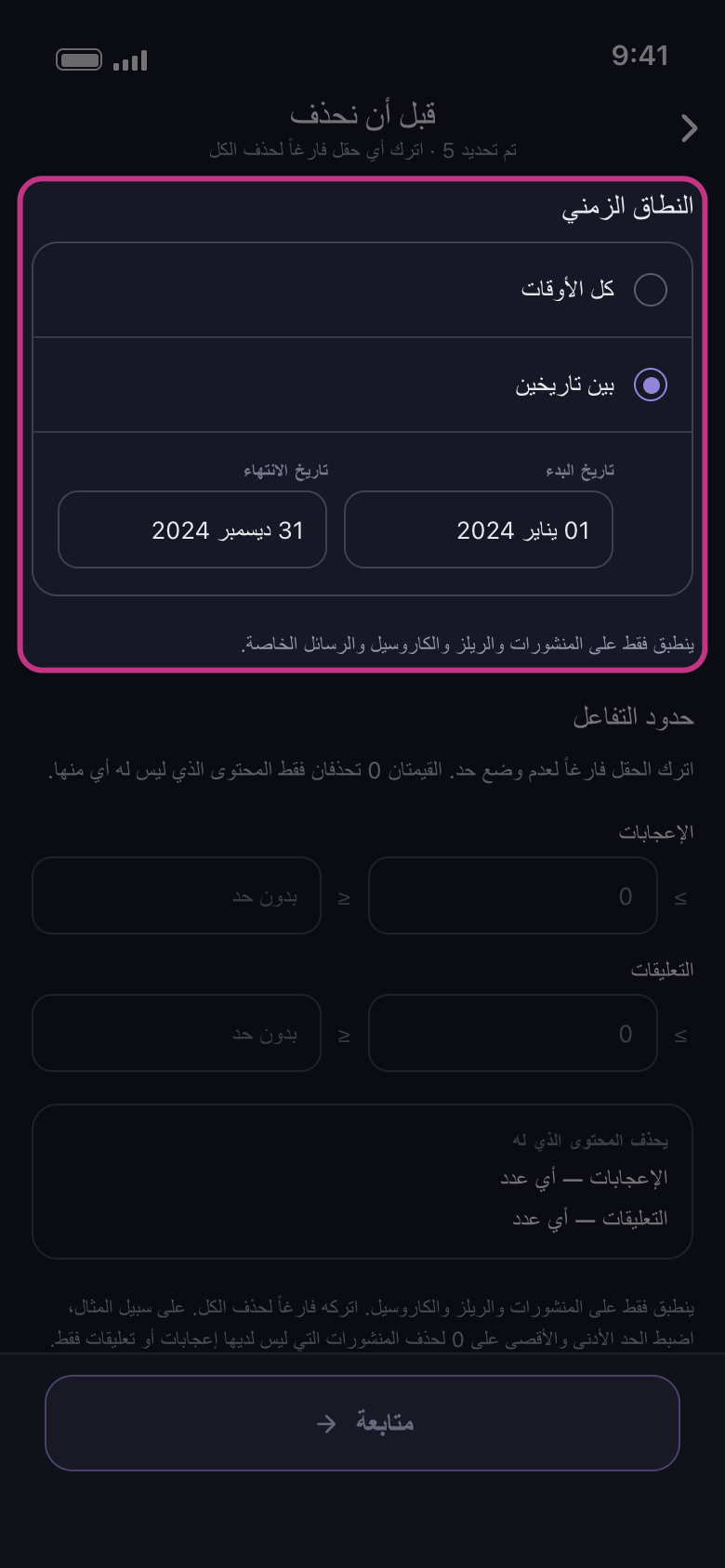
خيار «كل الأوقات» يحذف كل شيء أيًا كان تاريخه. اضغط «بين تاريخين»، ثم اختر اليوم الأول واليوم الأخير: يظهران في خانتي «تاريخ البدء» و«تاريخ الانتهاء».
في التطبيق قبل أن نحذف ← النطاق الزمني ← بين تاريخين
- 03
اعرف ما يشمله النطاق
على Discord وSlack: الرسائل في كل محادثة حددتها. على Instagram: المنشورات والريلز والكاروسيل والرسائل الخاصة؛ أما الإعجابات والتعليقات و«إلغاء متابعة الجميع» و«إزالة جميع المتابعين» فتُحذف أيًا كان التاريخ. على LinkedIn: المنشورات وإعادات النشر والتعليقات؛ أما التفاعلات فتُحذف أيًا كان التاريخ. على TikTok: كل ما حددته؛ وفي الفيديوهات المُعجَب بها يُحتسب تاريخ نشر الفيديو، لا تاريخ إعجابك به. على Facebook وYouTube: كل ما حددته عدا ما لا يحمل تاريخًا؛ فما دام النطاق محددًا، لا يُحذف شيء من «حذف الألبومات» على Facebook ولا من «إلغاء الاشتراك في القنوات» على YouTube.
في التطبيق قبل أن نحذف ← النطاق الزمني
- 04
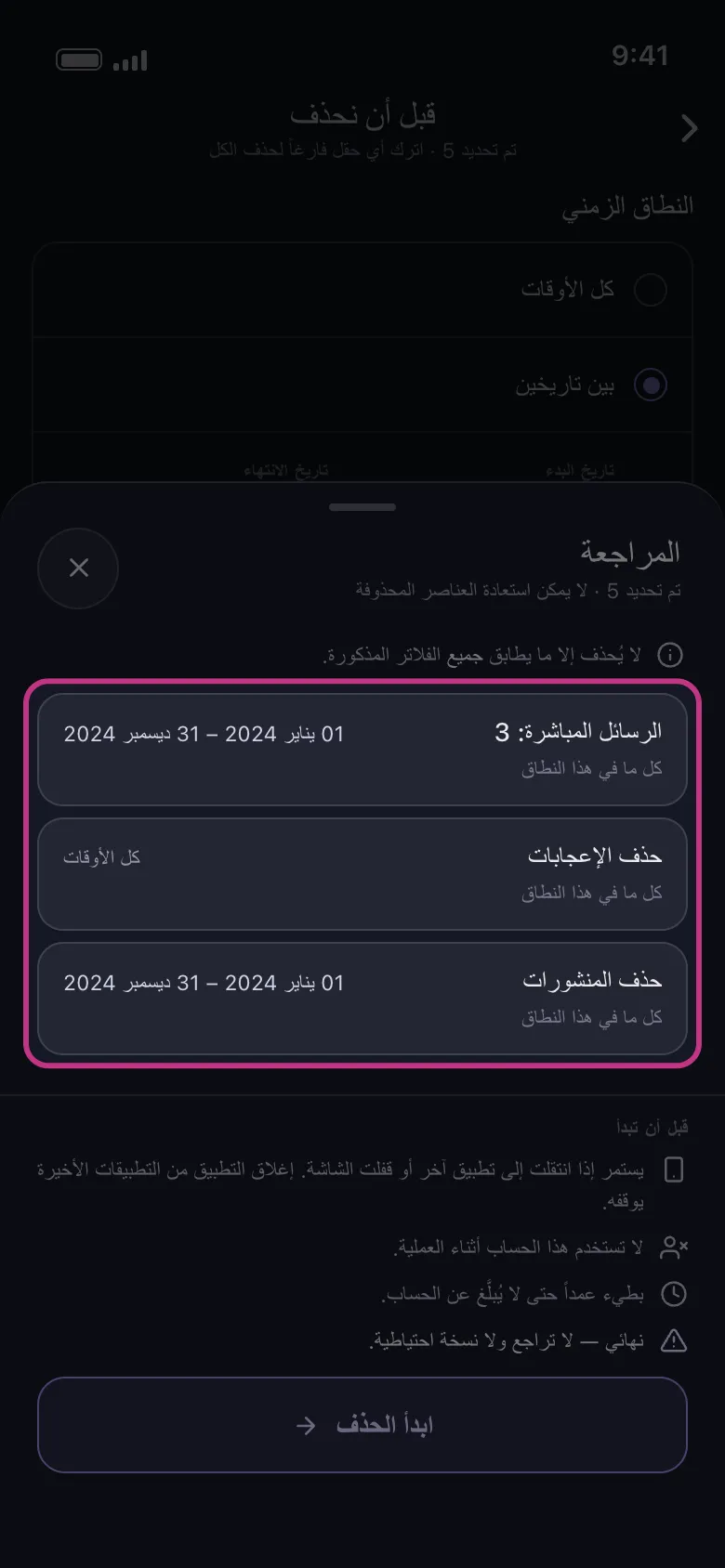
اضغط «متابعة» وتحقق من «المراجعة»
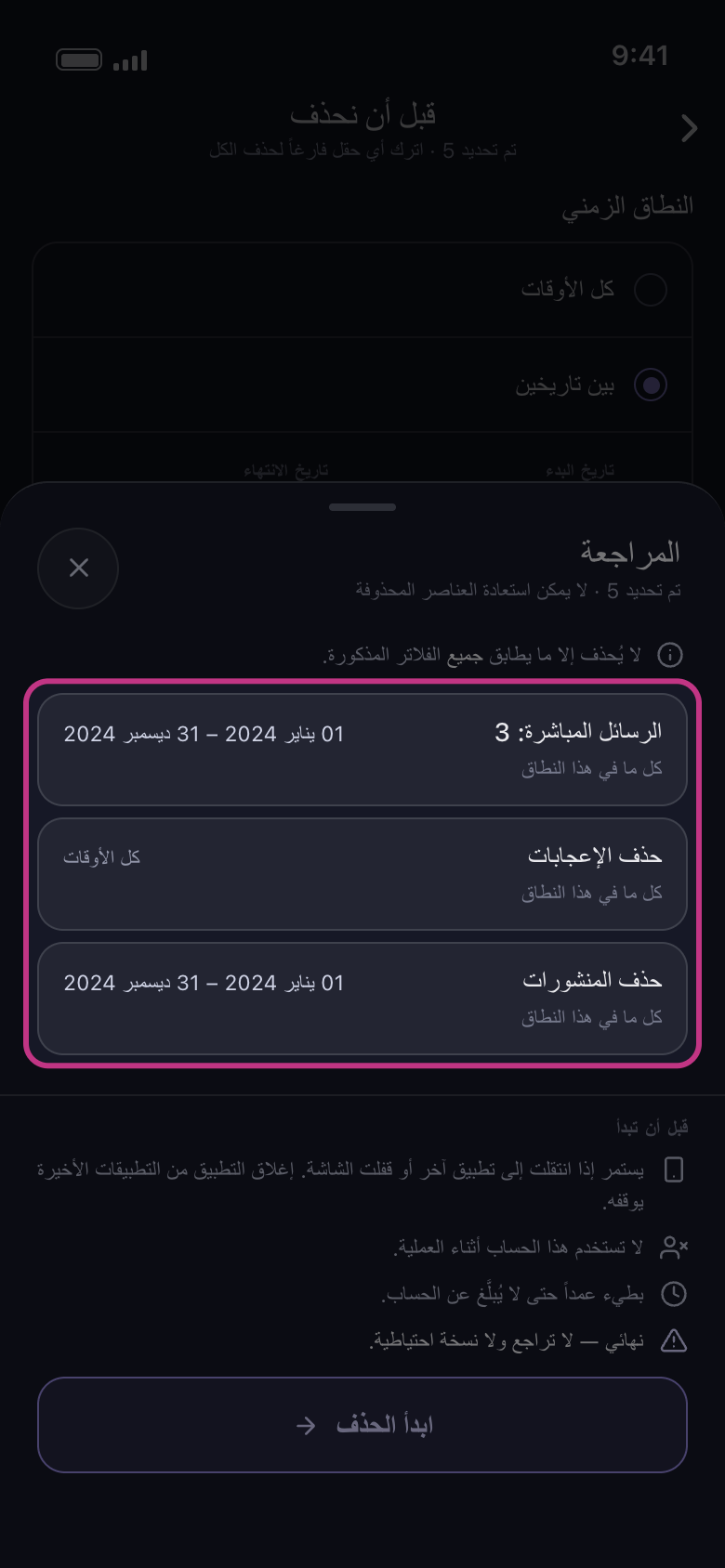
تعرض «المراجعة» بطاقة لكل ما حددته، مع تاريخيك أو «كل الأوقات». البطاقة التي عليها «كل الأوقات» يُحذف محتواها أيًا كان تاريخه، والبطاقة الموسومة «تم التخطي» تُترك كما هي. وإذا كانت كل البطاقات تقول «كل الأوقات» فلم يُحدَّد أي نطاق: أغلق «المراجعة» بالعلامة × بجانب عنوانها واختر التاريخين من جديد. لا يُحذف شيء قبل أن تضغط «ابدأ الحذف».
في التطبيق متابعة ← المراجعة ← ابدأ الحذف
معلومات مفيدة
- يعمل «النطاق الزمني» مع الأقسام الأخرى في «قبل أن نحذف»: لا يُحذف إلا ما يقع داخل النطاق ويطابق كل فلتر آخر حددته. راجع «كيف تحذف الرسائل التي تحتوي على كلمة مفتاحية» و«كيف تحتفظ بأفضل منشوراتك وتحذف الباقي».
- لا يوجد إعداد لحذف الأقدم أو الأحدث أولًا.
- في الخطة المجانية يبقى حد الـ50 عنصرًا يوميًا لكل حساب ساريًا داخل النطاق أيضًا: فالنطاق الذي يضم الكثير يستغرق عدة أيام.
المزيد من الأدلة