
How to delete only a date range
To delete only your old posts, or only one year’s, set a date range. It is the first section of Before we delete, the screen that opens when you tap Continue after ticking what to delete. Discord, Slack, Instagram, Facebook, TikTok, LinkedIn and YouTube have it; X and Reddit don’t.
- 01
Tick what to delete, then tap Continue
Before we delete shows only the sections that apply to what you ticked, so Date range is there only when something you ticked can be narrowed by date. When nothing can be narrowed, Continue skips this screen and opens the Review.
In the app Main → platform → account → Continue
- 02
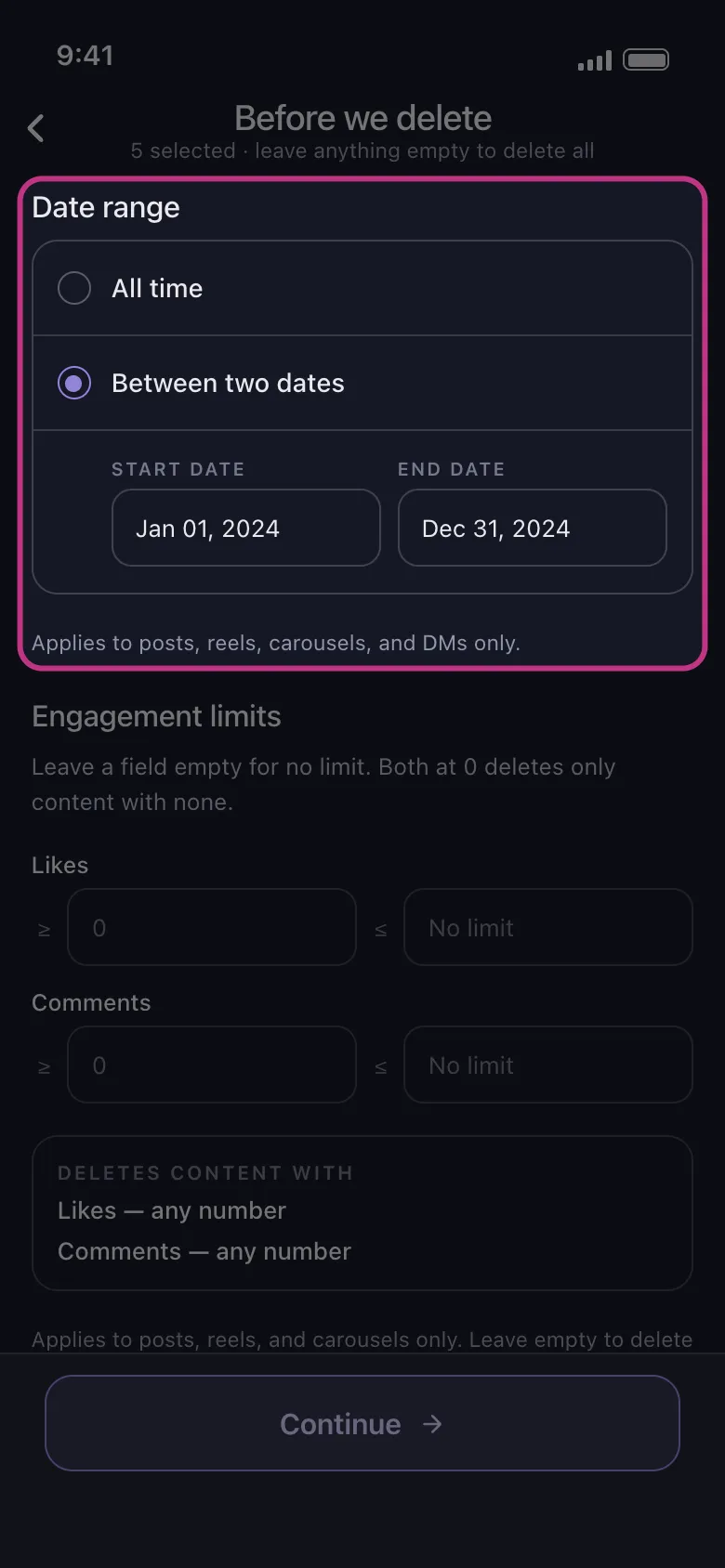
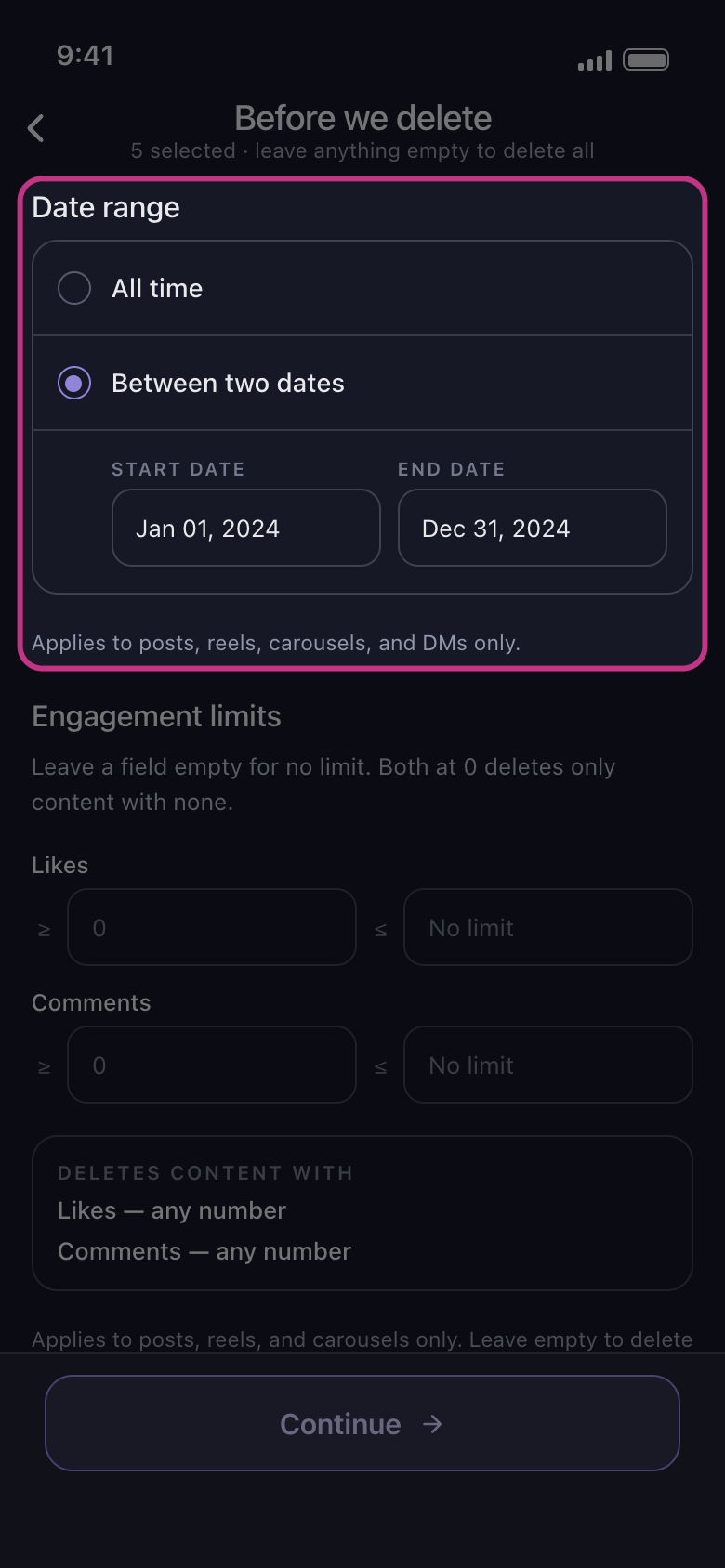
Choose Between two dates
All time deletes whatever the date. Tap Between two dates, then choose the first day and the last: they show in the Start Date and End Date boxes.
In the app Before we delete → Date range → Between two dates
- 03
Know what the range covers
On Discord and Slack, the messages in every conversation you ticked. On Instagram, posts, reels, carousels and DMs; likes, comments, Unfollow All and Remove All Followers go whatever the date. On LinkedIn, posts, reposts and comments; reactions go whatever the date. On TikTok, everything you ticked; for liked videos, the date is when the video was posted, not when you liked it. On Facebook and YouTube, everything you ticked except what carries no date: while a range is set, nothing is deleted from Delete Albums on Facebook or Unsubscribe from Channels on YouTube.
In the app Before we delete → Date range
- 04
Tap Continue and check the Review
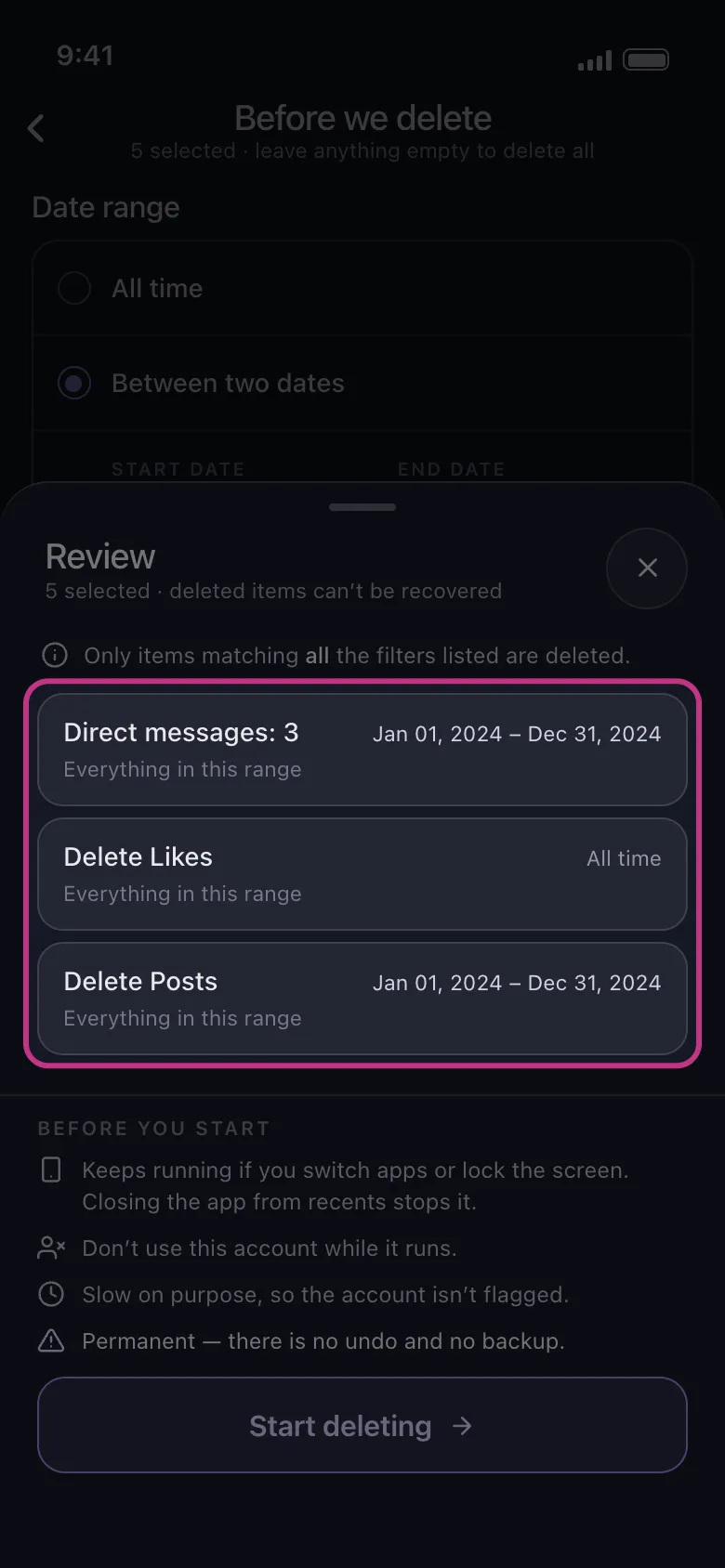
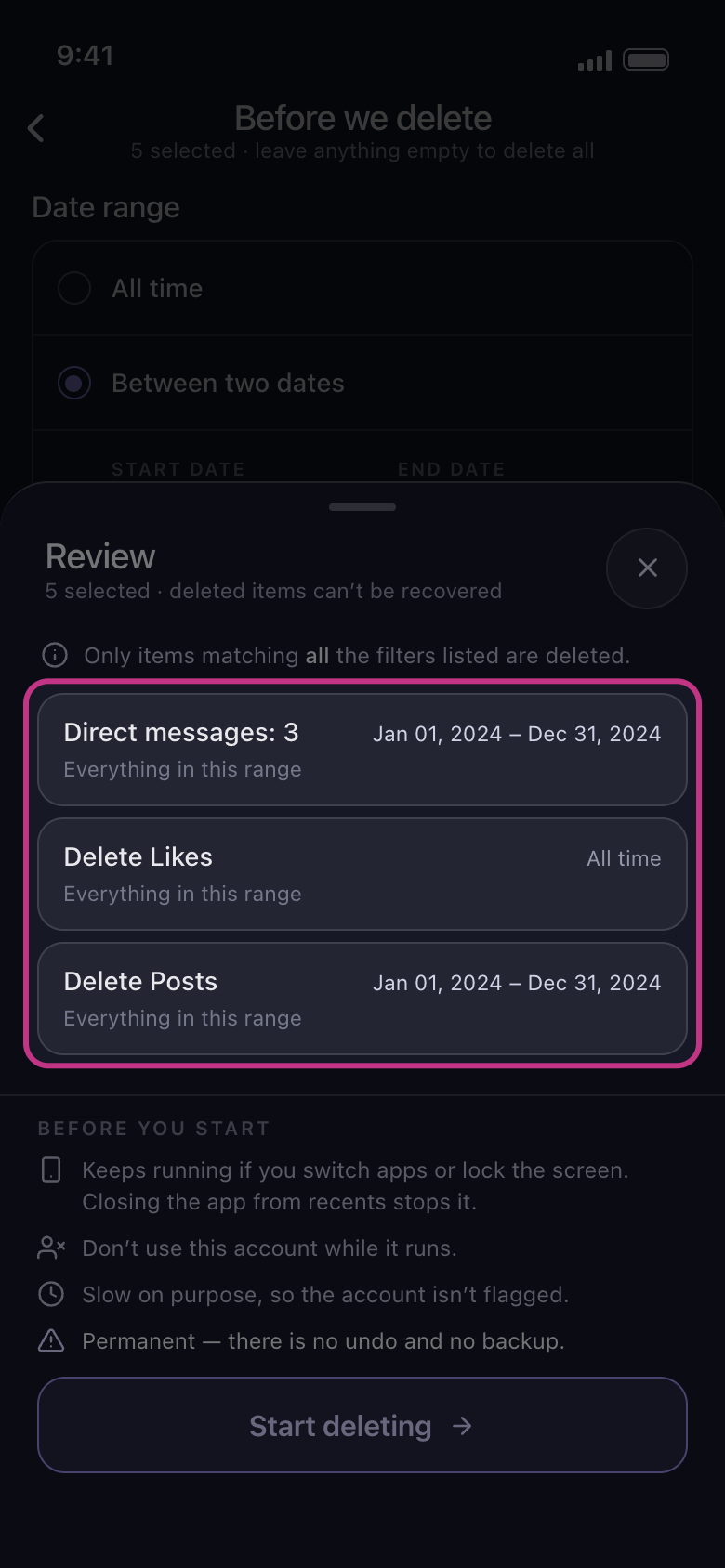
The Review shows a tile for each thing you ticked, with your dates or All time. A tile that reads All time is deleted whatever the date, and one marked Skipped is left alone. If every tile reads All time, no range is set: close the Review with the × beside its title and choose both dates again. Nothing is deleted until you tap Start deleting.
In the app Continue → Review → Start deleting
Good to know
- Date range works with the other sections of Before we delete: only what falls inside the range and matches every other filter you set is deleted. See How to delete messages containing a keyword and How to keep your best posts and delete the rest.
- There is no setting for deleting oldest or newest first.
- On the free plan, each account can still delete up to 50 items a day, inside a range too: a range with a lot in it takes several days.
More guides