
Cómo borrar solo un rango de fechas
Para borrar solo tus publicaciones antiguas, o solo las de un año, pon un rango de fechas. Es la primera sección de Antes de eliminar, la pantalla que se abre al tocar Continuar después de marcar qué borrar. Lo tienen Discord, Slack, Instagram, Facebook, TikTok, LinkedIn y YouTube; X y Reddit, no.
- 01
Marca qué borrar y toca Continuar
Antes de eliminar muestra solo las secciones que se aplican a lo que marcaste, así que Rango de fechas solo aparece cuando algo de lo marcado se puede limitar por fecha. Cuando no se puede limitar nada, Continuar se salta esta pantalla y abre la Revisión.
En la app Principal → plataforma → cuenta → Continuar
- 02
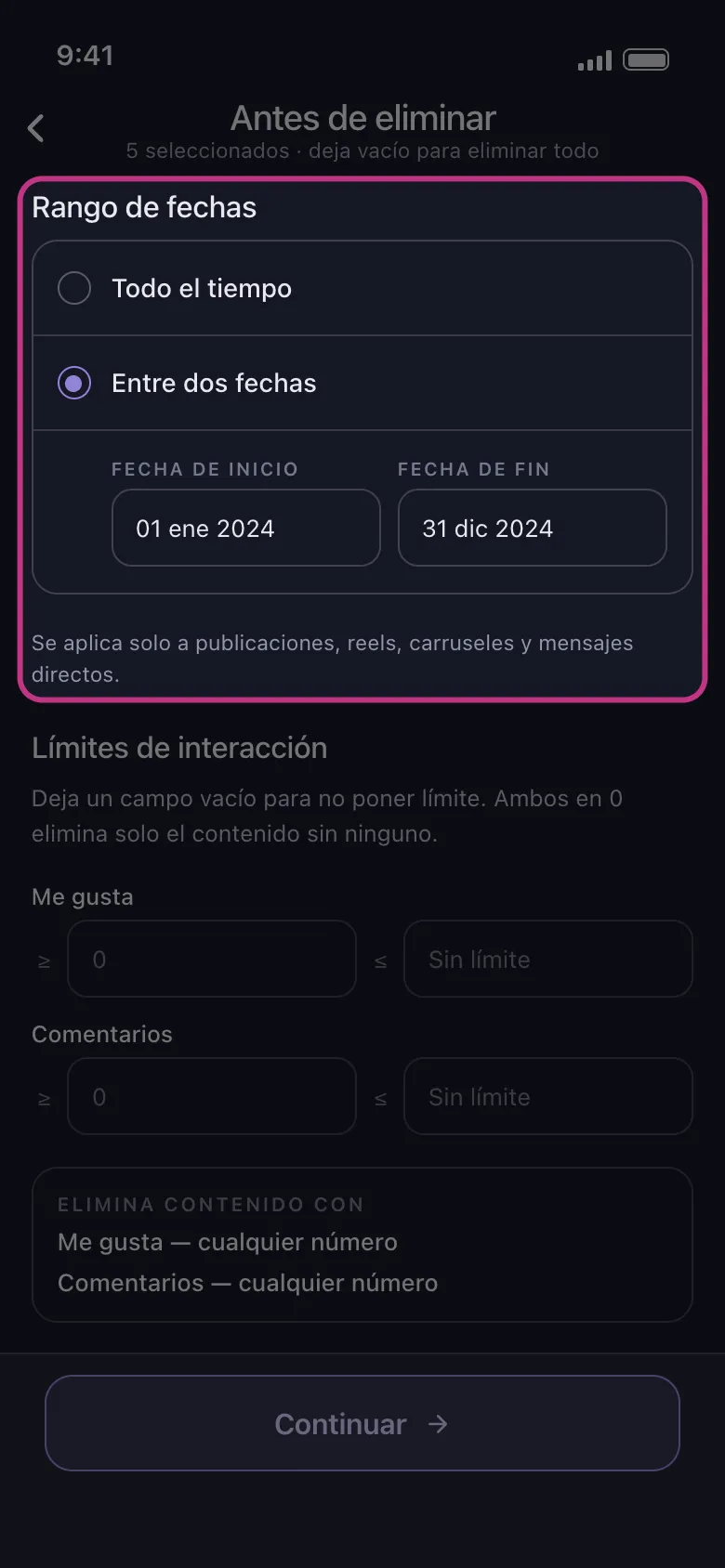
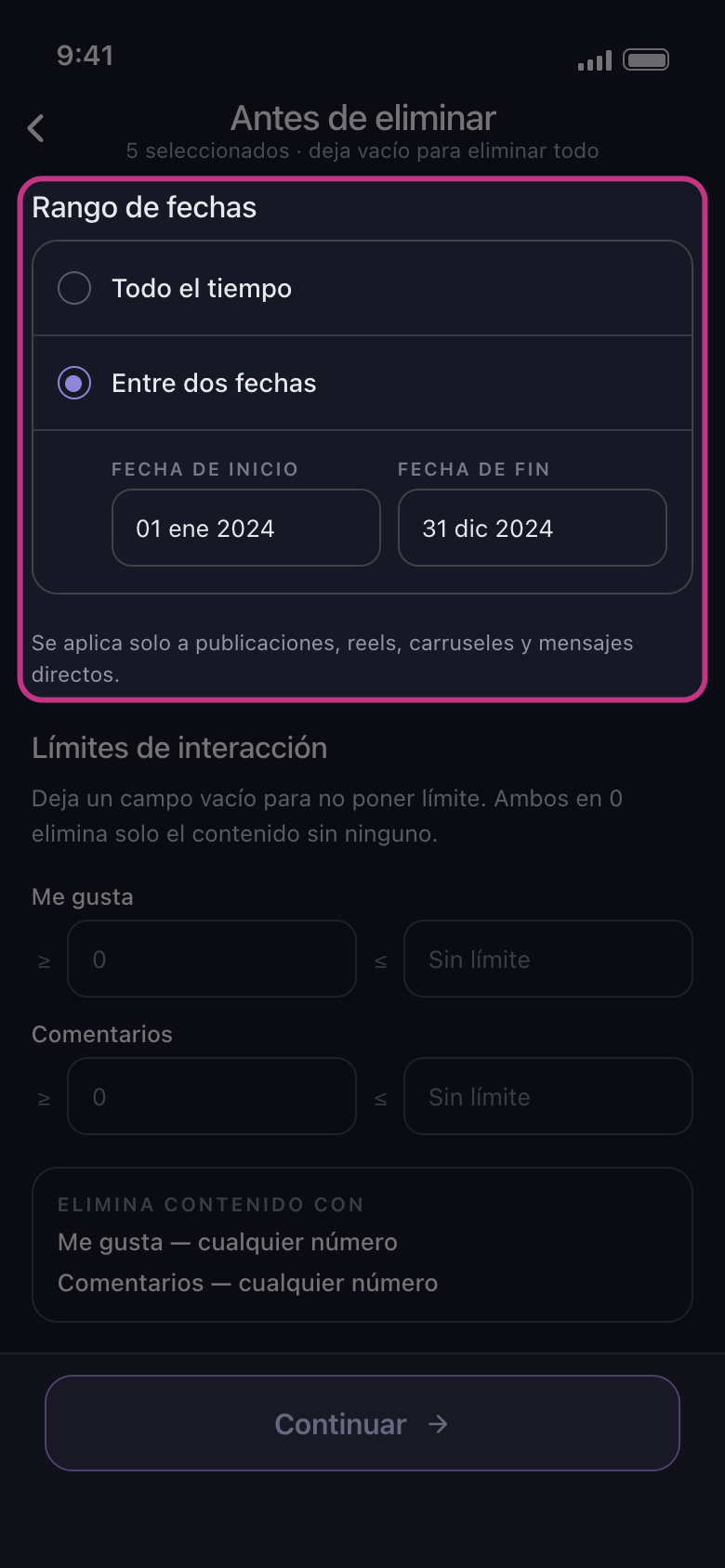
Elige Entre dos fechas
Todo el tiempo borra sin importar la fecha. Toca Entre dos fechas y elige el primer día y el último: aparecen en los campos Fecha de Inicio y Fecha de Fin.
En la app Antes de eliminar → Rango de fechas → Entre dos fechas
- 03
Qué abarca el rango
En Discord y Slack, los mensajes de cada conversación que marcaste. En Instagram, publicaciones, reels, carruseles y MD; los me gusta, los comentarios, Dejar de Seguir a Todos y Eliminar Todos los Seguidores se borran sea cual sea la fecha. En LinkedIn, publicaciones, reposts y comentarios; las reacciones se borran sea cual sea la fecha. En TikTok, todo lo que marcaste; en los vídeos que te gustaron, la fecha es la de publicación del vídeo, no la de tu me gusta. En Facebook y YouTube, todo lo que marcaste salvo lo que no tiene fecha: mientras haya un rango puesto, no se borra nada de Eliminar Álbumes en Facebook ni de Cancelar suscripciones a canales en YouTube.
En la app Antes de eliminar → Rango de fechas
- 04
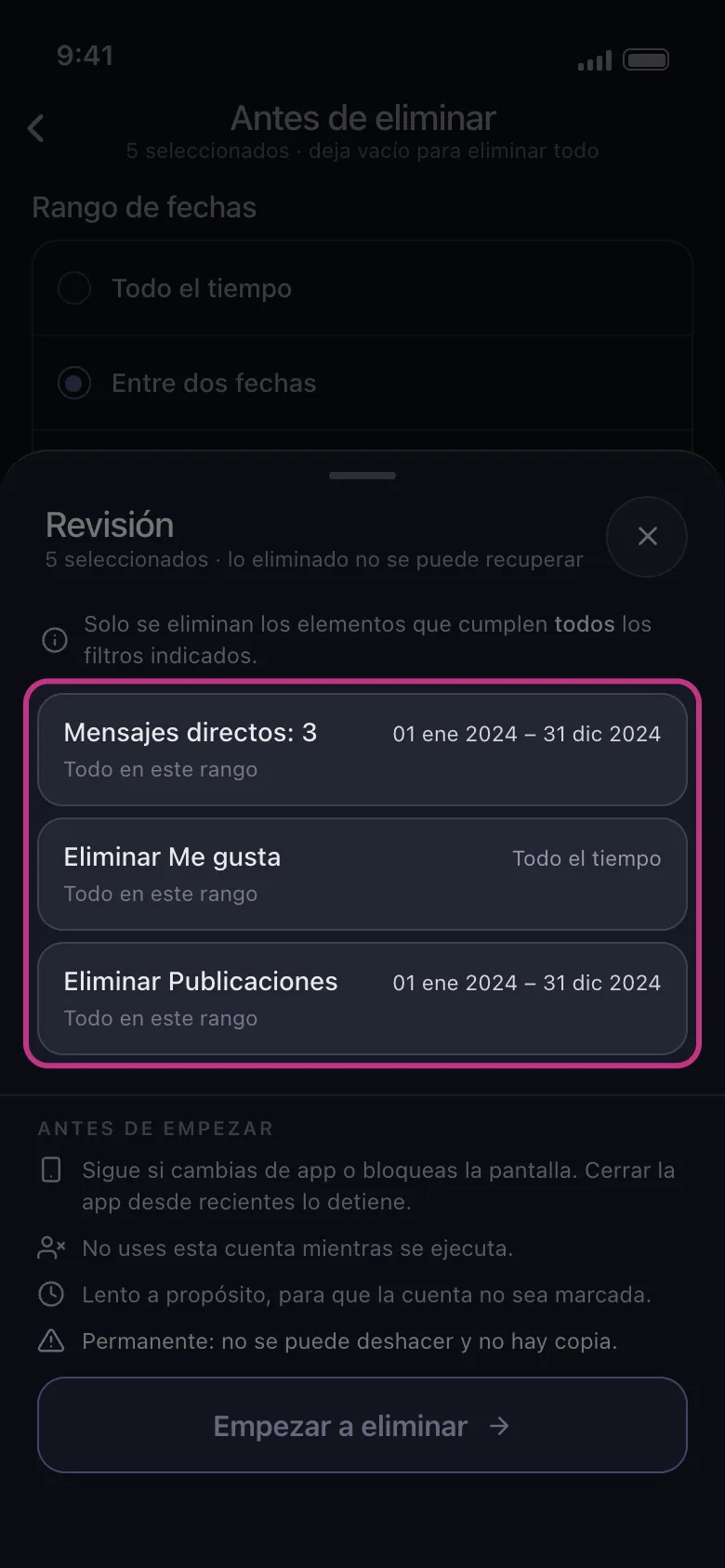
Toca Continuar y comprueba la Revisión
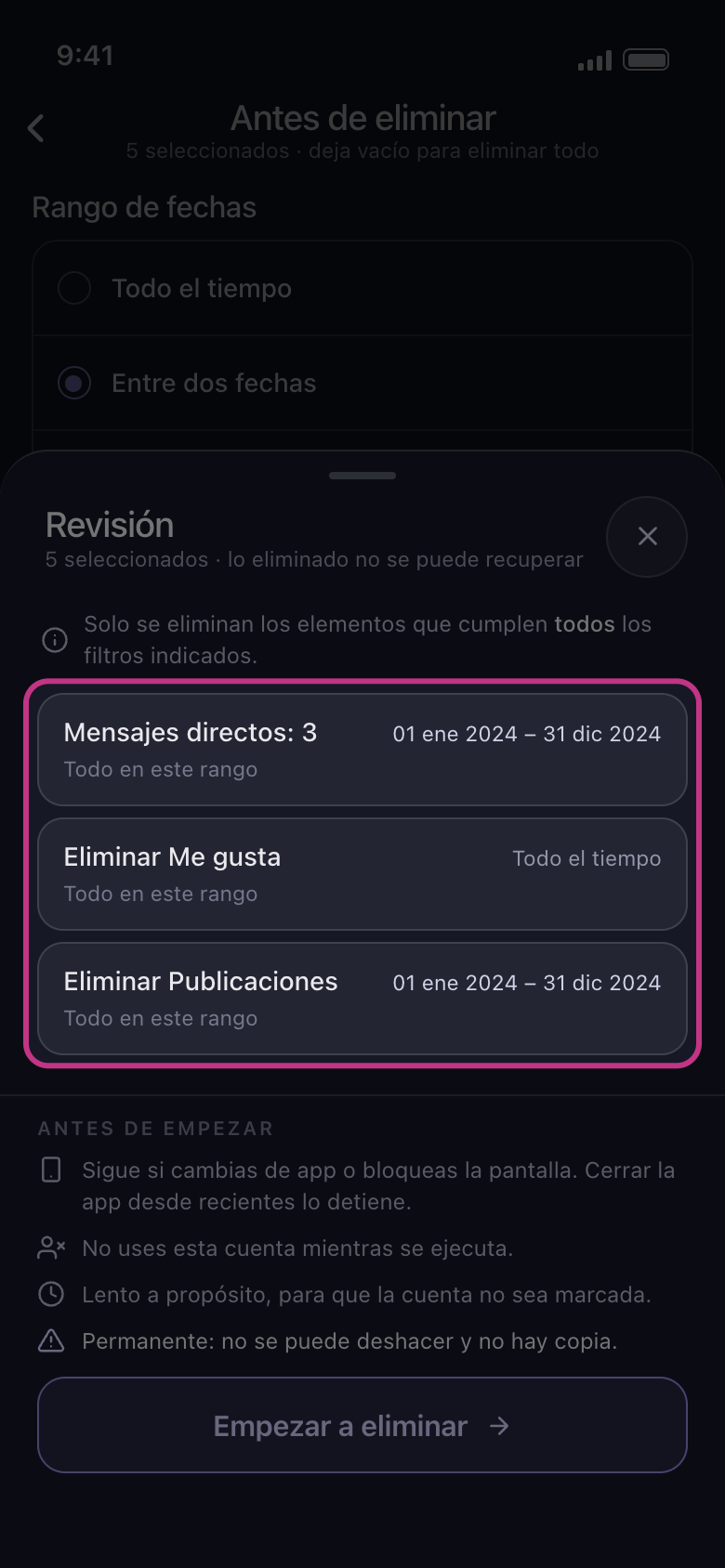
La Revisión muestra una tarjeta por cada cosa que marcaste, con tus fechas o Todo el tiempo. El contenido de una tarjeta que dice Todo el tiempo se borra sea cual sea la fecha, y el de una tarjeta marcada como Omitido no se toca. Si todas las tarjetas dicen Todo el tiempo, no hay ningún rango puesto: cierra la Revisión con la × que hay junto a su título y vuelve a elegir las dos fechas. No se borra nada hasta que tocas Empezar a eliminar.
En la app Continuar → Revisión → Empezar a eliminar
Bueno saberlo
- Rango de fechas funciona junto con las demás secciones de Antes de eliminar: solo se borra lo que cae dentro del rango y cumple todos los demás filtros que pusiste. Consulta Cómo borrar mensajes que contienen una palabra clave y Cómo conservar tus mejores publicaciones y borrar el resto.
- No hay ningún ajuste para borrar primero lo más antiguo o lo más reciente.
- En el plan gratuito, cada cuenta sigue pudiendo borrar hasta 50 elementos al día, también dentro de un rango: un rango con mucho contenido lleva varios días.
Más guías