
Clean Up Your Social Media Before a Job Search: A Checklist
Most employers will search for you before they ever speak to you. Survey after survey puts the share of recruiters who screen candidates’ social media at around seven in ten, and among those who screen, more than half say they have found content that made them drop a candidate. What trips people up is rarely the resume — it is old posts: the 2016 hot take, the party photos, the complaint about a former boss, the joke that has not aged well. Content you forgot writing is still public, timestamped, and attributed to you, and it surfaces in seconds.
The fix is not to delete every account and vanish; recruiters tend to get suspicious when a candidate cannot be found at all. The fix is a focused cleanup a few weeks before you send the first application: search yourself the way a recruiter would, remove what you would not defend in an interview, and decide deliberately what stays public. This post is the job-search edition of our broader guide to cleaning up your digital footprint — shorter, and focused on what hiring teams actually see. A checklist table at the end pulls it all together.
What employers actually look at
There are two kinds of screening, and both are common. The casual version is a recruiter with your resume in one tab and a search engine in the other: your name plus your city, school, or last employer, then a skim of whatever profiles come up. The formal version is the social media background check — specialist services compile a report of your public content and flag categories like discriminatory remarks, drug references, or threats. In the US, those third-party checks require your consent, but the form is usually part of the application paperwork you sign anyway.
Either way, four things surface most often:
- Public posts and replies under your name, or under a handle that links back to you — a reused username or profile photo is enough to make the connection.
- Comments you left on other people’s public posts, which stay visible even when your own profile is private.
- Tagged photos that other people posted of you.
- Old takes about politics, employers, and colleagues — consistently among recruiters’ most-cited reasons for rejecting a candidate.
The risk is not spread evenly across platforms. Twitter/X is fully public, indexed by search engines, and readable without an account — the highest exposure per post. Instagram ties years of photos to your face and real name. Reddit is pseudonymous, but a reused handle or a few biographical details can connect it to you. Discord and Slack never show up in a web search, yet messages persist for years and screenshots travel. LinkedIn is the one profile you polish rather than prune.
The audit: search yourself like a recruiter
Start in a private browsing window so results are not shaped by your own logins. Search your name in quotes, then your name plus your city, your university, and your current and previous employers — the exact combinations a recruiter tries. Note everything about you on the first two pages: profiles, posts, forum threads, images. Then repeat for your usernames. Handles are the weak link between your anonymous accounts and your real name: if your Reddit username matches your gamertag or half your email address, treat that history as public.
Next, open each platform logged out, or from that same private window: your Twitter/X profile and replies, your Instagram grid and tagged photos, your Reddit user page — which lists every comment you have ever made in one scrollable feed. This is exactly what a stranger sees. Build a three-column list as you go: delete, make private, keep. Most people are surprised twice — once by how much exists, and once by how much of it sits on platforms they stopped using years ago.
The cleanup pass, platform by platform
Work from most exposed to least. Here is the short version for each platform, with an employer in mind as the audience.
Twitter/X: delete the old takes first
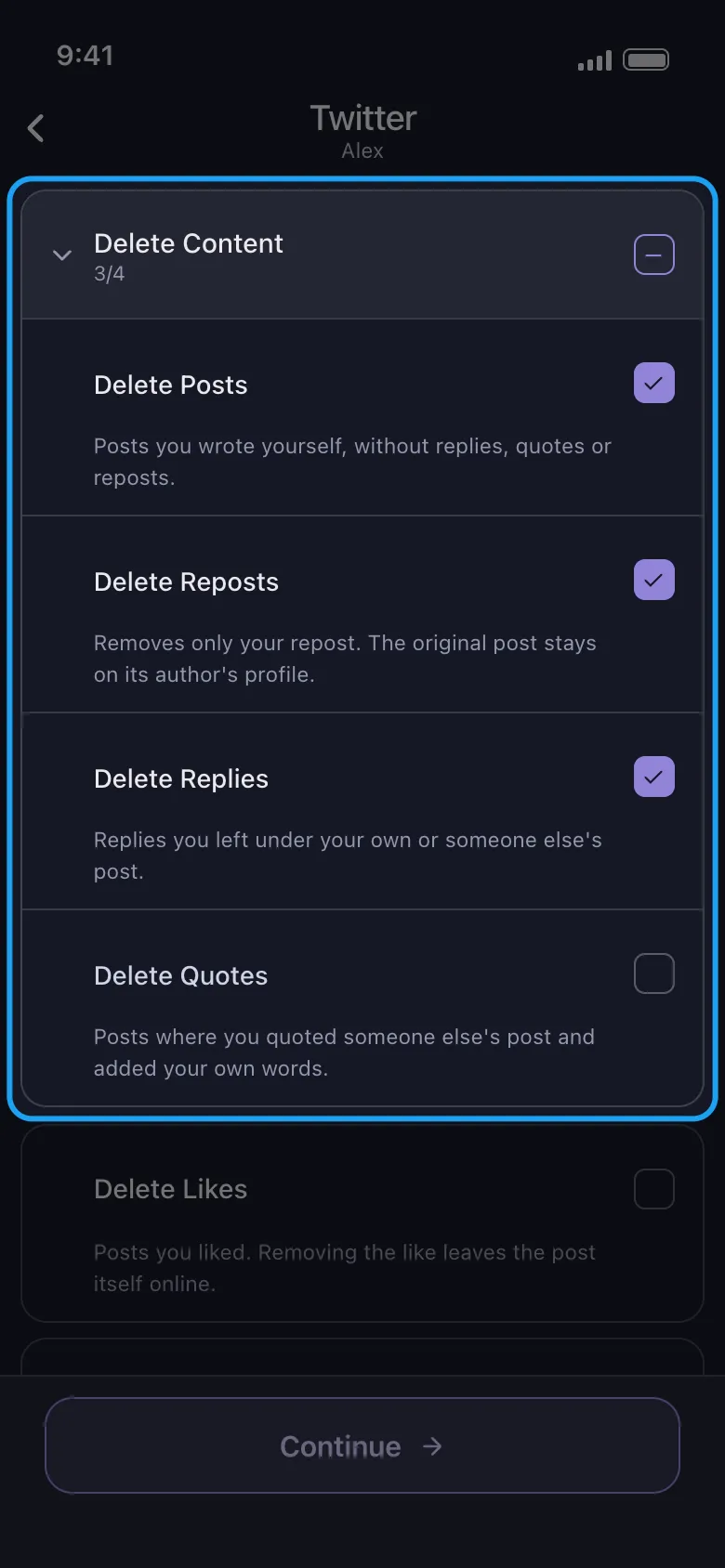
Twitter/X is where old opinions live, and everything is public, dated, and quotable by default. Search your own history for the obvious keywords — employer names, colleagues, politics, alcohol — and assume anything older than a few years no longer represents you. Delete the tweets, but also replies and retweets: a reply keeps your words pinned to someone else’s thread, and a retweet reads as an endorsement. If the archive is big, deleting by date range beats judging tweet by tweet.
Instagram: grid, tags, and comments
Instagram is the profile most tightly tied to your face and name, and usually the first one a recruiter opens. Review the grid year by year, then check tagged photos — other people’s posts of you appear on your profile unless you untag or hide them. If deleting feels drastic, Instagram’s archive feature hides posts from the grid without destroying them. One catch: comments you have left on public accounts stay visible even if your own account goes private.
Reddit: anonymous until it is not
Reddit holds your most honest writing precisely because it feels anonymous — salaries, managers, health, strong opinions. A reused username or a few scattered details (city, job title, age range) are enough to connect that history to your application. Sweep your comment history for anything about employers and anything you would not say in a meeting. And do not close the account first: deleting a Reddit account leaves your comments online, attributed to [deleted], while removing your only means of erasing them.
Discord and Slack: private, but not safe
Discord and Slack do not appear in a web search, so they get skipped — wrongly. Messages persist for years in every server and workspace you have joined, industries are small, and screenshots travel without permission. Your next interviewer might share a server with you, and your old Slack vents survive at a company where your references still work. Sweep DMs and channels for complaints about managers, colleagues, and clients — the category back-channel references care about most.
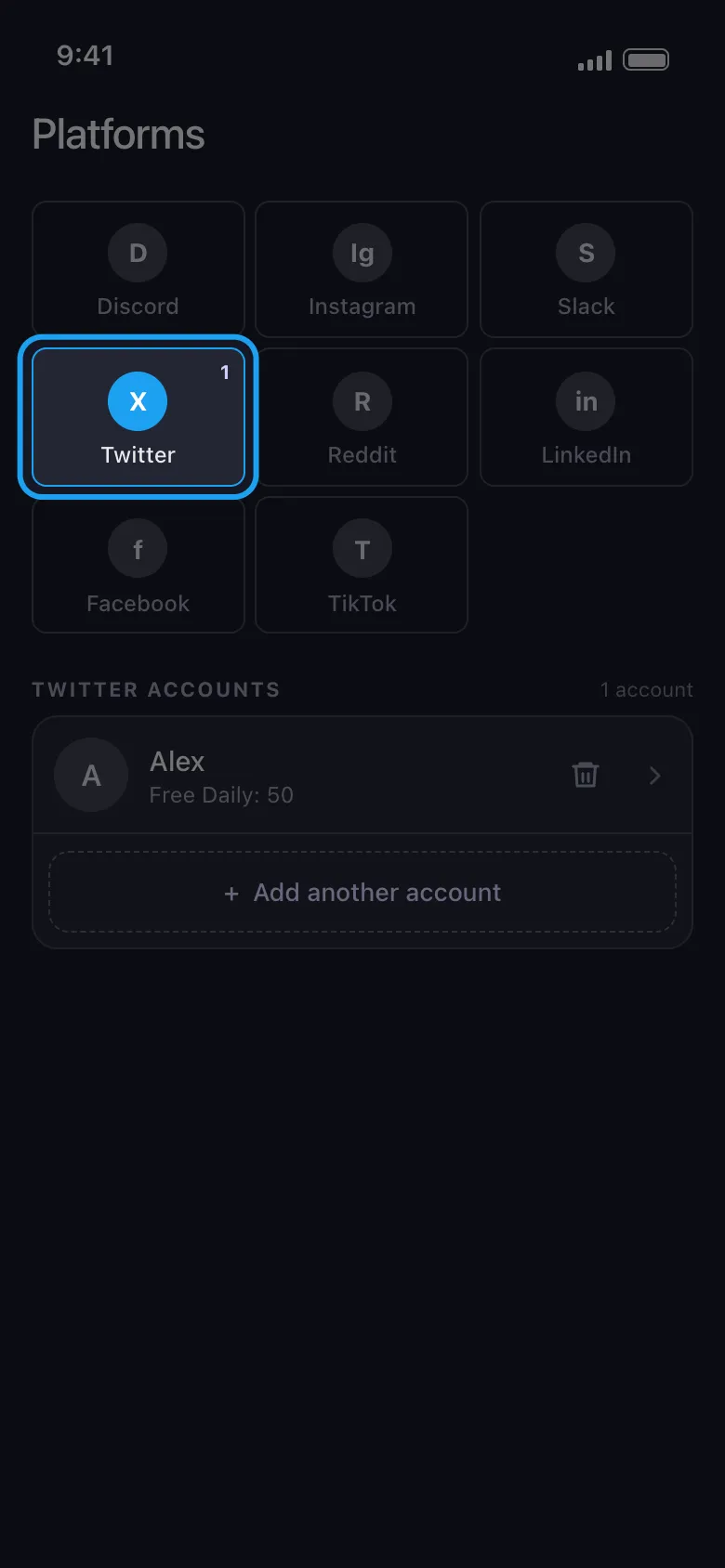
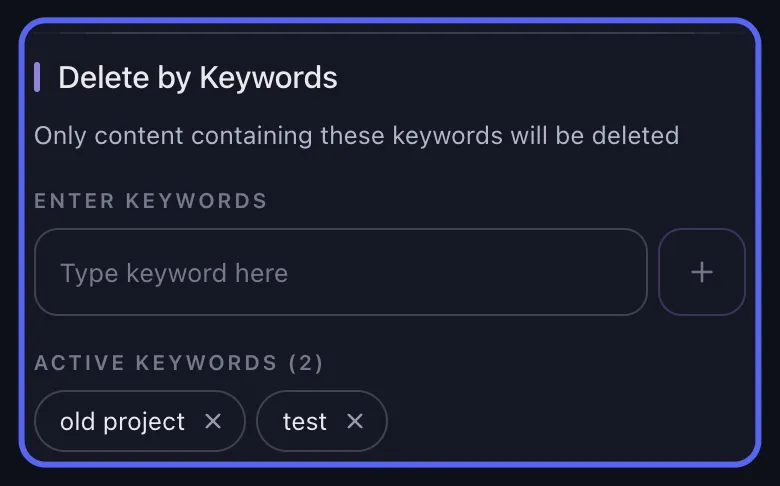
Now the part nobody enjoys: none of these platforms offers a real “select all and delete.” Done by hand, a serious cleanup means tapping through thousands of items one at a time across five apps — days of work, right when you should be writing applications. Unpost is an iOS and Android app built for exactly this job: it bulk-deletes your own posts, comments, and messages on Twitter/X, Instagram, Reddit, Discord, and Slack — all five platforms from one app. It signs you in through each platform’s own login screen, so your passwords are never stored or sent anywhere, and it deletes item by item at a pace each platform tolerates, with date and keyword filters to target one year, one topic, or everything before today.
Clean Up Before You Apply
Use Unpost on mobile to bulk delete old posts, comments, and messages across Twitter/X, Instagram, Reddit, Discord, and Slack before recruiters start searching.
Delete, go private, or curate?
Not everything needs deleting. There are three workable strategies, and most people end up combining them.
- Delete what you would not defend in an interview: old takes, employer complaints, anything involving alcohol, drugs, or arguments with strangers. Deletion is the only strategy that reaches comments you left on other people’s public posts, and the only one that stops new screenshots and new scrapes from this point on.
- Go private for accounts that are personal but harmless — the Instagram that really is for friends. Know the limits: your name, photo, and bio stay public; going private does not undo what archives already captured; and one casually approved follow request reopens the door.
- Curate one deliberately public profile if visibility helps your field: industry commentary, projects, normal hobbies. An empty result page can be almost as awkward as a bad one — some recruiters say they are less likely to call a candidate they cannot find online at all.
The common landing point: delete the archive, keep one curated public presence plus LinkedIn, and set the personal accounts to private.
The timeline: start three to four weeks out
Begin three to four weeks before the first application goes out, because several steps are not instant. Bulk deletions of large archives run over hours or days, since every platform limits how fast content can be removed. Search engines keep showing snippets of deleted pages until they recrawl them, which takes days to a few weeks — Google’s outdated-content removal tool speeds this up for specific URLs, but not to zero. Untagging and takedown requests depend on other people responding. Compressed into the night before an interview, a cleanup fixes your live profiles but not the search results — and the search results are what a recruiter opens first.
A workable schedule: week one, run the audit and start the bulk deletions. Week two, finish the deletions, untag photos, and tighten privacy settings. Week three, re-run every search from the audit in a fresh private window and file removal requests for stale results that still surface. That leaves a buffer week before applications go out. One honest caveat: screenshots and web archives may keep copies of what you deleted. A cleanup controls what is findable where employers actually look — live profiles and fresh search results — and that is most of what decides a screening.
Your pre-application checklist
| Platform | What to check | Quick action |
|---|---|---|
| First two pages for your name + city, school, employers | Re-search after the cleanup; flag outdated results | |
| Twitter/X | Old tweets, replies, retweets | Bulk-delete by date and keyword |
| Grid, tagged photos, comments on public accounts | Delete or archive posts; untag; sweep comments | |
| Full comment history under your handle | Bulk-delete revealing posts and comments before touching the account | |
| Discord / Slack | DMs and channels mentioning work, managers, clients | Bulk-delete vents and personal details |
| The profile recruiters expect to find | Polish and update — this one stays |
Run the table top to bottom the week you start, give the deletions and the search engines their two or three weeks, and the person a recruiter finds will finally match the person on your resume. The work keeps paying off after the offer letter, too: a smaller public archive means less material for scraping, doxxing, and out-of-context quoting, whoever happens to be searching. For what a leaner online history buys you beyond hiring, read our guide to the practical privacy benefits of cleaning up your online history.
Frequently Asked Questions

Get Started
Delete Old Content Across Your Accounts
Bulk delete messages, posts, likes, comments, DMs, reactions, bookmarks, followers, and more — all from one app.
No password storage • 50 free deletions a day per account • iOS & Android


Unpost is distributed only through the App Store and Google Play.