
Cara upgrade ke Premium, atau memulihkannya di ponsel baru
Premium adalah satu langganan bulanan, yang hanya dijual di aplikasi melalui App Store atau Google Play. Premium menghapus batas harian milik Unpost di semua akun sekaligus, bukan batas milik platform. Premium terikat pada Akun Apple (Apple ID) atau akun Google yang membayar: tidak ada akun Unpost untuk login.
- 01
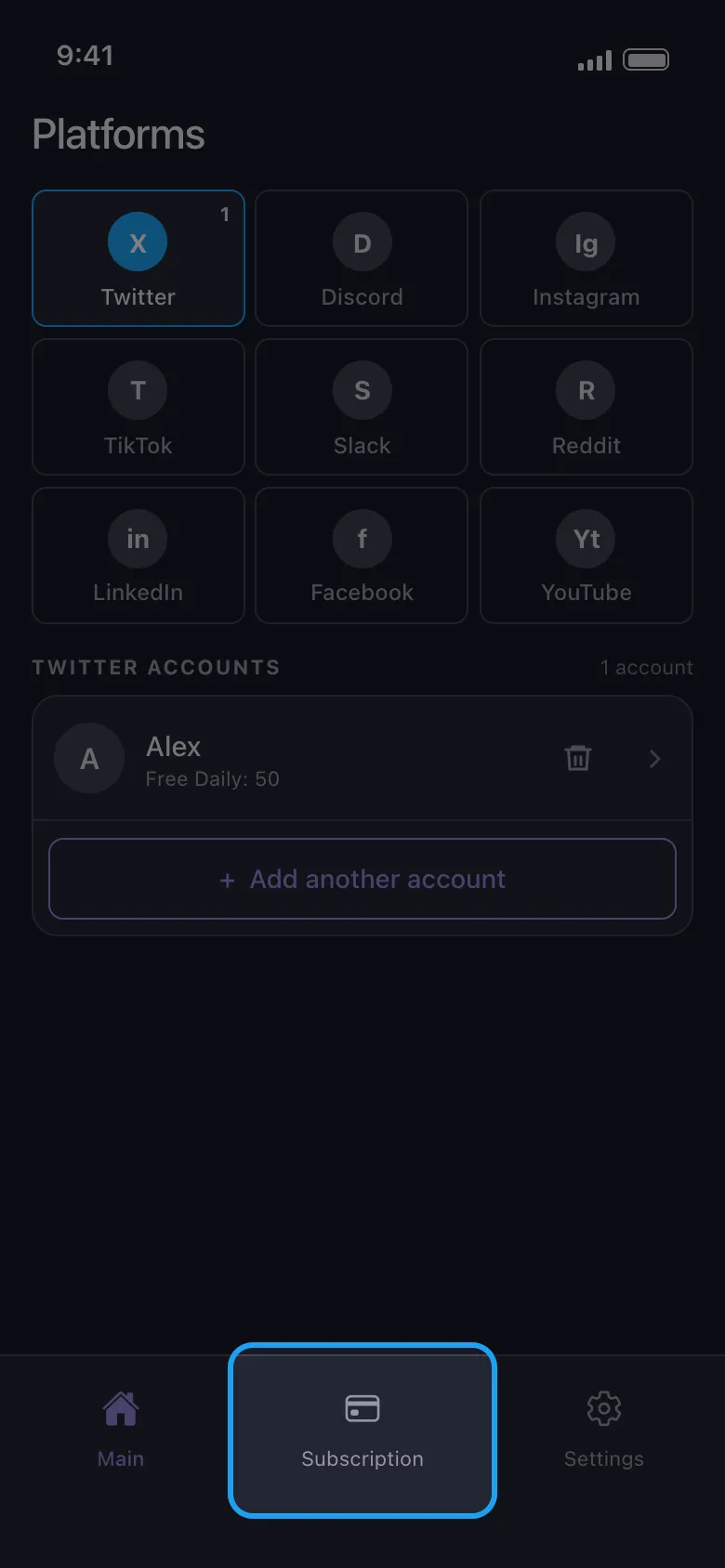
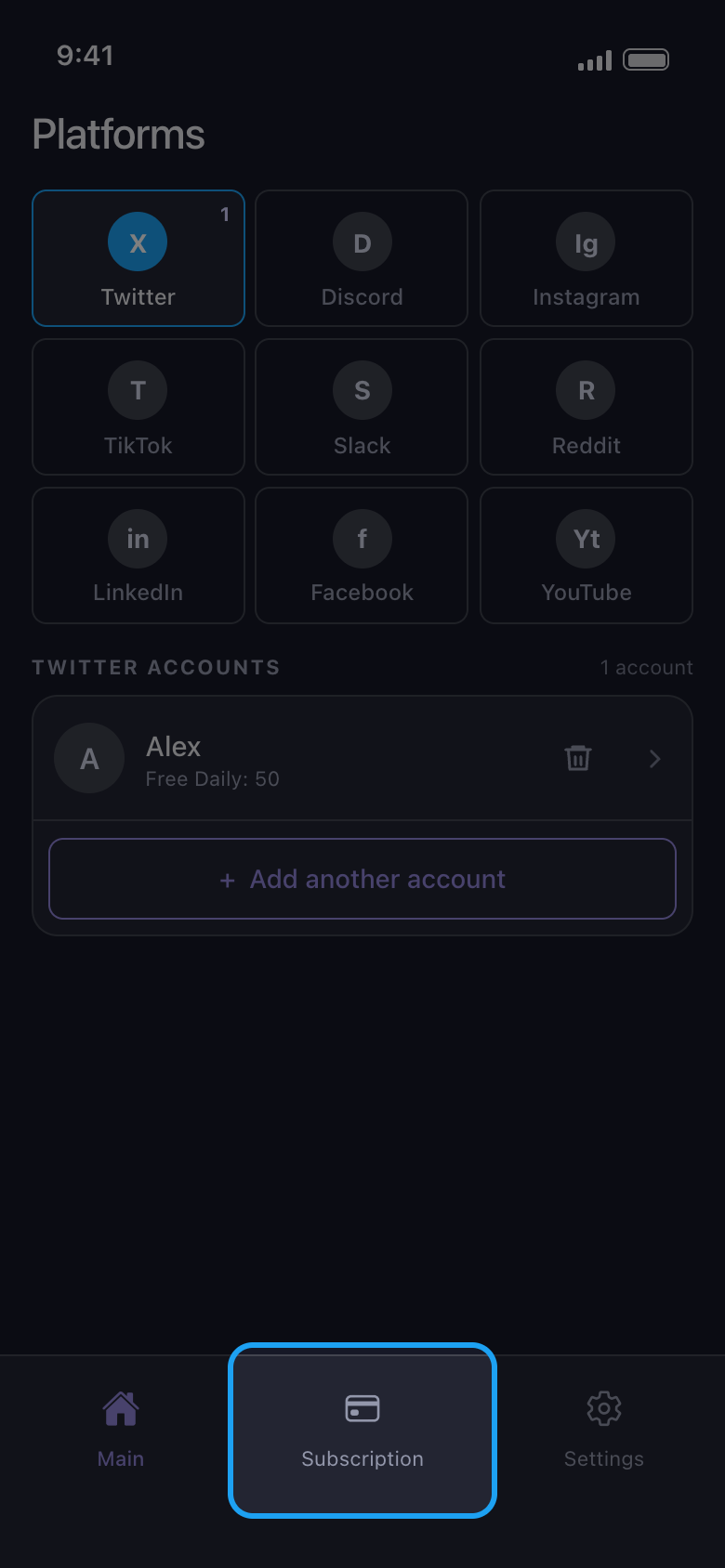
Buka tab Subscription
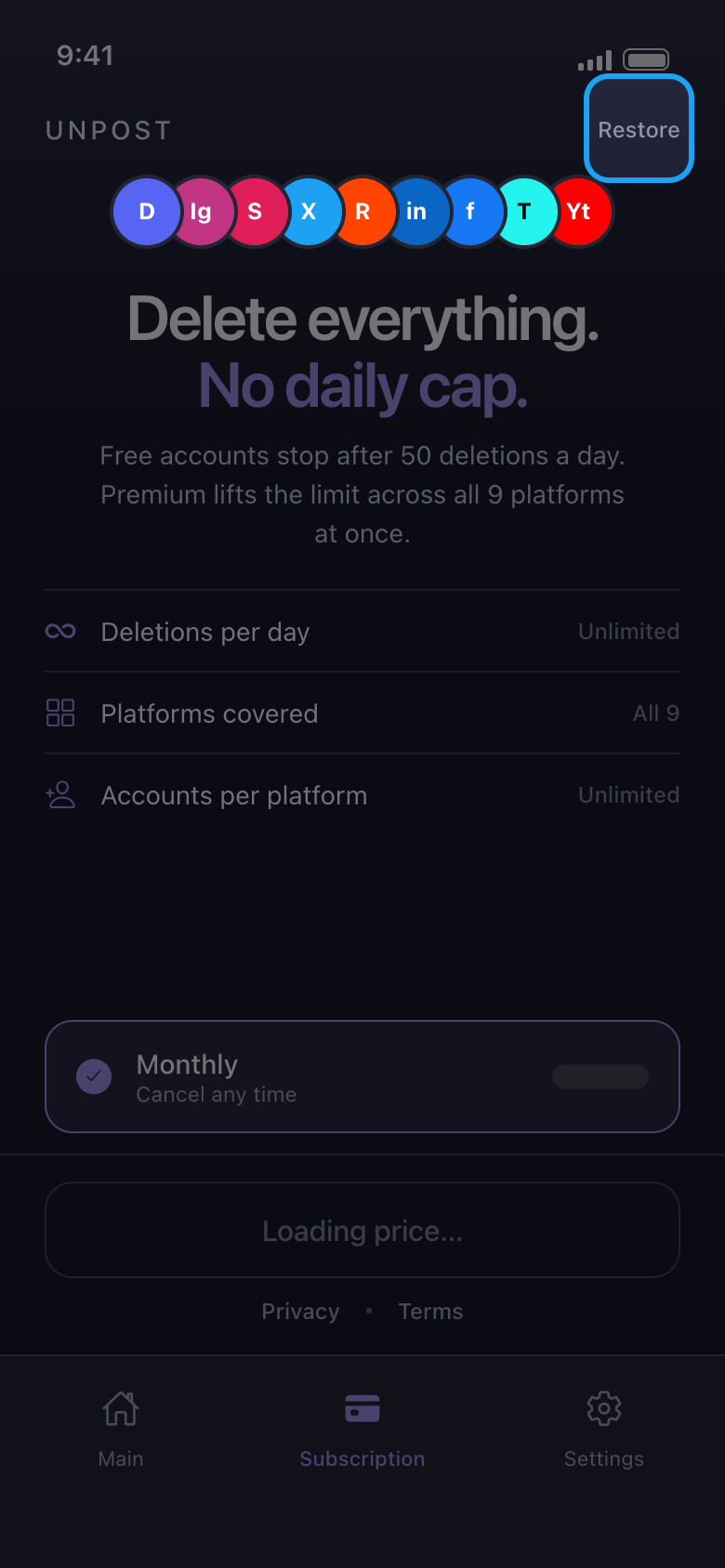
Tab ini ada di bilah bawah, dan Unpost terbuka di tab ini selama Anda belum punya Premium. Tombol Buy Premium di popup Daily limit reached, dan Upgrade Now di layar hasil setelah jatah gratis habis, juga membukanya.
Di aplikasi Subscription
- 02
Berlangganan melalui toko aplikasi
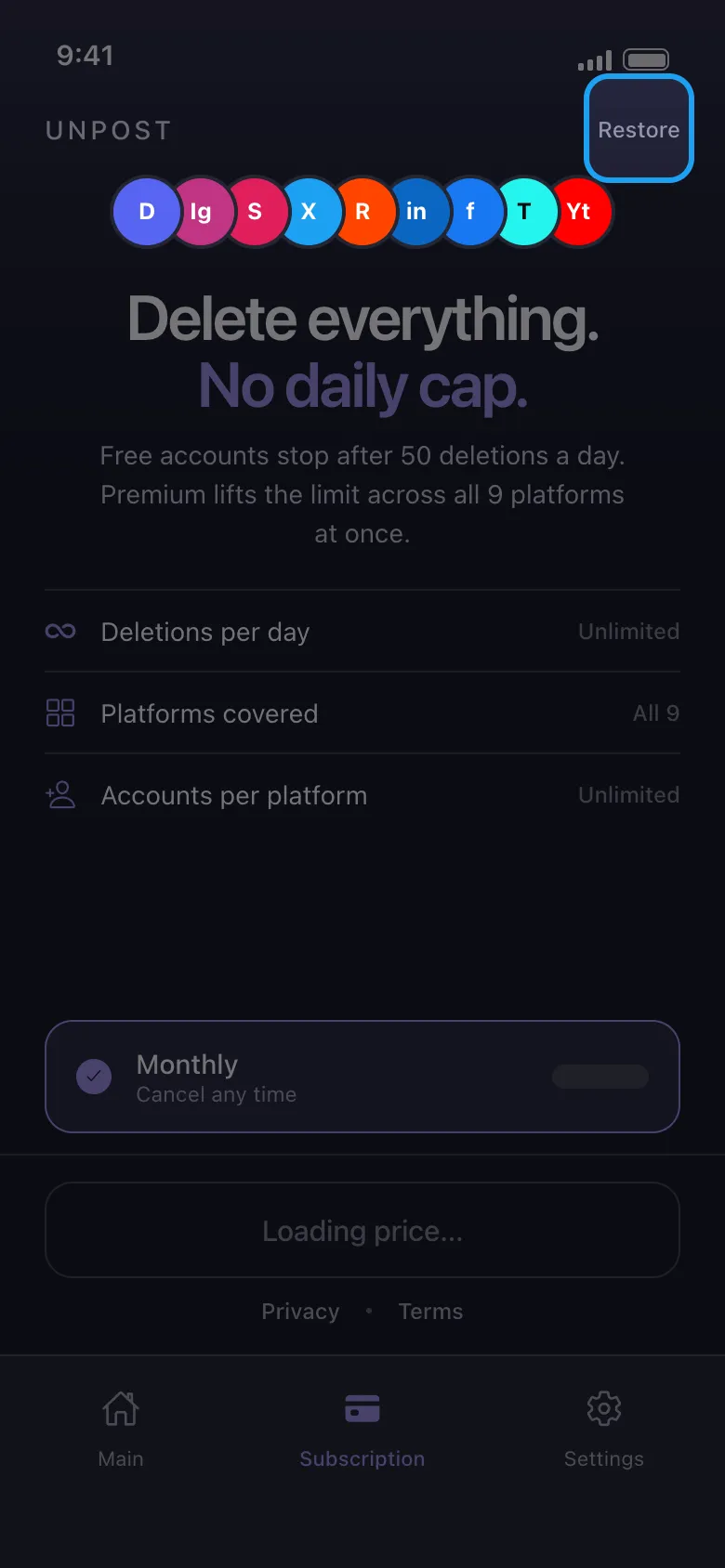
Tombol di bawah Monthly menampilkan harga bulanan dari akun App Store atau Google Play Anda, dalam mata uang Anda. Toko aplikasi yang menerima pembayaran, dengan metode pembayaran yang ditawarkannya kepada Anda, dan Unpost tidak pernah melihat detail pembayaran Anda. Premium diperpanjang setiap bulan sampai Anda membatalkannya di toko aplikasi. Jika tombolnya tetap bertuliskan Loading price…, atau muncul Store unreachable — check your connection, ketuk Try again setelah Anda online; jika terus gagal, tutup Unpost sepenuhnya lalu buka lagi.
Di aplikasi Subscription
- 03
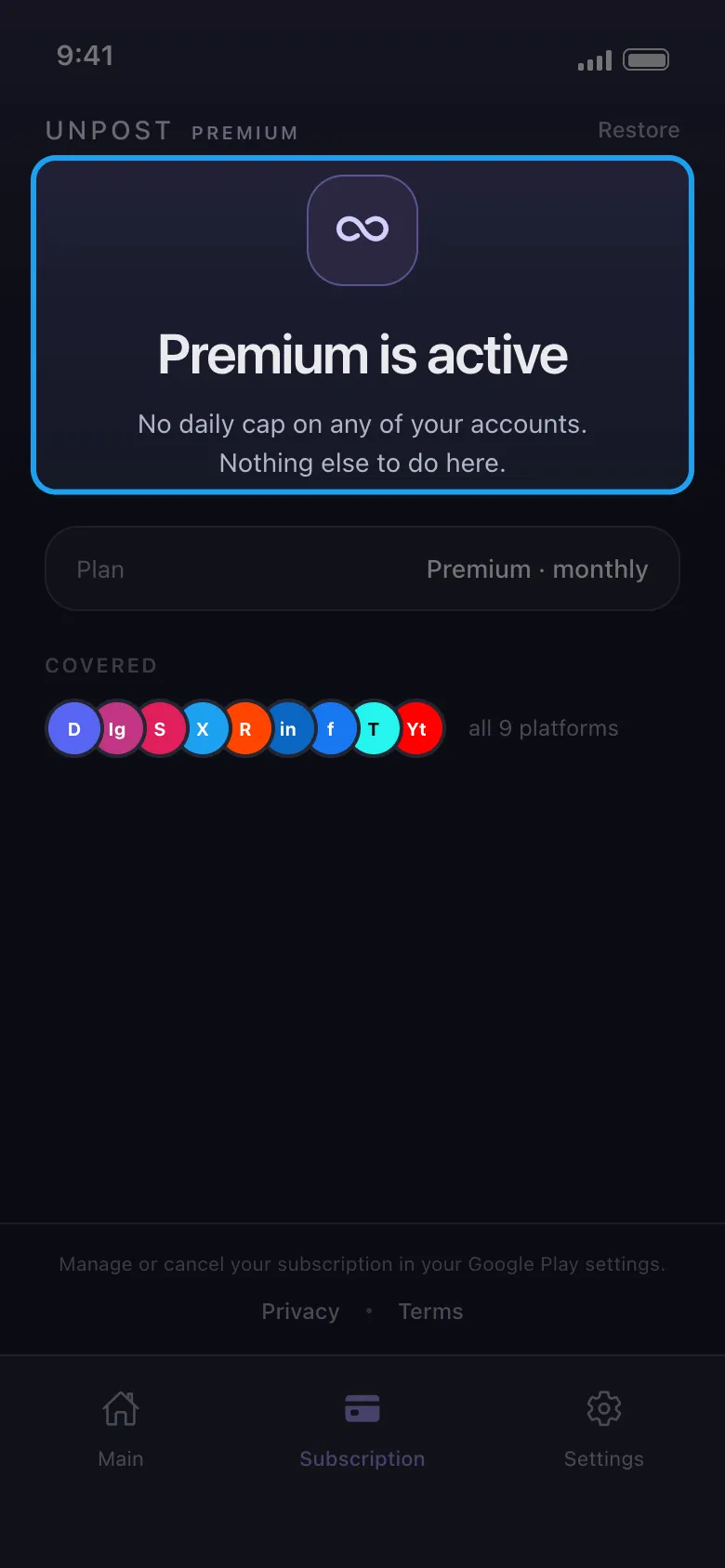
Pastikan Premium sudah aktif
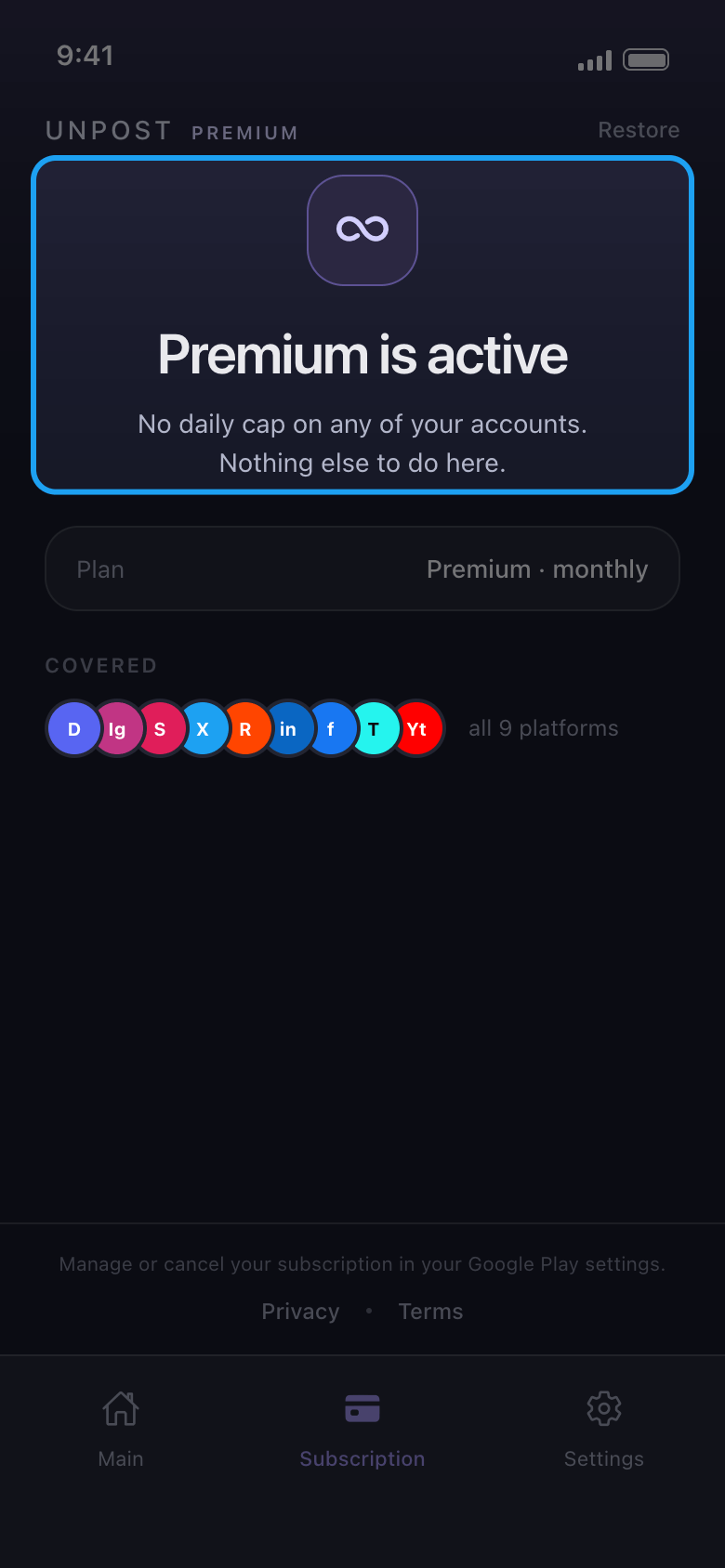
Tab Subscription kini bertuliskan Premium is active, dan akun-akun Anda tidak lagi menampilkan jatah harian.
Di aplikasi Subscription
- 04
Pulihkan di ponsel baru atau setelah instal ulang
Pastikan ponsel login dengan Akun Apple atau akun Google yang membayar, buka tab Subscription di Unpost, lalu ketuk Restore di kanan atas. Jika berhasil, tab itu berubah menjadi Premium is active. Premium tidak berpindah antara iPhone dan Android: pembelian di App Store hanya bisa dipulihkan di perangkat Apple dengan Akun Apple itu, dan pembelian di Google Play hanya di Android dengan akun Google itu.
Di aplikasi Subscription → Restore
- 05
Punya beberapa akun Google di Android?
Buka Play Store, ketuk foto profil Anda, beralihlah ke akun Google yang membeli Premium, lalu ketuk Restore lagi di Unpost. Hanya akun Google itu yang berlaku, bukan email yang terkait dengan kartu atau PayPal Anda.
- 06
Sudah membayar, tetapi masih melihat Daily limit reached?
Toko aplikasi bisa butuh waktu untuk mengonfirmasi pembayaran baru, jadi jangan membayar dua kali. Ketuk Restore, lalu tutup Unpost sepenuhnya dan buka lagi saat Anda online. Jika batasnya masih ada, kirim email ke contact@unpost.app (Settings → Contact Support) dengan nomor pesanan dari tanda terima App Store atau Google Play Anda.
Di aplikasi Subscription → Restore
Perlu diketahui
- Dengan Premium pun, platform tetap bisa menjeda proses: lihat Yang harus dilakukan saat platform menjeda pembersihan Anda.
- Di Reddit, yang tidak punya batas harian, Premium membuka Delete outright, yang menghapus postingan dan komentar secara permanen alih-alih menimpanya, dan Remove [Unpost] affiliate, yang menghilangkan baris Unpost dari teks yang ditimpa.
- Untuk menghentikan perpanjangan Premium, batalkan di toko aplikasi: lihat Cara membatalkan langganan Unpost Premium, dan mengapa masih ditagih setelah dibatalkan. Untuk refund, lihat Cara meminta refund (pengembalian dana) untuk Unpost Premium.
- Pihak Unpost tidak pernah meminta kata sandi atau kode login Anda.
Panduan lainnya