
Premium’a geçme veya yeni telefonda geri yükleme
Premium, yalnızca uygulamanın içinden, App Store veya Google Play üzerinden satılan tek bir aylık aboneliktir. Unpost’un kendi günlük sınırını tüm hesaplarda aynı anda kaldırır, platformların sınırlarını değil. Ödemeyi yapan Apple Hesabına (Apple Kimliği) veya Google hesabına aittir: giriş yapılacak bir Unpost hesabı yoktur.
- 01
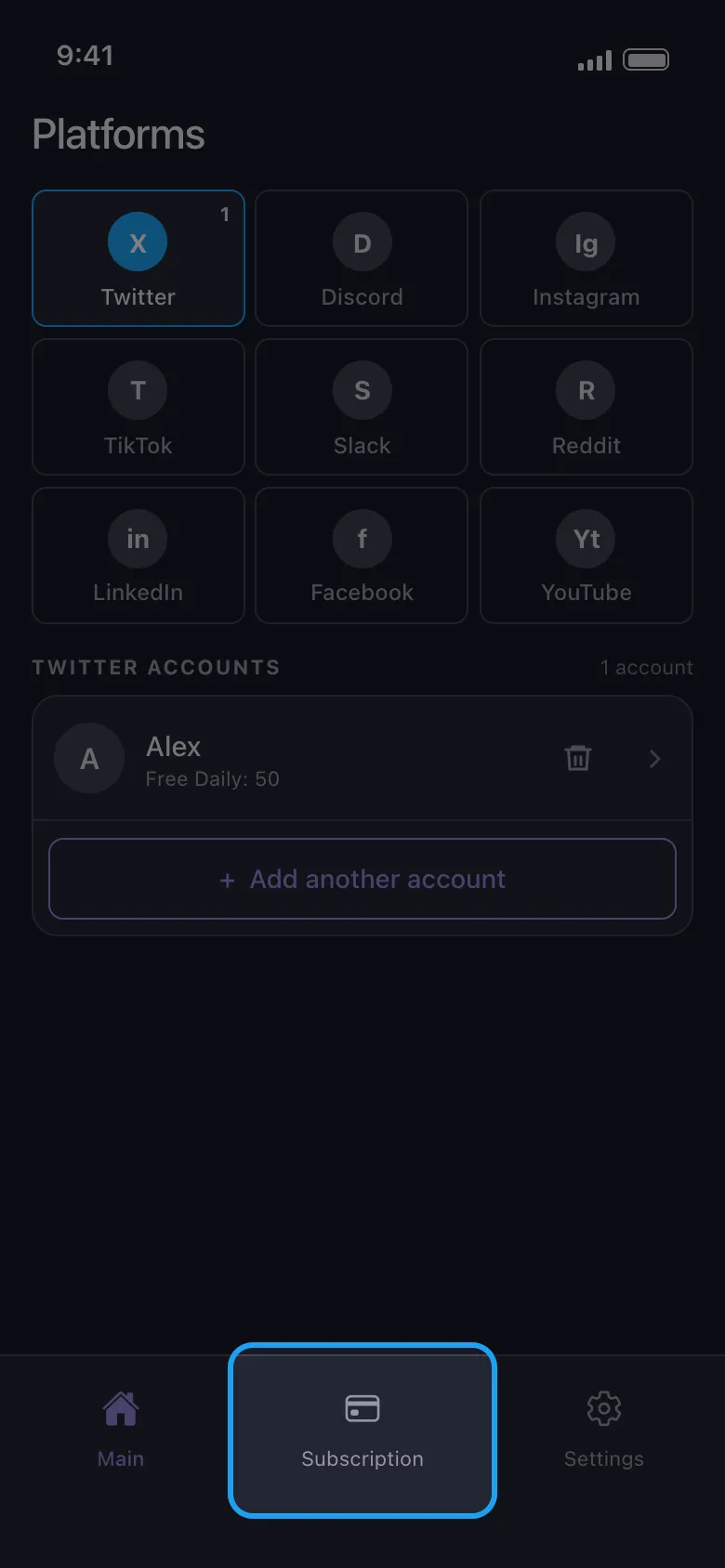
Subscription sekmesini açın
Alt çubuktadır ve Premium’unuz olana kadar Unpost bu sekmede açılır. “Daily limit reached” penceresindeki Buy Premium ve ücretsiz hak bittikten sonraki sonuç ekranında yer alan Upgrade Now da bu sekmeyi açar.
Uygulamada Subscription
- 02
Mağaza üzerinden abone olun
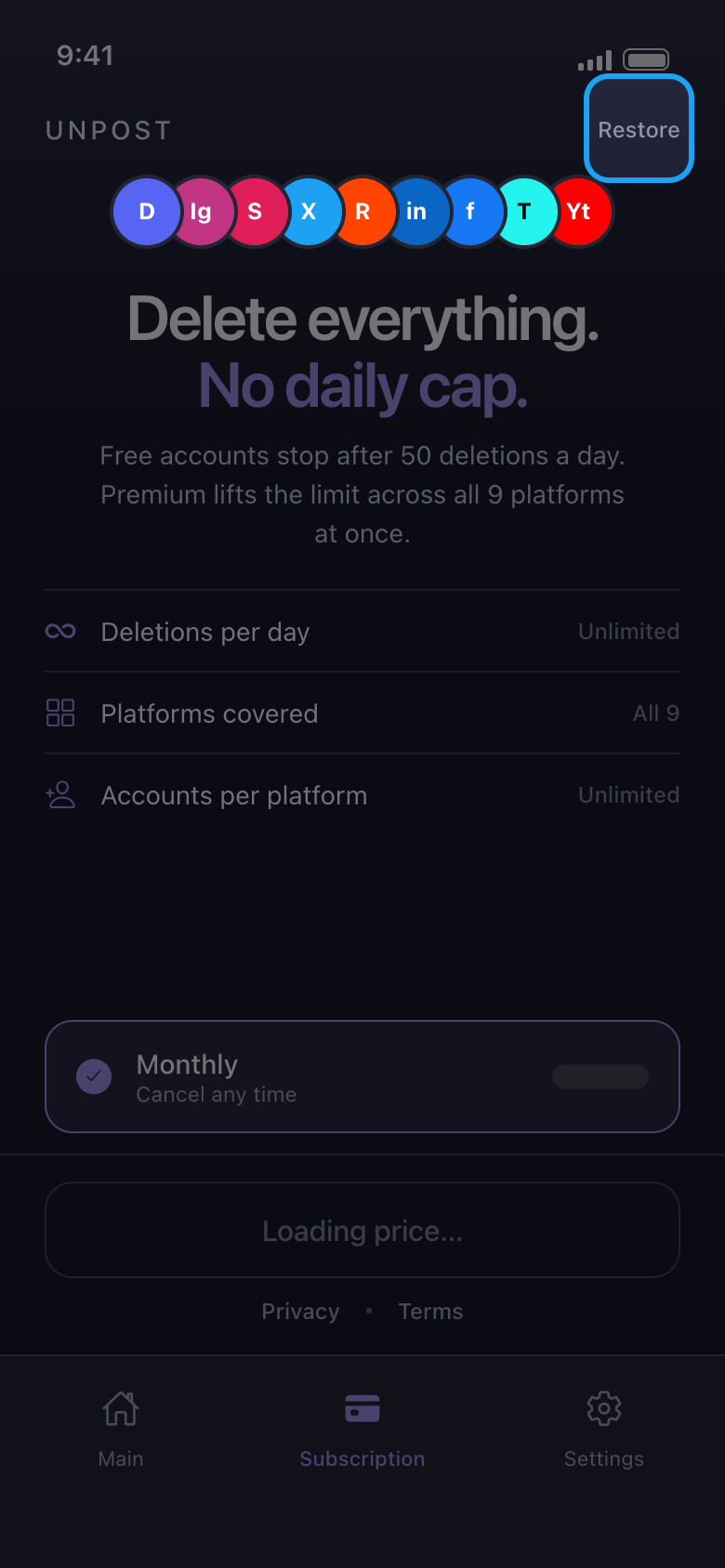
Monthly altındaki düğme, App Store veya Google Play hesabınızdan gelen aylık fiyatı kendi para biriminizde gösterir. Ödemeyi, size sunduğu ödeme yöntemleriyle mağaza alır ve Unpost ödeme bilgilerinizi hiçbir zaman görmez. Premium, siz mağazadan iptal edene kadar her ay yenilenir. Düğmede “Loading price…” yazısı kalıyorsa ya da “Store unreachable — check your connection” görünüyorsa çevrimiçi olduğunuzda Try again düğmesine dokunun; sorun sürerse Unpost’u tamamen kapatıp yeniden açın.
Uygulamada Subscription
- 03
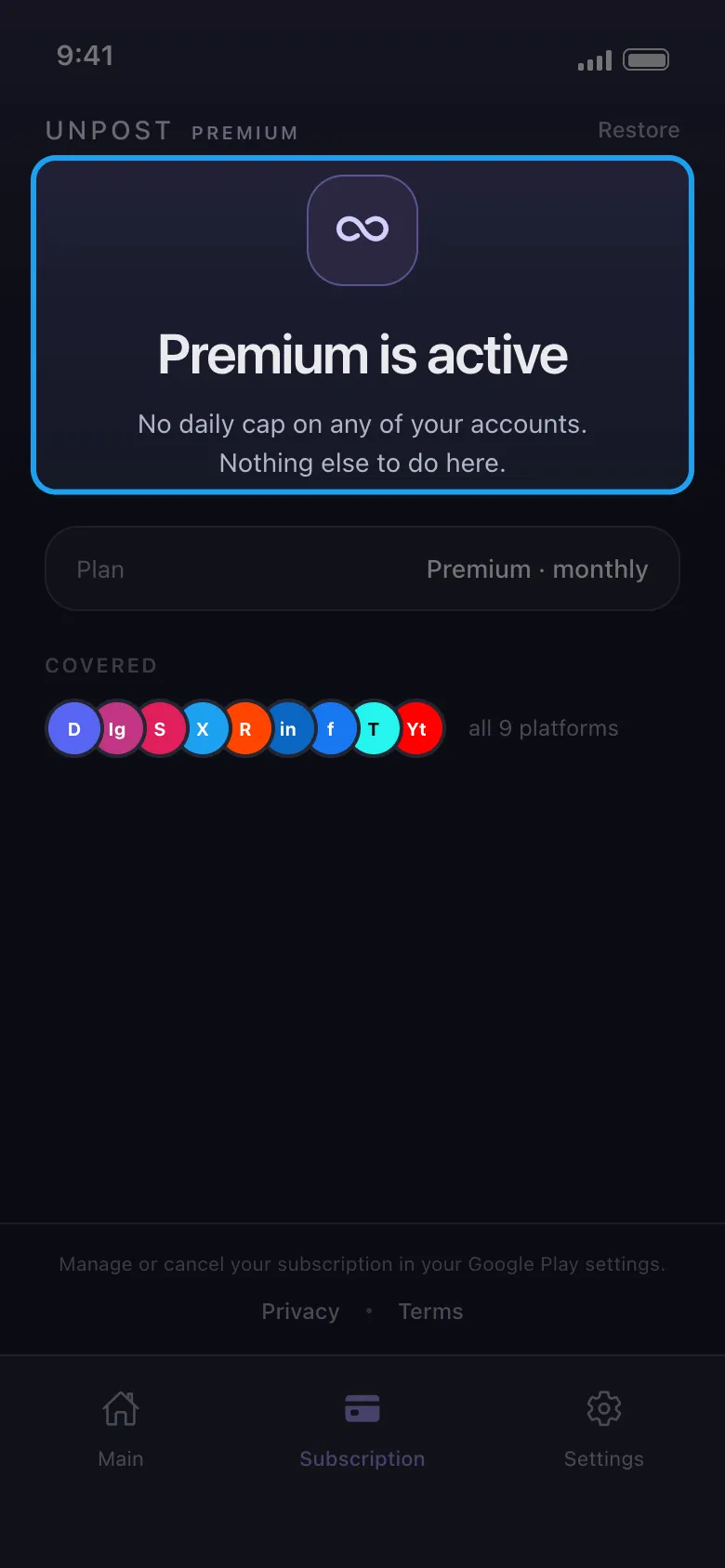
Premium’un etkin olduğunu kontrol edin
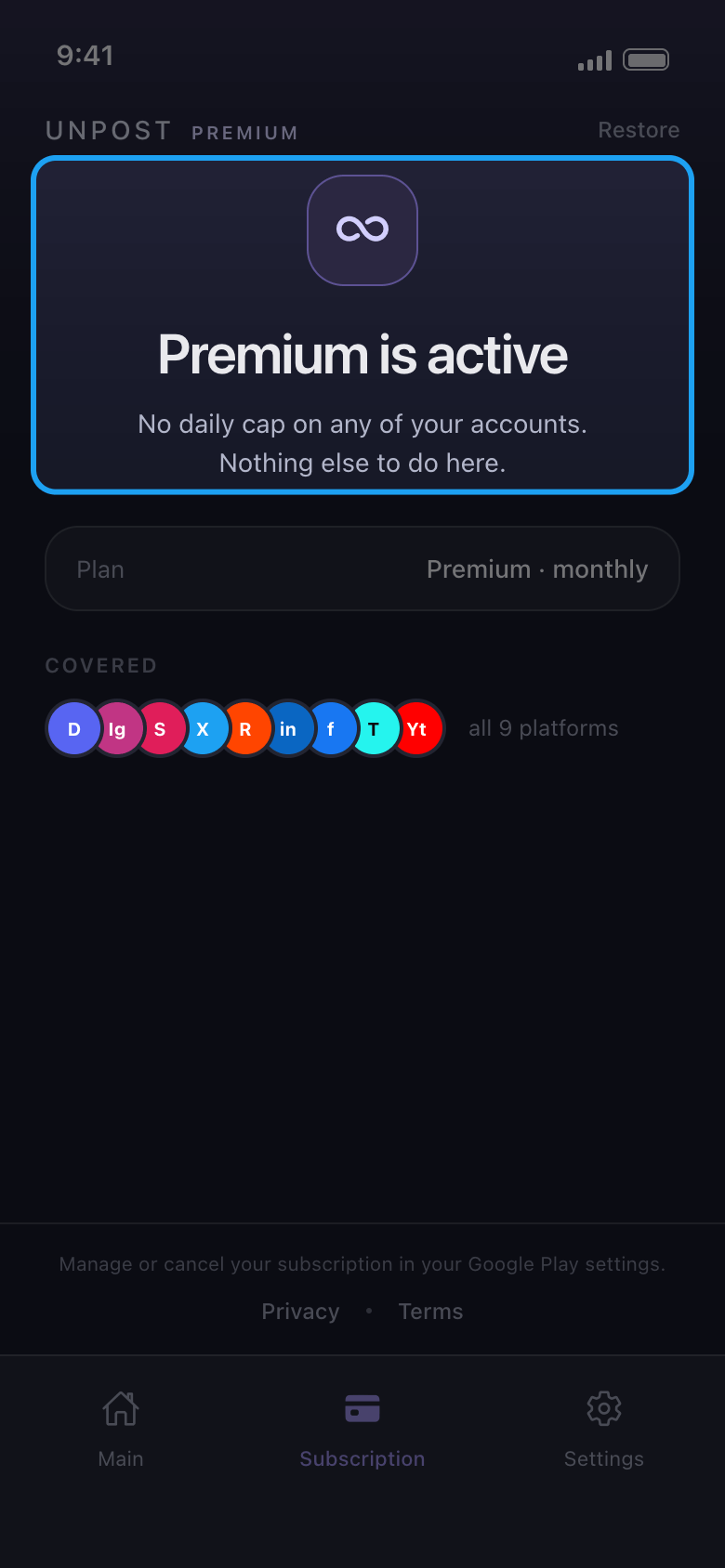
Subscription sekmesinde artık “Premium is active” yazar ve hesaplarınızda günlük hak gösterilmez.
Uygulamada Subscription
- 04
Yeni telefonda veya yeniden yüklemeden sonra geri yükleyin
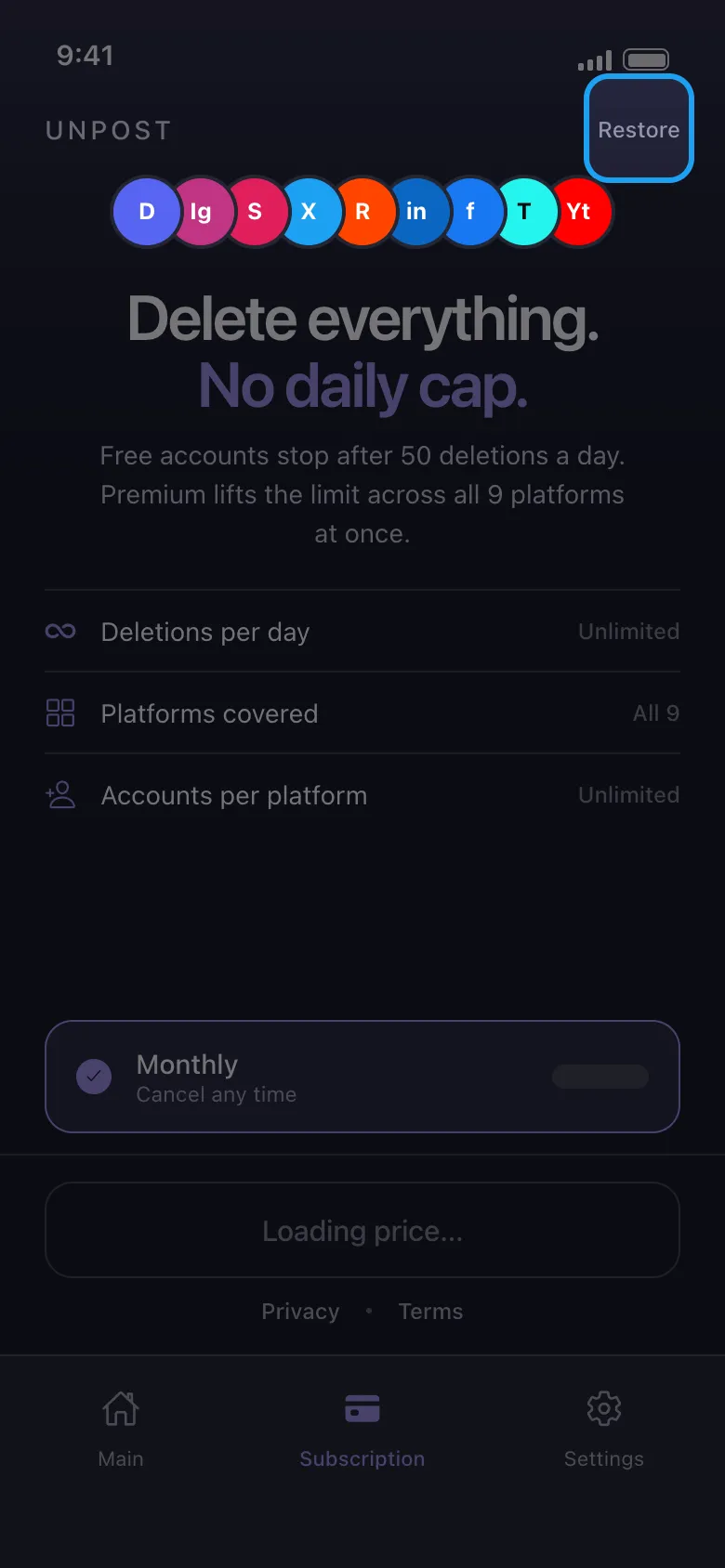
Telefonda ödemeyi yapan Apple Hesabıyla veya Google hesabıyla oturum açın, Unpost’un Subscription sekmesini açın ve sağ üstteki Restore düğmesine dokunun. İşe yaradığında sekmede “Premium is active” yazar. Premium, iPhone ile Android arasında taşınmaz: App Store’dan yapılan satın alma yalnızca o Apple Hesabının kullanıldığı Apple cihazlarında, Google Play’den yapılan satın alma yalnızca o Google hesabının kullanıldığı Android cihazlarda geri yüklenir.
Uygulamada Subscription → Restore
- 05
Android’de birden fazla Google hesabınız mı var?
Play Store’u açın, profil resminize dokunun ve Premium’u satın alan Google hesabına geçin, sonra Unpost’ta yeniden Restore düğmesine dokunun. Yalnızca o Google hesabı geçerlidir; kartınızdaki veya PayPal’daki e-posta adresi değil.
- 06
Ödeme yaptınız ama hâlâ “Daily limit reached” mı görüyorsunuz?
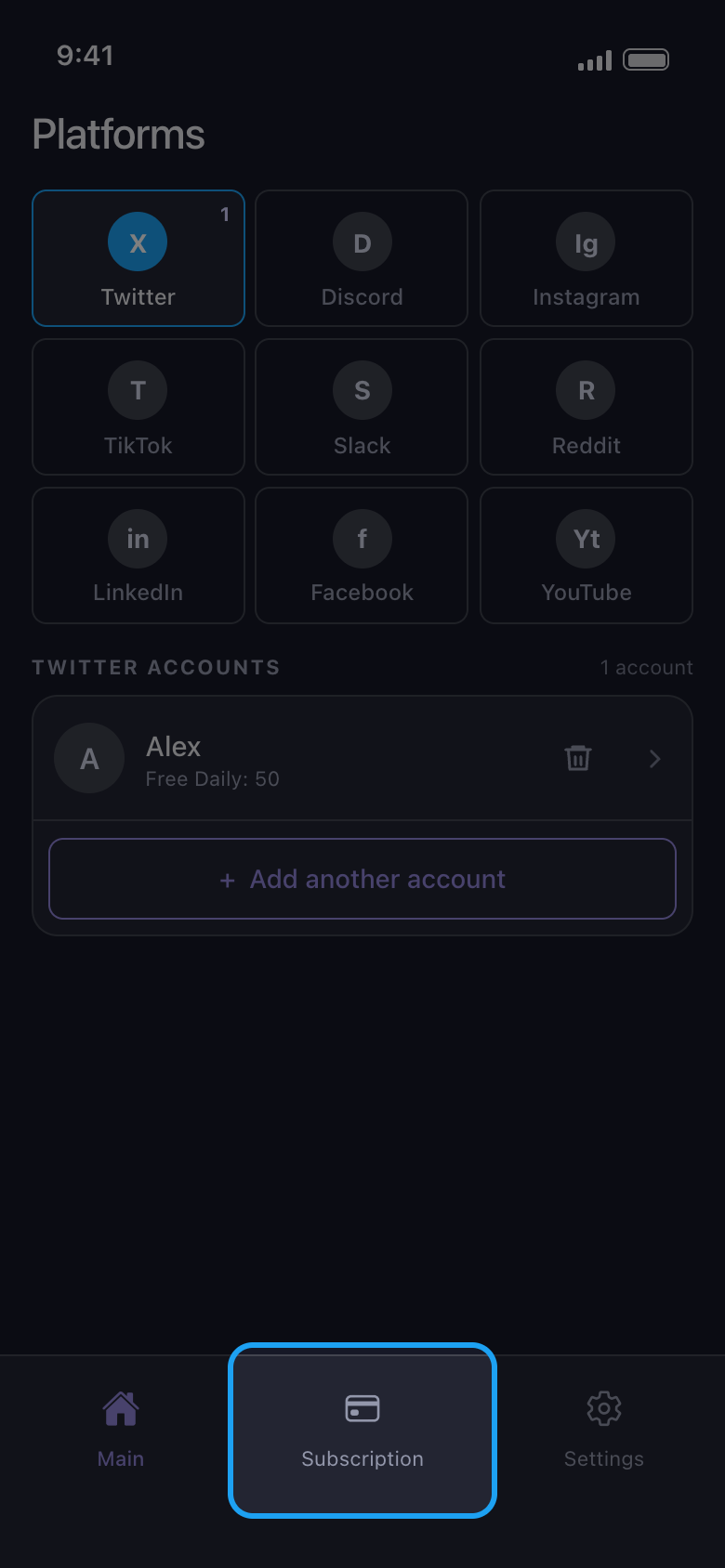
Mağazanın yeni bir ödemeyi onaylaması biraz sürebilir; bu yüzden ikinci kez ödeme yapmayın. Restore düğmesine dokunun, sonra çevrimiçiyken Unpost’u tamamen kapatıp yeniden açın. Limit hâlâ duruyorsa App Store veya Google Play makbuzunuzdaki sipariş numarasıyla contact@unpost.app adresine e-posta gönderin (Settings → Contact Support).
Uygulamada Subscription → Restore
Bilmekte fayda var
- Premium’la da bir platform işlemi duraklatabilir: “Bir platform temizliğinizi duraklatırsa ne yapmalı?” kılavuzuna bakın.
- Günlük sınırı olmayan Reddit’te Premium iki seçeneği açar: gönderilerin ve yorumların üzerine yazmak yerine onları kalıcı olarak silen Delete outright ve üzerine yazılan metne Unpost satırını eklemeyen Remove [Unpost] affiliate.
- Premium’un yenilenmesini durdurmak için mağazadan iptal edin: “Unpost Premium’u iptal etme: iptalden sonra neden ücret alındı?” kılavuzuna bakın. Para iadesi için “Unpost Premium için para iadesi alma” kılavuzuna bakın.
- Unpost’tan hiç kimse sizden şifrenizi veya giriş kodunuzu istemez.
Daha fazla kılavuz