
Comment supprimer d’anciens messages avec un paquet de données
Les plateformes cessent d’afficher les anciens contenus, mais l’export de vos données les contient toujours. Sur Discord, X (Twitter) et Reddit, Supprimer du paquet de données part de cet export, qu’Unpost lit sur votre téléphone.
- 01
Demandez l’export de vos données, en cochant tout
Demandez à la plateforme une copie de toutes vos données, comme l’app vous le rappelle : « Lors de l'exportation, vous devez exporter toutes vos données ». Attendez que l’export soit prêt, puis téléchargez le .zip sur votre téléphone. Sous l’option, dans Unpost, Comment exporter vos données explique la marche à suivre.
Dans l'app Accueil → plateforme → compte → Comment exporter vos données
- 02
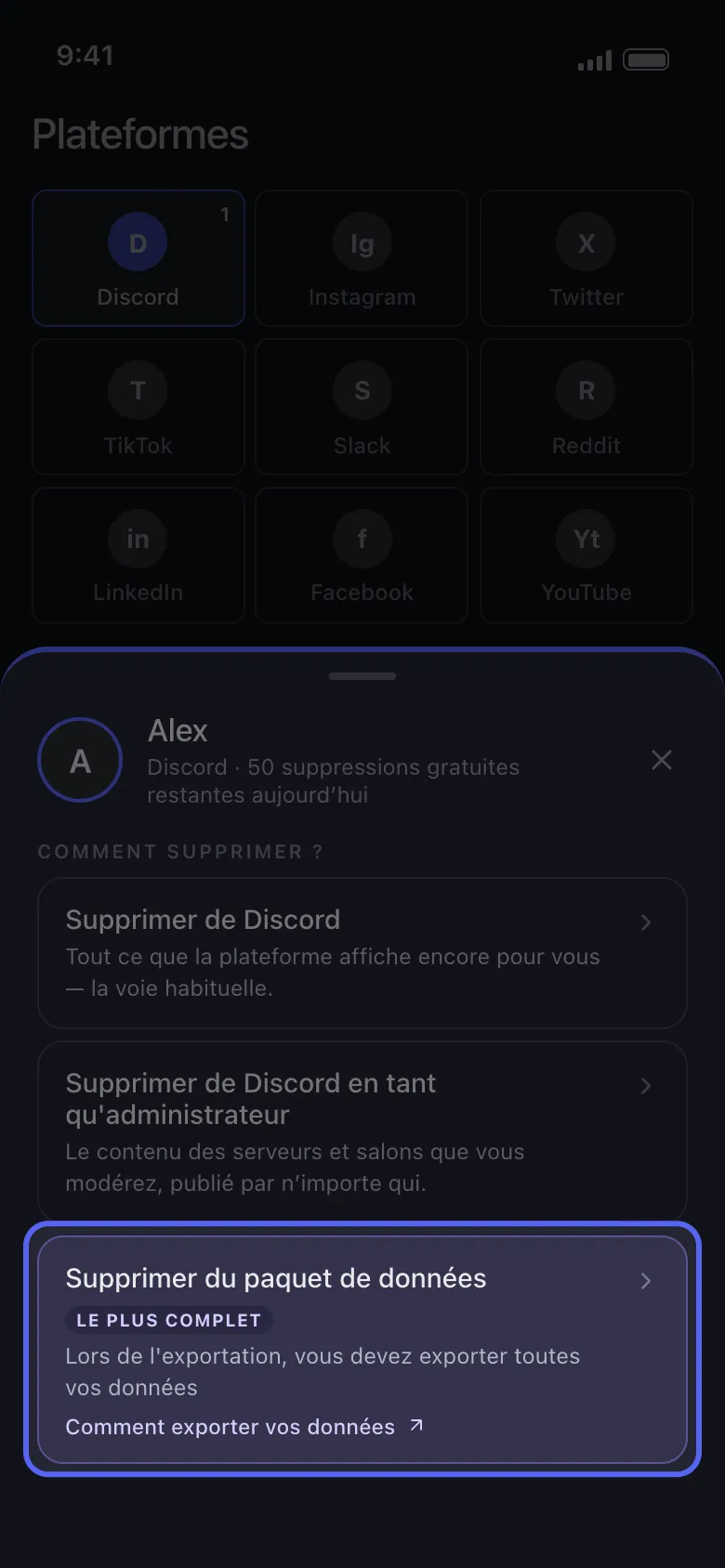
Choisissez Supprimer du paquet de données
Appuyez sur votre compte dans Accueil. Dans la fenêtre « Comment supprimer ? », Supprimer du paquet de données est l’option marquée Le plus complet.
Dans l'app Accueil → Discord → compte → Supprimer du paquet de données
- 03
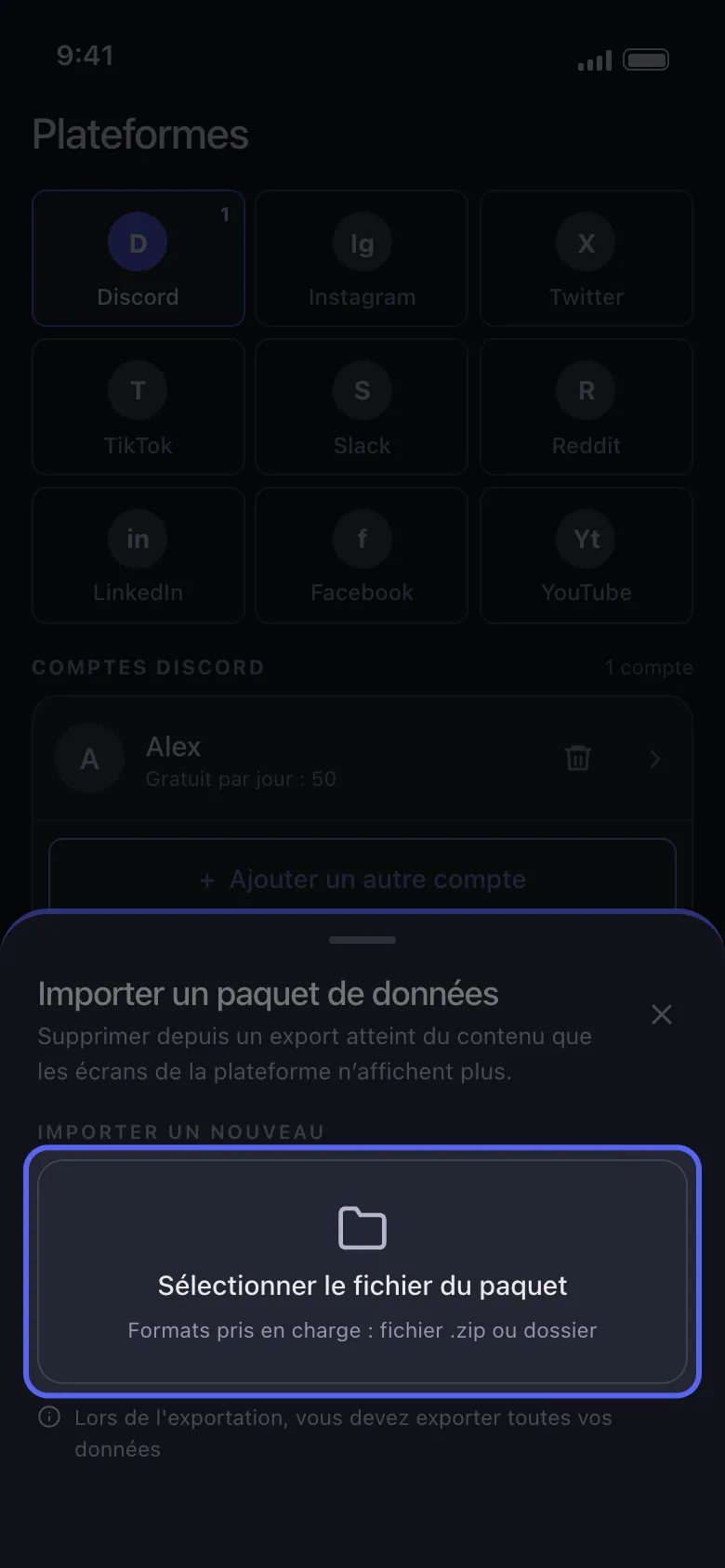
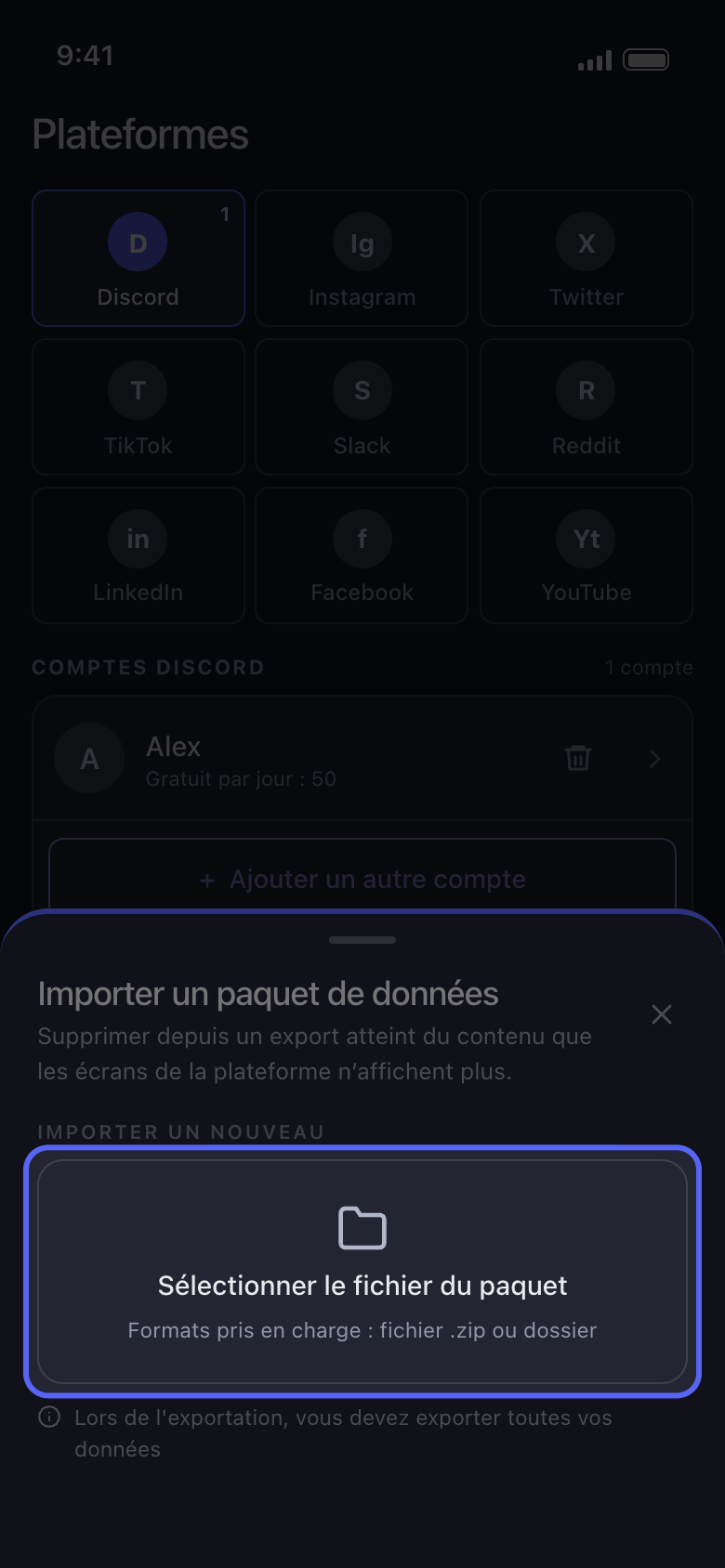
Appuyez sur Sélectionner le fichier du paquet et choisissez le .zip entier
Choisissez le .zip tel que vous l’avez téléchargé, jamais un fichier qu’il contient, comme tweets.js. Si vous en avez déjà importé un, il figure sous Paquet de données actuel : appuyez dessus pour le réutiliser sans refaire l’import. Sélectionner le fichier du paquet le remplace, et l’ancien est supprimé aussitôt, même si vous annulez ensuite.
Dans l'app Importer un paquet de données → Sélectionner le fichier du paquet
- 04
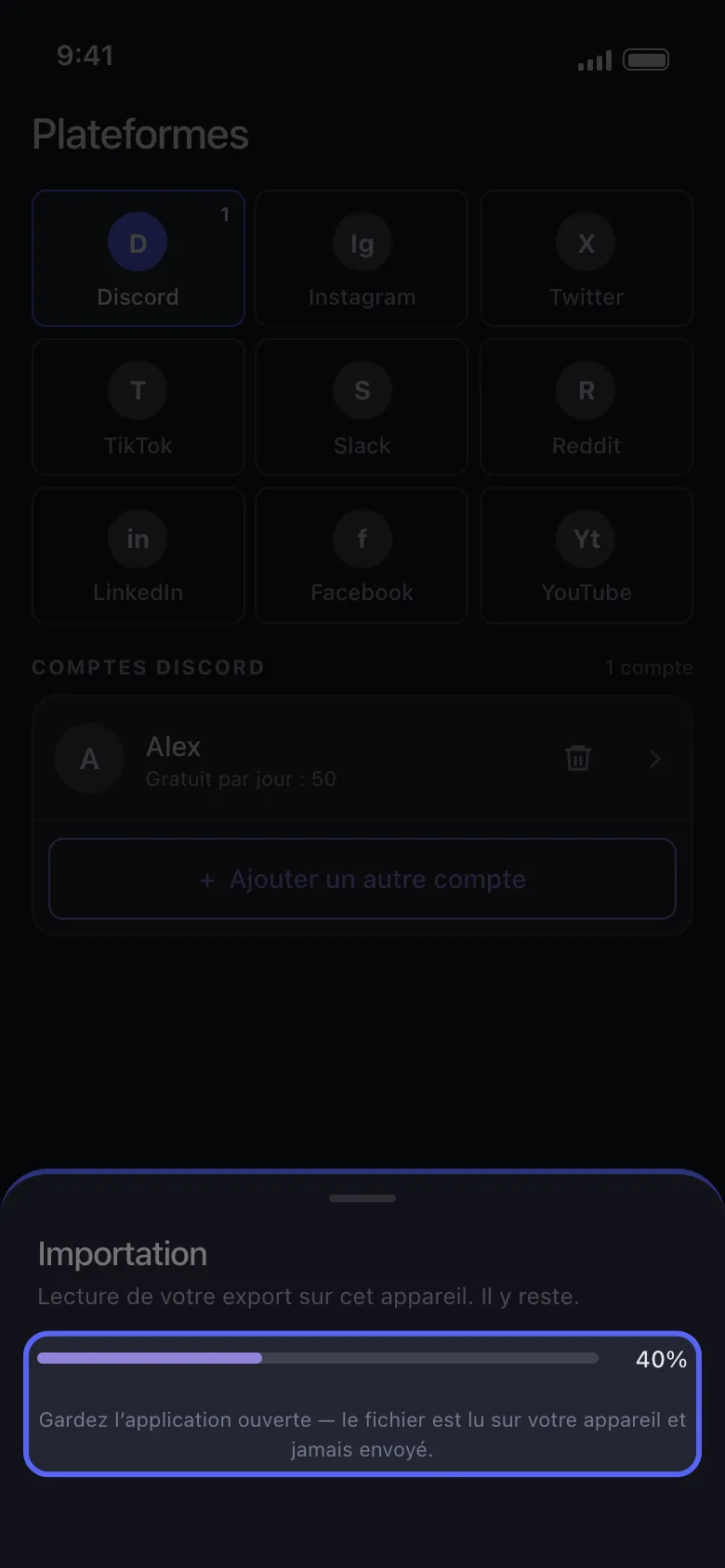
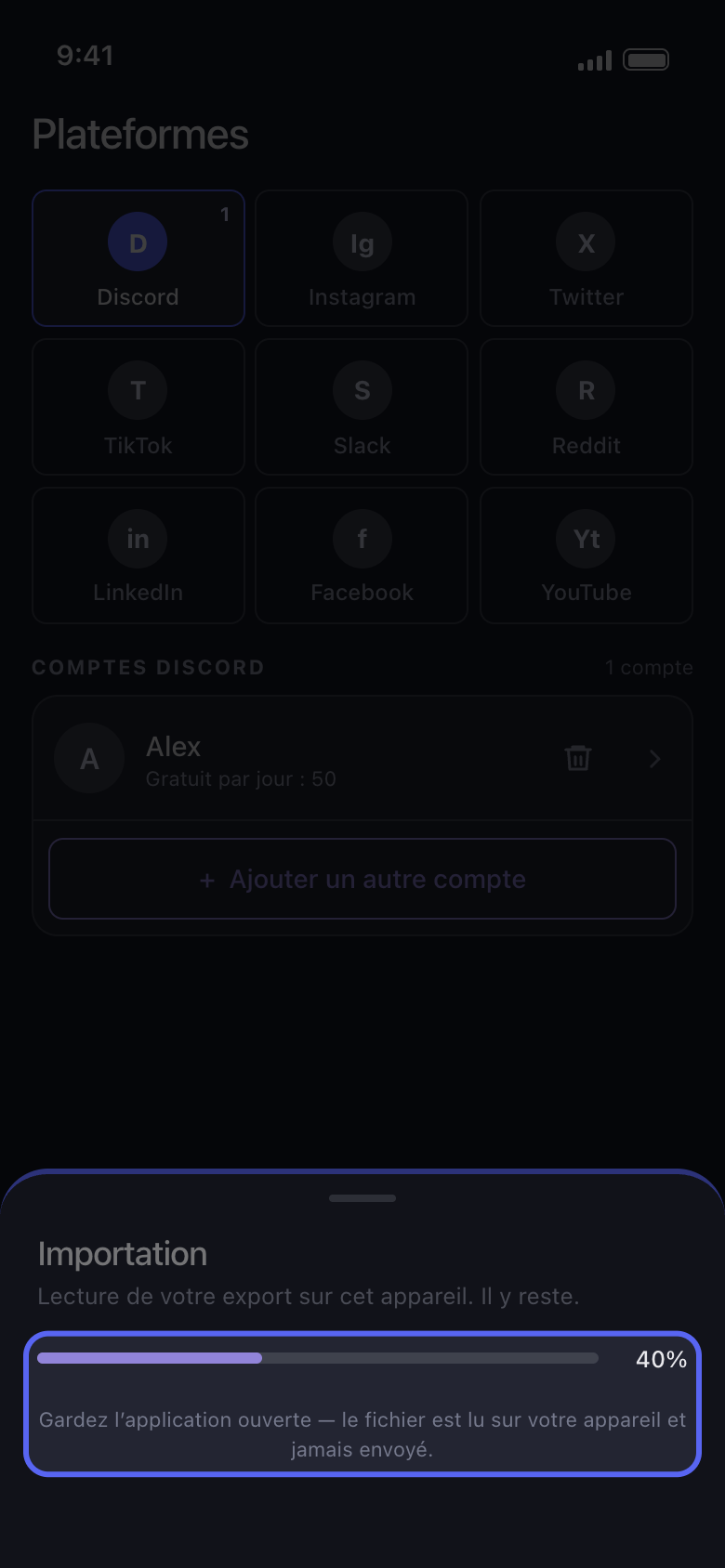
Gardez Unpost ouvert pendant l’import
La fenêtre affiche Importation, avec une barre de progression. Un gros export prend du temps et demande de l’espace libre sur le téléphone.
Dans l'app Importation
- 05
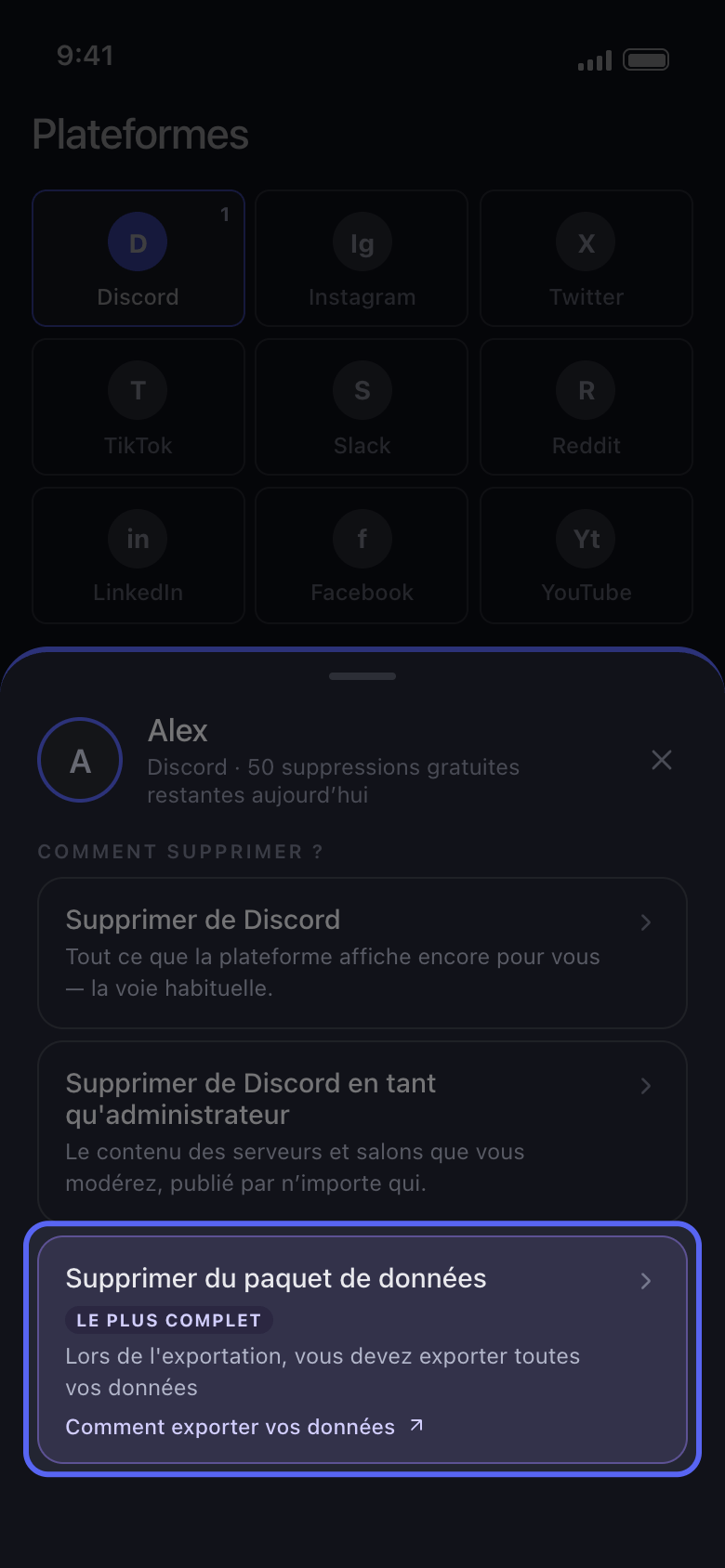
Cochez ce qu’il faut supprimer et lancez la suppression comme d’habitude
Sur Discord, cochez les conversations ; sur Reddit, Supprimer les publications et Supprimer les commentaires dans l’onglet Contenu ; sur X, Supprimer les posts et Supprimer les réponses. Appuyez sur Continuer, réglez ce qui s’applique dans Avant de supprimer, contrôlez la Vérification et appuyez sur Commencer la suppression.
Dans l'app Continuer → Vérification → Commencer la suppression
Bon à savoir
- Si la fenêtre affiche Import interrompu, rien n’a été modifié sur votre compte. En général, l’export était encore en préparation quand vous l’avez téléchargé, un seul fichier a été choisi au lieu du .zip entier, ou toutes les catégories n’étaient pas sélectionnées : sa liste À vérifier indique les points à contrôler. Appuyez sur Choisir un autre fichier pour réessayer, avec un nouvel export si besoin. Si l’import s’interrompt encore, mettez Unpost à jour vers la dernière version (la version figure en bas de Paramètres) ; s’il s’interrompt toujours, voir Comment mettre à jour Unpost et signaler un problème.
- Utilisez l’export du compte que vous avez ajouté dans Unpost : l’export d’un autre compte s’arrête sur « Le paquet de données sélectionné appartient à un autre compte. »
- Sur X, les likes ne sont pas importés : Supprimer les J'aime et Supprimer les reposts ne trouvent rien dans ce mode, et Supprimer les posts prend aussi les reposts et les citations de l’export. Si des posts restent visibles après une suppression, voir Unpost dit qu’il ne reste rien sur X, mais mes posts sont toujours là.
- Un export est un instantané : rien de ce qui a été publié après votre demande n’y figure ; demandez-en un nouveau pour les contenus plus récents.
- Retirer le compte d’Unpost retire aussi son paquet importé, et Paramètres → Se déconnecter de tous les comptes efface tous les paquets : importez-le de nouveau ensuite.
- En version gratuite, supprimer depuis un paquet compte dans les 50 suppressions par jour du compte. Reddit n’a pas de limite quotidienne, mais en version gratuite ses publications et commentaires sont remplacés, pas supprimés : voir Reddit : rendre aléatoire ou supprimer, ce que fait chaque option.
Plus de guides