
Cara menghapus pesan lama dengan paket data
Platform berhenti menampilkan konten yang lebih lama, tetapi file ekspor data Anda masih menyimpannya. Di Discord, X (Twitter), dan Reddit, Delete from data package bekerja dari file ekspor itu, yang dibaca Unpost di ponsel Anda.
- 01
Minta ekspor data Anda, dengan semua kategori dipilih
Minta salinan semua data Anda ke platform, seperti yang diingatkan aplikasi: When exporting, you need to export all your data. Tunggu sampai file ekspornya siap, lalu unduh file .zip ke ponsel Anda. Di bawah opsi itu di Unpost, How to export your data menunjukkan caranya.
Di aplikasi Main → platform → akun → How to export your data
- 02
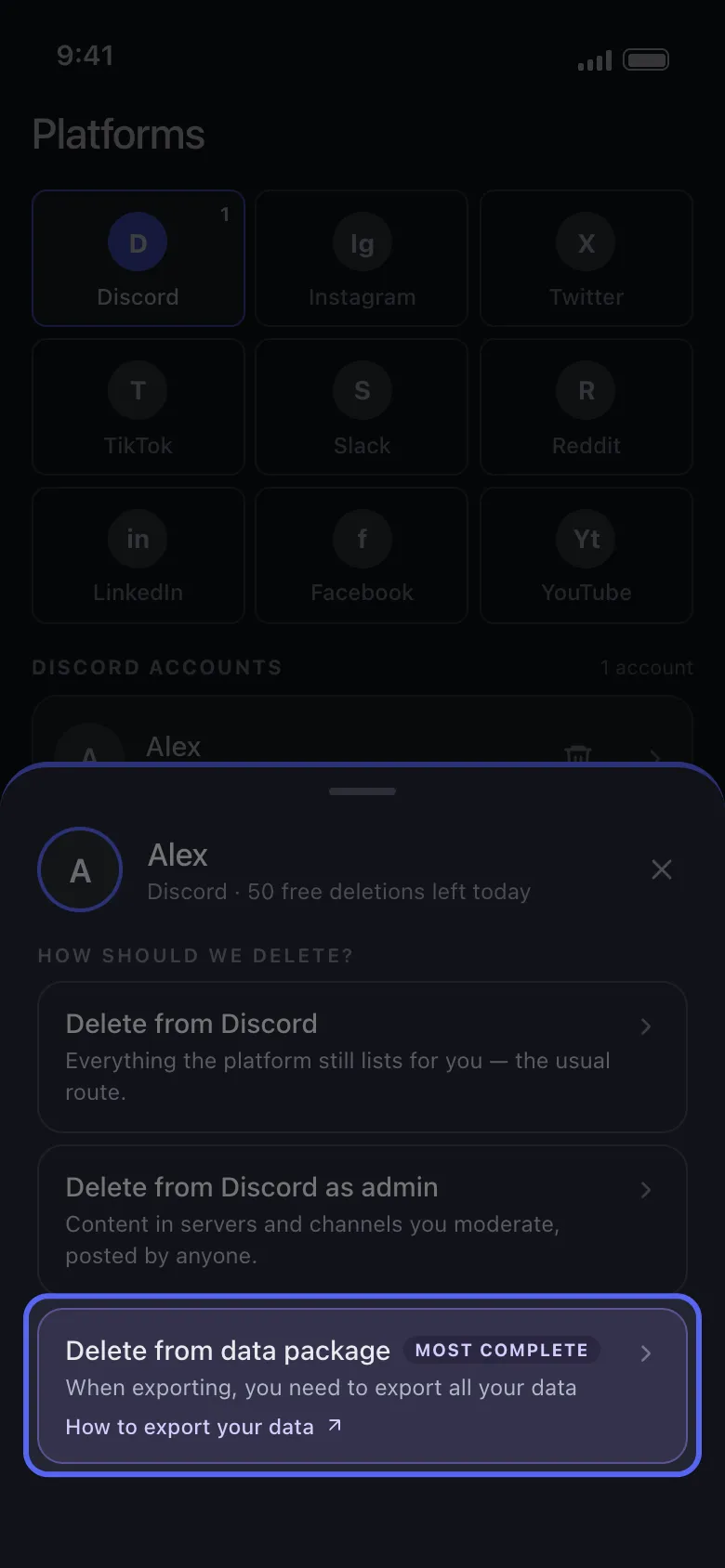
Pilih Delete from data package
Ketuk akun Anda di Main. Di lembar How should we delete?, Delete from data package adalah opsi yang bertanda Most complete.
Di aplikasi Main → Discord → akun → Delete from data package
- 03
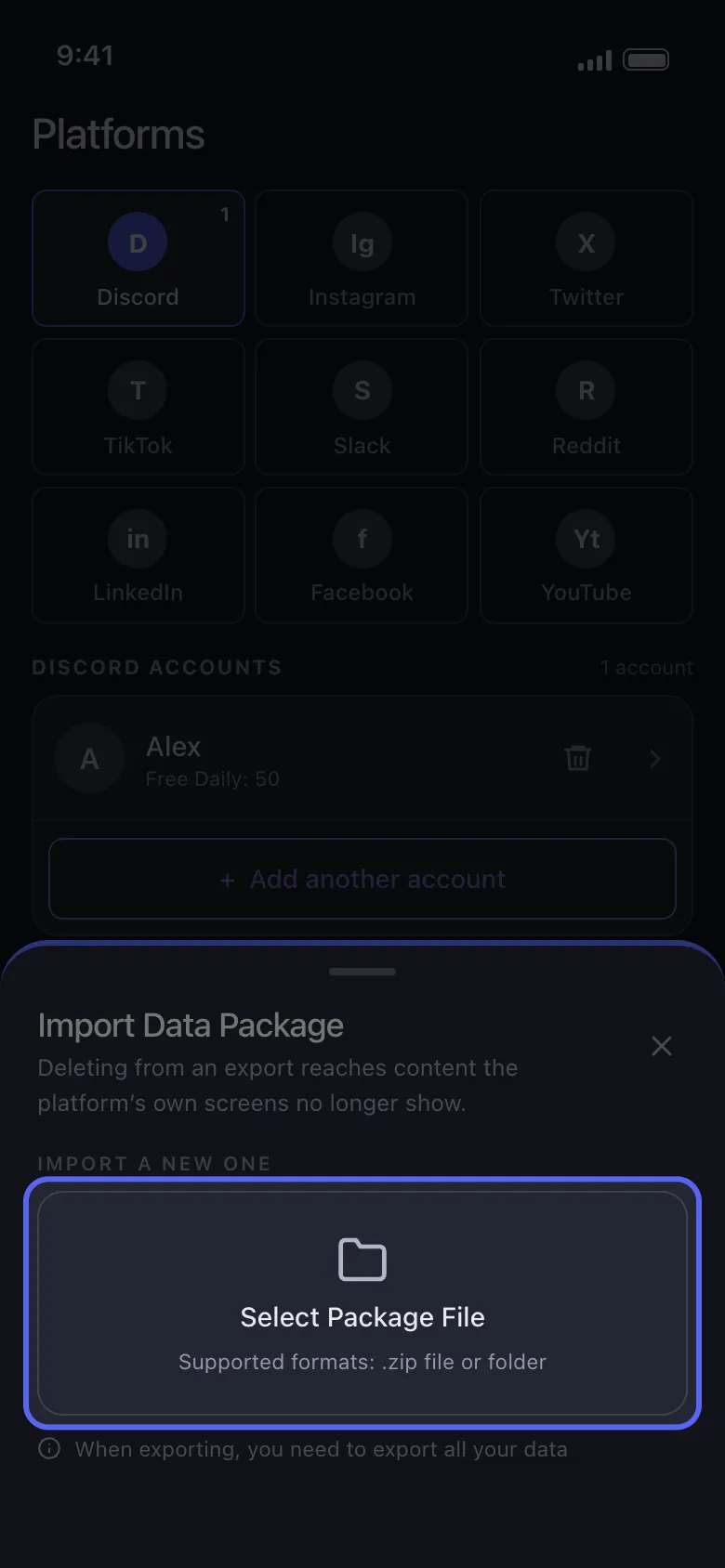
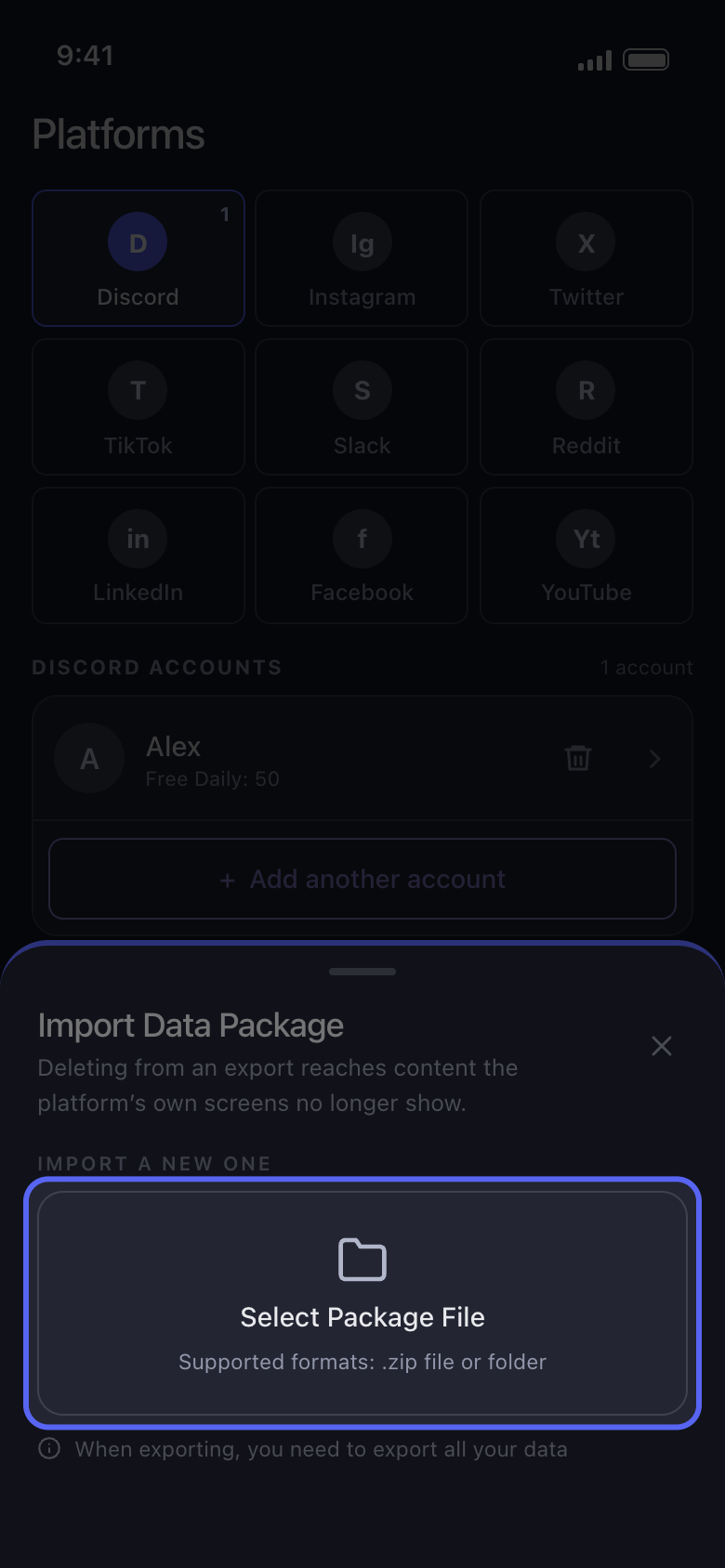
Ketuk Select Package File lalu pilih seluruh file .zip
Pilih file .zip persis seperti saat diunduh, jangan pernah memilih file dari dalamnya, seperti tweets.js. Jika Anda pernah mengimpor paket sebelumnya, paket itu tercantum di bawah Current Data Package: ketuk paket itu untuk memakainya lagi tanpa impor ulang. Select Package File menggantinya, dan file lama langsung terhapus, meskipun Anda kemudian membatalkan.
Di aplikasi Import Data Package → Select Package File
- 04
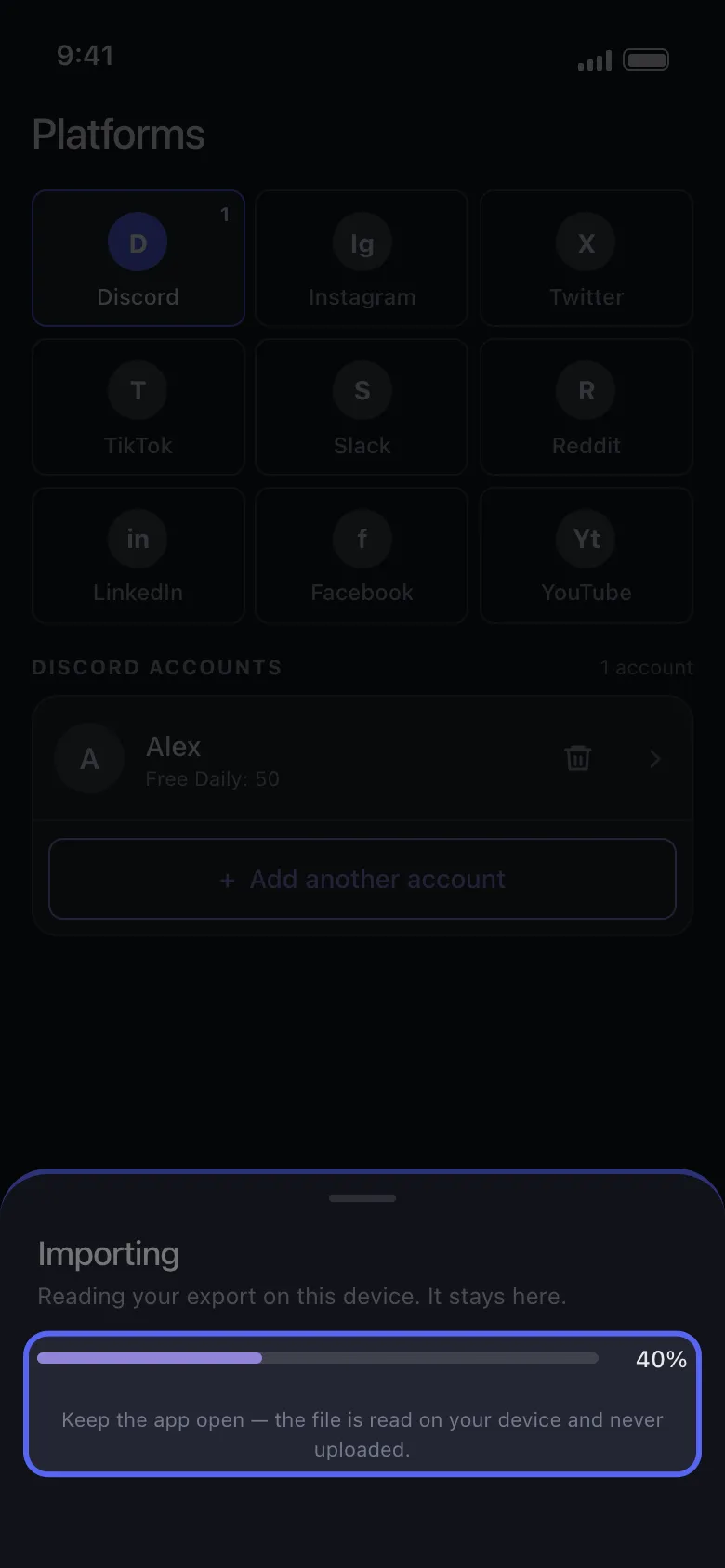
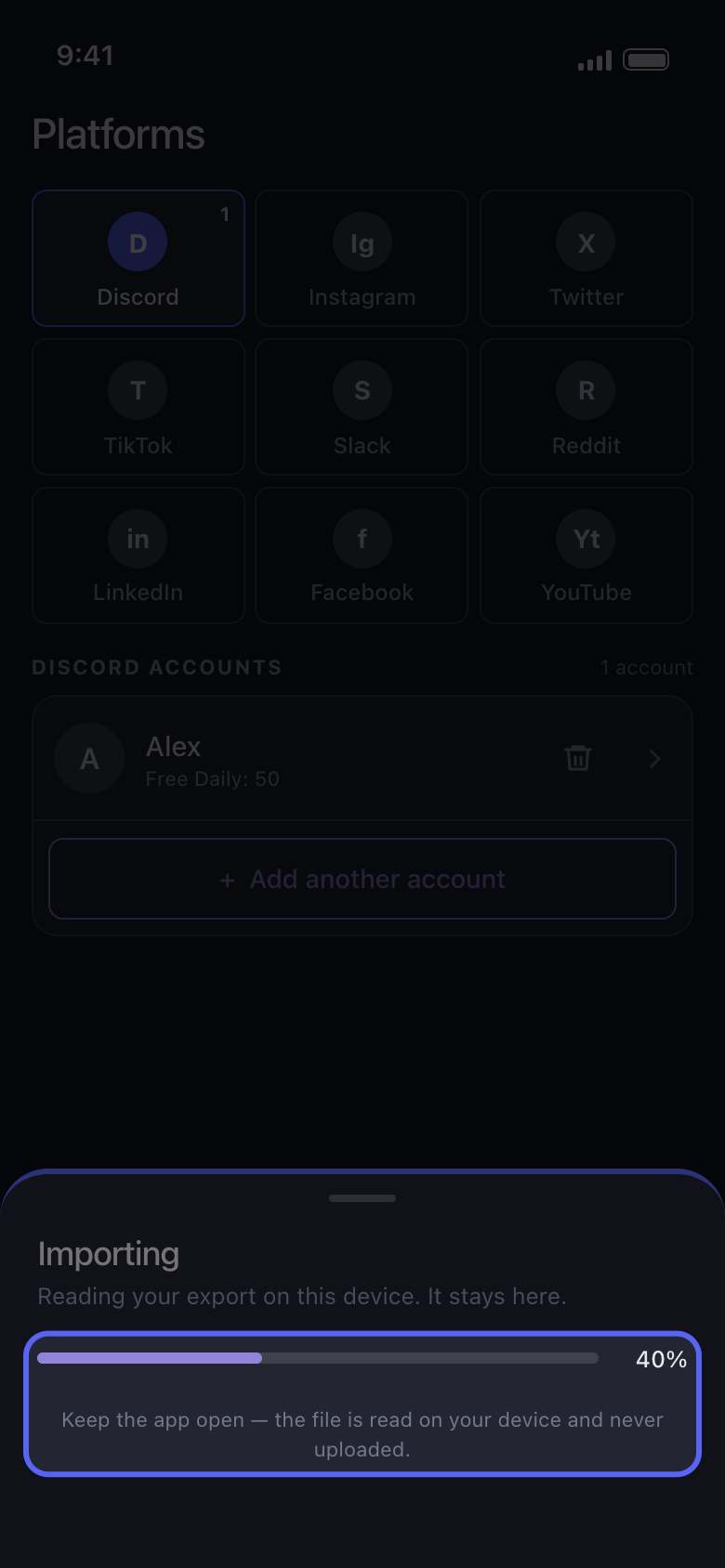
Biarkan Unpost tetap terbuka selama impor
Lembar itu bertuliskan Importing, dengan bilah progres. File ekspor yang besar butuh waktu dan ruang kosong di ponsel.
Di aplikasi Importing
- 05
Centang yang ingin dihapus lalu jalankan seperti biasa
Di Discord, centang percakapannya; di Reddit, Delete Posts dan Delete Comments di tab Content; di X, Delete Posts dan Delete Replies. Ketuk Continue, atur yang berlaku di Before we delete, periksa Review, lalu ketuk Start deleting.
Di aplikasi Continue → Review → Start deleting
Perlu diketahui
- Jika lembar itu bertuliskan Import stopped, tidak ada yang berubah di akun Anda. Biasanya file ekspor masih disiapkan saat Anda mengunduhnya, yang dipilih hanya satu file dan bukan seluruh .zip, atau tidak semua kategori dipilih: daftar Worth checking di lembar itu menyebutkan apa yang perlu diperiksa. Ketuk Choose another file untuk mencoba lagi, dengan file ekspor baru jika perlu. Jika terus berhenti, perbarui Unpost ke versi terbaru (versinya tertera di bagian bawah Settings); jika masih berhenti, lihat Cara memperbarui Unpost dan melaporkan masalah.
- Gunakan file ekspor dari akun yang Anda tambahkan di Unpost: impor file ekspor akun lain akan berhenti dengan pesan The selected data package belongs to a different account.
- Di X, suka tidak diimpor: Delete Likes dan Delete Reposts tidak menemukan apa pun dalam mode ini, dan Delete Posts juga menghapus repost dan kutipan dari file ekspor. Jika postingan masih terlihat setelah proses, lihat Unpost menyebut tidak ada yang tersisa di X, tetapi postingan saya masih ada.
- File ekspor adalah potret data pada satu waktu: apa pun yang diposting setelah Anda memintanya tidak ada di dalamnya, jadi minta file ekspor baru untuk konten yang lebih baru.
- Menghapus akun dari Unpost juga menghapus paket yang sudah diimpor, dan Settings → Logout all Accounts membersihkan semua paket: impor lagi setelahnya.
- Di paket gratis, penghapusan dari paket data dihitung dalam jatah 50 penghapusan per hari milik akun itu. Reddit tidak punya batas harian, tetapi di paket gratis postingan dan komentarnya ditimpa, bukan dihapus: lihat Reddit: acak atau hapus, apa fungsi masing-masing opsi.
Panduan lainnya