
Veri paketiyle eski mesajları silme
Platformlar eski içeriği listelemeyi bırakır, ama veri dışa aktarımınızda hâlâ durur. Discord, X (Twitter) ve Reddit’te Delete from data package, Unpost’un telefonunuzda okuduğu bu dışa aktarım üzerinden çalışır.
- 01
Her şeyi seçerek veri dışa aktarımınızı isteyin
Uygulamanın da hatırlattığı gibi platformdan tüm verilerinizin bir kopyasını isteyin: “When exporting, you need to export all your data”. Dışa aktarım hazır olana kadar bekleyin, sonra .zip dosyasını telefonunuza indirin. Unpost’ta seçeneğin altındaki How to export your data bunun nasıl yapılacağını gösterir.
Uygulamada Main → platform → hesap → How to export your data
- 02
Delete from data package seçeneğini seçin
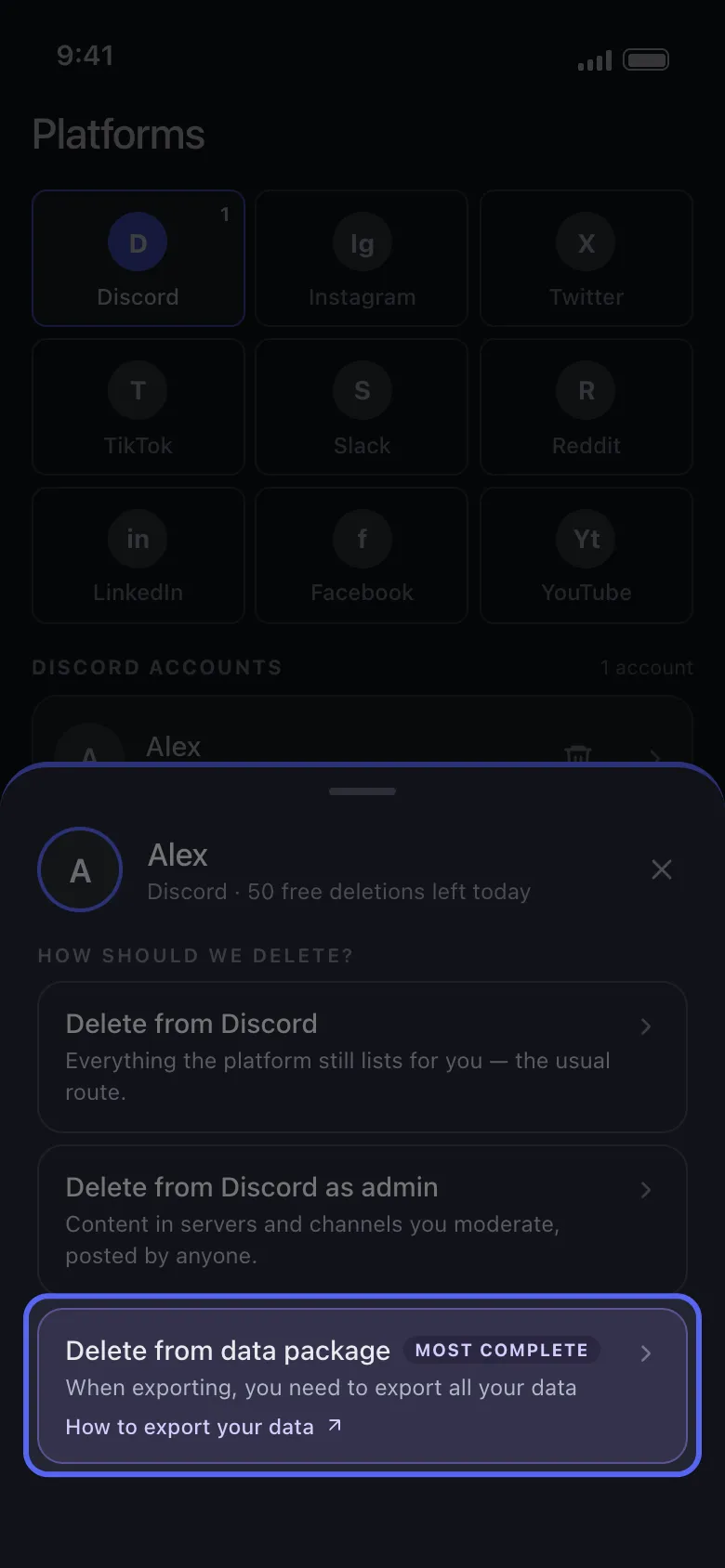
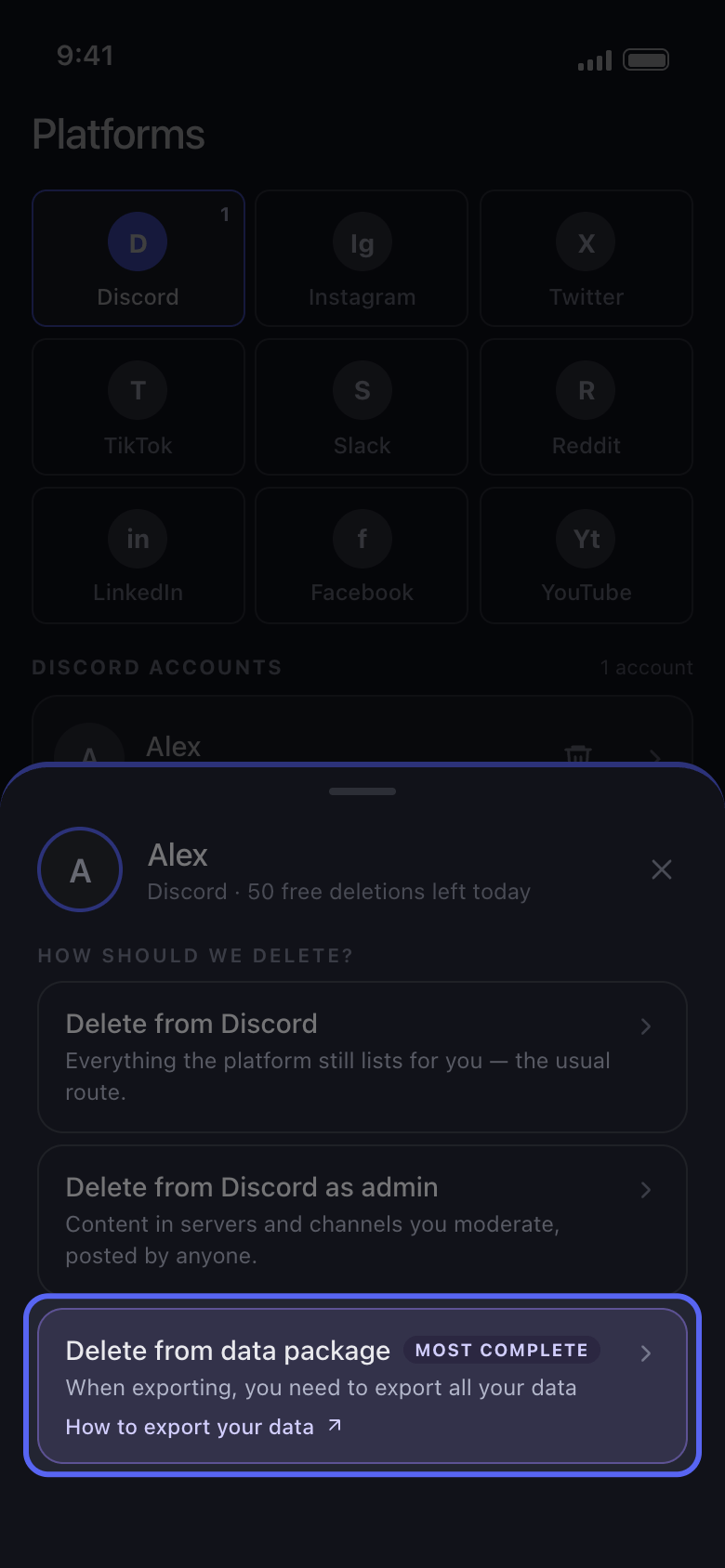
Main sekmesinde hesabınıza dokunun. How should we delete? penceresinde Delete from data package, Most complete etiketli seçenektir.
Uygulamada Main → Discord → hesap → Delete from data package
- 03
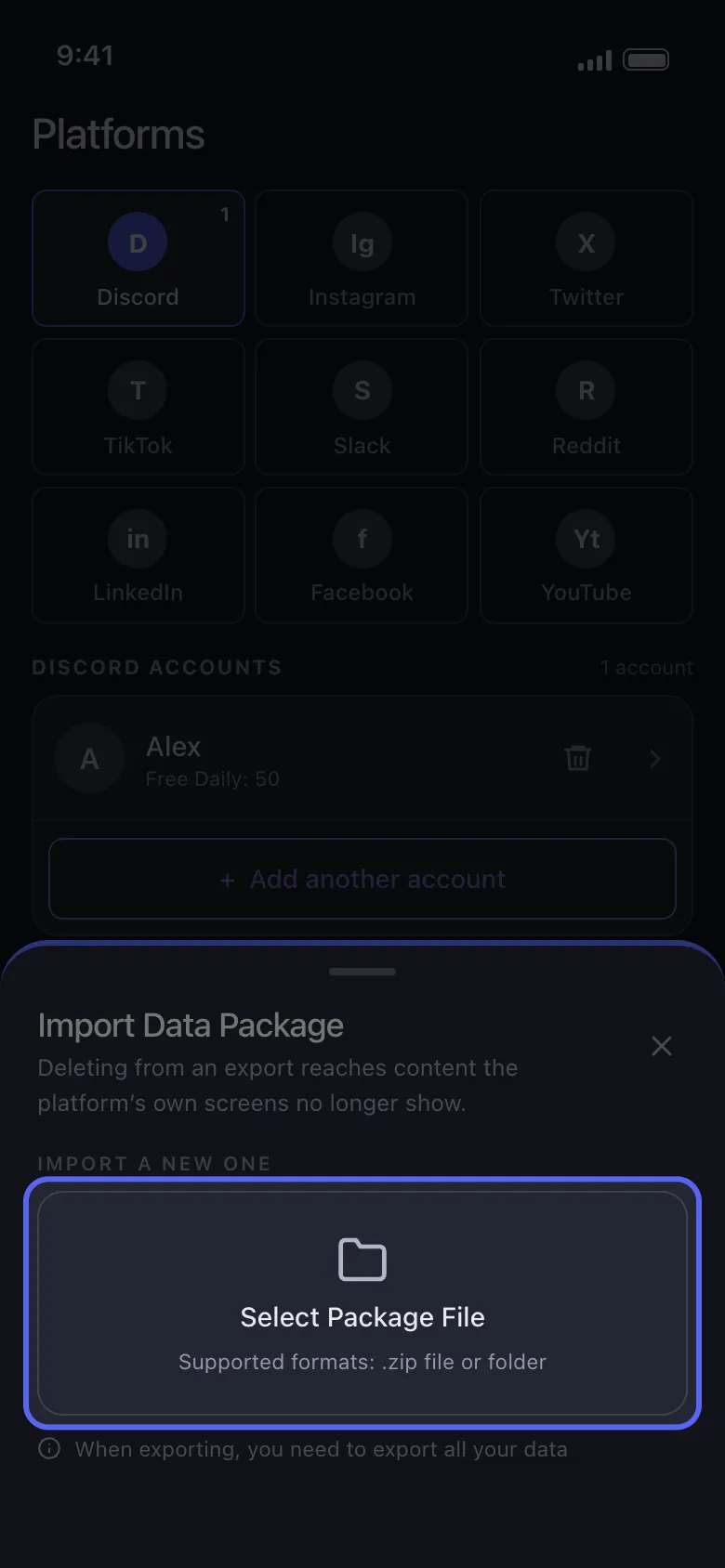
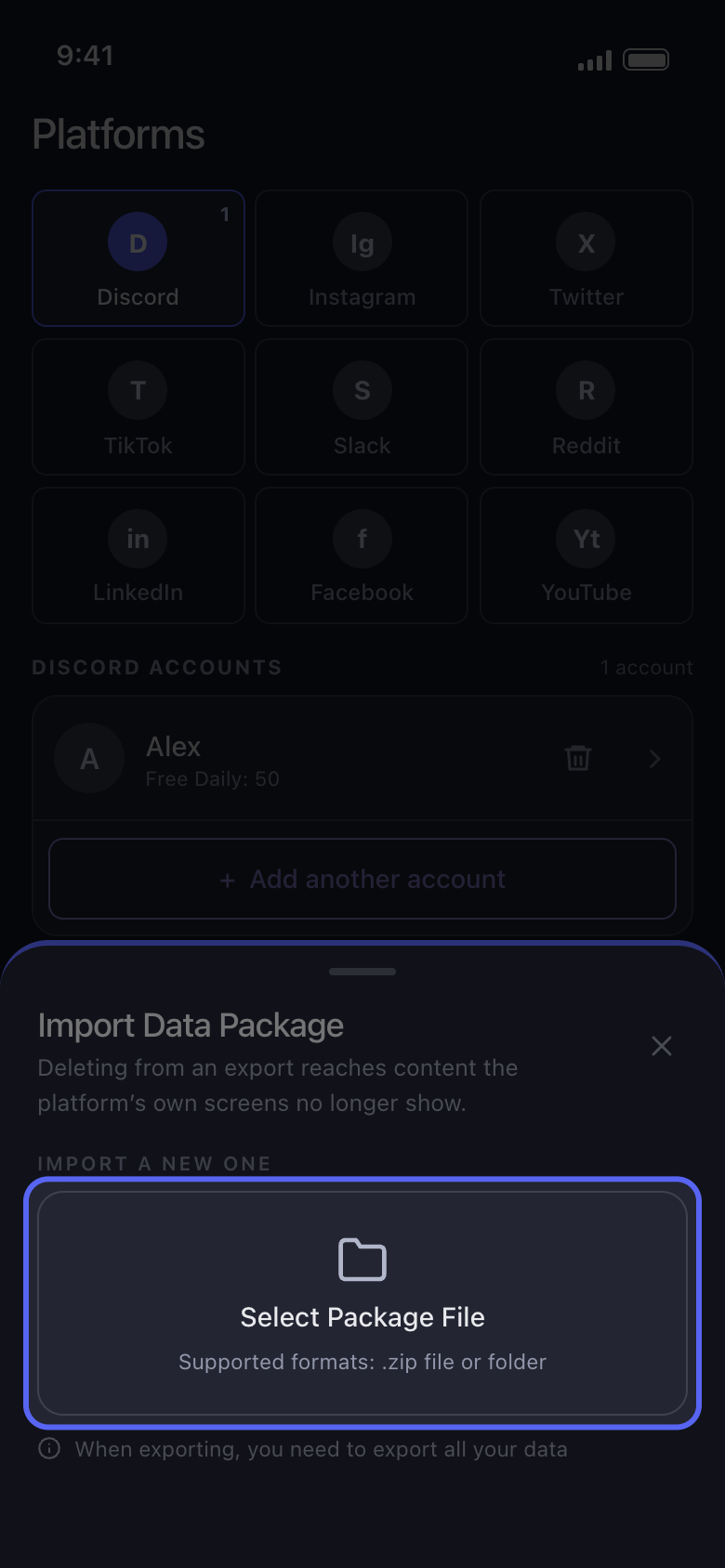
Select Package File düğmesine dokunun ve .zip dosyasının tamamını seçin
İndirdiğiniz .zip dosyasını olduğu gibi seçin; içindeki bir dosyayı (örneğin tweets.js) asla seçmeyin. Daha önce bir paket içe aktardıysanız Current Data Package altında listelenir: yeniden kullanmak ve içe aktarmayı atlamak için ona dokunun. Select Package File onu değiştirir ve eski paket, sonradan vazgeçseniz bile hemen silinir.
Uygulamada Import Data Package → Select Package File
- 04
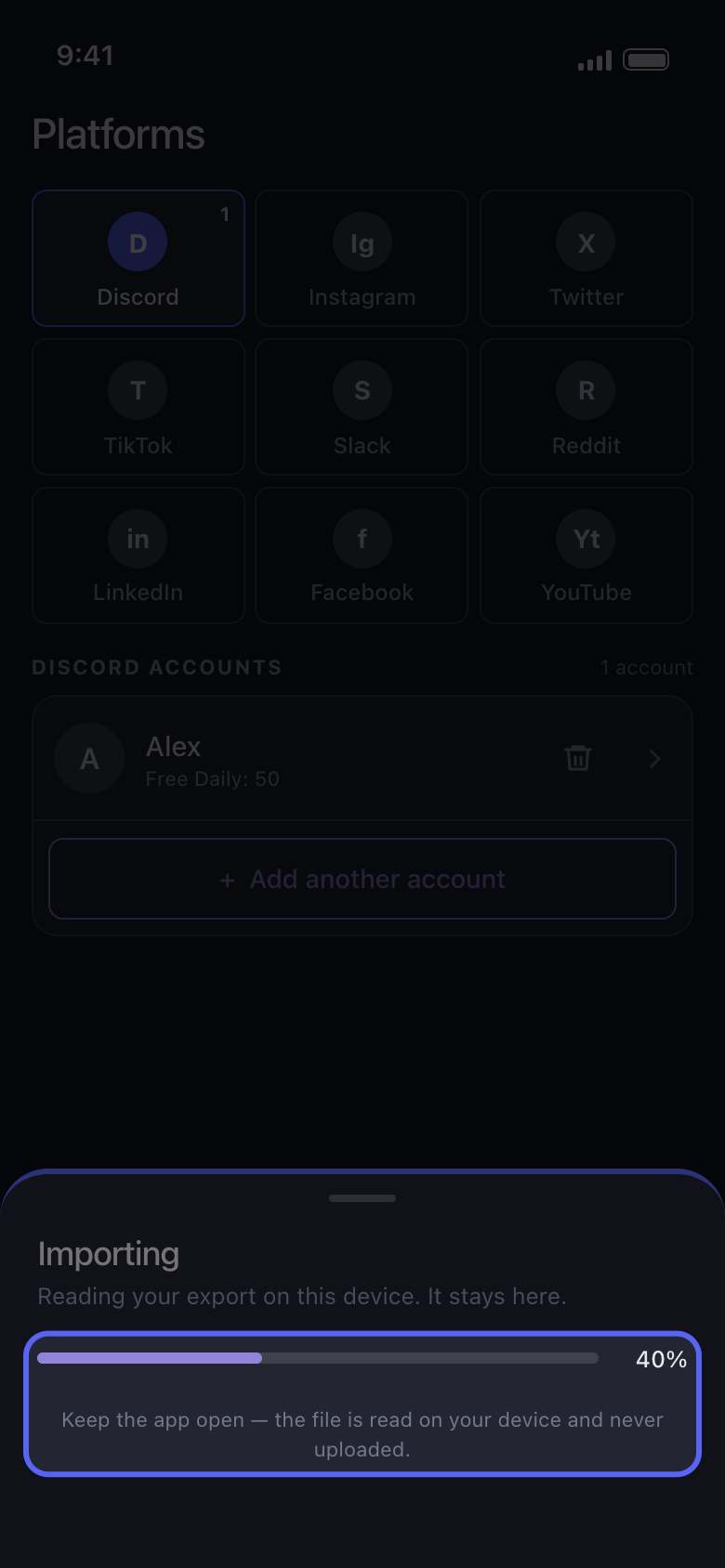
İçe aktarma sürerken Unpost’u açık tutun
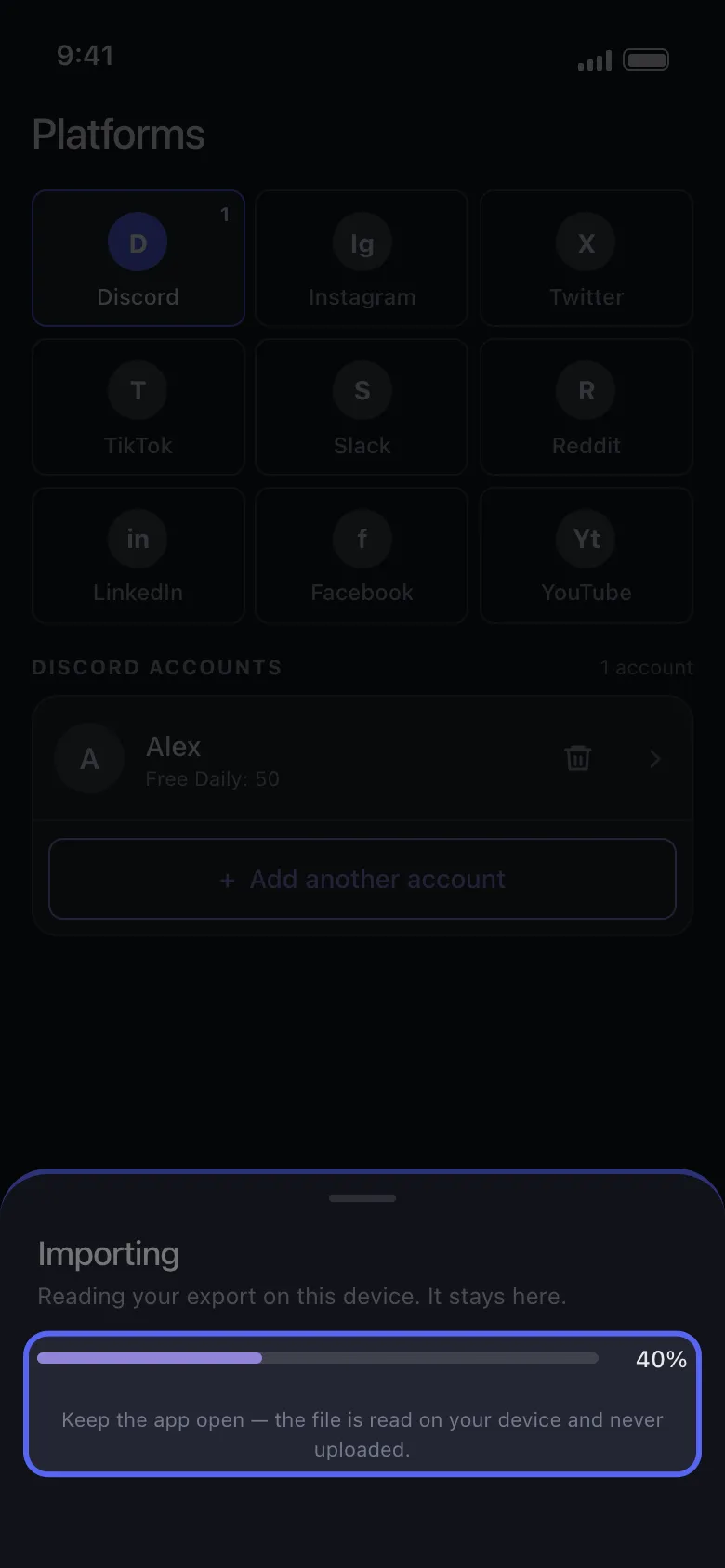
Pencerede bir ilerleme çubuğuyla birlikte Importing yazar. Büyük bir dışa aktarım biraz zaman alır ve telefonda boş alan gerektirir.
Uygulamada Importing
- 05
Silinecekleri işaretleyin ve işlemi her zamanki gibi başlatın
Discord’da sohbetleri; Reddit’te Content sekmesindeki Delete Posts ve Delete Comments seçeneklerini; X’te Delete Posts ve Delete Replies seçeneklerini işaretleyin. Continue düğmesine dokunun, Before we delete ekranında geçerli olanları ayarlayın, Review penceresini kontrol edin ve Start deleting düğmesine dokunun.
Uygulamada Continue → Review → Start deleting
Bilmekte fayda var
- Pencerede “Import stopped” yazıyorsa hesabınızda hiçbir şey değişmemiştir. Genellikle dışa aktarım siz indirdiğinizde hâlâ hazırlanıyordur, .zip dosyasının tamamı yerine tek bir dosya seçilmiştir ya da tüm kategoriler seçilmemiştir: penceredeki Worth checking listesi nelere bakmanız gerektiğini söyler. Yeniden denemek için Choose another file düğmesine dokunun, gerekirse yeni bir dışa aktarımla. Durmaya devam ederse Unpost’u en son sürüme güncelleyin (sürüm, Settings sekmesinin en altında yazar); yine durursa “Unpost’u güncelleme ve sorun bildirme” kılavuzuna bakın.
- Unpost’a eklediğiniz hesabın dışa aktarımını kullanın: başka bir hesabın dışa aktarımı “The selected data package belongs to a different account.” uyarısıyla durur.
- X’te beğeniler içe aktarılmaz: bu modda Delete Likes ve Delete Reposts hiçbir şey bulmaz, Delete Posts ise dışa aktarımdaki yeniden gönderileri ve alıntıları da siler. İşlemden sonra gönderiler hâlâ görünüyorsa “Unpost X’te hiçbir şey kalmadığını söylüyor ama gönderilerim hâlâ orada” kılavuzuna bakın.
- Dışa aktarım bir anlık görüntüdür: siz istedikten sonra paylaşılanlar içinde yer almaz; daha yeni içerik için yeni bir dışa aktarım isteyin.
- Hesabı Unpost’tan kaldırmak içe aktarılmış paketini de kaldırır, Settings → Logout all Accounts ise tüm paketleri siler: ardından paketi yeniden içe aktarın.
- Ücretsiz planda paketten silmek de hesabın günlük 50 silme hakkından düşer. Reddit’te günlük sınır yoktur, ama ücretsiz planda gönderiler ve yorumlar silinmez, üzerlerine yazılır: “Reddit’te rastgeleleştirme veya silme: hangi seçenek ne yapar?” kılavuzuna bakın.
Daha fazla kılavuz