
Why a cleanup found nothing, stopped early, or still shows posts
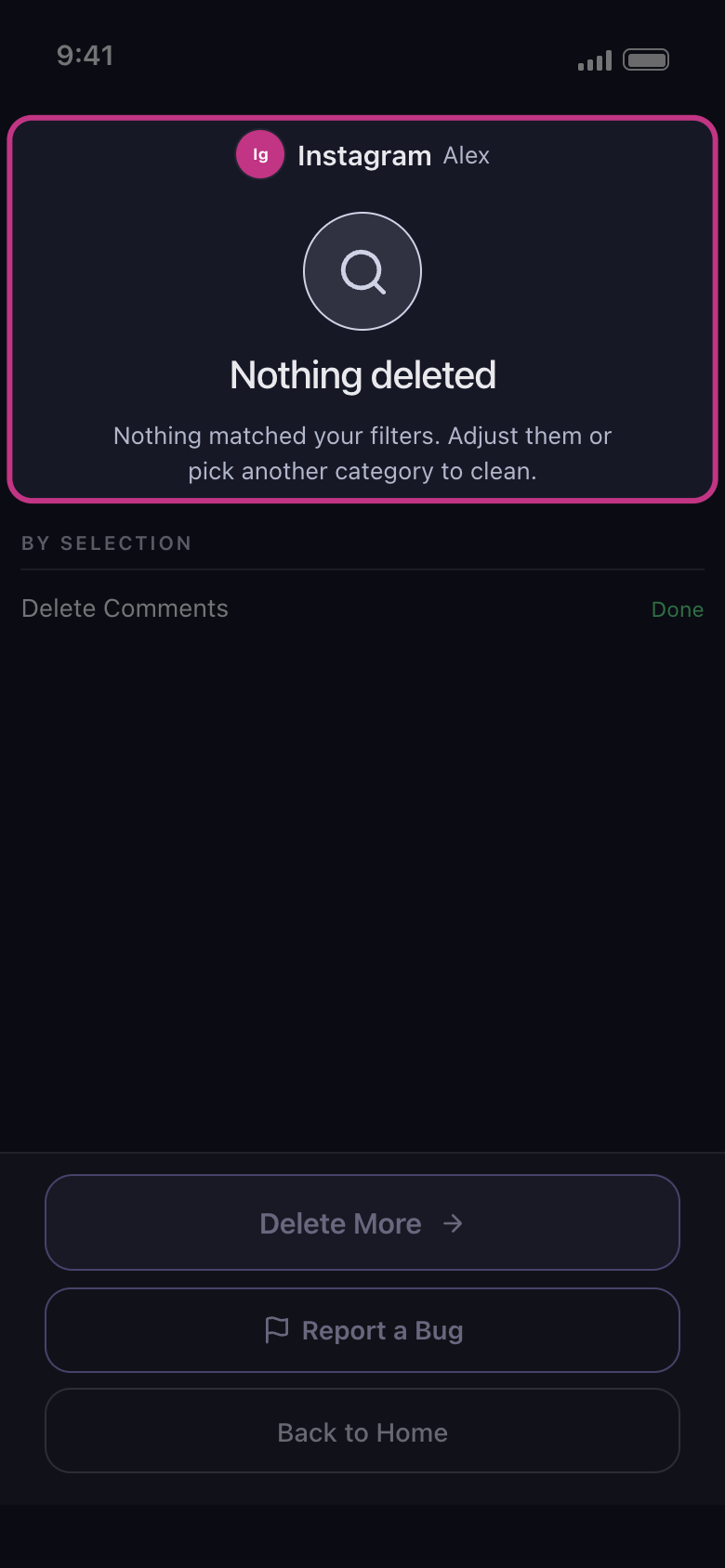
Found nothing, stopped early, or says it’s deleted but you still see it? The result screen at the end of a run says how it ended and, when Unpost knows, what stopped it and what to do. Find your result below. Under it, By selection shows how each ticked row ended: Done, Failed, Rate limited, Not finished or Not started.
- 01
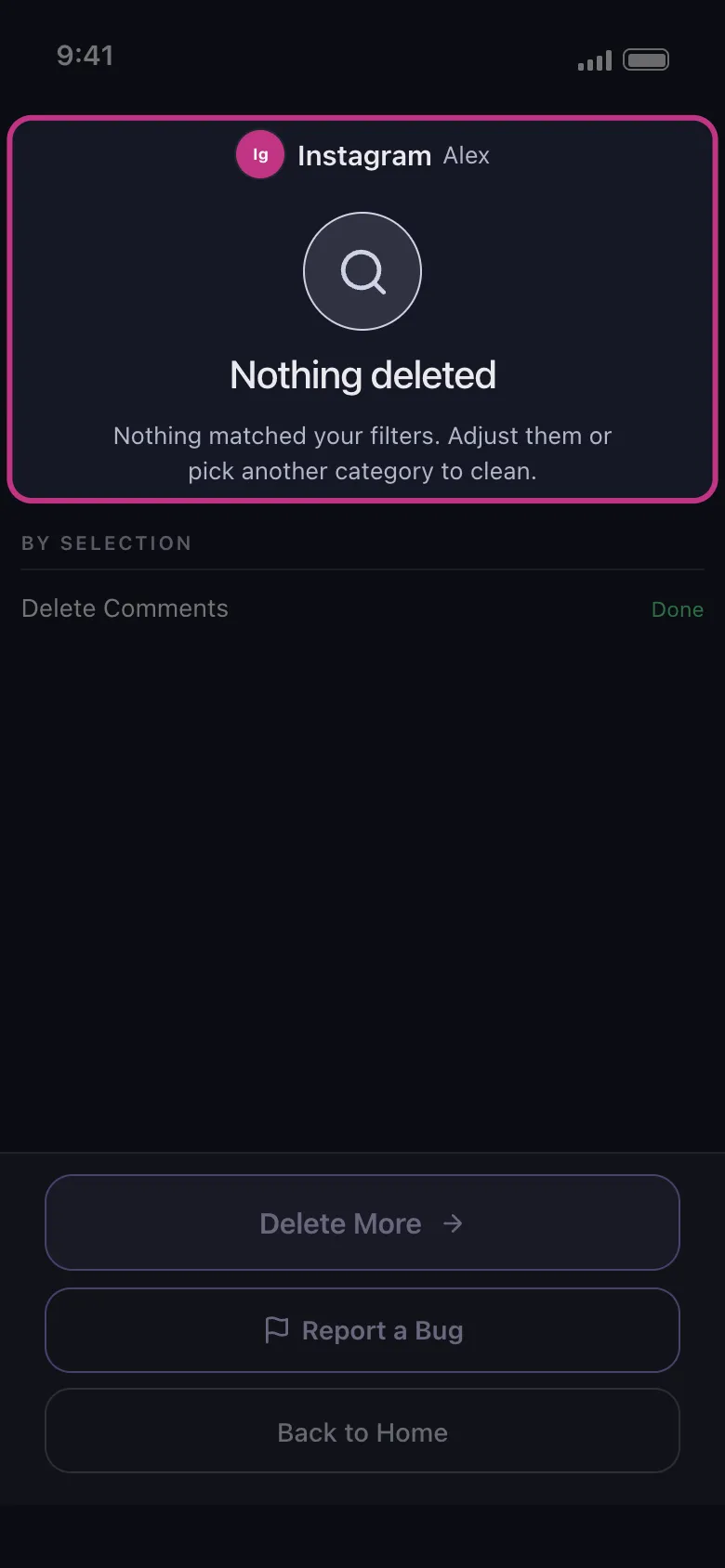
Nothing deleted
Nothing matched what you ticked and the filters you set. Check the tab and the categories you ticked, widen the date range (or pick All time), and clear the keywords and Engagement limits. In chats only the messages you sent are deleted, so a chat holding only the other person’s messages ends with nothing deleted. On Reddit, Only unedited content, ticked by default under Randomize then delete, skips anything already edited. Some categories can’t be checked against some filters: the options screen’s notes say what each filter leaves out, and the Review sheet marks some of them Skipped (on Facebook, an audience skips photos, albums, stories and trash, and archived posts too; keywords skip anything without text).
In the app Result
- 02
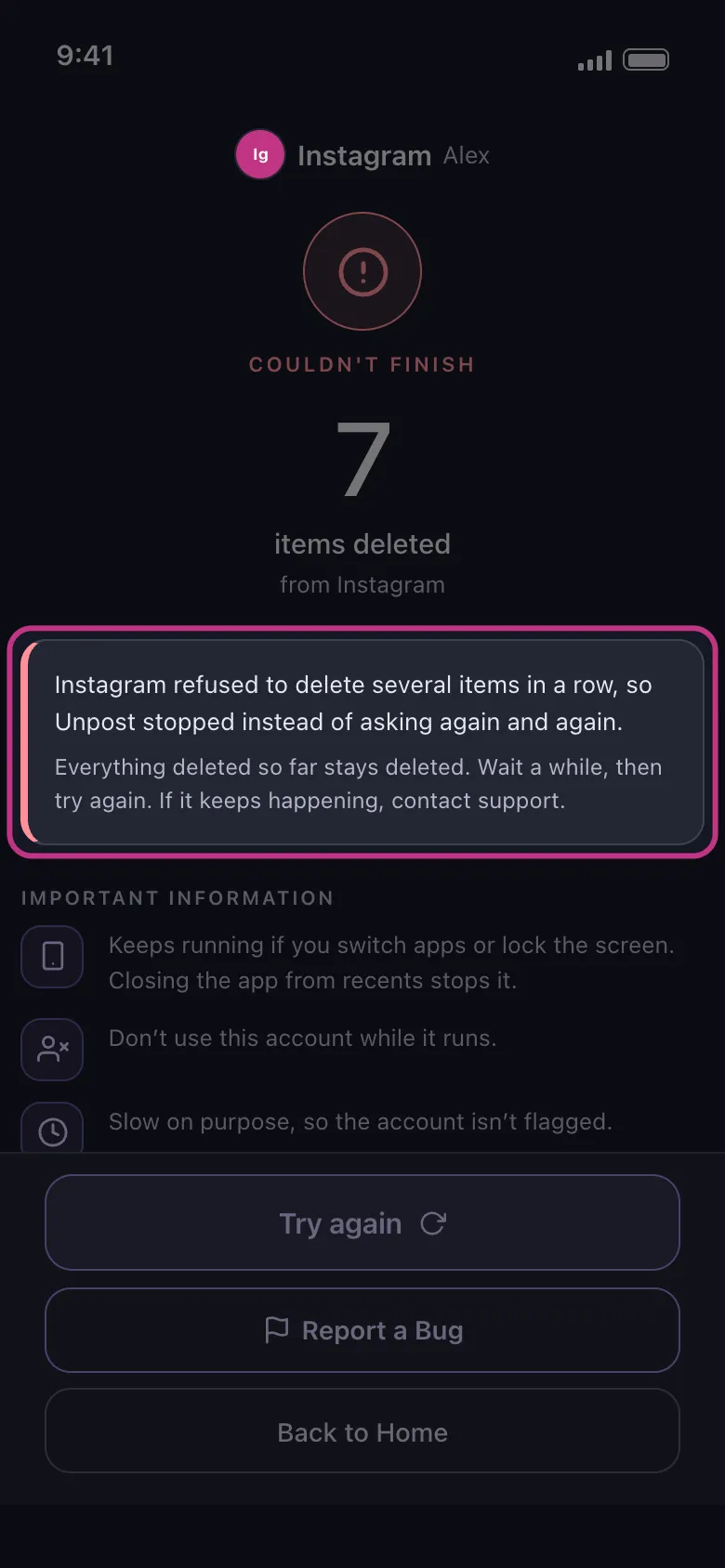
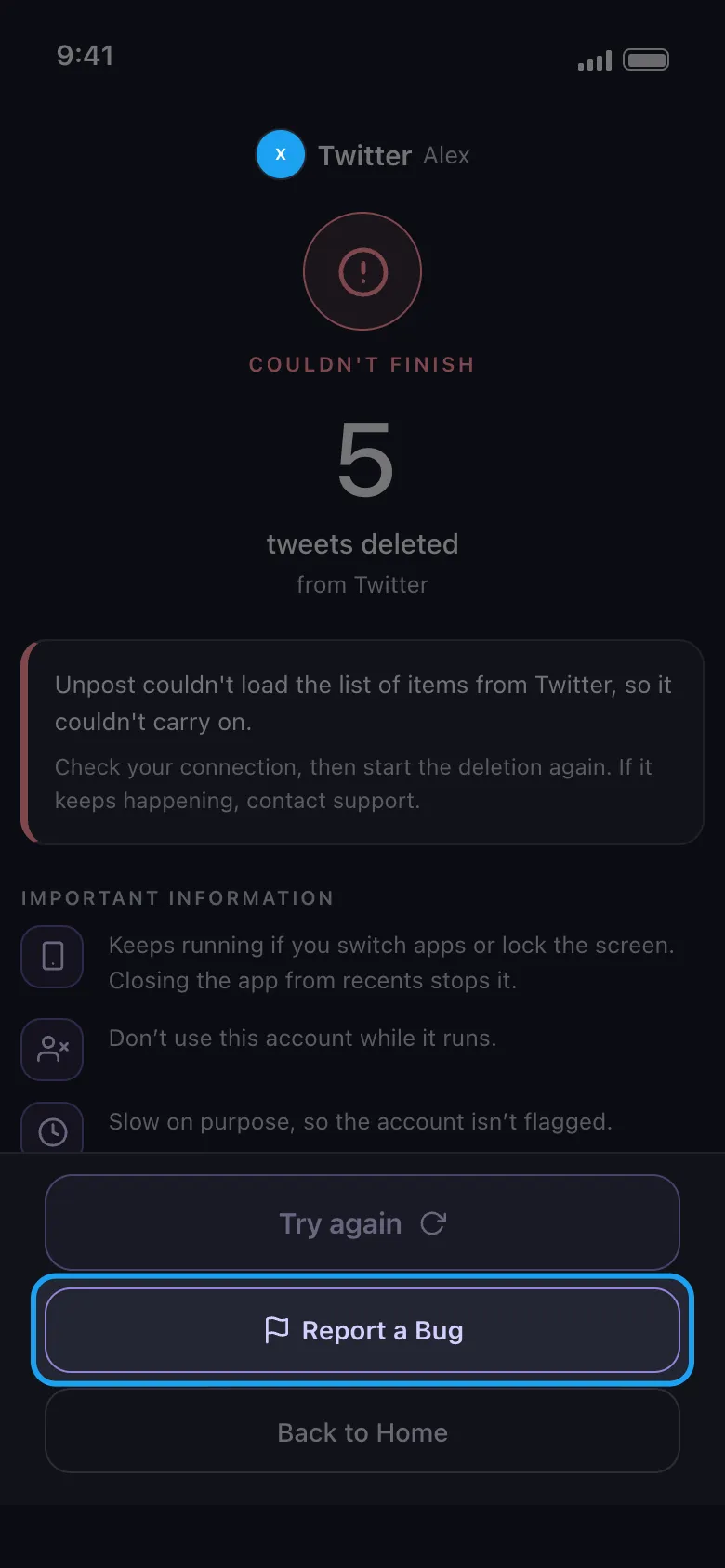
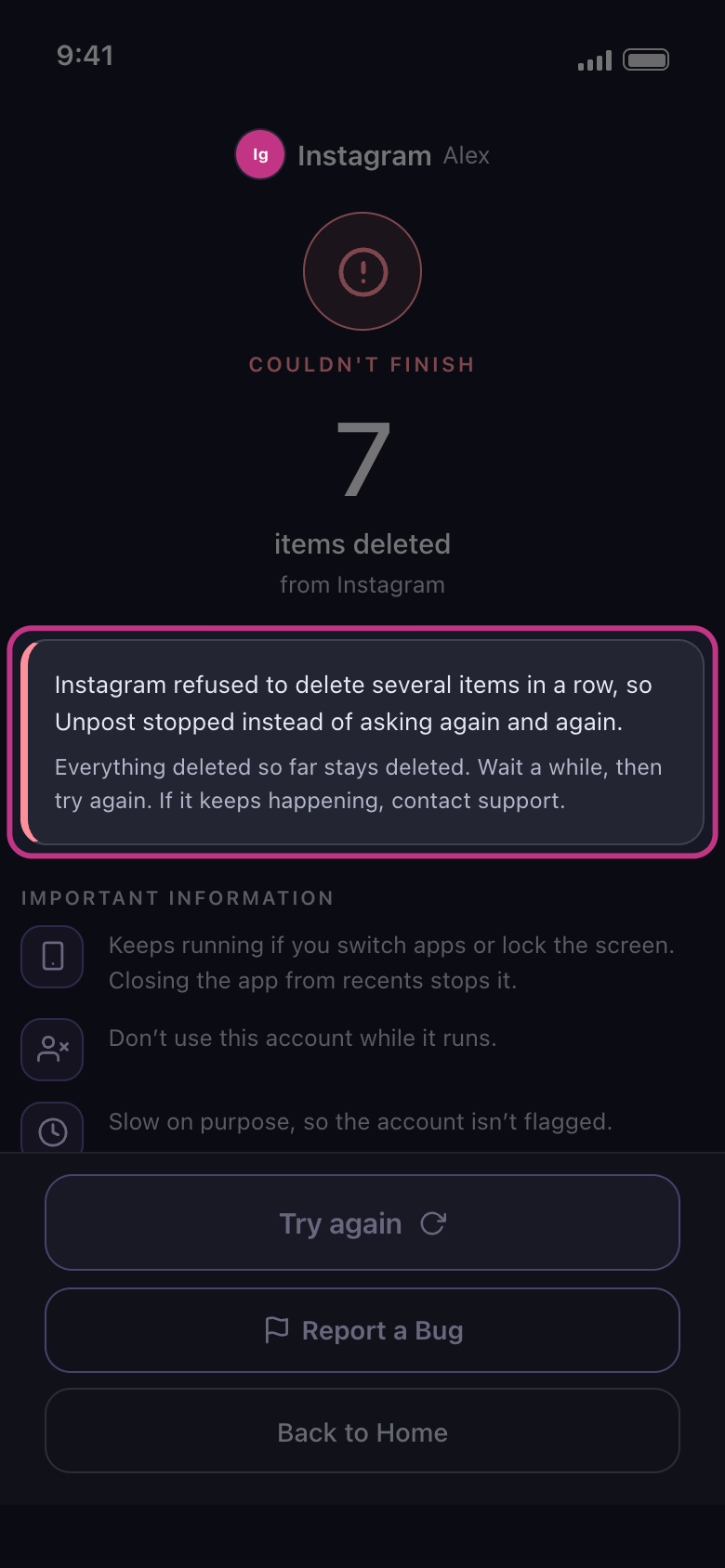
Couldn’t finish
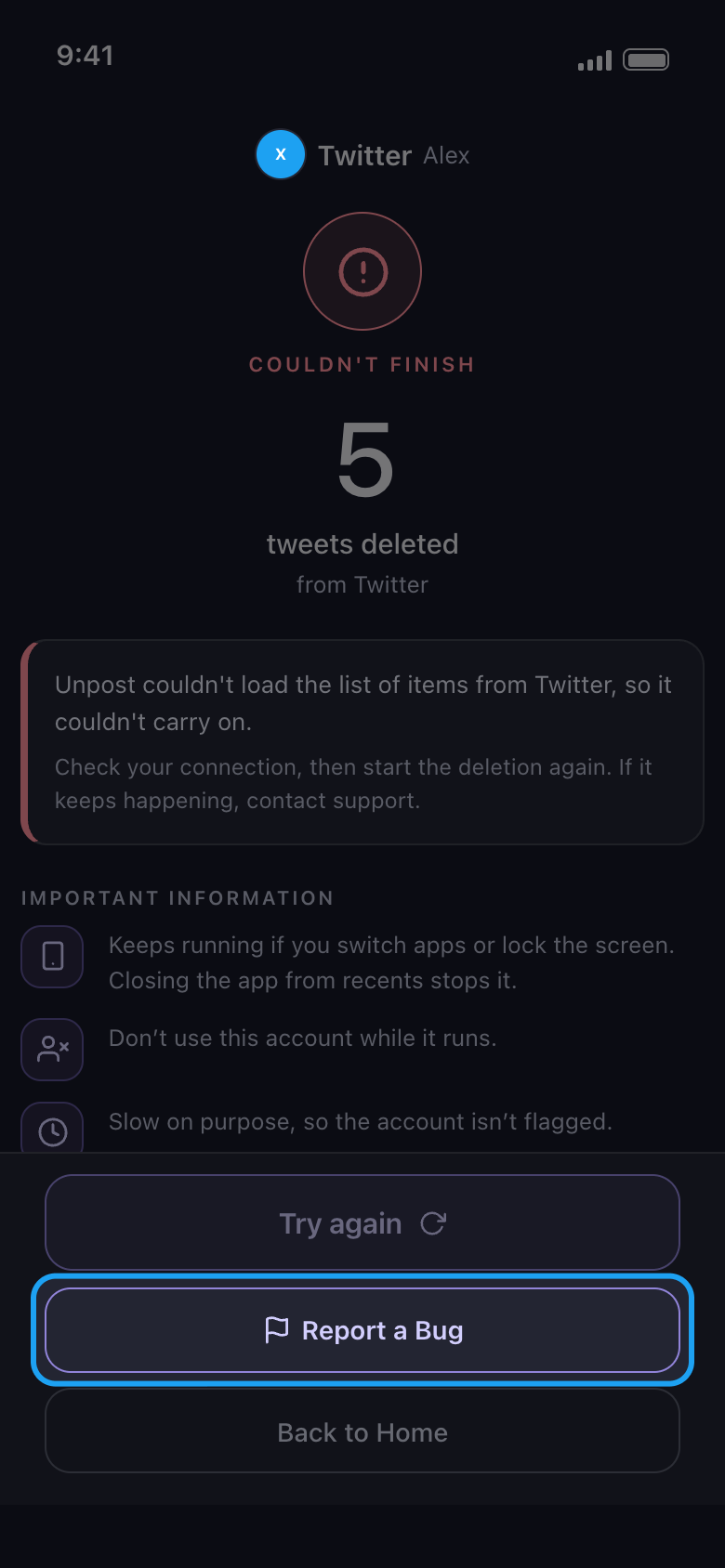
Under the title, the result says what stopped the run and what to do. If the platform signed this account out, the login expired, or the platform is asking you to confirm this account, see the next step. If the platform refused to delete several items in a row, wait a while, then try again. If Unpost couldn’t load the list of items, check your connection and start again. If the platform answered in a way Unpost didn’t expect, update Unpost to the latest version (the version is at the bottom of Settings). If something went wrong inside Unpost, start again. Under Important Information, the result also repeats the rules of a run: keep to them next time.
In the app Result
- 03
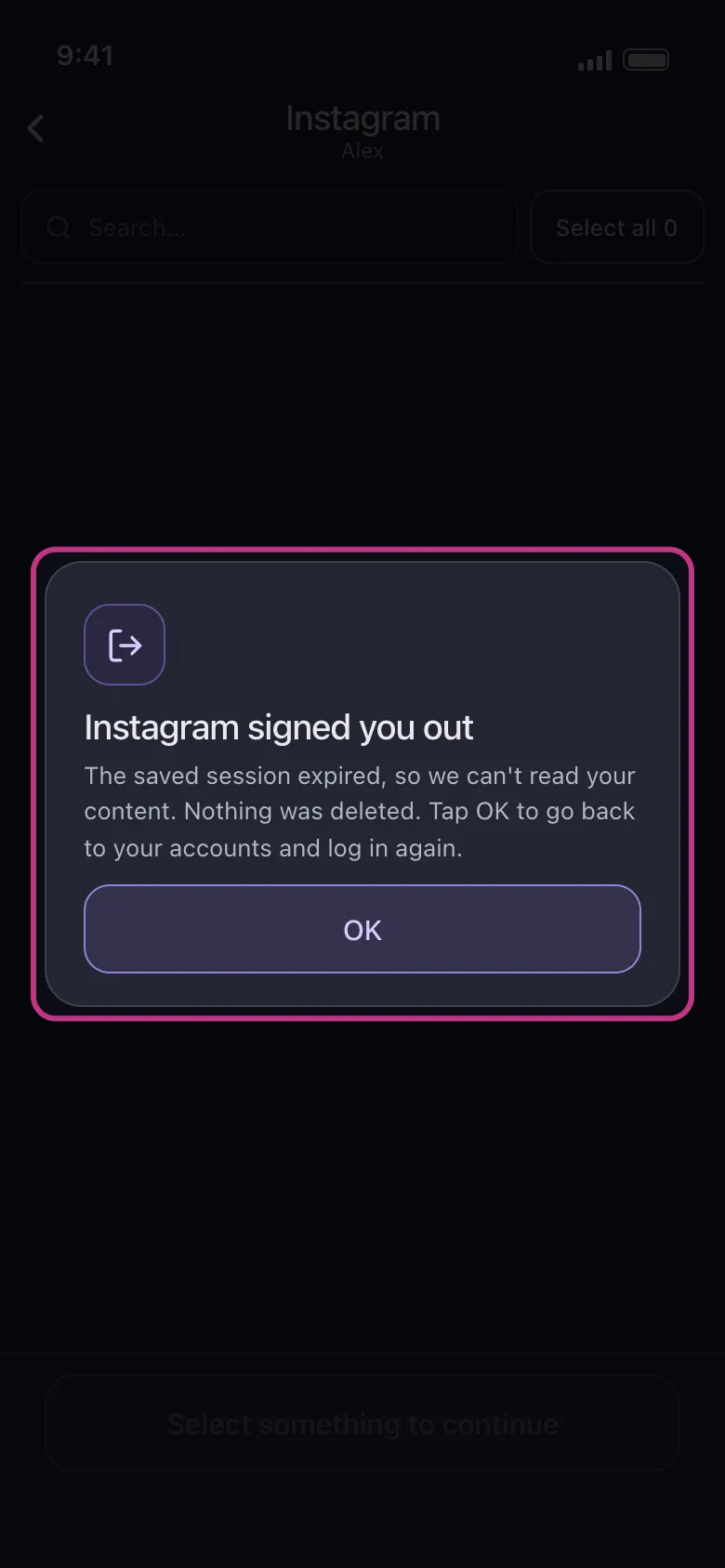
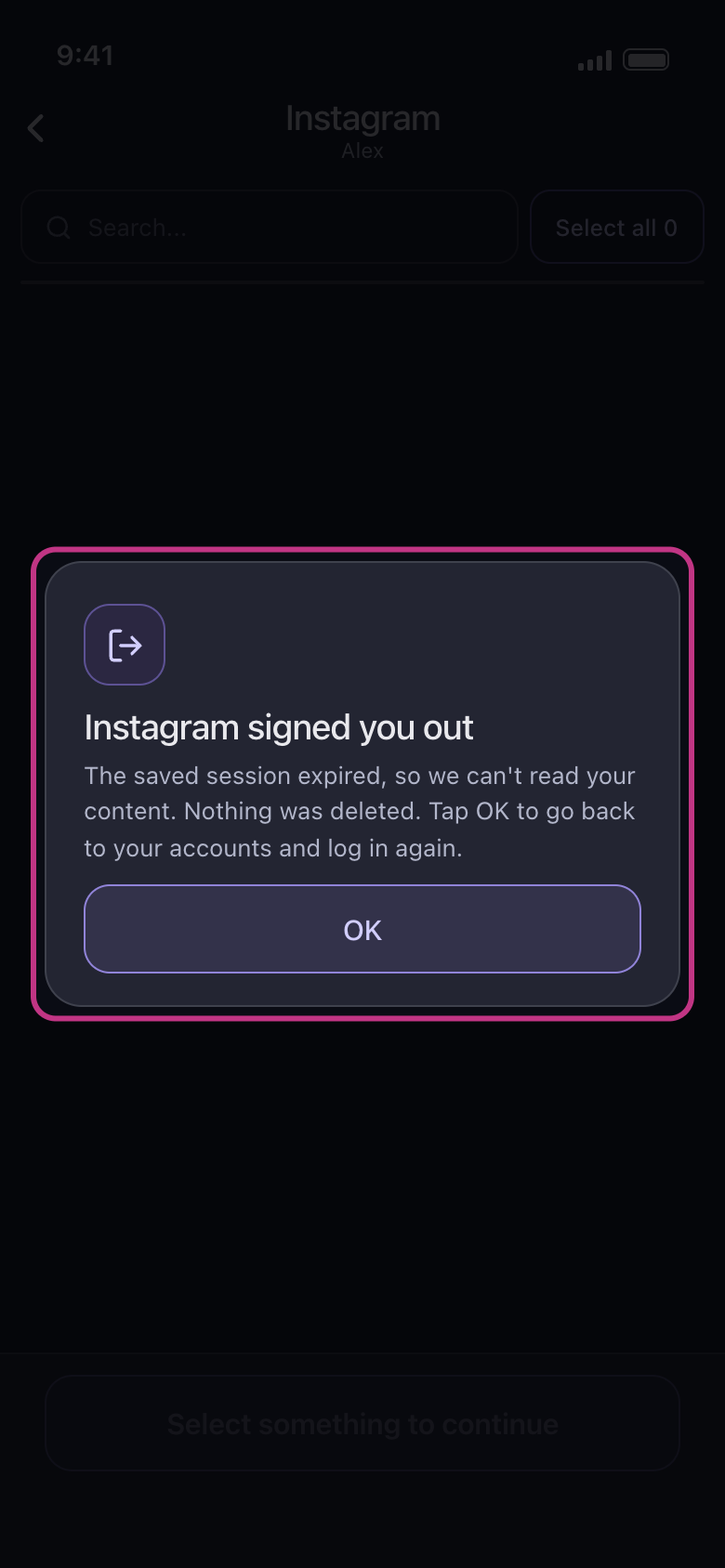
Signed out: sign in again
When the result says the platform signed this account out or the login expired, or tapping the account shows a message such as Instagram signed you out (tap OK), sign in again: on Main, the account row reads Not connected — tap to log in. Tap it, sign in on the platform’s own page, then start the run again. If the result says the platform is asking you to confirm this account, first open the platform in its own app or on the web and follow its steps.
In the app Main → account → Not connected — tap to log in
- 04
Stopped early
The run ended before it worked through every selection: you tapped Deleting, or the result names what stopped it, with the same fixes as above. Everything already deleted stays deleted; start it again whenever you like.
In the app Result
- 05
Paused by, or Free daily limit reached
Paused by and the platform’s name means the platform’s own limit stopped the run: wait as long as the result says, then start again. Free daily limit reached means the account has used today’s 50 free deletions. Each has its own guide: What to do when a platform pauses your cleanup, and How the free daily limit works, and what “Daily limit reached” means.
In the app Result
- 06
It says Deletion Complete!, but you still see posts
Open the profile in a private browser window, or wait a while: platforms can keep showing deleted items, and their counters, for some time. Items marked Can’t be removed in the run’s list were refused by the platform: run again later. Facebook moves most timeline posts and archived posts to its own trash, which it empties after 30 days (Empty Your Trash deletes them at once), and Instagram can keep deleted posts in its Recently Deleted for a while. On Reddit without Premium, Randomize then delete overwrites posts and comments with random words and a line crediting Unpost: they stay on Reddit, and deleting them for good is Delete outright, with Premium. On X, see Unpost says nothing is left on X, but my posts are still there.
- 07
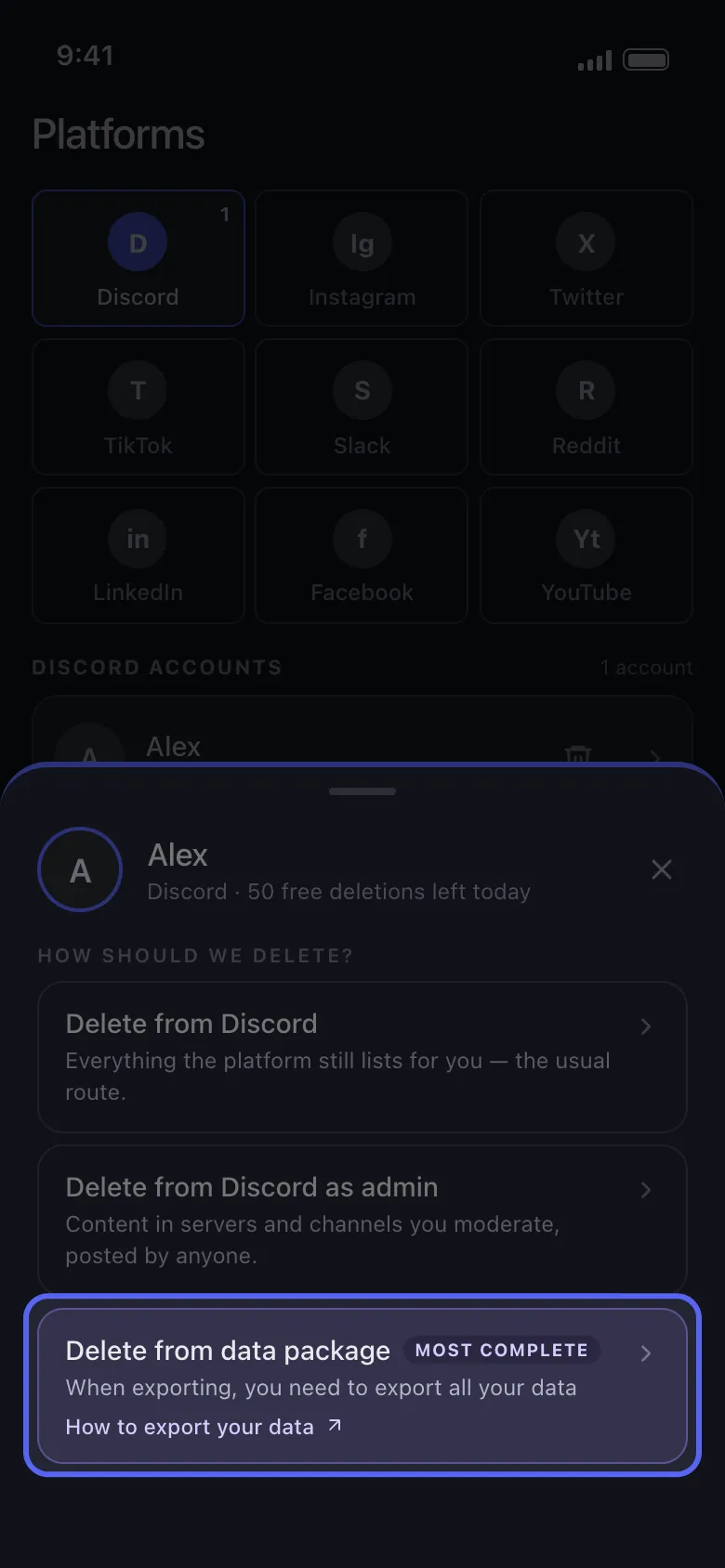
Old content isn’t reached
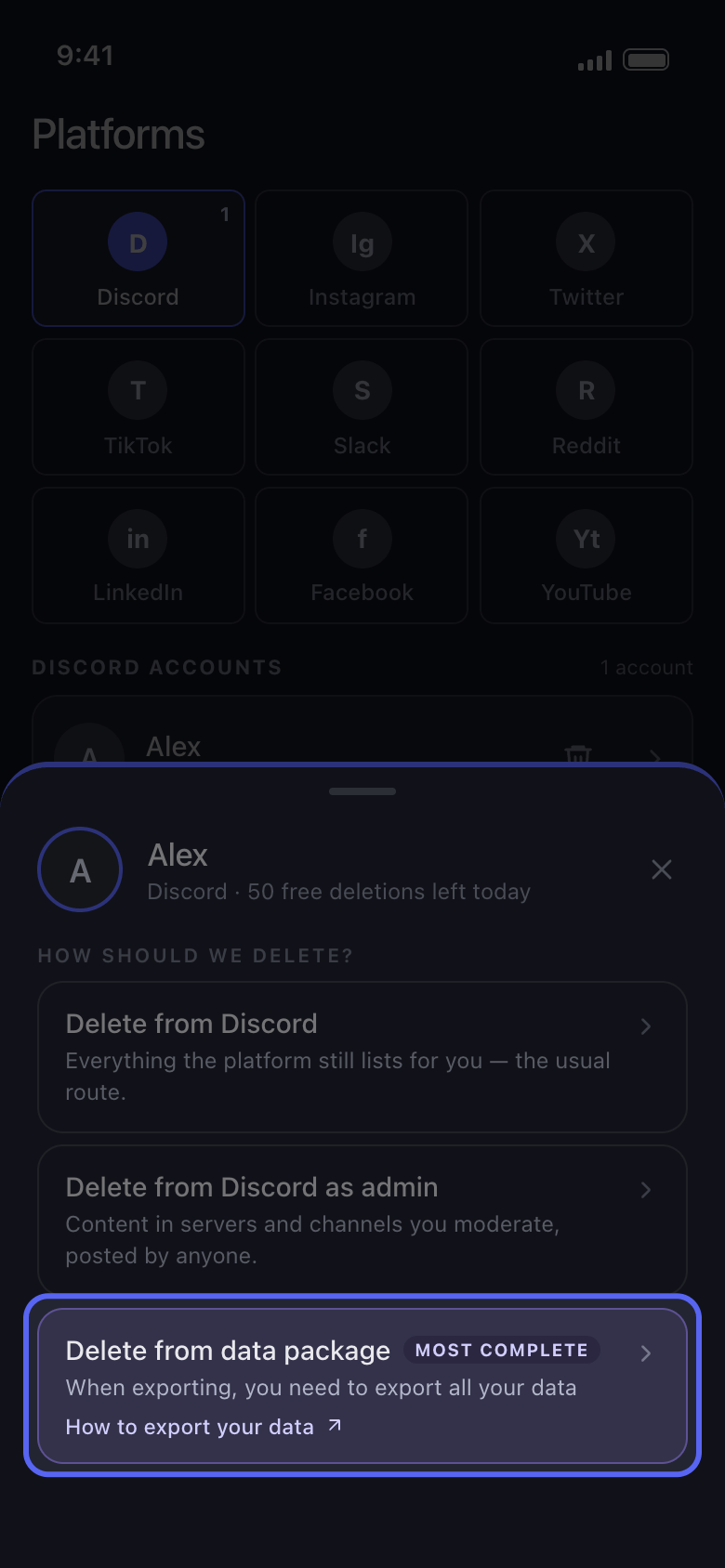
Some platforms stop listing older content. On Discord, X (Twitter) and Reddit, Delete from data package works from your data export and reaches what the platform no longer shows. See How to delete old messages with a data package.
In the app Main → Discord → account → Delete from data package
- 08
Still wrong? Report a Bug
First update Unpost to the latest version and run it again. If the problem stays, tap Report a Bug on the result screen. Unpost asks whether to attach a report: it’s your choice, and it helps us find and fix the problem (Cancel sends nothing). Your email app then opens a message to contact@unpost.app: say the platform, what you ticked and which result you got. More in How to update Unpost and report a problem.
In the app Result → Report a Bug
Good to know
- Nobody from Unpost ever asks for your password or a login code.
More guides