
How to cancel Unpost Premium, and why you were charged after cancelling
To cancel Premium and stop the monthly charge, cancel it in the store that bills it: the App Store or Google Play. Unpost has no cancel button, deleting the app doesn’t cancel it, and there’s no Unpost account to close.
- 01
Check which store bills you
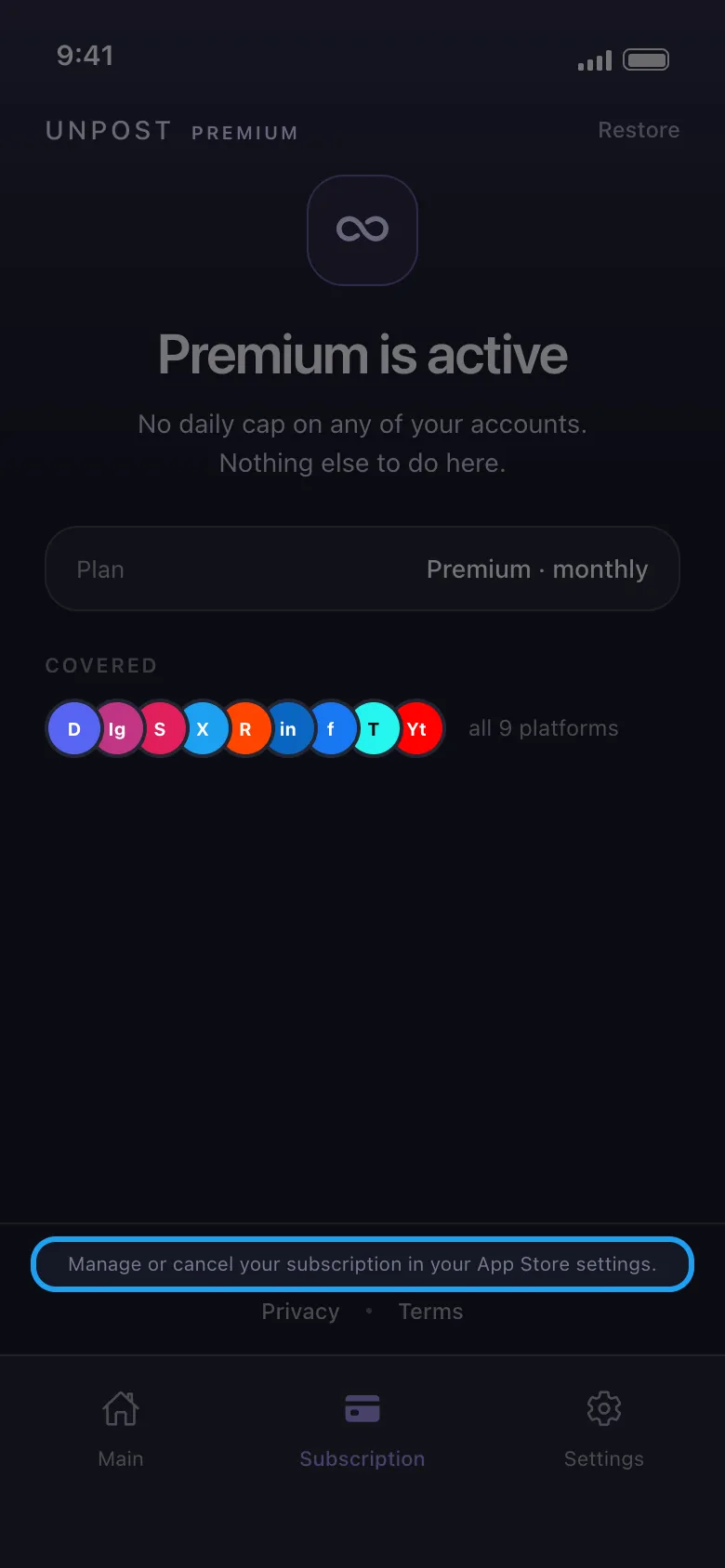
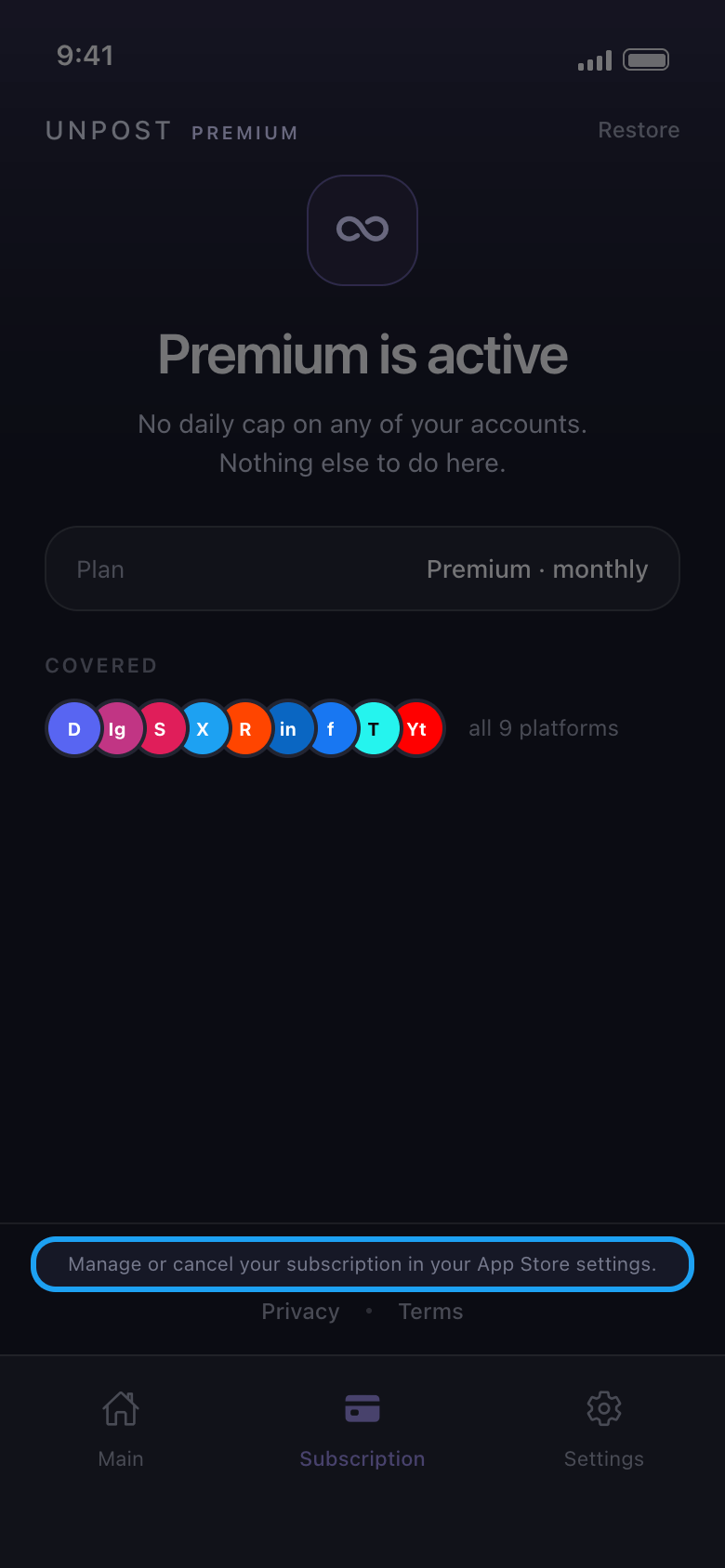
On an iPhone or iPad it’s the App Store, with the Apple Account (Apple ID) that paid; on Android, Google Play, with the Google account that paid. While Premium is active, Unpost’s Subscription tab names it in the line Manage or cancel your subscription in your App Store settings (or your Google Play settings).
In the app Subscription
- 02
On iPhone or iPad
Open Settings, tap your name, then Subscriptions → Unpost → Cancel Subscription. Or open account.apple.com/account/manage/section/subscriptions in a browser, signed in with the Apple Account that pays.
- 03
On Android
Open the Play Store app, tap your profile picture, then Payments and subscriptions → Subscriptions → Unpost → Cancel subscription. Or open play.google.com/store/account/subscriptions in a browser, signed in with the Google account that pays. Unpost isn’t listed? Tap your profile picture, switch to the Google account that paid, and look again.
- 04
Cancel at least 24 hours before it renews
Premium renews every month until you cancel. As the terms of use on unpost.app say, cancel at least 24 hours before the end of the current period, or the next month may already be charged. After you cancel, Premium stays on until the end of the period you’ve paid for, then Unpost goes back to the free daily allowance.
- 05
Charged after cancelling?
Check that you cancelled with the Apple Account or Google account that pays, and at least 24 hours before the period ended. Cancelling stops the next charges; it doesn’t give back one already taken. Only the store can refund a payment, and it decides: see How to get a refund for Unpost Premium.
Good to know
- Unpost shows the free limit before the period you paid for ends? Tap Restore on the Subscription tab, then close Unpost completely and open it again while you’re online. If the limit is still there, email contact@unpost.app (Settings → Contact Support) with the order number from your store receipt.
- Apple’s and Google’s own help on cancelling: support.apple.com/en-us/118428 and support.google.com/googleplay/answer/7018481.
- Nobody from Unpost ever asks for your password or a login code.
More guides