
How to update Unpost and report a problem
Platforms change how deletion works without notice, so an out-of-date Unpost can stop working: update it first. If something still goes wrong on the latest version, report it from the result screen of the run.
- 01
Find your version at the bottom of Settings
Open the Settings tab: the version is at the bottom of the screen. Put it in any message you send us.
In the app Settings
- 02
Update from the App Store or Google Play
Search for Unpost in the App Store (iPhone) or Google Play (Android) and tap Update on its page. If the button reads Open, you already have the latest version your store offers.
- 03
If Unpost shows Time to update
That version no longer works: tap Open the App Store or Open Google Play on that screen to update it. Your accounts and settings stay on the phone.
- 04
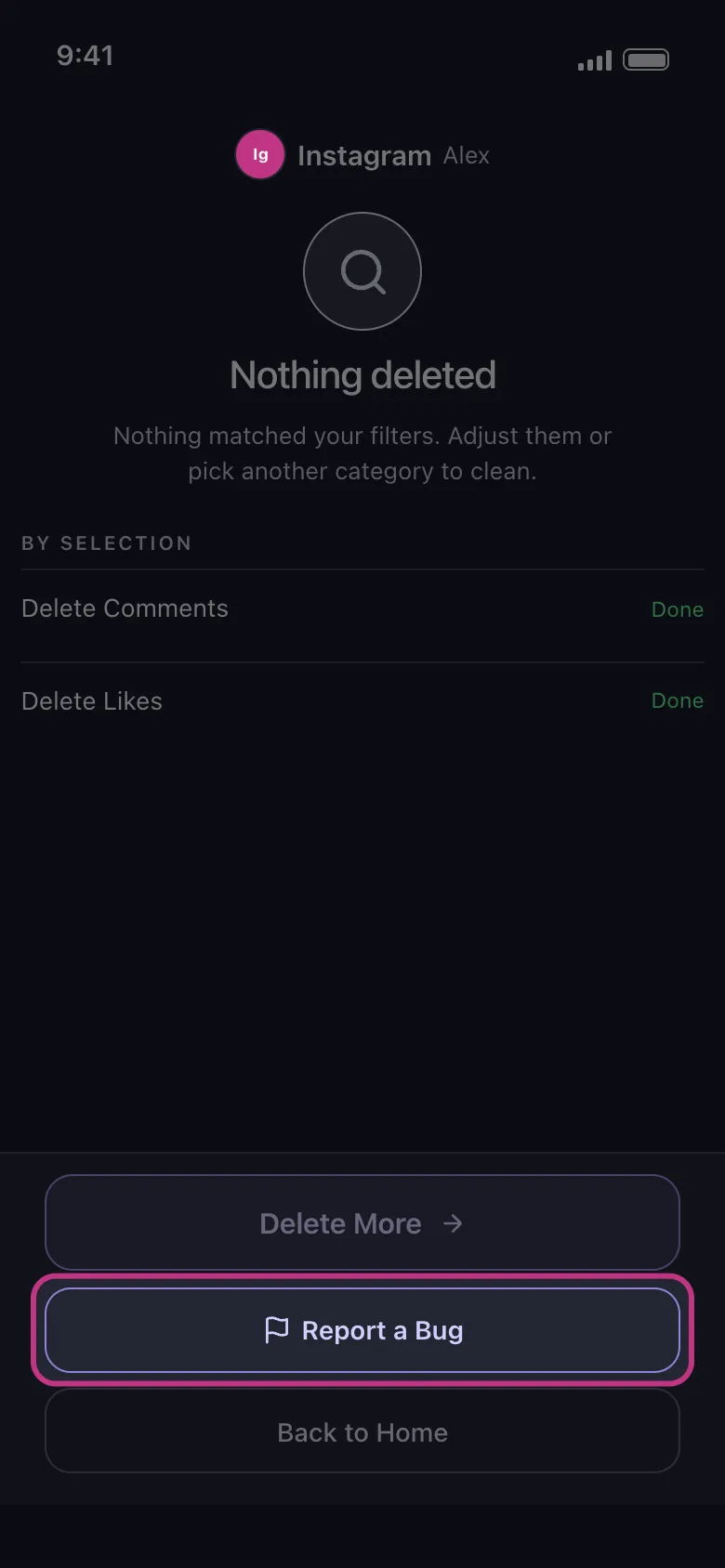
Still wrong on the latest version? Tap Report a Bug
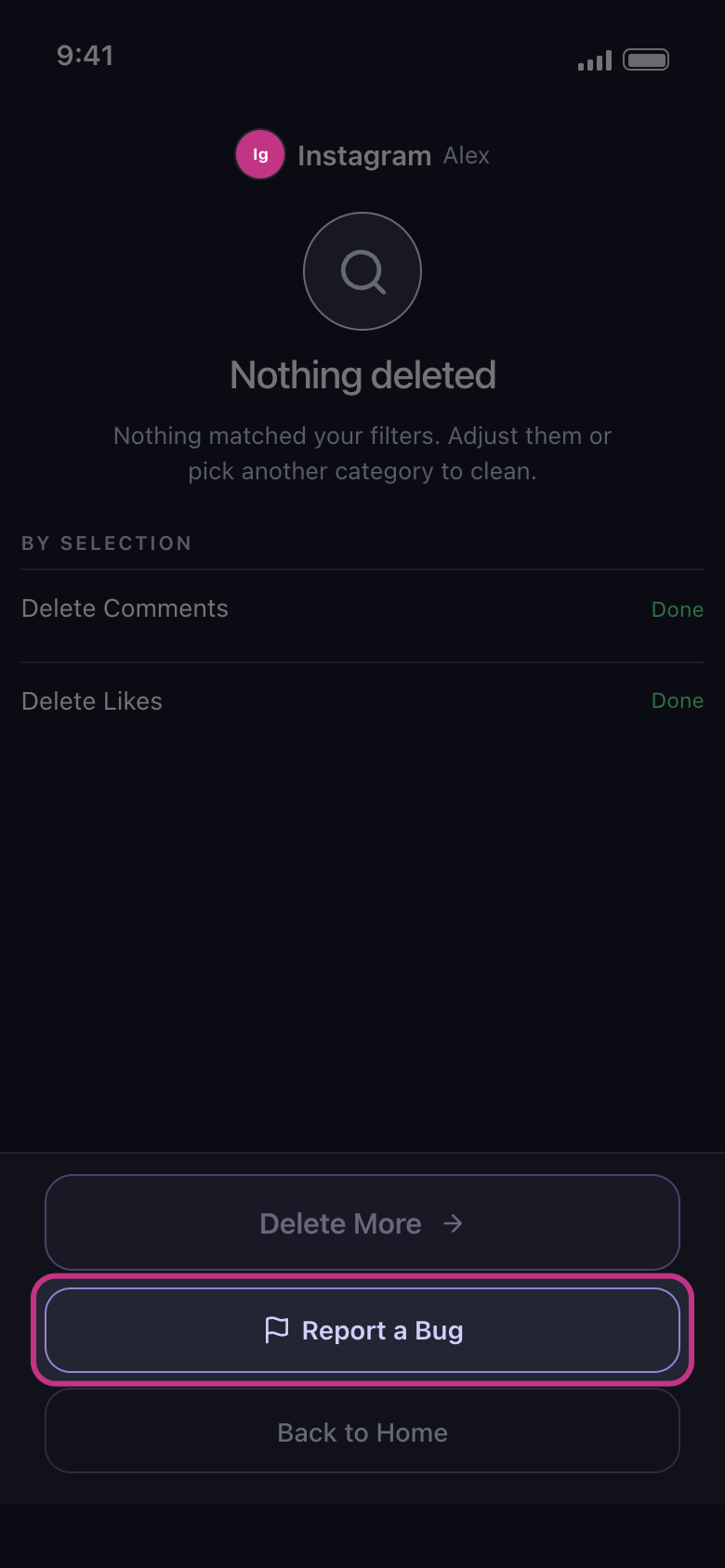
It’s on the result screen at the end of a run: a full button after Nothing deleted, Couldn’t finish, Paused by … or a selection marked Failed, and a small link under the buttons after other runs. It isn’t offered after Free daily limit reached.
In the app Result → Report a Bug
- 05
Choose whether to attach a report
Unpost asks whether to attach a report. Attaching is your choice, and it helps us find and fix the problem. Cancel sends nothing.
- 06
Describe what happened, then send the email
Your email app opens a message to contact@unpost.app with “Describe what happened:”. Write there, even in one line, what you tried to delete, what the result screen said and what you still see on the platform, with iPhone or Android, your phone model and the version from Settings. A screenshot or a short screen recording helps too.
Good to know
- After one report, the link on that screen becomes Contact Support.
- After Free daily limit reached, and for anything that isn’t about a run, such as signing in or Premium, use Settings → Contact Support: it opens an email to contact@unpost.app. For Premium, add a screenshot of the Subscription tab.
- On X, older posts that a normal run can’t reach aren’t a bug: see Unpost says nothing is left on X, but my posts are still there.
- Never put a password or a login code in a message: nobody from Unpost ever asks for them.
- The privacy policy on unpost.app says what Unpost keeps and why.
More guides